Slide 5 of 5 from 4-Stage Circular Infographic PowerPoint Template
4-Stage Circular Infographic PowerPoint Diagram
4-Stage Circular Infographic Template
- Diagram
- Circular Cycle
- Process Slide
- 16:9
- 100% Editable
What’s on This Slide
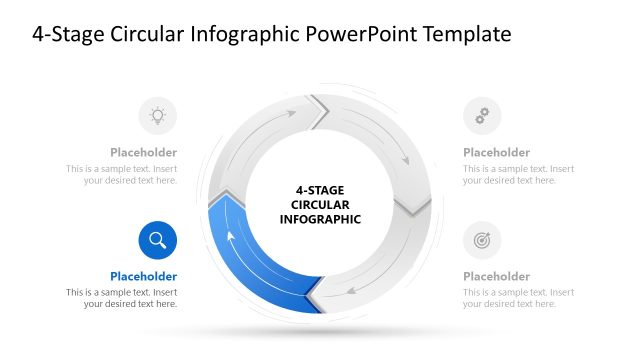
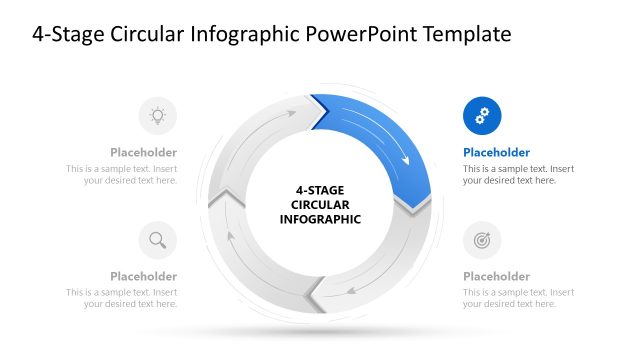
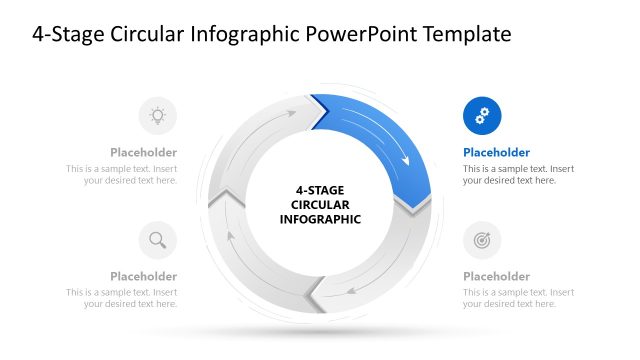
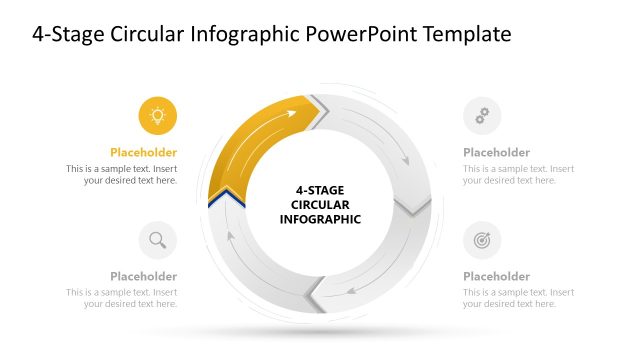
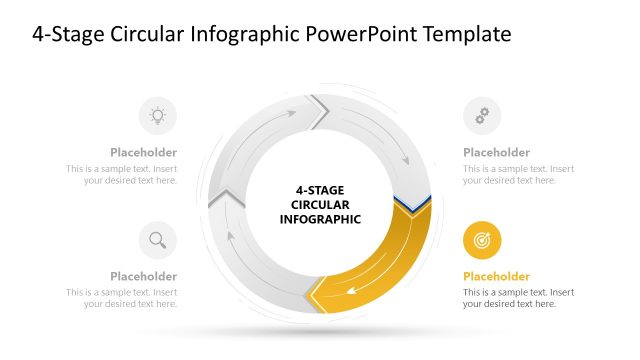
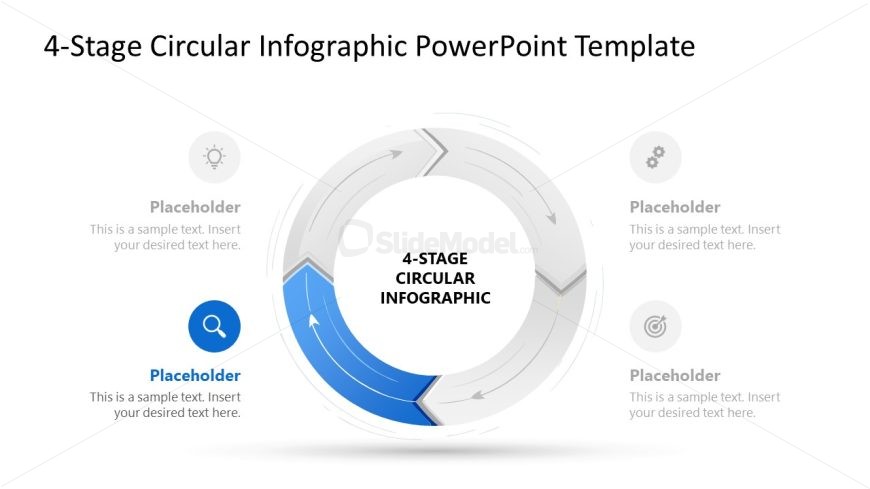
The layout features a central circular diagram with four segments, each containing an icon and a text placeholder. The circular arrows indicate a flow direction, with a prominent blue segment highlighting the current stage. The icons are positioned at the top, bottom, left, and right of the circle, each accompanied by a text placeholder aligned to the right of the icons. The central area contains the title '4-STAGE CIRCULAR INFOGRAPHIC.' The background is white, enhancing the visibility of the circular diagram and icons, creating a clear visual hierarchy.
How to Use It
This layout serves as a process flow diagram, ideal for illustrating a cyclical process with four distinct stages. It fits well in presentations discussing operational workflows, training modules, or continuous improvement strategies. The circular format emphasizes the interconnectedness of the stages, making it suitable for scenarios where processes are iterative. This slide can be effectively used to summarize key phases in a project or to outline steps in a strategic plan.
Text Placeholders & Capacity
Keep your copy within these limits so it fits without resizing. Node labels can hold about 30 characters each, while body text can accommodate around 50 characters.
| Placeholder | Count | Max characters (approx.) |
|---|---|---|
| Slide title | 1 | 30 |
| Item heading | 4 | 30 |
| Item body | 4 | 50 |
Slide Keywords
Download unlimited PowerPoint templates, charts and graphics for your presentations with our annual plan.
DOWNLOAD