Slide 2 of 5 from 4-Stage Circular Infographic PowerPoint Template
4-Stage Circular Infographic Presentation Template
4-Stage Circular Infographic PowerPoint Slide
- Diagram
- Circular Cycle
- Process Slide
- 16:9
- 100% Editable
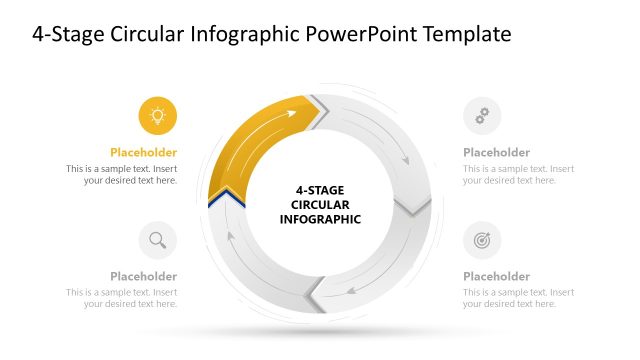
The 4-Stage Circular Infographic slide from the 4-Stage Circular Infographic PowerPoint Template visually represents cyclical processes using editable shapes and clear placeholders, making it suitable for business presentations, project phases, and operational workflows. This slide layout supports effective communication of process flows within a corporate presentation or training session using professional slide templates.
What’s on This Slide
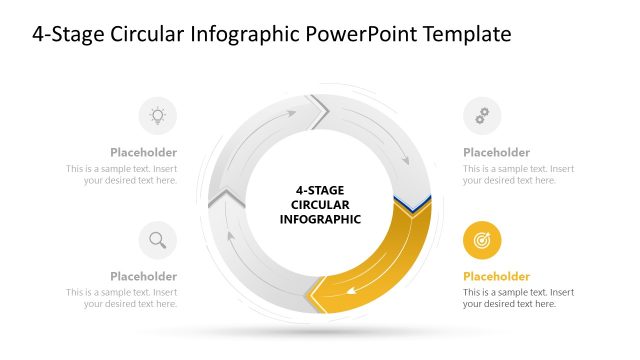
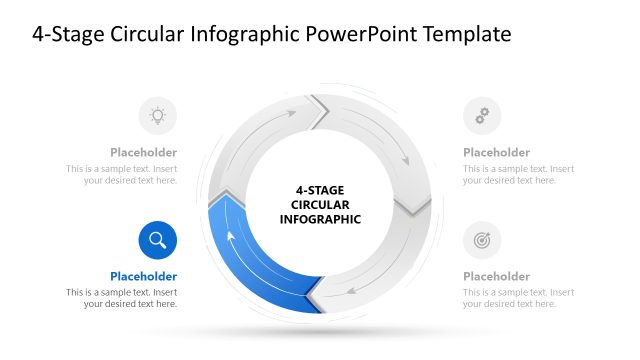
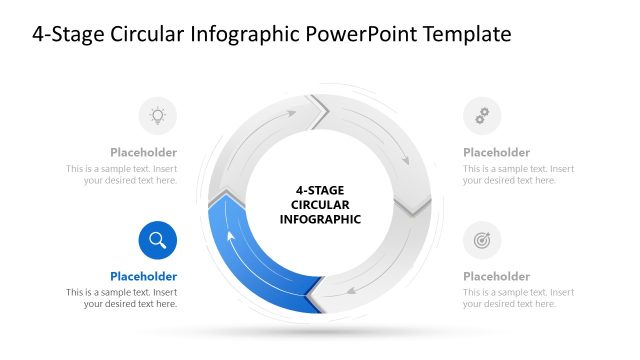
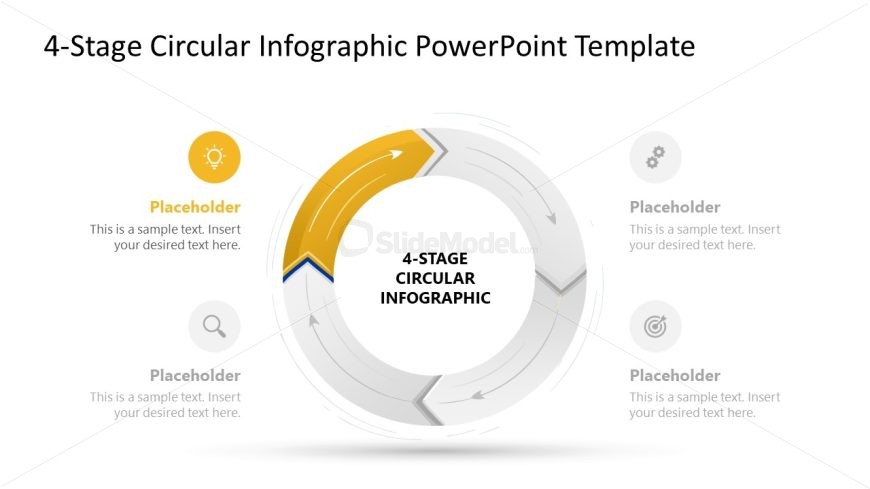
The layout features a circular diagram with four segments, each containing a placeholder for text. The main title is centrally positioned within the circle. An arrow points to one segment, which is highlighted in orange, indicating a focus area. Surrounding the circle are three additional placeholders, each aligned to the left, right, and bottom of the diagram. The placeholders are visually distinct and provide space for descriptive text. The background is white, ensuring clarity and contrast with the circular elements. The overall composition emphasizes the circular flow of information.
How to Use It
This layout serves as a visual representation of a four-stage process or model. It is ideal for presentations that require a clear depiction of cyclical processes, such as project phases or operational workflows. This slide fits well in a sequence following a problem statement, leading into detailed discussions of each stage. It is suitable for business contexts like training sessions, strategic planning, or continuous improvement discussions, where clarity in process flow is essential.
Text Placeholders & Capacity
Keep your copy within these limits so it fits without resizing. Node body slots can hold approximately 10-12 words each.
| Placeholder | Count | Max characters (approx.) |
|---|---|---|
| Slide title | 1 | 30 |
| Item body | 4 | 50 |
Slide Keywords
Download unlimited PowerPoint templates, charts and graphics for your presentations with our annual plan.
DOWNLOAD