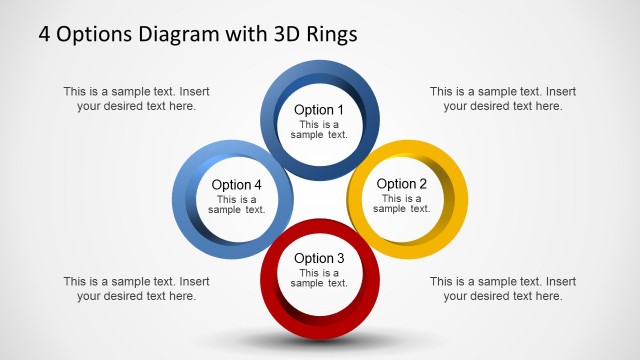
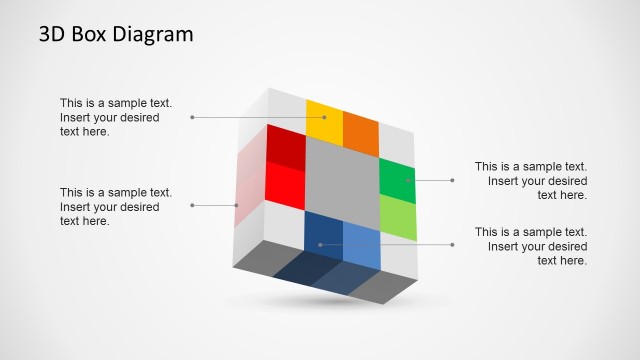
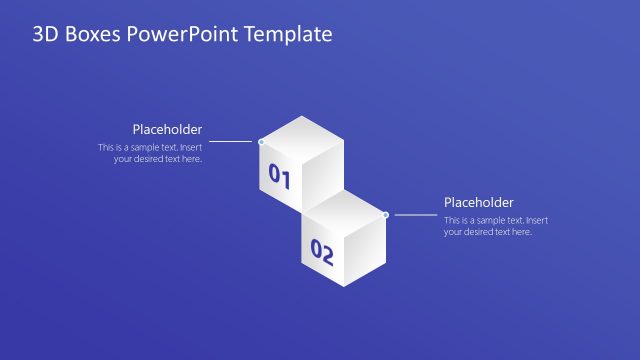
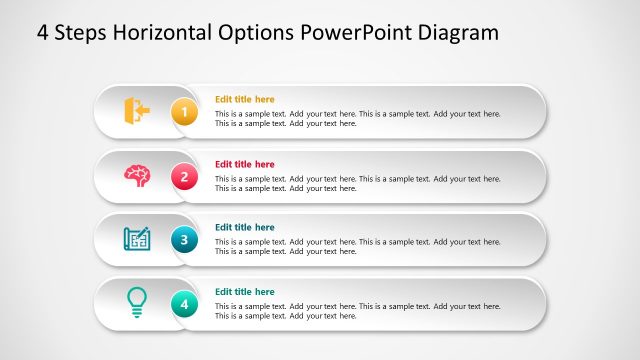
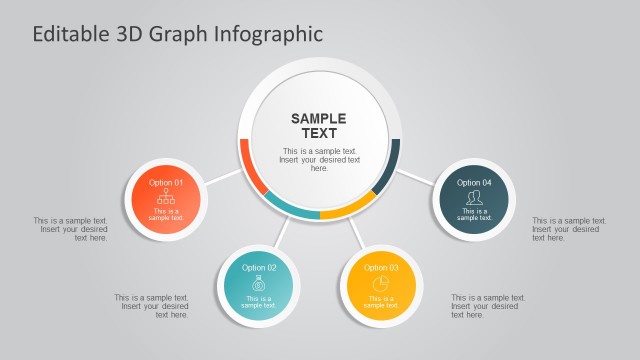
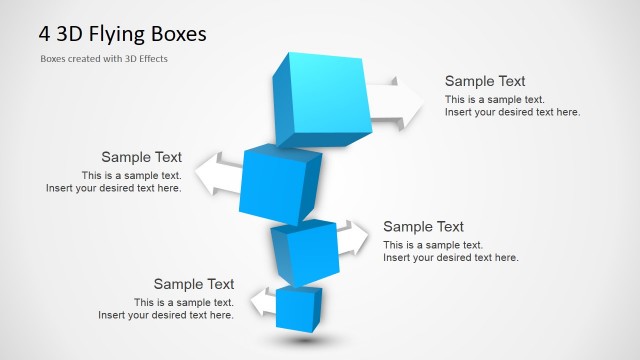
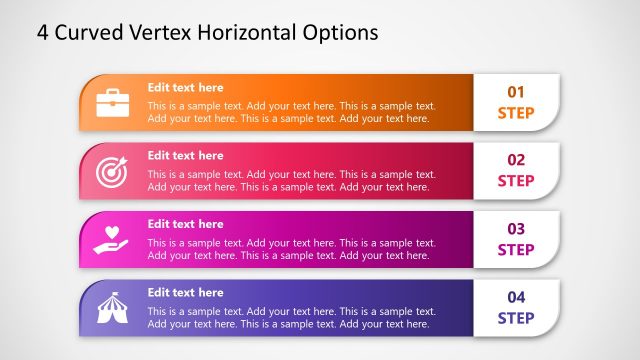
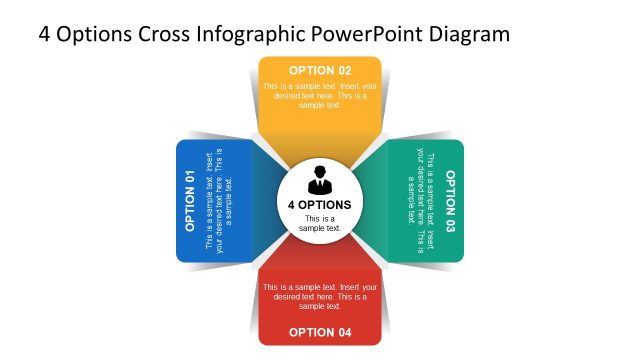
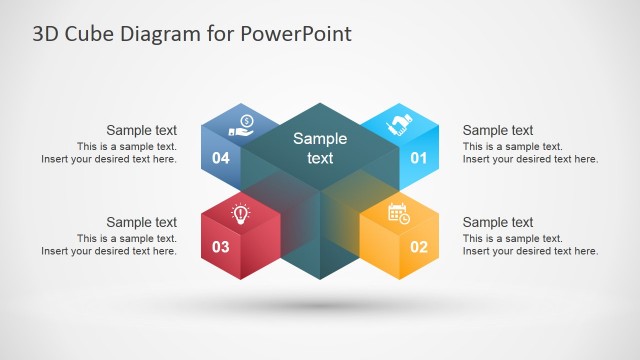
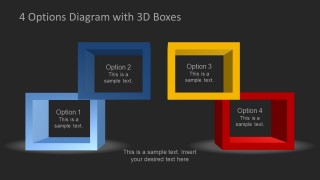
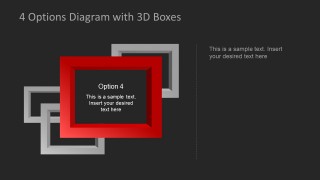
4 Options Diagram Template for PowerPoint with 3D Boxes is a well-crafted presentation template with adjustable 3D boxes that can be used for making 3D diagrams in PowerPoint.
This template like other 4 Steps PowerPoint Templates in our catalogue is fully customizable and even the shape, size and color of slide objects can be changed with ease.
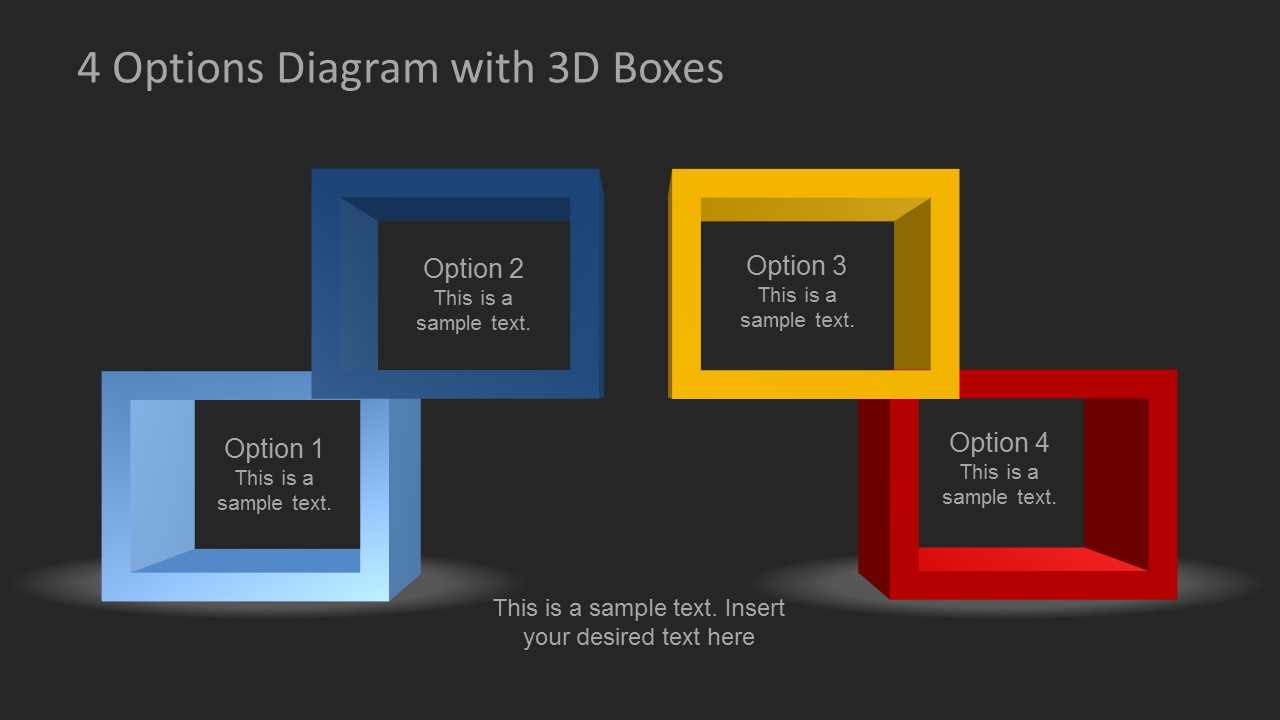
Each slide presents four frames in different layouts to help the presenter create a wide range of presentation slides with unique designs and eye-catching imagery.
What’s inside this template
Example presentation scenarios
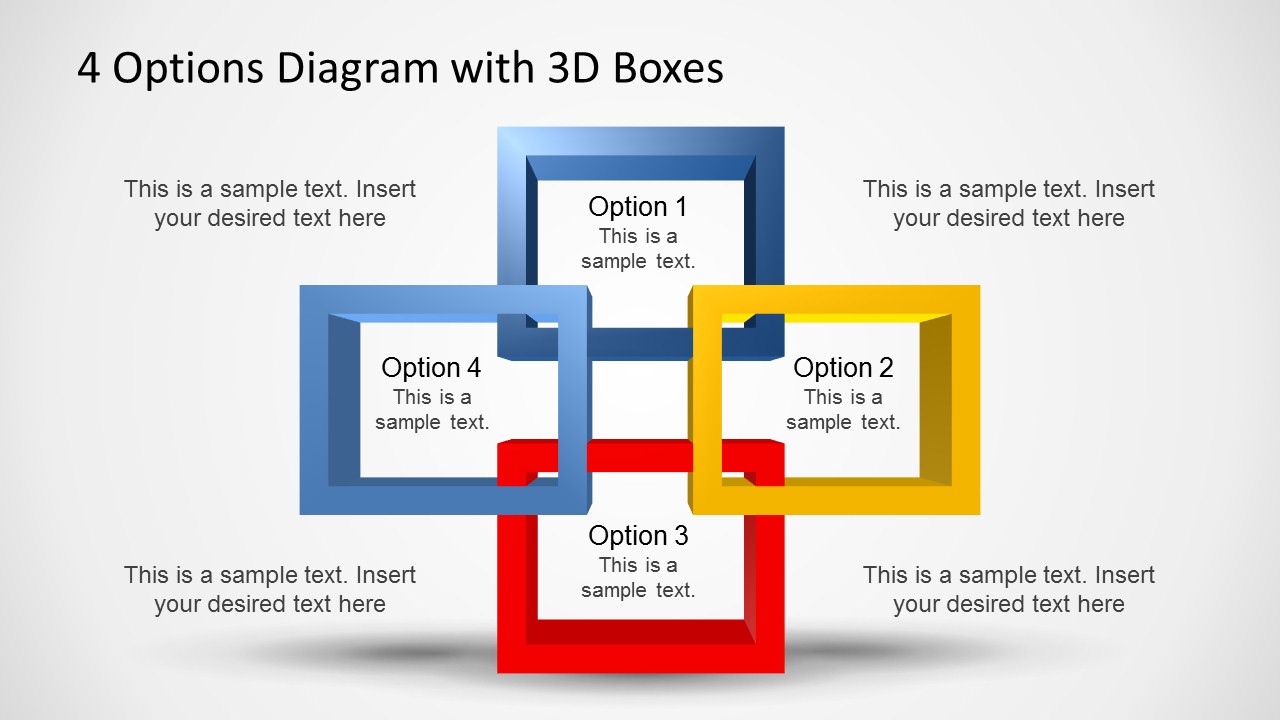
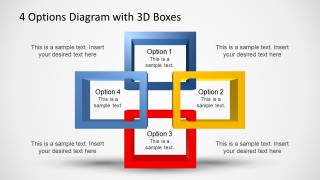
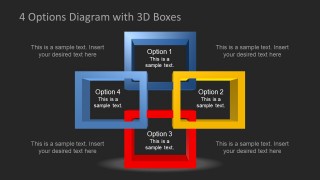
- A consultant can use the interlocking four-box diagram to compare four strategic options for an executive audience and show how the choices relate to each other.
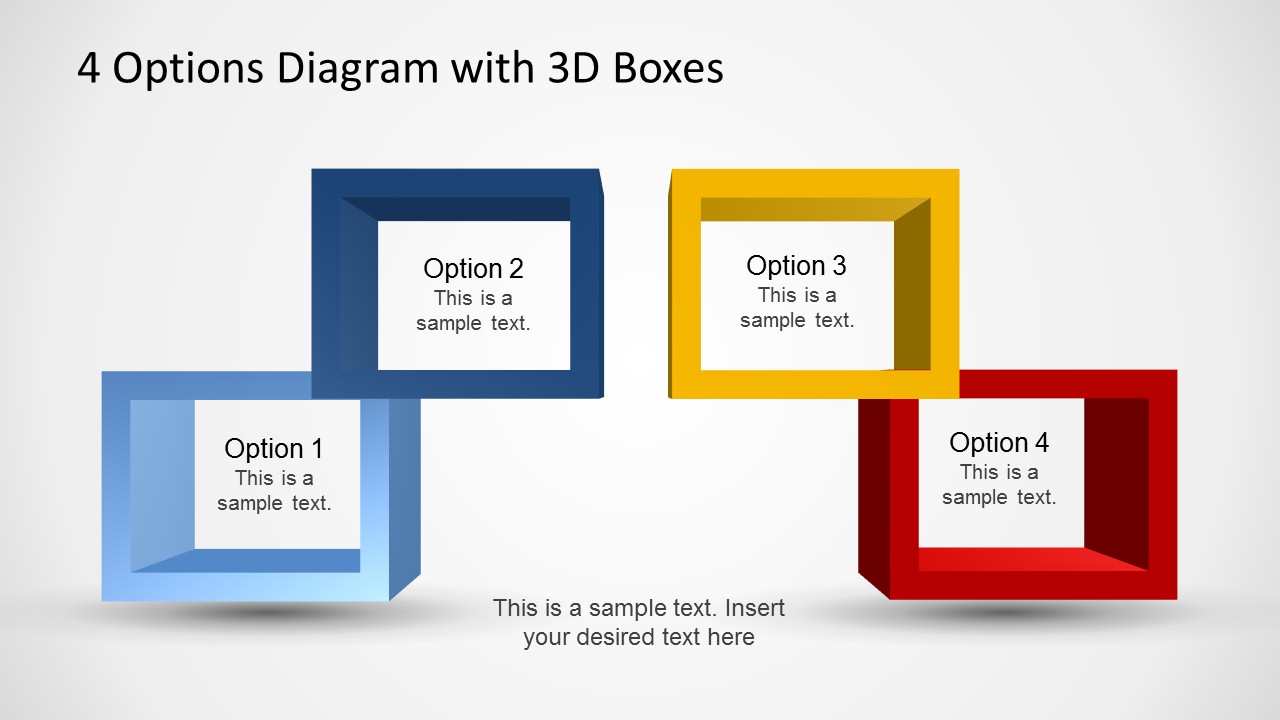
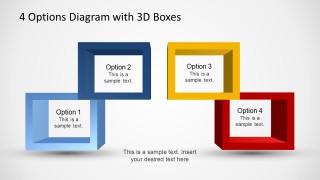
- A product manager can use the separated four-option layout to present four feature bundles, pricing paths, or release alternatives during a planning meeting.
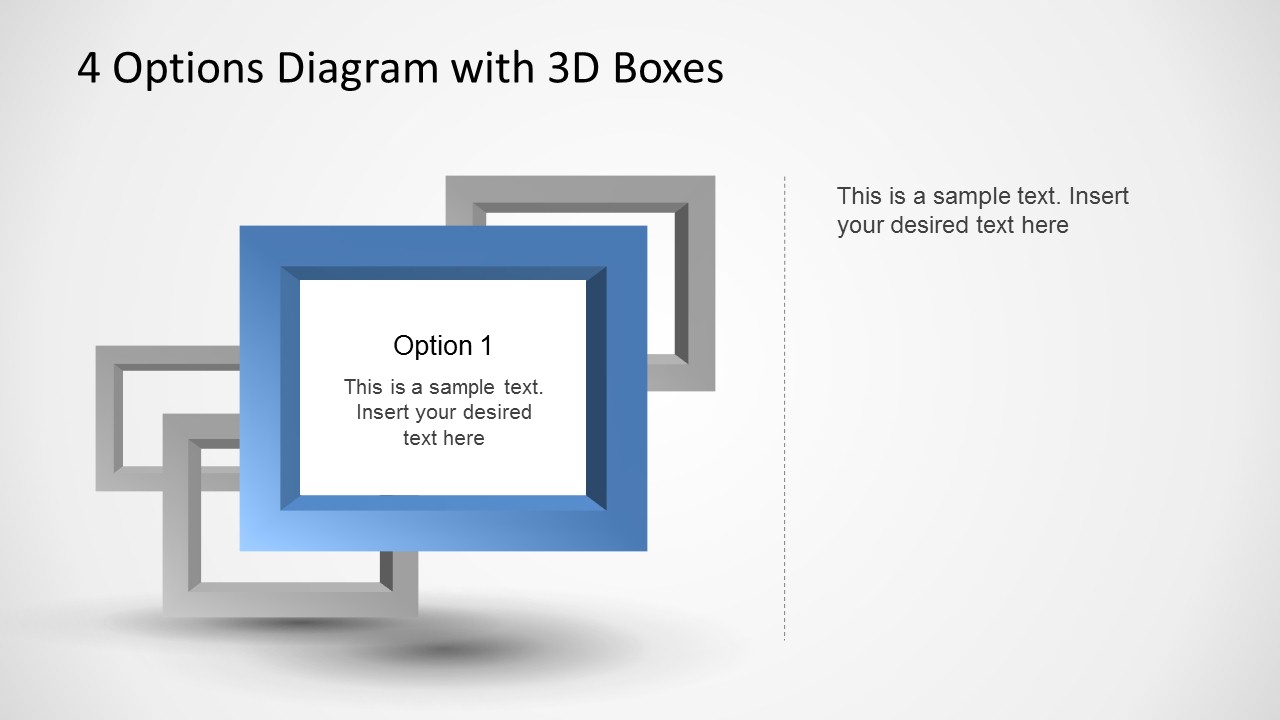
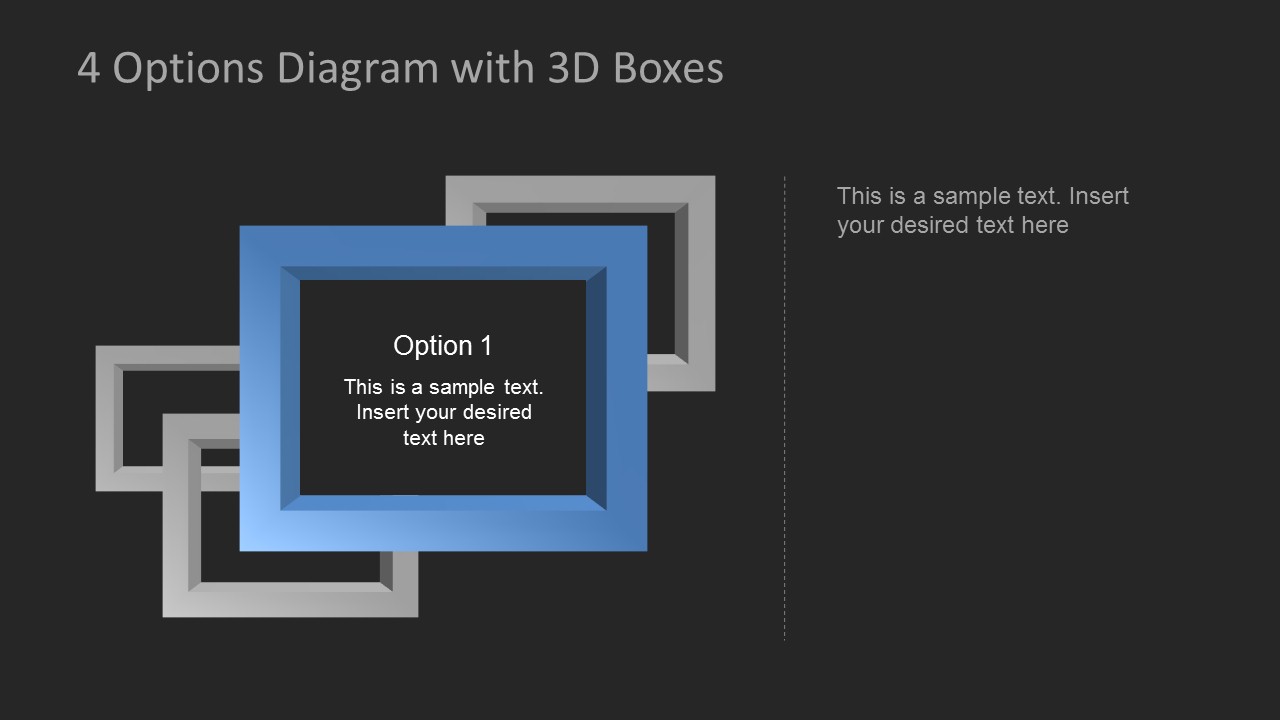
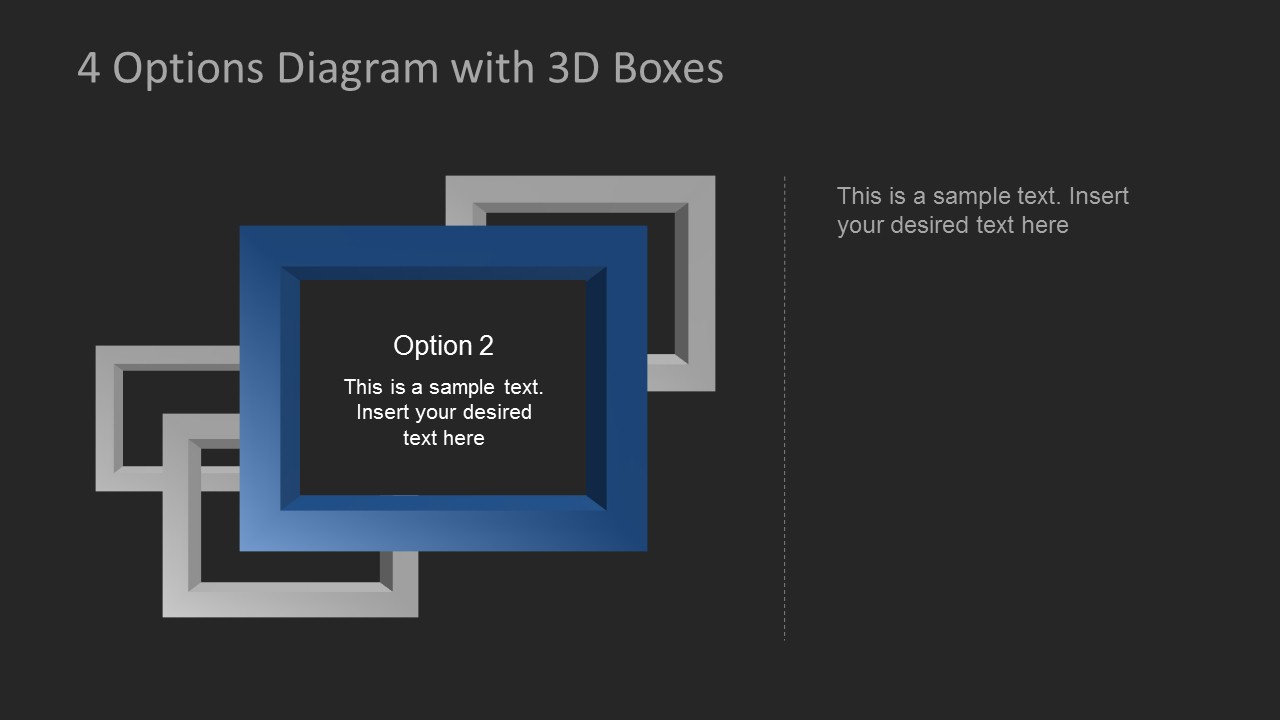
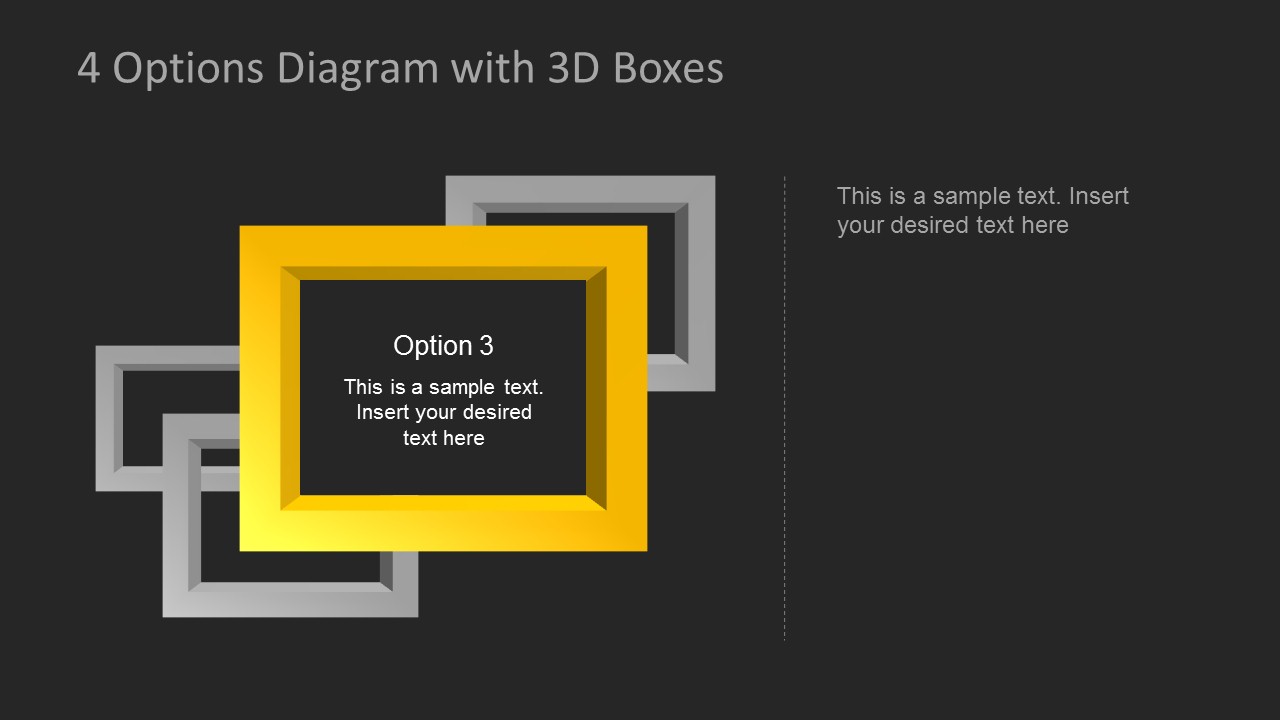
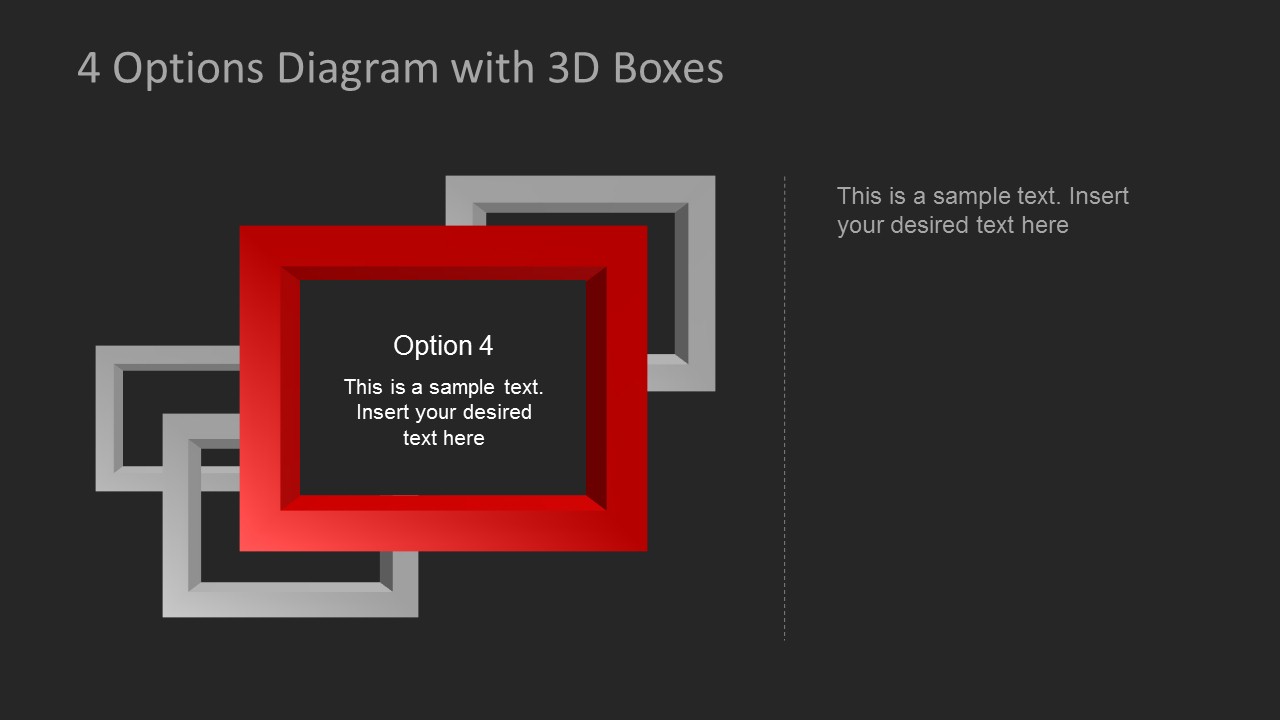
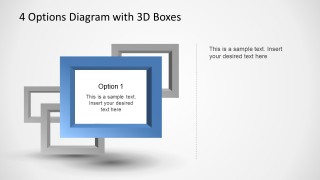
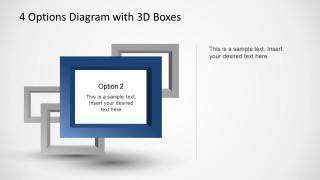
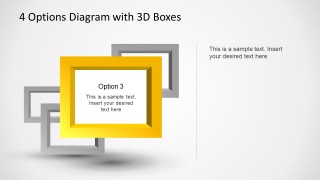
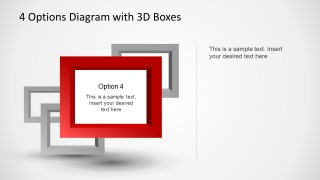
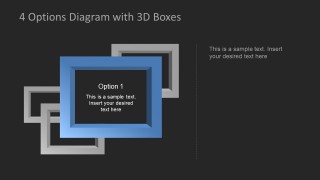
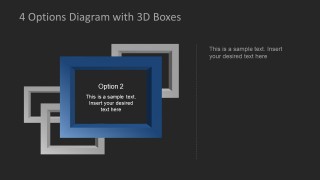
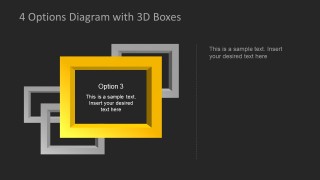
- A trainer can use the single-option spotlight slides to teach four steps one at a time while keeping the same 3D box visual language across the lesson.
- A marketing presenter can use the light and dark background versions to align a four-part campaign message with the mood of a client-facing proposal.
Features
- 100% editable presentation template
- Compatible with Microsoft PowerPoint
- 16:9 aspect ratio slides
- Scalable vector shapes, icons and illustrations
- AI-Ready for Microsoft Copilot and Claude
- Instant access and download
Frequently asked questions
Q: How should a presenter structure the message with these 3D box diagrams?
A: Start with the interlocking four-box slide to give the audience the full map of options. Then move into the single-option spotlight slides when each choice needs its own explanation. Keep the option titles short and place only the deciding criteria in the callout areas so the 3D frames guide attention instead of competing with dense text.
Q: Who is this template best suited for?
A: This template fits presenters who need to explain four alternatives, priorities, steps, or categories without building a full report deck. Consultants, product managers, trainers, and marketing teams can use the separated option layout for side-by-side comparison, then use the spotlight slides to discuss each option in more detail.
Q: Why use 3D boxes instead of a flat four-column layout?
A: The 3D box metaphor makes each option feel like a distinct frame or container for an idea. The interlocking version suggests relationships among the four parts, while the spotlight versions create a clear visual hierarchy. This helps the presenter shift from overview to focus without changing the core visual system.
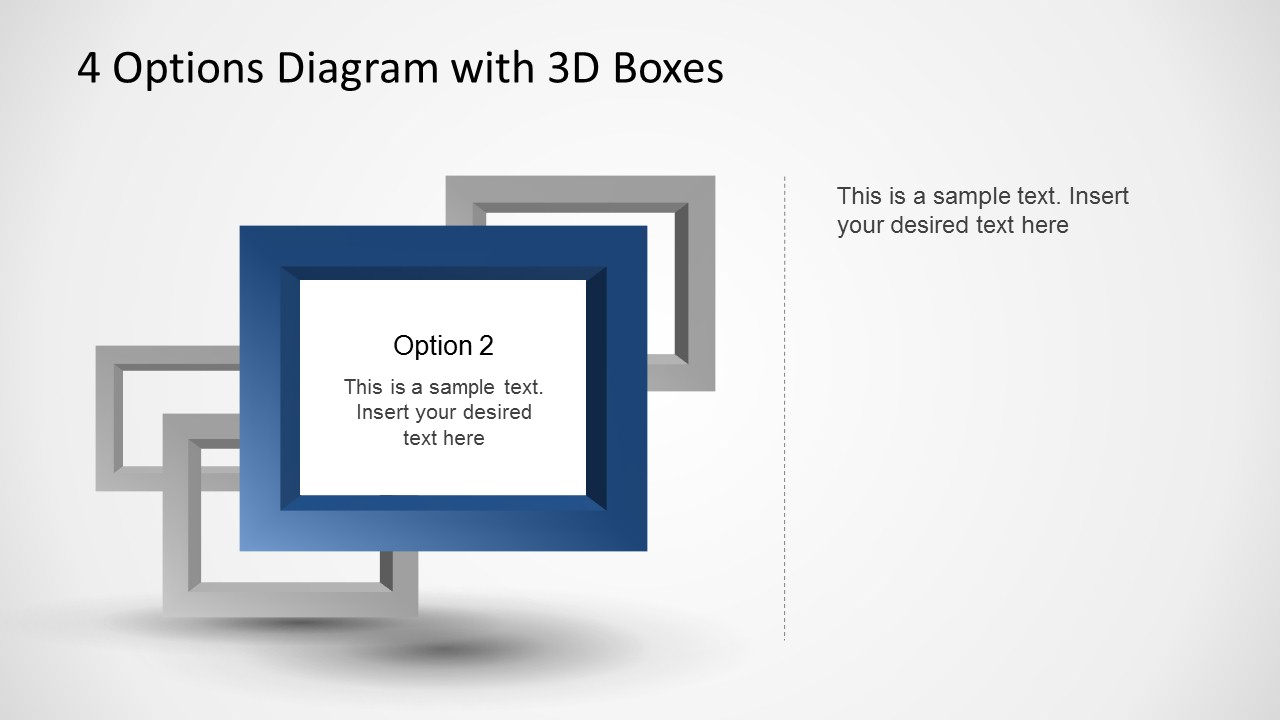
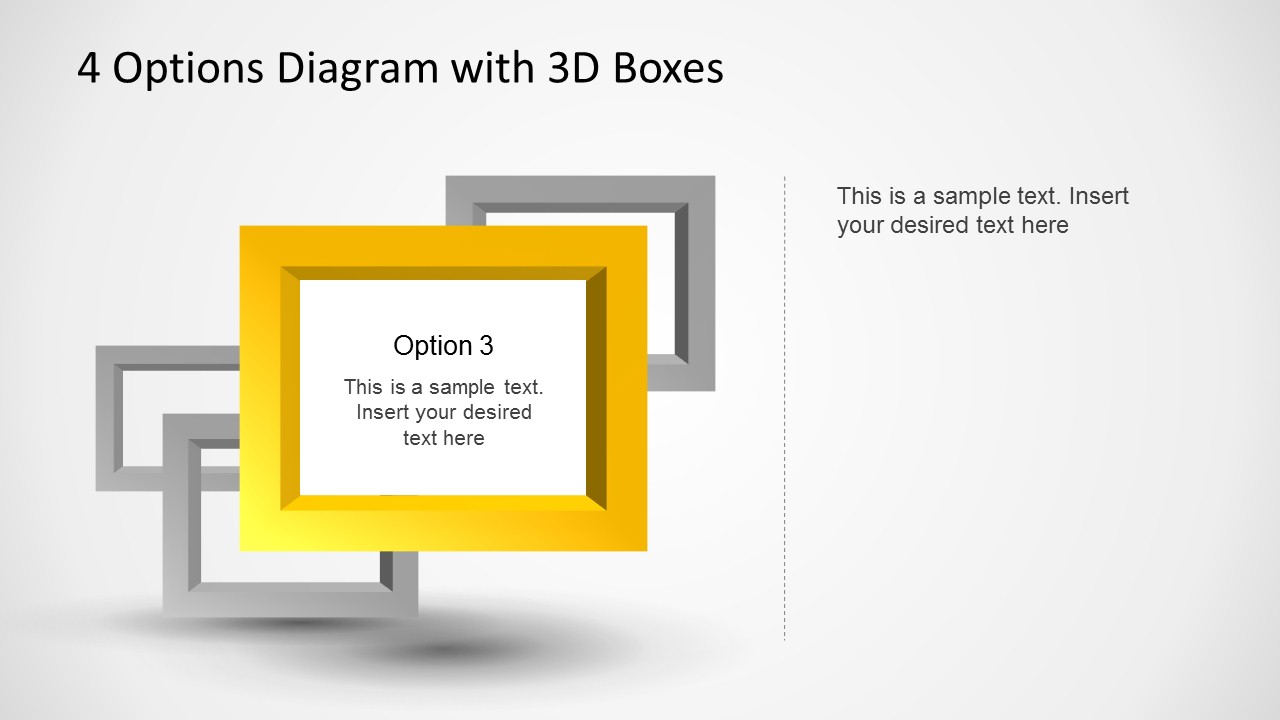
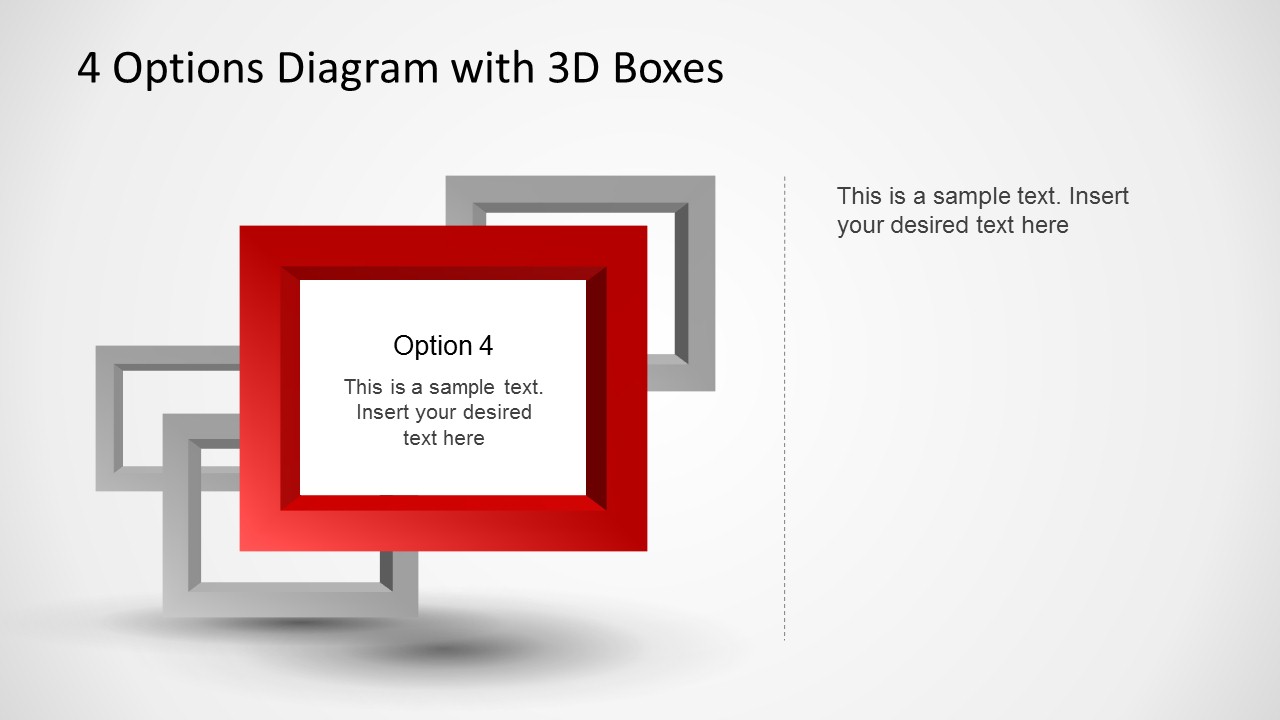
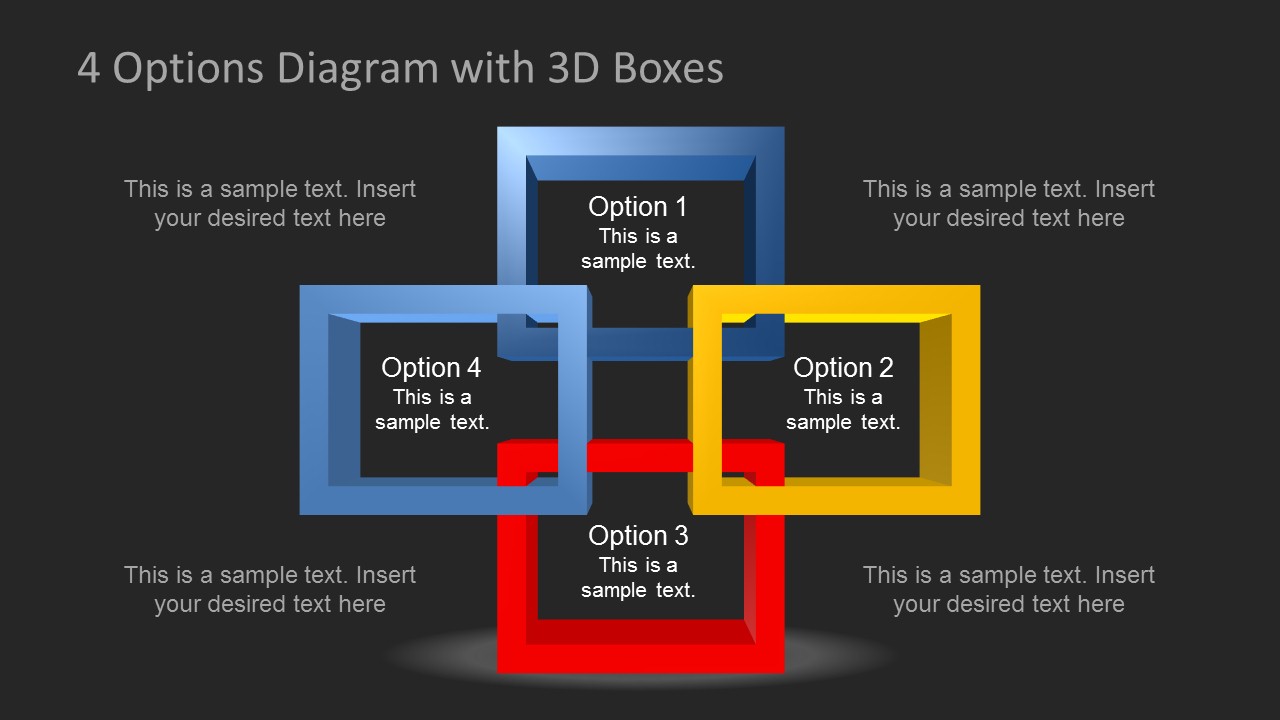
4 Options Diagram Template for PowerPoint with 3D Boxes
12-slide PowerPoint diagram template with 3D boxes for four options and step comparisons
4 Options Diagram Template for PowerPoint with 3D Boxes is a 12-slide diagram set for presenting four choices, steps, or categories. It includes an interlocking four-box diagram, a separated four-option layout, and single-option spotlight slides. It is for business presenters using Microsoft PowerPoint in 16:9 and 4:3.
- Category
- Diagrams
- Rating


 Loading...
- Aspect ratio
- 16:9, 4:3
- Item ID
- 6477-01
- Colors
 Microsoft PowerPoint
  Microsoft Copilot
  Claude for PowerPoint
 Other formats supported
Subscribe today and get immediate
access to download our PowerPoint templates.