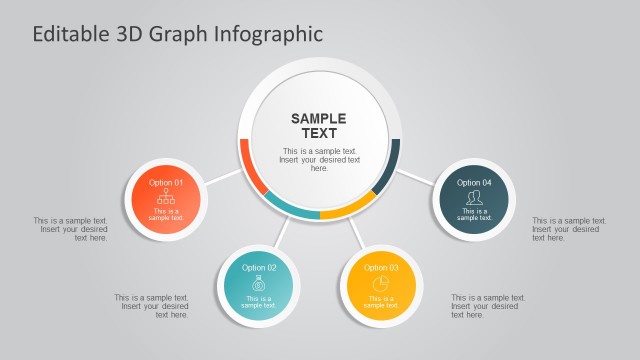
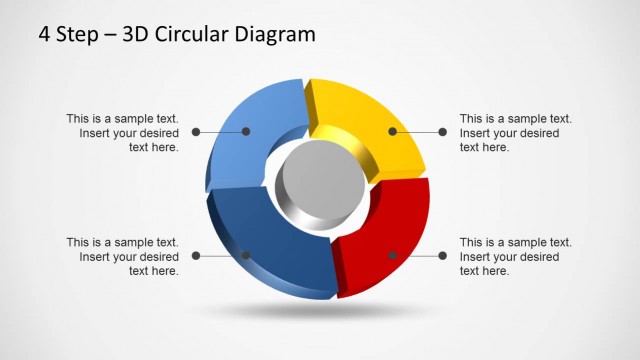
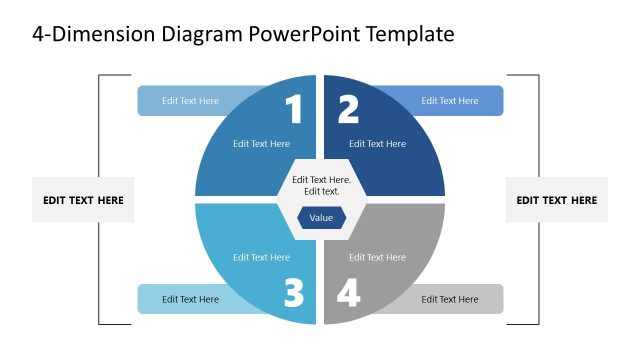
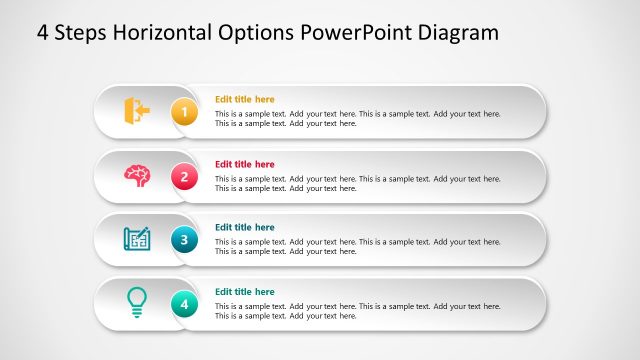
Add some color to your presentations with the 4 Options Diagram Template for PowerPoint with 3D Rings.
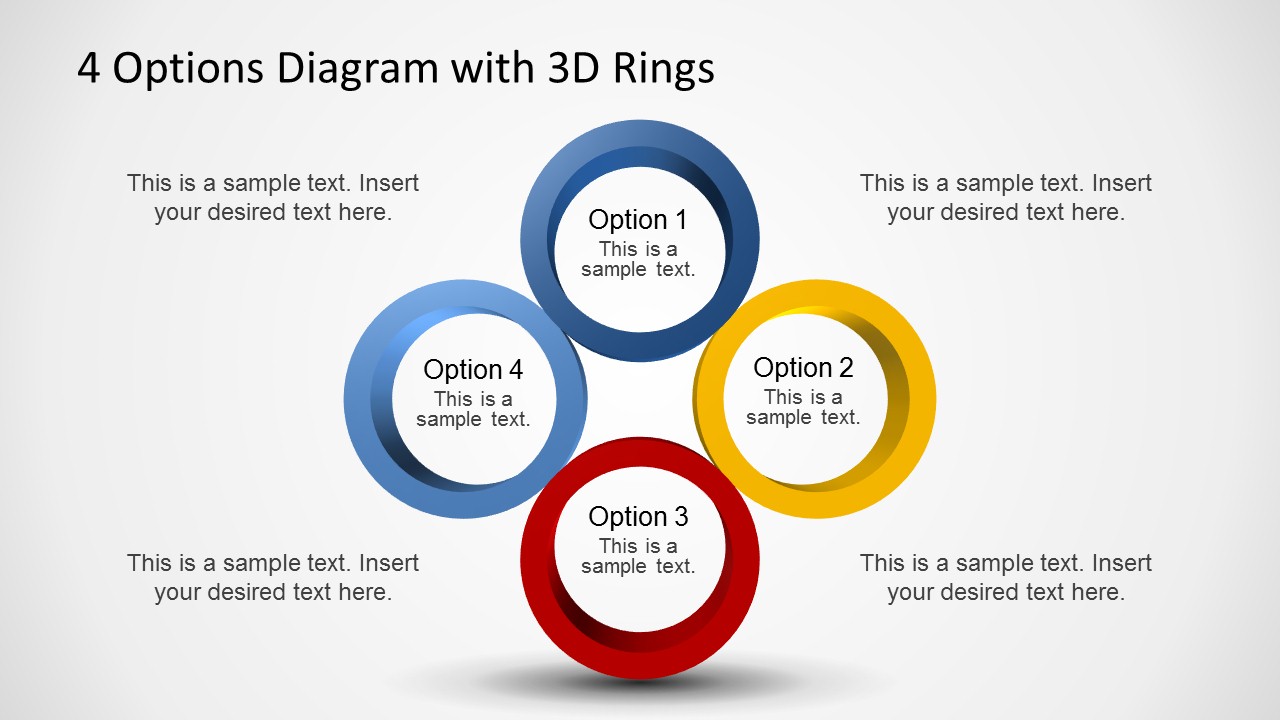
You can use the 3D layout of four rings to present four different aspects of a topic in perfect harmony. This template has been professionally designed for making presentations by depicting multiple dimensions of a topic within an easy to understand 3D layout.
The ring shaped slides are good enough for making anything from generic presentation slides with text and images to PowerPoint timelines, comparison slides, picture layouts with four rings, business diagrams and the like.
Also see our vast collection of amazing 3D PowerPoint Templates.
What’s inside this template
Example presentation scenarios
- A consultant can use the circular four-ring overview to introduce four strategic options before discussing recommendations.
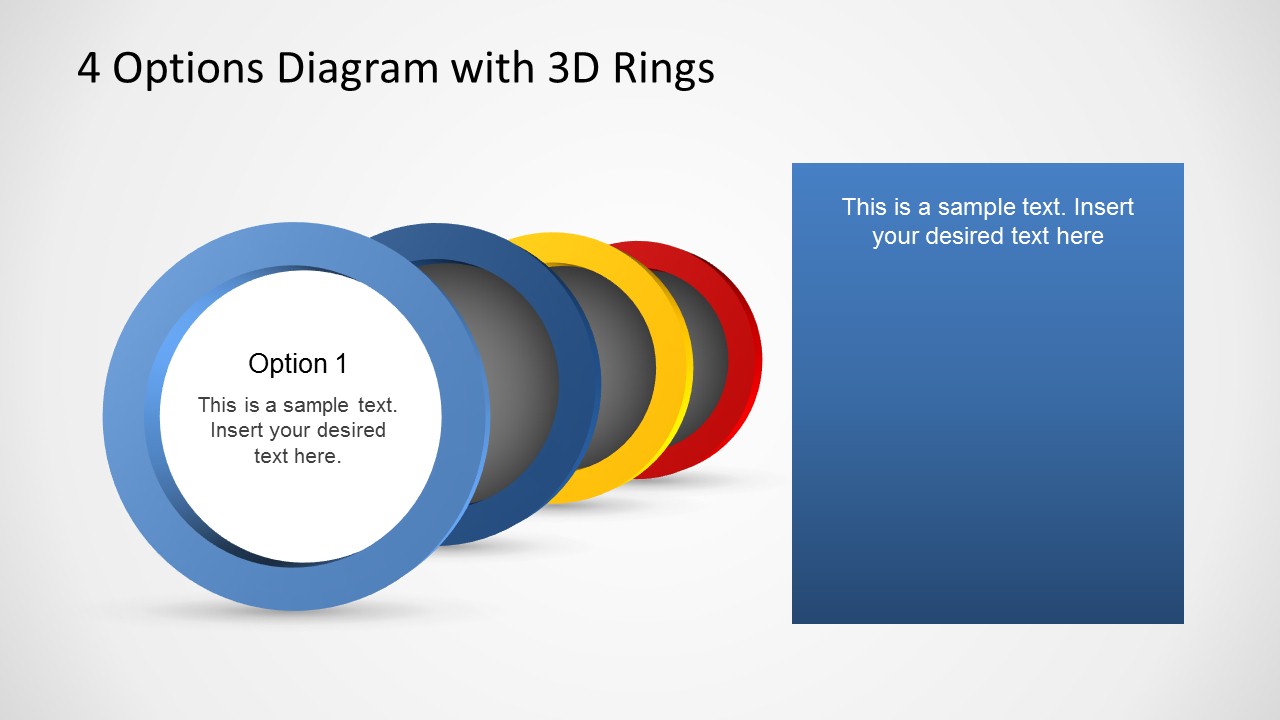
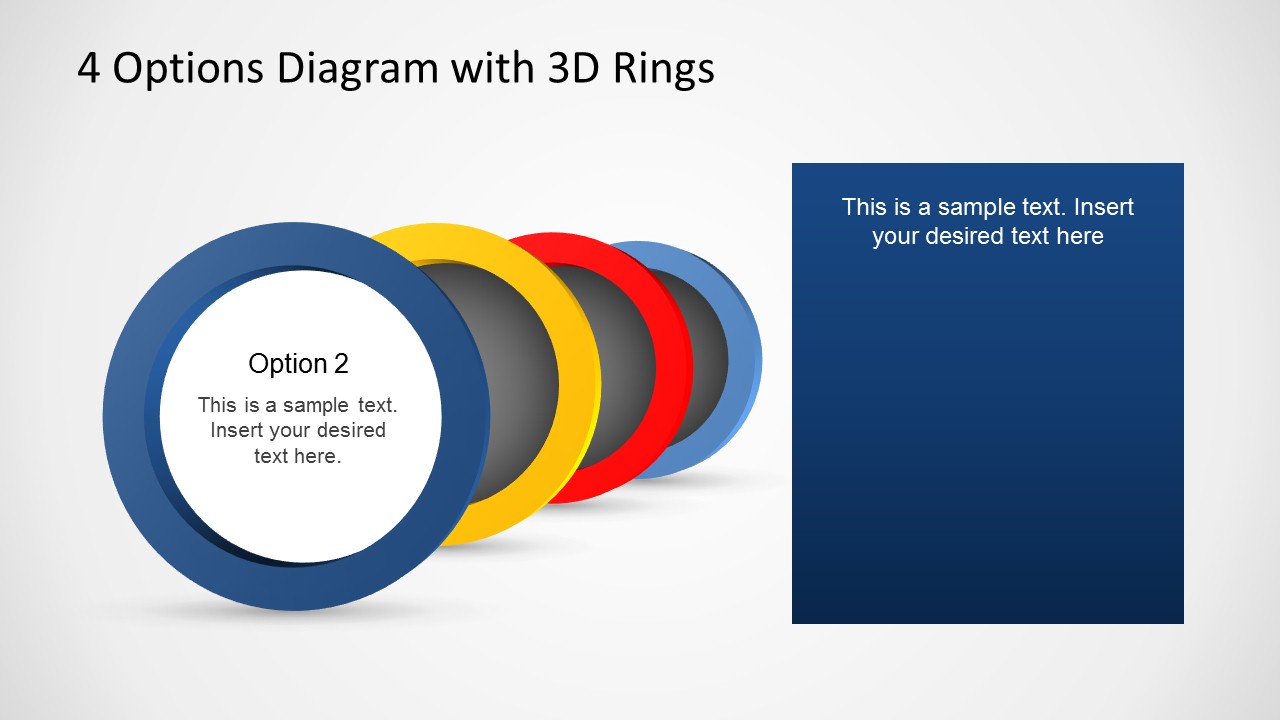
- A product manager can use the single-option focus slides to explain four product capabilities, assigning one ring color to each capability.
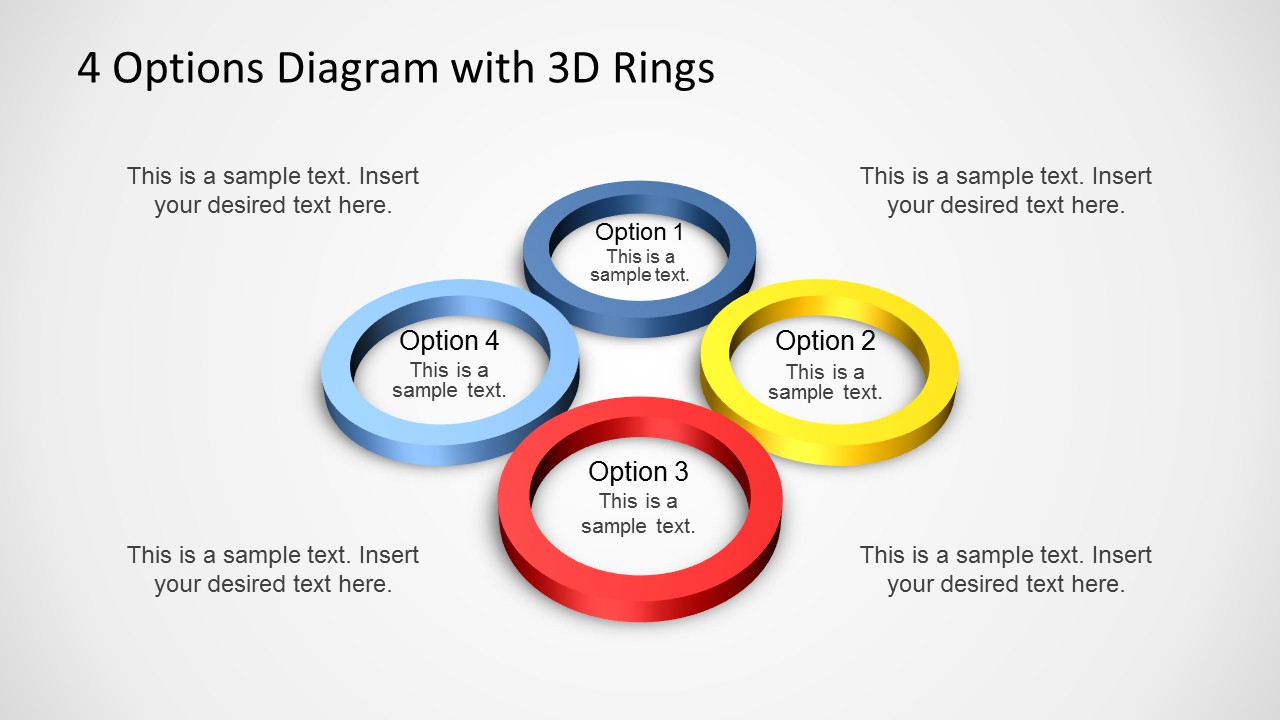
- A project manager can use the perspective ring cluster to summarize four workstreams and add short status notes in the surrounding callouts.
- A sales presenter can use the colored ring sequence and matching text panels to compare four service packages or decision criteria.
Features
- 100% editable presentation template
- Compatible with Microsoft PowerPoint and Google Slides
- Scalable vector shapes, icons and illustrations
- AI-Ready for Microsoft Copilot and Claude
- Instant access and download
Frequently asked questions
Q: How should a presenter build a clear four-option message with this template?
A: Start with Slide 1 to name the four options and state the shared decision context. Use the surrounding callouts for short criteria, not paragraphs. Then move to the focus slides for one option at a time, keeping each text panel to the reason it matters, the audience impact, and the next action.
Q: Who is this template best suited for in a business presentation?
A: It fits presenters who need to simplify a four-part choice for managers, clients, or project teams. Consultants can frame strategic alternatives, product teams can explain feature groups, and sales teams can compare packages. The design works best when each option has equal importance but needs a separate explanation.
Q: Why use 3D rings instead of a standard bullet list?
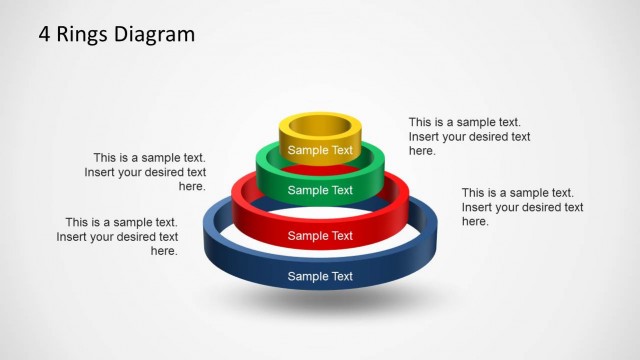
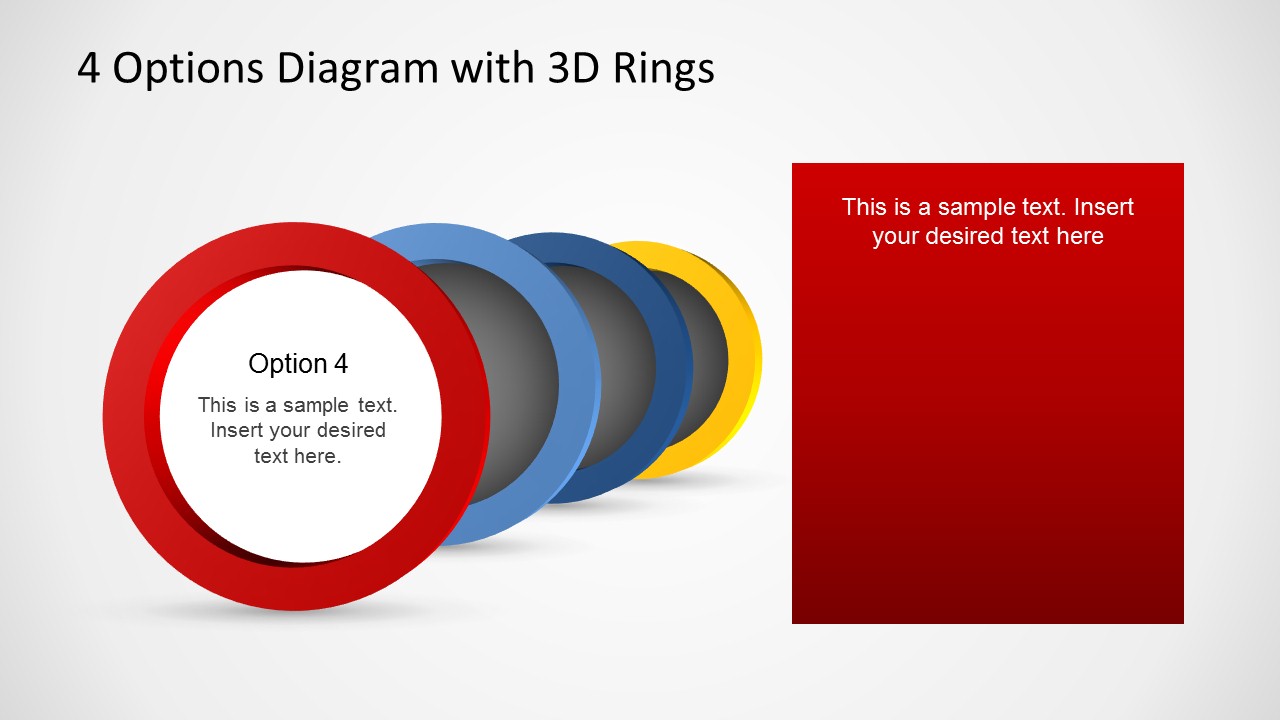
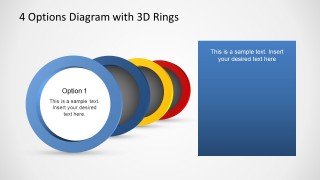
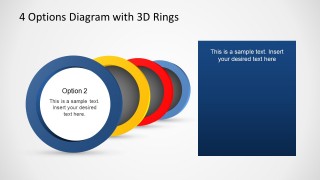
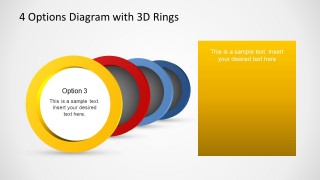
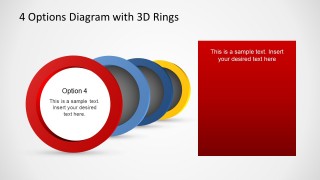
A: The ring metaphor gives each option a clear container while suggesting a connected set rather than unrelated bullets. Slides 3 to 6 keep the same stacked-ring structure and change the front ring color, which helps the audience recognize the active option without relearning the layout on each slide.

4 Options Diagram Template for PowerPoint with 3D Rings
6-slide PowerPoint presentation template with 3D rings for four options and decision summaries
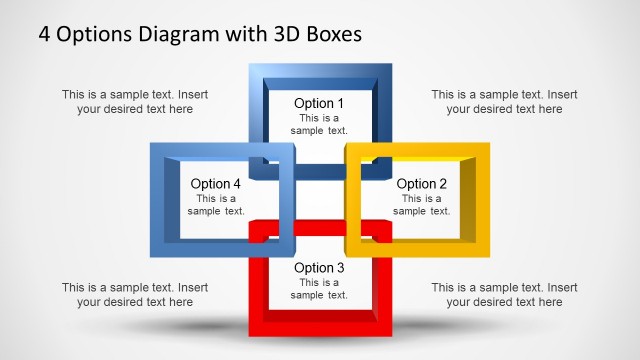
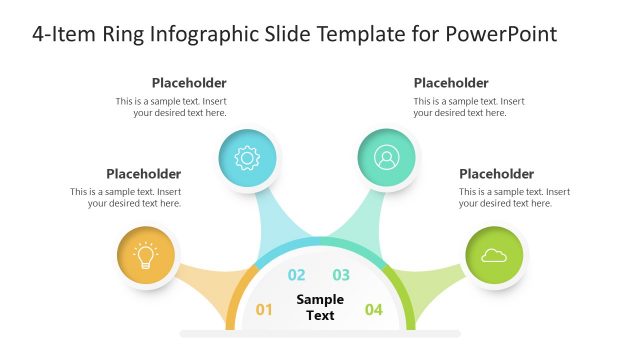
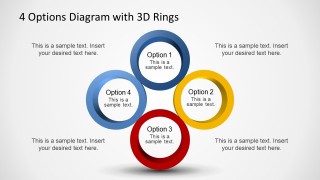
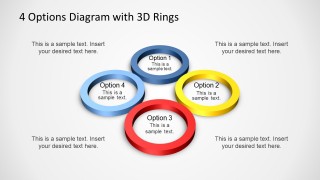
This is a 6-slide PowerPoint diagram template for presenting four options with 3D ring graphics. Visible layouts include a circular four-ring option map, a perspective ring cluster with callout text, and four single-option focus slides with stacked rings and matching text panels. It fits business comparisons, process choices, and option summaries.


 Loading...
 Microsoft PowerPoint
  Microsoft Copilot
  Claude for PowerPoint
 Other formats supported
Subscribe today and get immediate
access to download our PowerPoint templates.