4-Option Infographic Lines PowerPoint Template
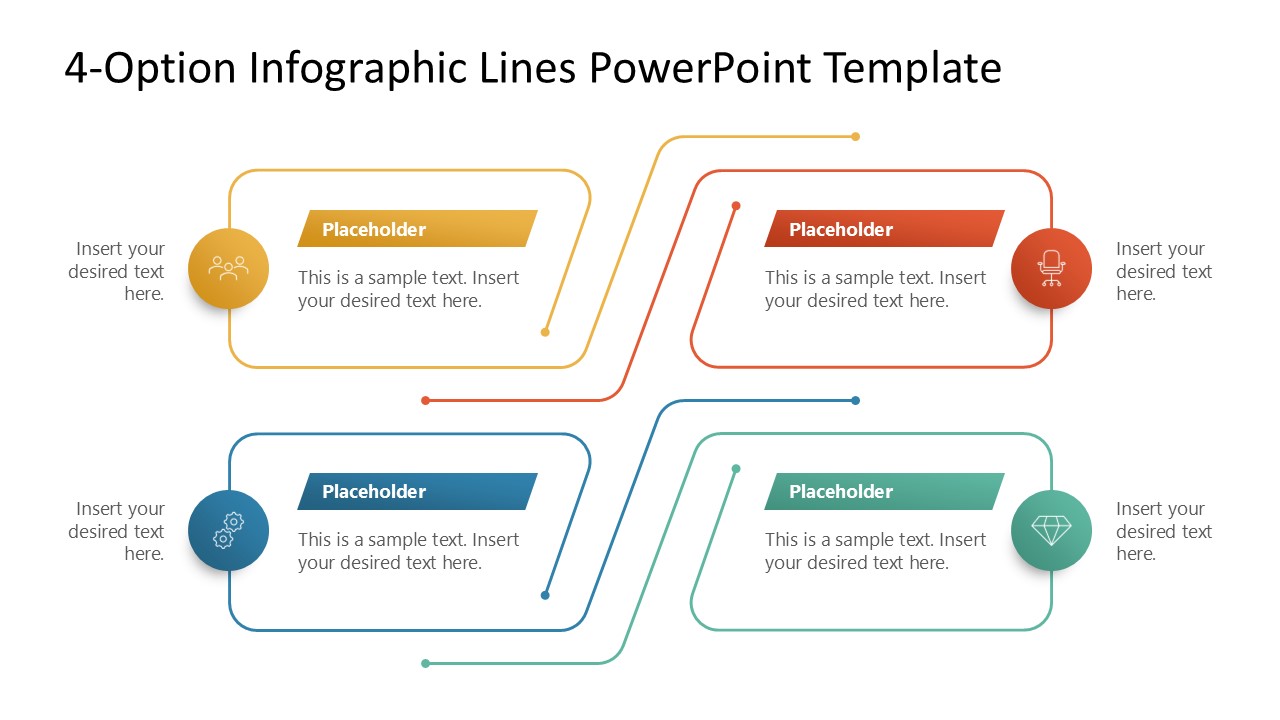
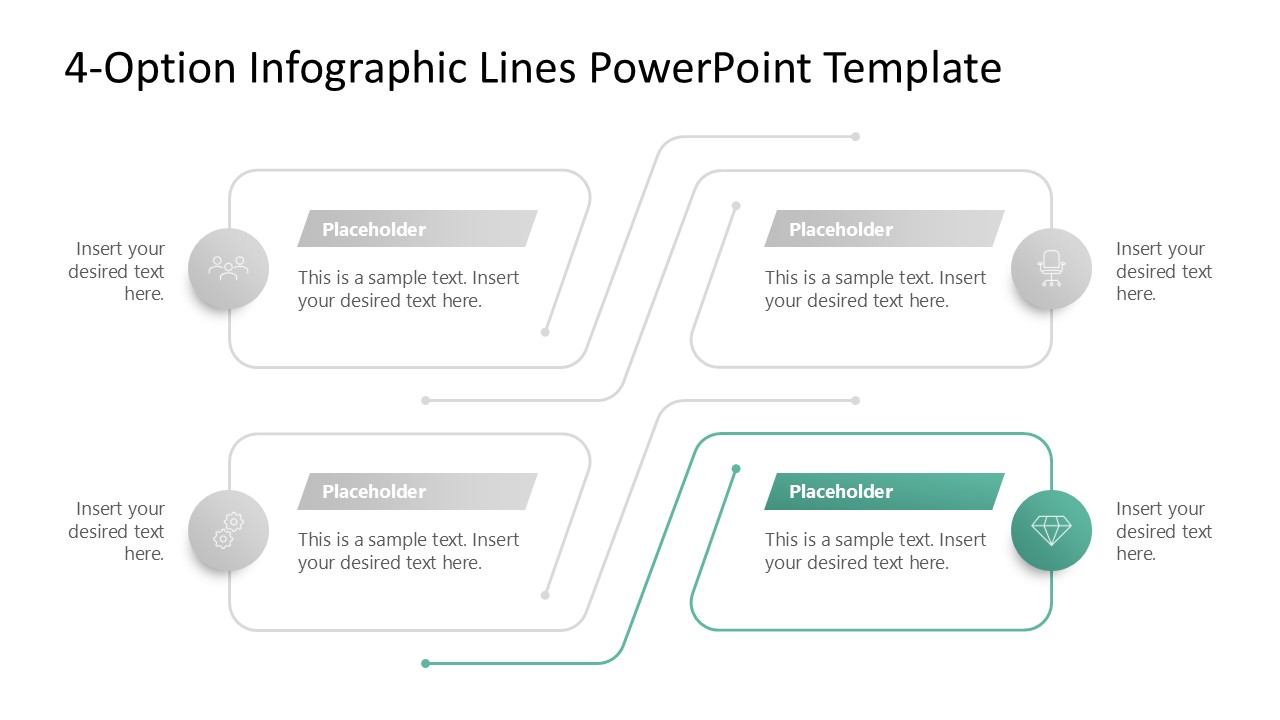
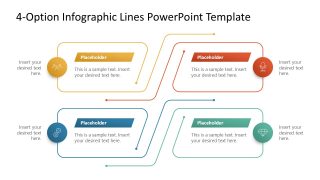
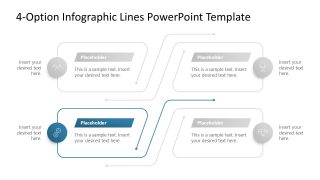
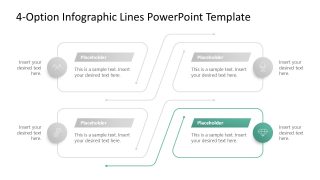
Try our modern 4-Option Infographic Lines PowerPoint Template to discuss four key milestones in the project execution. The unique patterns and graphical arrangements are useful for easily visualizing concepts. Presenters use multiple diagrams to showcase their ideas comprehensively. To serve this purpose, we have designed this line diagram with four blocks. The template features four rectangular boxes that have open-ended bent lines. On one side of the block, a circular icon displays the content, while in the center, users can edit the placeholder text to provide proper details. This diagram template comprises an editable design made with PPT elements. Professionals from multiple domains can use this template to showcase relevant information, such as business concepts or models. They can also add custom elements to present the ideas fully.
Our compelling 4-Option Infographic Lines PowerPoint Template is also compatible with legacy versions of PowerPoint. Some of the use cases of this design are:
- The template is helpful for professionals to present the four parts of a business strategy.
- You can display multiple stages of a project lifecycle using this simple PPT layout.
- In team meetings, team leads can edit this template to discuss four options for project execution or team management/ reporting.
- Project managers can edit the layout to describe planned activities in each milestone.
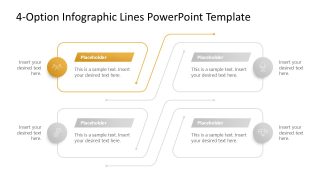
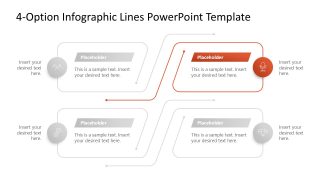
The first slide of this infographic PPT template has a bright, colorful appearance, while the remaining four slides use a spotlight effect to display each point clearly. The remaining four slides feature the same diagram, but only one block is colored, while all others are colorless. This enables the audience to grasp the details effectively. Download the 4-option infographic template and edit this layout today!


You must have an active subscription to download this file.
- Category
- Diagrams
- Rating
-

 Loading...
 - Size
- 16x9
- Item ID
- 23525-01
- Colors
Subscribe today and get immediate
access to download our PowerPoint templates.