Slide 3 of 5 from 4-Option Infographic Lines PowerPoint Template
Stage 2 Diagram Slide – 4-Option Infographic Lines PPT Layout
4-Option Infographic Lines Template
- Diagram
- Comparison Split
- Comparison Slide
- 16:9
- 100% Editable
What’s on This Slide
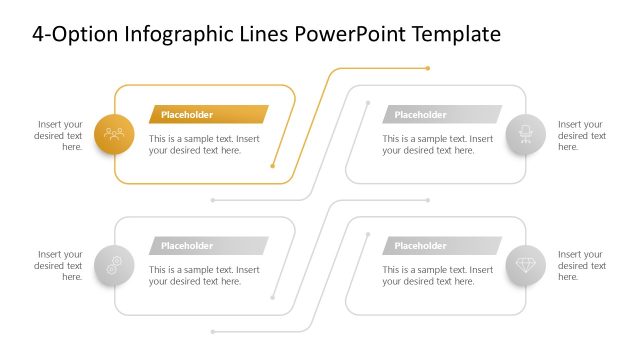
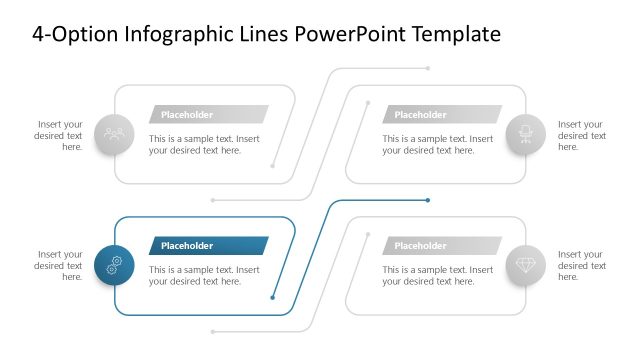
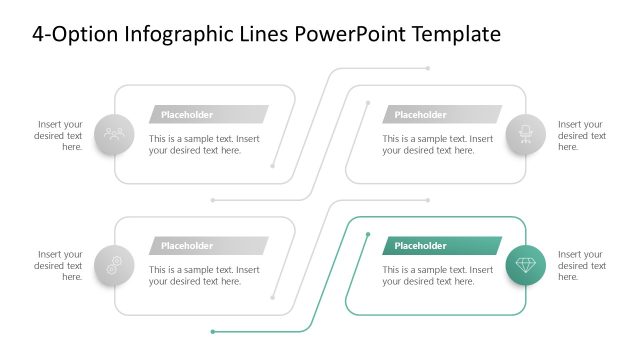
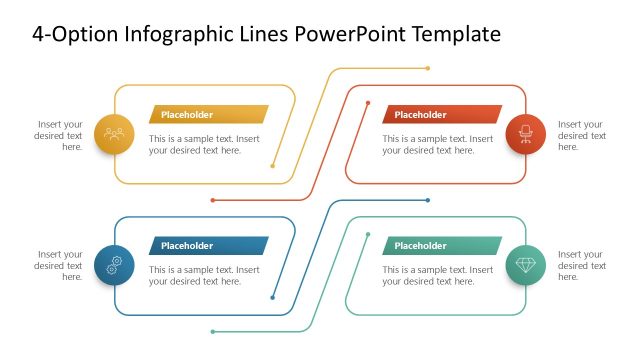
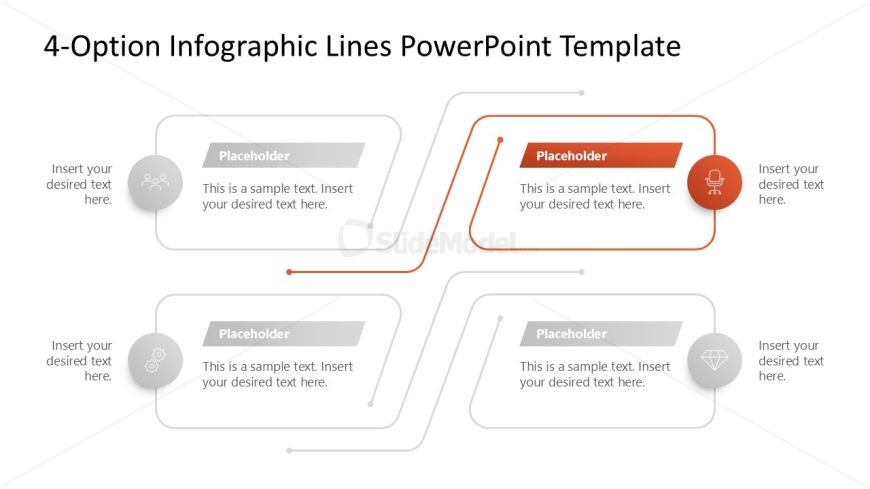
The layout features four circular nodes, each positioned at the corners of the slide. Each node contains a placeholder for text, with two nodes in gray and two in orange. Connecting lines extend from each node toward the center, creating a visual flow. The text placeholders are aligned centrally within each node, with additional text placeholders below each node for further details. The overall layout is symmetrical, emphasizing equal spacing and balance among the elements. The background is white, enhancing clarity and focus on the nodes.
How to Use It
This layout serves as a multi-option infographic, ideal for presenting four distinct ideas or steps. It fits well in a presentation sequence following a problem statement or introduction. Business scenarios include product comparisons, strategic options, or project phases. Each node can represent a different option or stage, allowing for clear visual differentiation. This structure aids in guiding the audience through complex information in a straightforward manner.
Text Placeholders & Capacity
Keep your copy within these limits so it fits without resizing. Node body slots can hold roughly 15-20 words each.
| Placeholder | Count | Max characters (approx.) |
|---|---|---|
| Item heading | 4 | 30 |
| Item body | 4 | 100 |
| Body paragraph | 4 | 100 |
Slide Keywords
Download unlimited PowerPoint templates, charts and graphics for your presentations with our annual plan.
DOWNLOAD