Slide 2 of 5 from 4-Option Infographic Lines PowerPoint Template
Step 1 Slide – 4-Option Infographic Lines Template
4-Option Infographic Lines Template
- Diagram
- Comparison Split
- Process Slide
- 16:9
- 100% Editable
What’s on This Slide
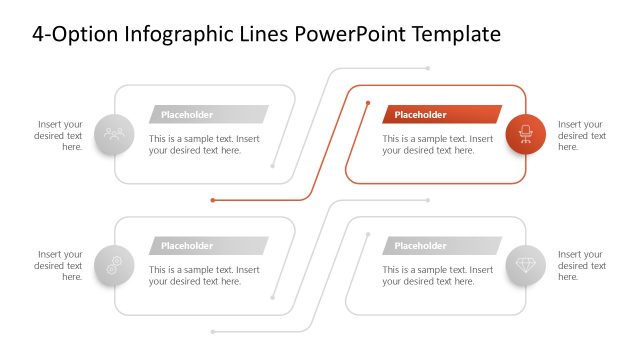
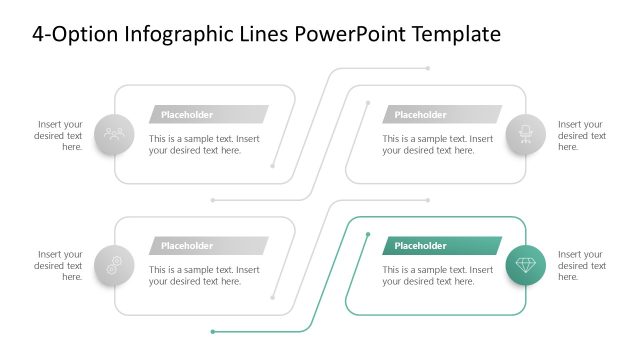
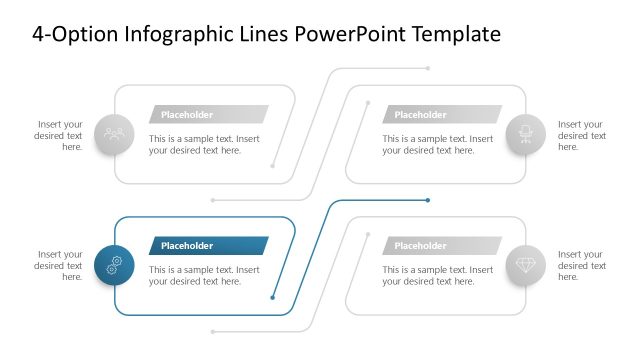
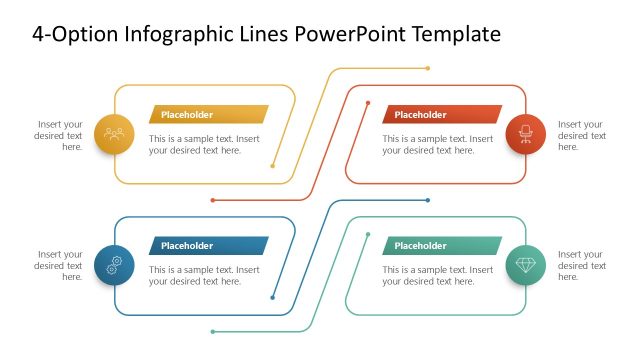
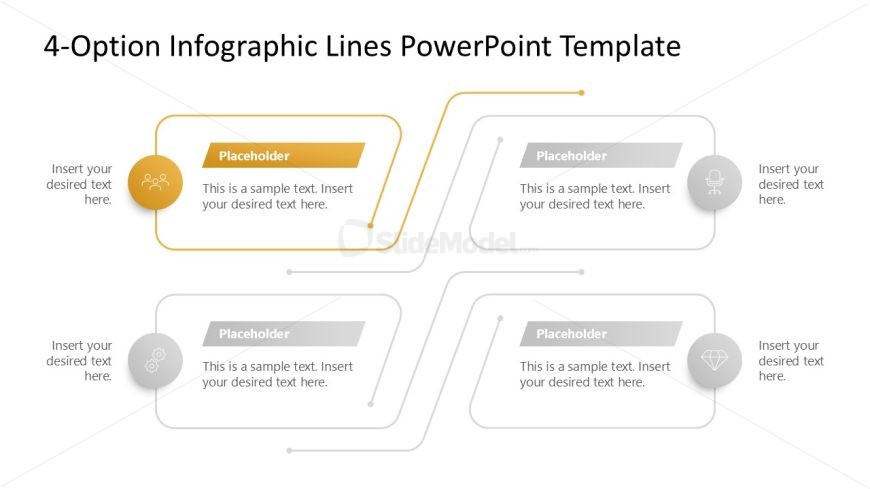
The layout features four distinct sections arranged in a symmetrical pattern. Each section includes a circular icon positioned at the top, with a rectangular placeholder below for text. Connecting lines extend from the icons to the text boxes, indicating a flow of information. The sections are evenly spaced, with two on the top and two on the bottom, creating a balanced visual hierarchy. Background colors vary between sections, enhancing differentiation. Text placeholders are centrally aligned within each box, allowing for clear content insertion.
How to Use It
This layout serves as a multi-option infographic, ideal for presenting four distinct ideas or steps. It fits well in a presentation sequence after introducing a problem or concept, allowing for a detailed exploration of solutions or options. Suitable scenarios include product feature comparisons, strategic initiatives, or project phases. The design encourages audience engagement by visually segmenting information into digestible parts, making it easier to follow and understand.
Text Placeholders & Capacity
Keep your copy within these limits so it fits without resizing. Each node can hold a title and a body of text, roughly 30 and 100 characters respectively.
| Placeholder | Count | Max characters (approx.) |
|---|---|---|
| Item heading | 4 | 30 |
| Item body | 4 | 100 |
Slide Keywords
Download unlimited PowerPoint templates, charts and graphics for your presentations with our annual plan.
DOWNLOAD