Slide 4 of 5 from 4-Option Infographic Lines PowerPoint Template
4-Option Infographic Lines Template Layout
4-Option Infographic Lines PowerPoint Slide
- Diagram
- Comparison Split
- Process Slide
- 16:9
- 100% Editable
What’s on This Slide
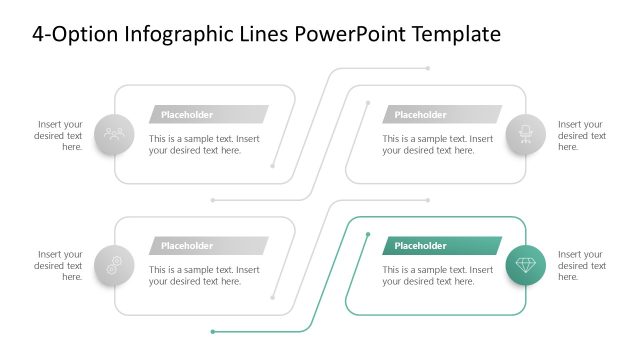
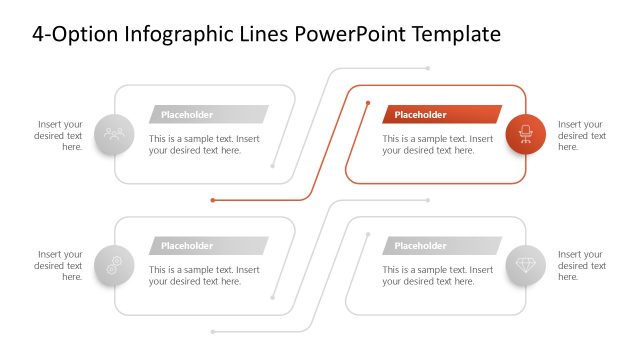
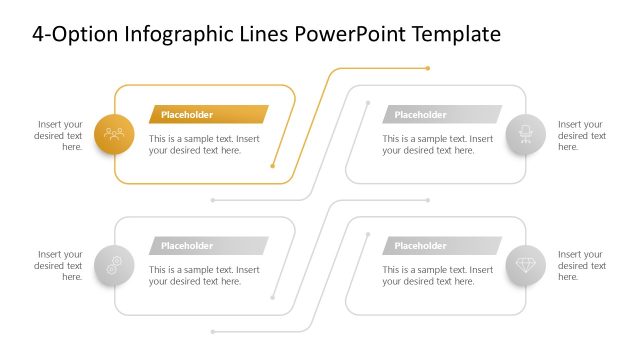
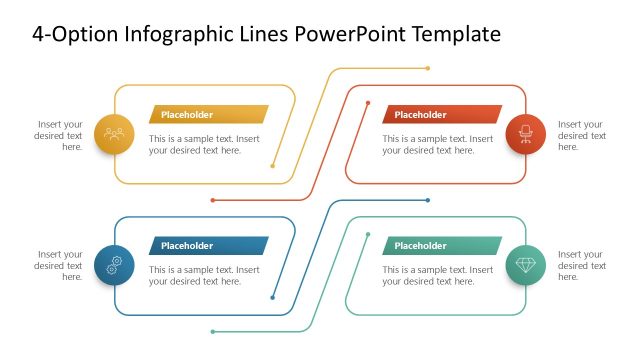
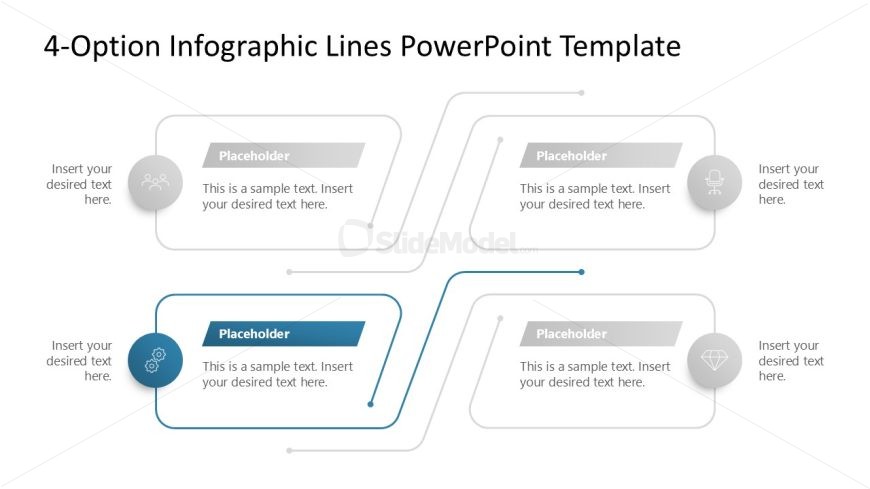
The layout features four distinct sections arranged in a zigzag pattern. Each section contains a circular icon on the left and a rectangular placeholder for text on the right. The icons represent different categories, while the placeholders are aligned to the center of each section. Connecting lines run horizontally between the sections, indicating a flow or relationship. The background is light, enhancing the visibility of the elements. The overall composition is balanced, with equal spacing between each section and a clear visual hierarchy.
How to Use It
This layout serves as a multi-option infographic, ideal for presenting four distinct ideas or steps. It fits well in a presentation sequence following an introduction or problem statement, providing a clear visual breakdown of options. Suitable scenarios include product features comparison, project stages, or strategic choices. This structure allows for effective communication of complex information in a simplified manner, making it useful in business meetings and reports.
Text Placeholders & Capacity
Keep your copy within these limits so it fits without resizing. Node body slots can hold approximately 15-20 words each.
| Placeholder | Count | Max characters (approx.) |
|---|---|---|
| Item heading | 4 | 30 |
| Item body | 4 | 100 |
Slide Keywords
Download unlimited PowerPoint templates, charts and graphics for your presentations with our annual plan.
DOWNLOAD