Slide 1 of 5 from 4-Option Infographic Lines PowerPoint Template
Editable 4-Option Infographic Lines Diagram Template
4-Option Infographic Lines PowerPoint Template
- Diagram
- Comparison Split
- Comparison Slide
- 16:9
- 100% Editable
What’s on This Slide
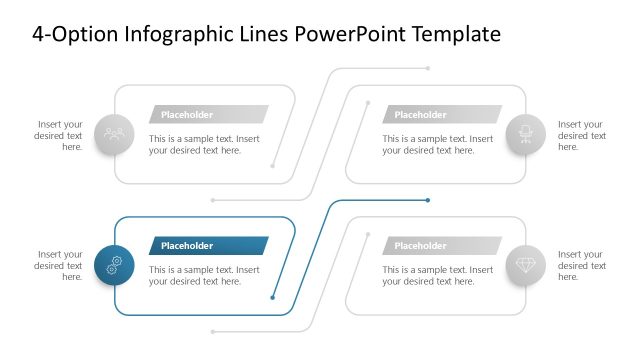
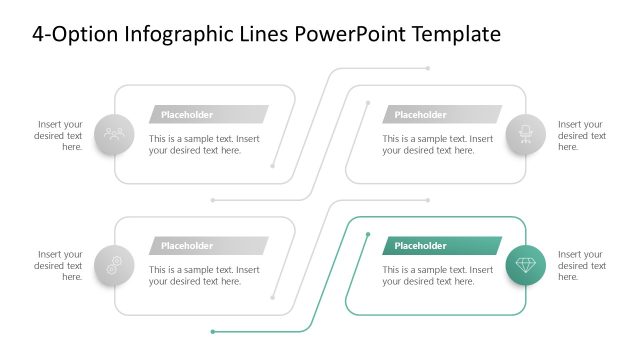
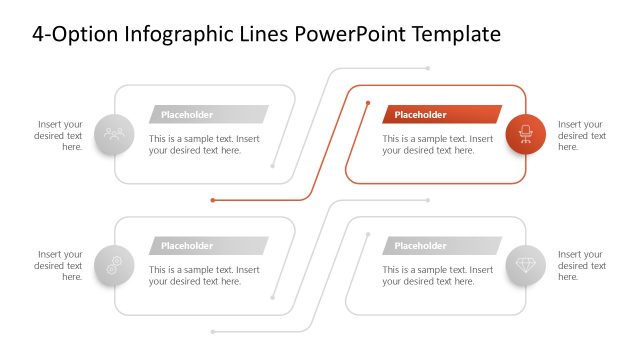
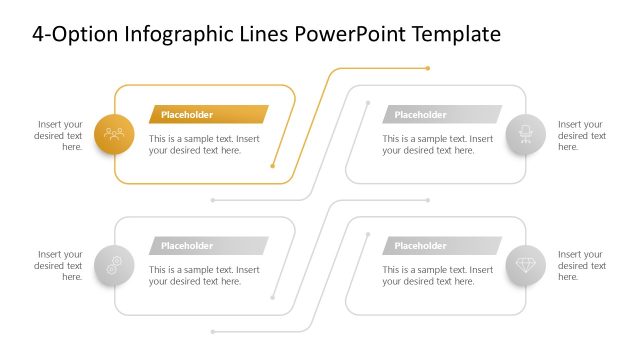
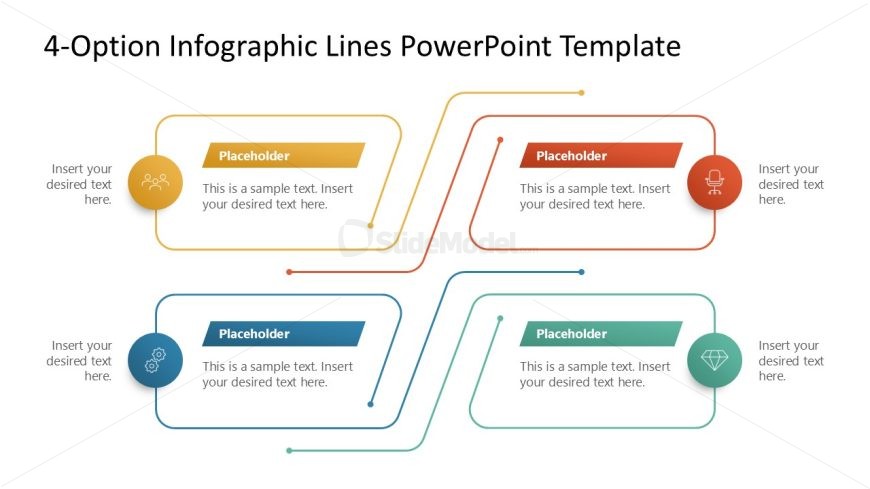
The layout features four distinct sections arranged in a zigzag pattern. Each section contains a circular icon on the left, with a colored rectangular placeholder for text to the right. The icons vary in color and shape, representing different options. Connecting lines flow between the sections, indicating a relationship among them. Text placeholders are aligned to the right of each icon, with a consistent visual hierarchy. The background is white, enhancing clarity and focus on the colored elements. Overall, the slide is structured to present multiple options clearly.
How to Use It
This layout serves as a multi-option infographic, ideal for presenting four distinct choices or steps in a process. It fits well in a presentation sequence that introduces options or stages, following a problem or context slide. Real-world applications include product comparisons, strategic choices, or project phases. The design allows for easy visual differentiation among options, making it suitable for business scenarios where clarity in decision-making is essential.
Text Placeholders & Capacity
Keep your copy within these limits so it fits without resizing. Node body slots can accommodate about 15-20 words each.
| Placeholder | Count | Max characters (approx.) |
|---|---|---|
| Item heading | 4 | 30 |
| Item body | 4 | 100 |
Slide Keywords
Download unlimited PowerPoint templates, charts and graphics for your presentations with our annual plan.
DOWNLOAD