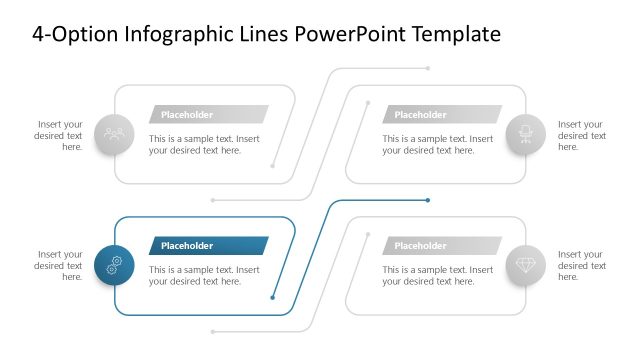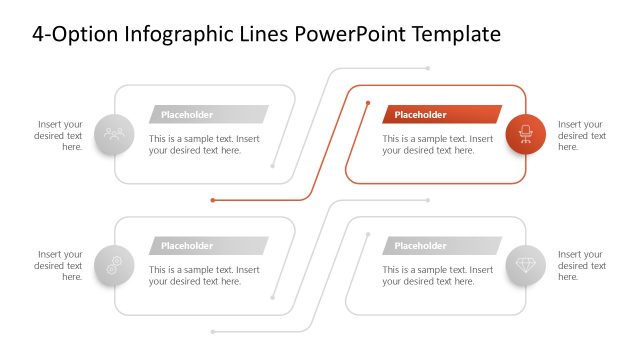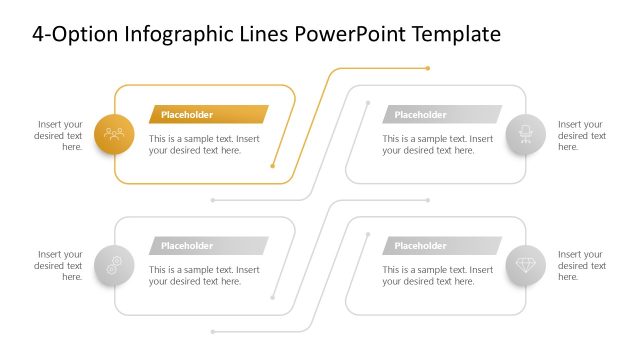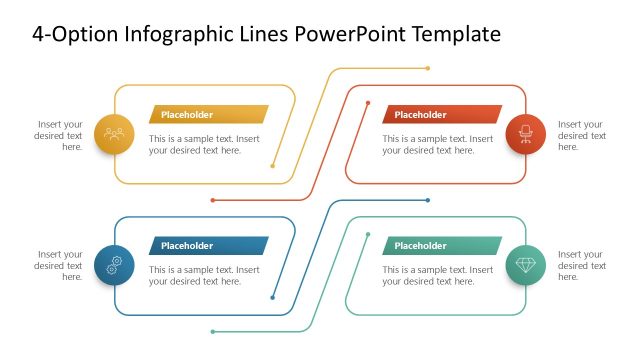
Slide 5 of 5 from 4-Option Infographic Lines PowerPoint Template
4-Option Infographic Lines Presentation Slide Layout
4-Option Infographic Lines PowerPoint Template
- Diagram
- Comparison Split
- Strategy Slide
- 16:9
- 100% Editable
What’s on This Slide
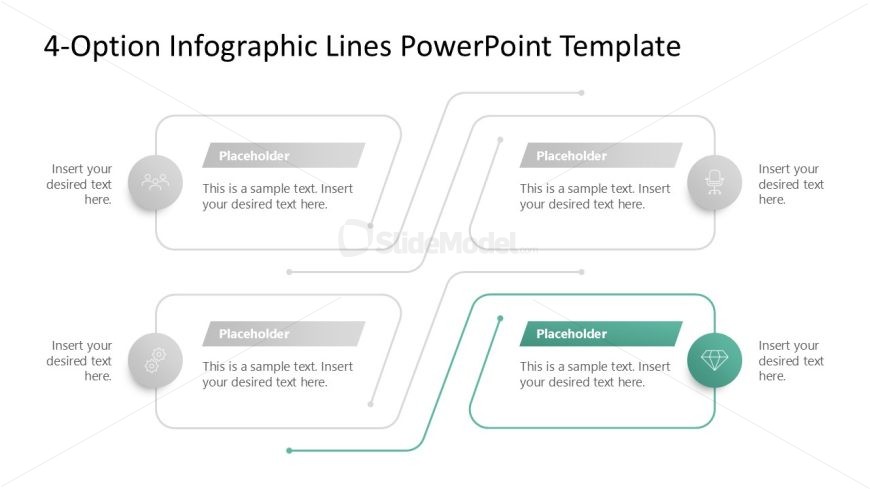
The layout consists of four distinct sections arranged in a symmetrical pattern. Each section features a rounded rectangular container positioned at the top, with a circular icon above it. Below each container, there are text placeholders aligned centrally. The sections are connected by thin lines that flow horizontally, creating a cohesive visual pathway. The icons vary, including a group, gear, chair, and diamond, each representing different concepts. The overall color scheme is light with subtle gradients, enhancing the visual hierarchy without overwhelming the content.
How to Use It
This layout serves as a multi-option infographic, ideal for presenting four related concepts or steps in a clear, organized manner. It fits well in a presentation sequence after introducing a problem or topic, leading into a discussion of solutions or options. Real-world applications include project planning, product features comparison, or strategic initiatives where multiple pathways or choices are explored. This structure allows for easy comprehension and comparison of each option presented.
Text Placeholders & Capacity
Keep your copy within these limits so it fits without resizing. Node body slots can hold approximately 15-20 words each.
| Placeholder | Count | Max characters (approx.) |
|---|---|---|
| Item heading | 4 | 30 |
| Item body | 4 | 100 |
Slide Keywords
Download unlimited PowerPoint templates, charts and graphics for your presentations with our annual plan.
DOWNLOAD