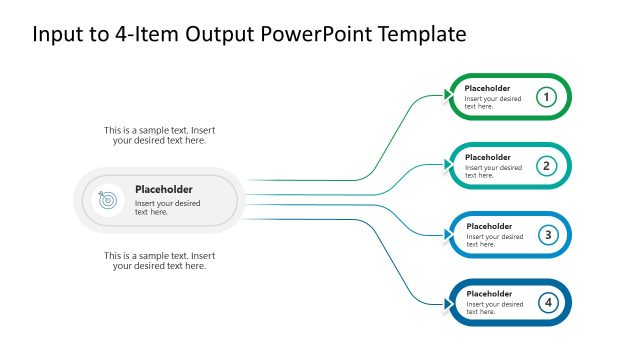
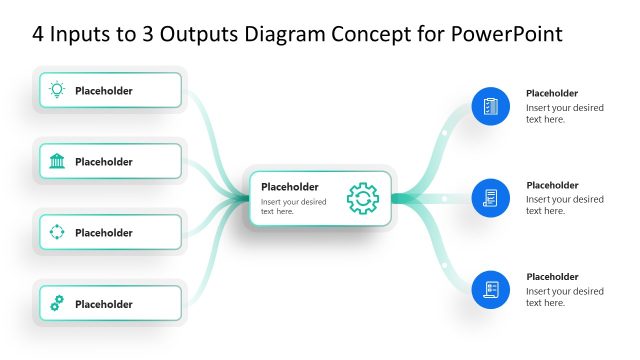
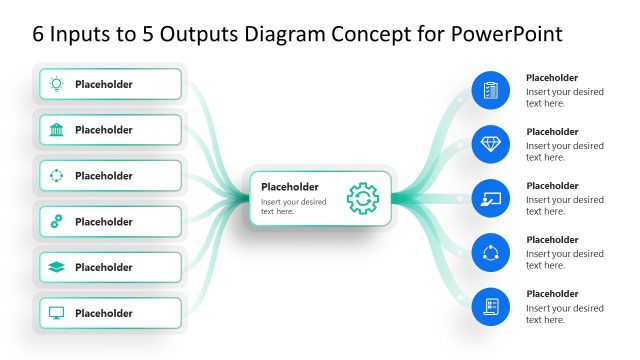
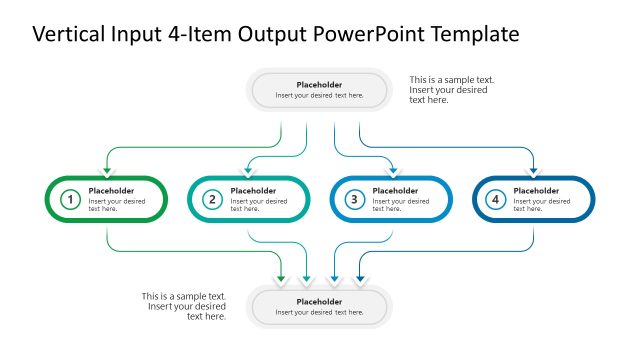
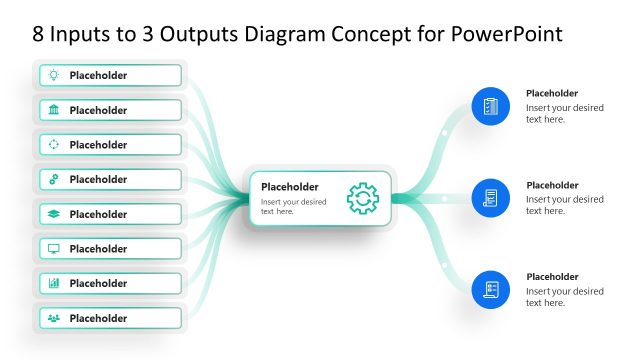
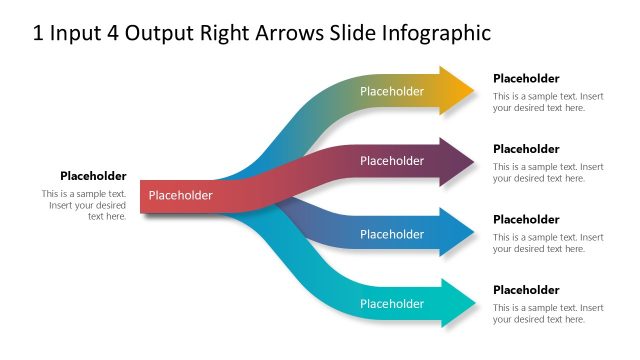
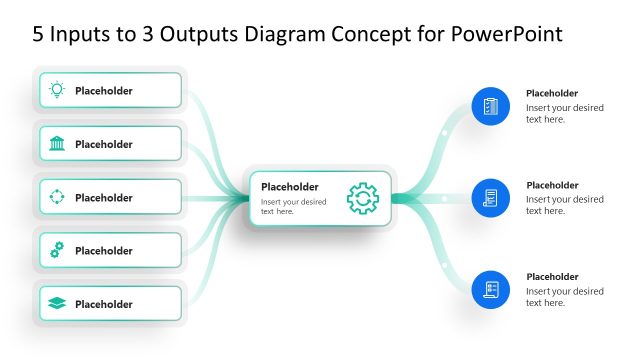
Edit this 4-Input to Output PowerPoint Template to present how multiple factors or steps contribute to achieving a final result or deliverable. In brand development presentations, marketing leads discuss the four parameters that are necessary to achieve a particular brand position. Project managers, in their key team meetings, use the input-output diagram to share four key steps or factors that are important for completing the project on time and delivering the deliverables. SEO consultants in auditing presentations explain the important On-page and off-page signals that contribute to building topical authority. For instance, they edit the input items to showcase the EEAT concept to boost Google rankings. Product developer in investor meetups reviews the four product features that will give a combined smart response. In a real estate team presentation, engineers use the input-output diagram to explain that a strong building comes from using high-quality construction materials and optimizing processes.
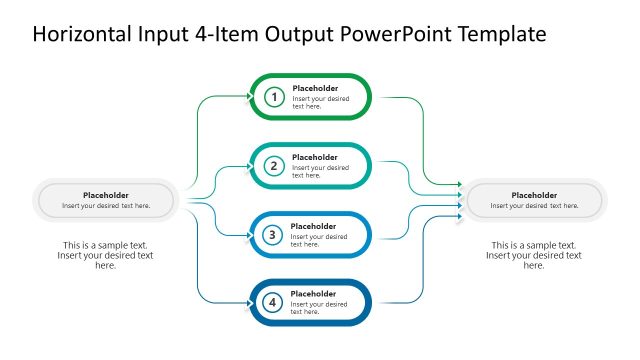
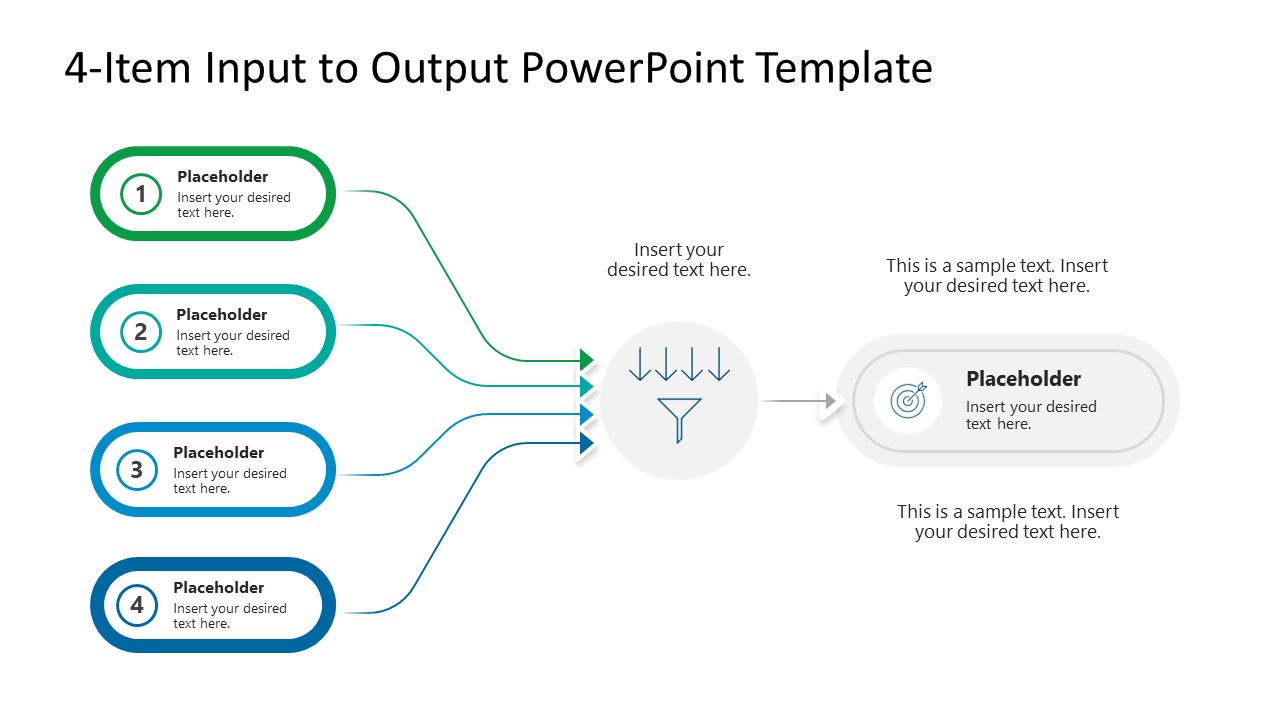
The 4-Input to Output PowerPoint Template shows four inputs on the left connecting to a central block, which leads to the final output. The four input blocks have a green gradient outline and connect with the central shape with arrows. The output segment at the third level features an icon with text. Here you can mention the final results, strategic outcomes, or key achievements using the editable text segments. In stakeholder presentations, HR managers visualize the key components that are prerequisites for high employee engagement and collaboration. Furthermore, professionals edit the template structure, diagram components, and color scheme to effectively discuss business strategies and frameworks. Download the 4-input-to-output diagram PPT template to use it in your business presentations.
What’s inside this template
Example presentation scenarios
- A project manager can use the four input blocks to present schedule, budget, team capacity, and risk controls as contributors to a final deliverable.
- A marketing lead can explain how research, positioning, messaging, and channel strategy flow through a central decision process toward a brand outcome.
- An SEO consultant can map four audit signals into an output callout that states the expected topical authority or ranking objective.
- A product manager can show how four feature inputs combine through a processing step to create a final user benefit or product response.
Features
- 100% editable presentation template
- Compatible with Microsoft PowerPoint and Google Slides
- 16:9 aspect ratio slides
- Scalable vector shapes, icons and illustrations
- AI-Ready for Microsoft Copilot and Claude
- Instant access and download
Frequently asked questions
Q: How should a presenter make the four inputs easy for the audience to understand?
A: Start by naming the output first so the audience knows the destination. Then label each numbered input as a distinct contributor, not a long paragraph. Use the curved arrows to explain how each item feeds the central funnel, and reserve the right-side callout for the measurable result, decision, or deliverable.
Q: Who is this input-to-output diagram best suited for?
A: This slide is best for presenters who need to simplify a causal or contributory explanation. Project managers, consultants, marketers, HR leaders, and product teams can use it when four requirements, signals, or workstreams must be connected to one outcome without building a full process map.
Q: Why does the funnel metaphor work for this message?
A: The funnel icon gives the audience a visual shortcut: separate inputs are being filtered, combined, or processed into a single output. The left-to-right layout supports natural reading order, while the numbered input blocks make the logic easy to reference during discussion and Q&A.
4-Input to Output PowerPoint Template
1-slide presentation template for mapping four inputs into one output with arrows and funnel icon
The 4-Input to Output PowerPoint Template is a 1-slide diagram for showing how four labeled inputs combine into one result. It includes four rounded input blocks, connecting arrows, a central funnel or processing icon, and an output callout. It is built for business, project, marketing, and strategy presentations in Microsoft PowerPoint and Google Slides.
- Category
- Diagrams
- Rating

 Loading...
- Aspect ratio
- 16:9
- Item ID
- 23711-01
- Colors
 Microsoft PowerPoint
  Microsoft Copilot
  Claude for PowerPoint
 Other formats supported
Subscribe today and get immediate
access to download our PowerPoint templates.