Slide 1 of 1 from 4-Input to Output PowerPoint Template
4-Input to Output Presentation PPT Template
4-Item Input to Output Diagram for Presentations
- Diagram
- Process Flow
- Process Slide
- 16:9
- 100% Editable
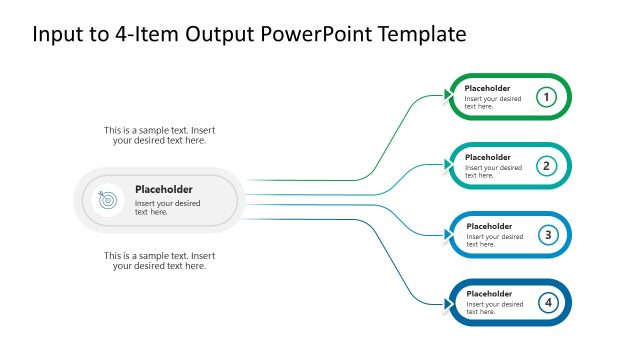
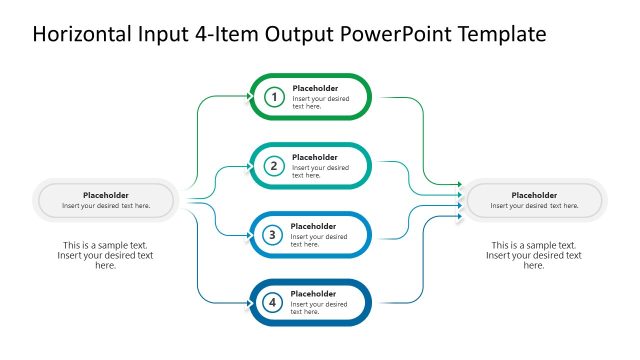
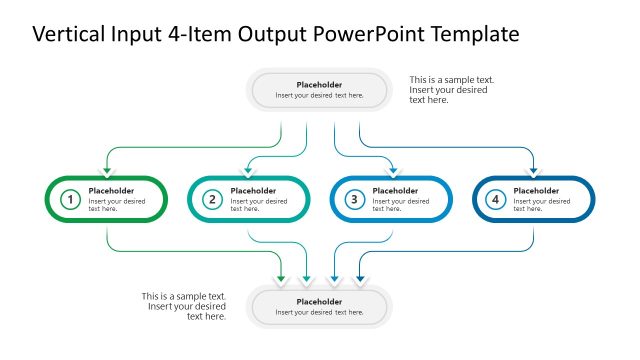
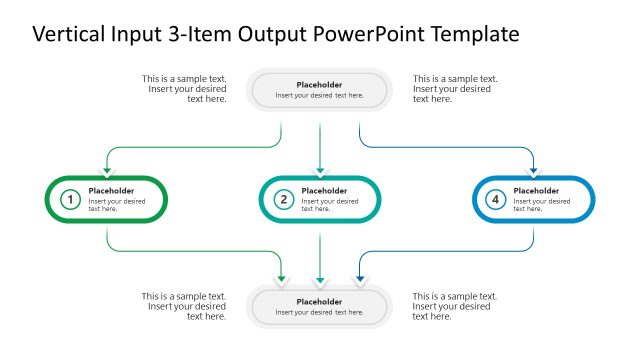
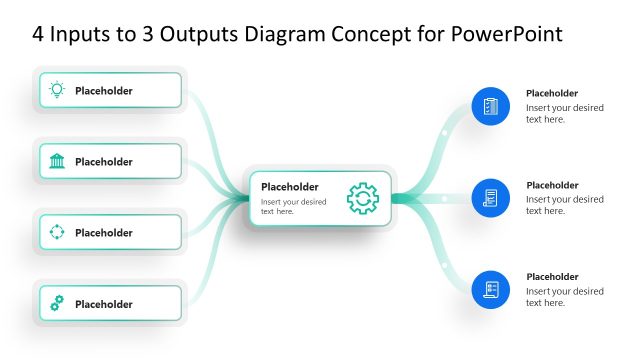
The 4-Item Input to Output Diagram from the 4-Input to Output PowerPoint Template visually represents how four distinct inputs merge into a single output, ideal for business presentations and project planning. This slide layout uses editable shapes and vector icons to clearly depict process flows, making it a practical choice for strategy discussions and workflow analysis within professional slide decks.
What’s on This Slide
The layout features four rounded input blocks positioned on the left side, each connected by arrows to a central processing icon. The input blocks are labeled 1 to 4, arranged vertically with equal spacing. The central icon is a funnel shape, indicating processing. To the right, there is an output callout with a rounded rectangle shape. Text placeholders are present in each block and the output area, aligned centrally. The background is white, with blue and green accents used for the input blocks and arrows, creating a clear visual hierarchy.
How to Use It
This diagram serves to illustrate how four distinct inputs contribute to a single output, making it suitable for business presentations focused on processes or project workflows. It fits well after problem identification slides, leading into solution discussions. This layout can be used in strategy sessions, project planning, or marketing discussions where input-output relationships are analyzed. It effectively communicates complex information in a simplified visual format, enhancing audience understanding.
Text Placeholders & Capacity
Keep your copy within these limits so it fits without resizing. Node body slots can accommodate roughly 10-15 words each.
| Placeholder | Count | Max characters (approx.) |
|---|---|---|
| Item heading | 4 | 30 |
| Item body | 4 | 50 |
| Item body | 1 | 50 |
| Item body | 1 | 50 |
Slide Keywords
Download unlimited PowerPoint templates, charts and graphics for your presentations with our annual plan.
DOWNLOADReturn to 4-Input to Output PowerPoint Template.