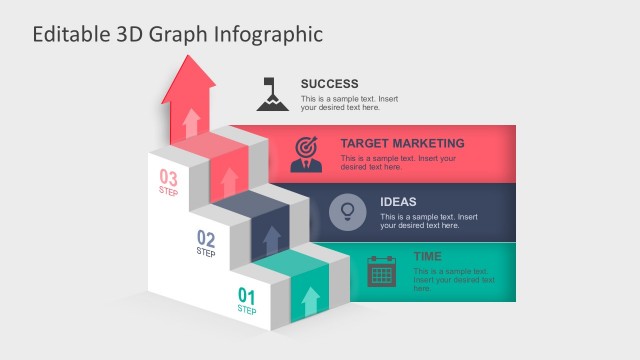
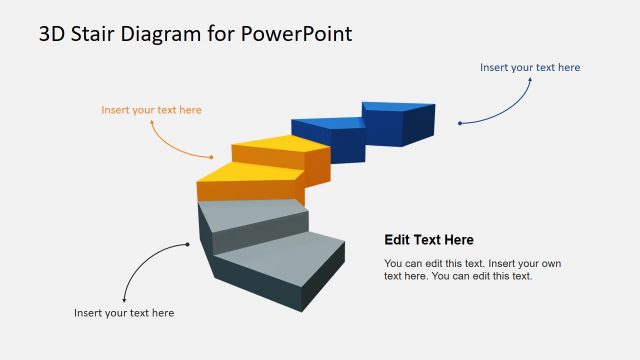
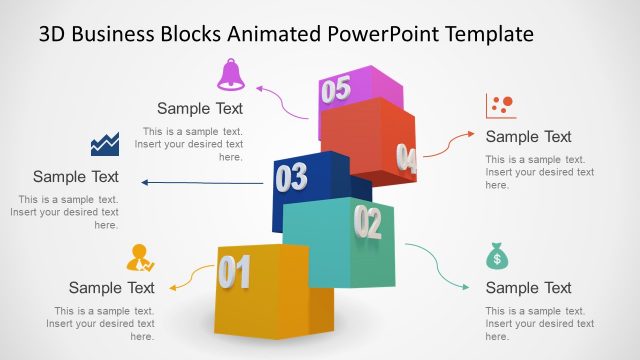
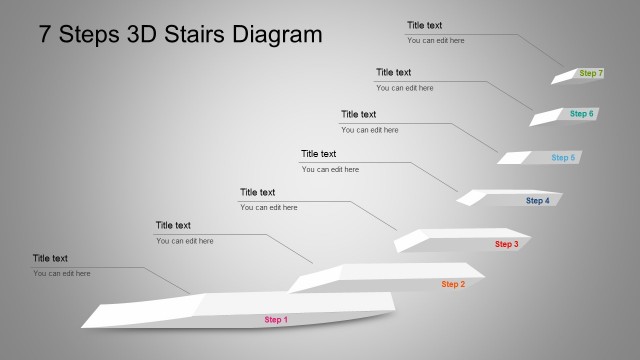
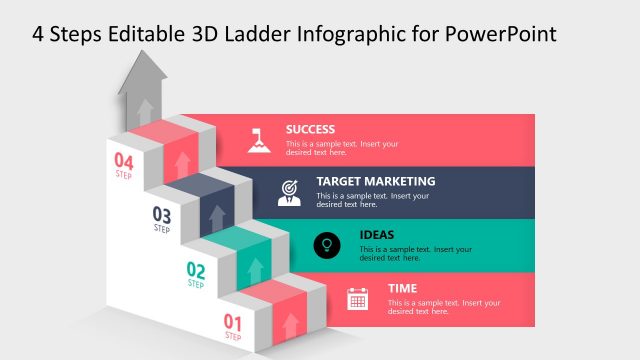
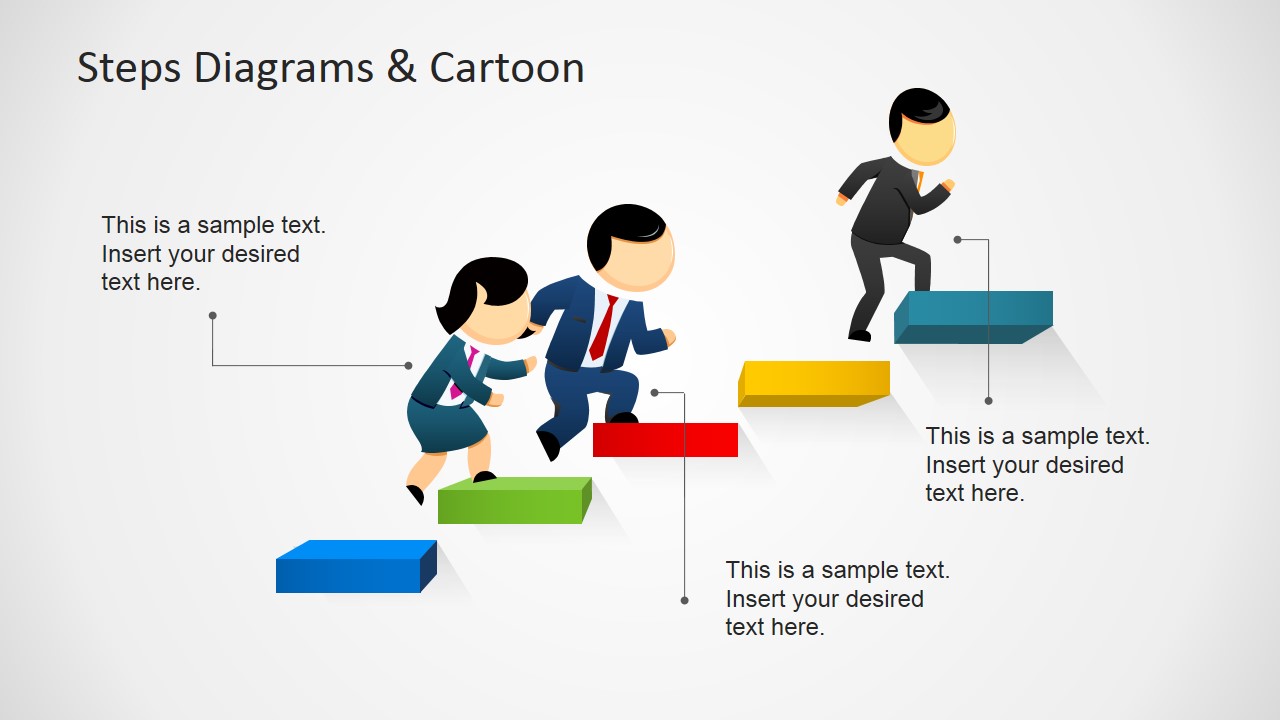
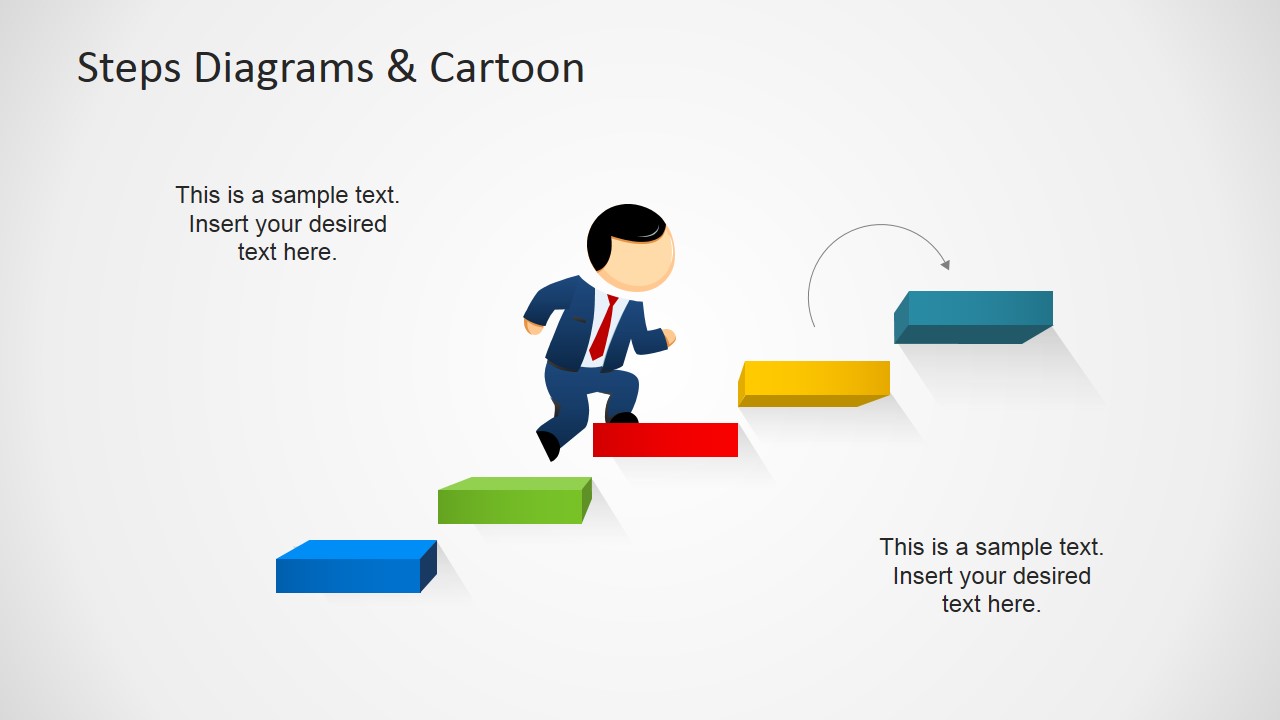
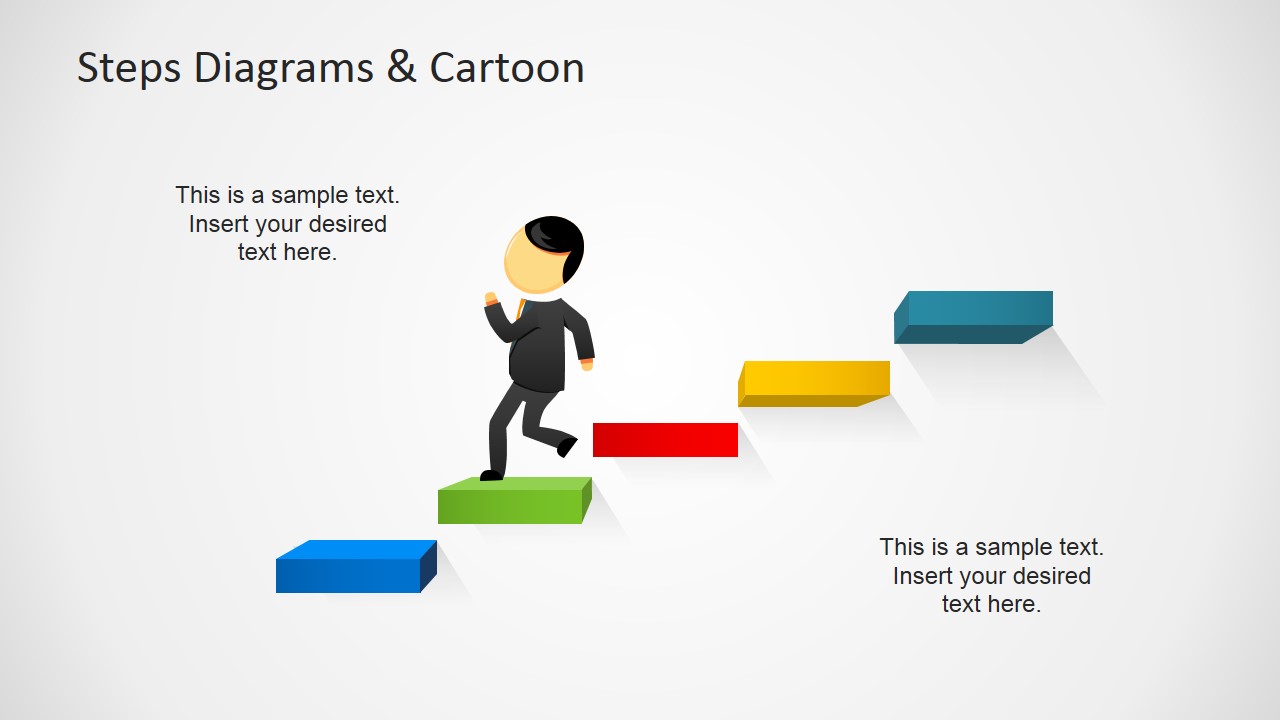
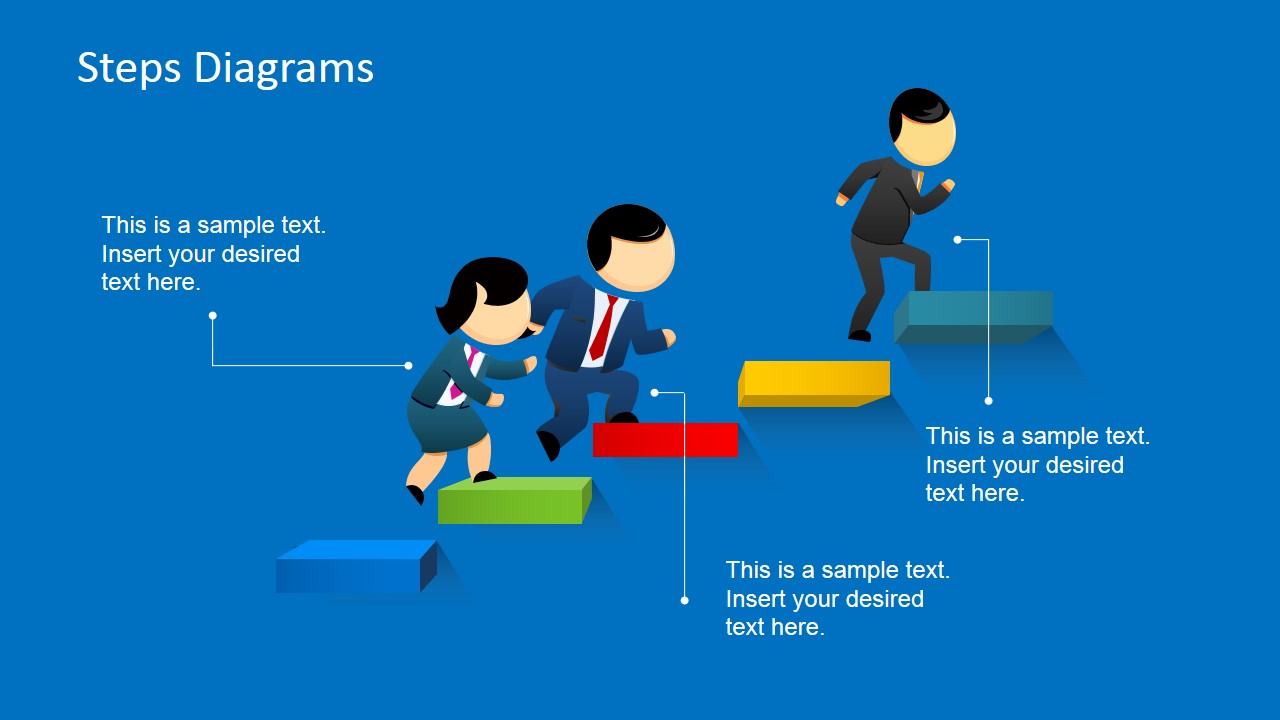
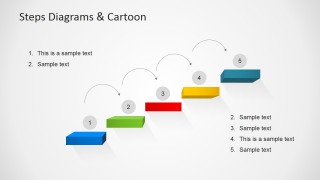
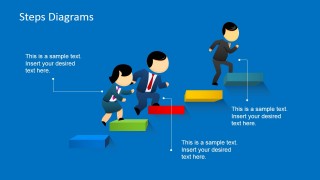
3D Steps Diagram Template for PowerPoint with Cartoon is a pre-designed PowerPoint template with 3D ladder illustration. This slide design contains 3D steps and it is decorated with Mike male cartoon character jumping over the steps. Given that we have created this PPT template using Microsoft PowerPoint built-in shapes, you can easily edit the slide by re-arranging the steps or remove the male cartoon character and then include any other graphic in our content gallery.
Alternatively, you can try SlideModel by subscribing to our free weekly template products or download other ladder & step stairs PowerPoint templates.
What’s inside this template
Example presentation scenarios
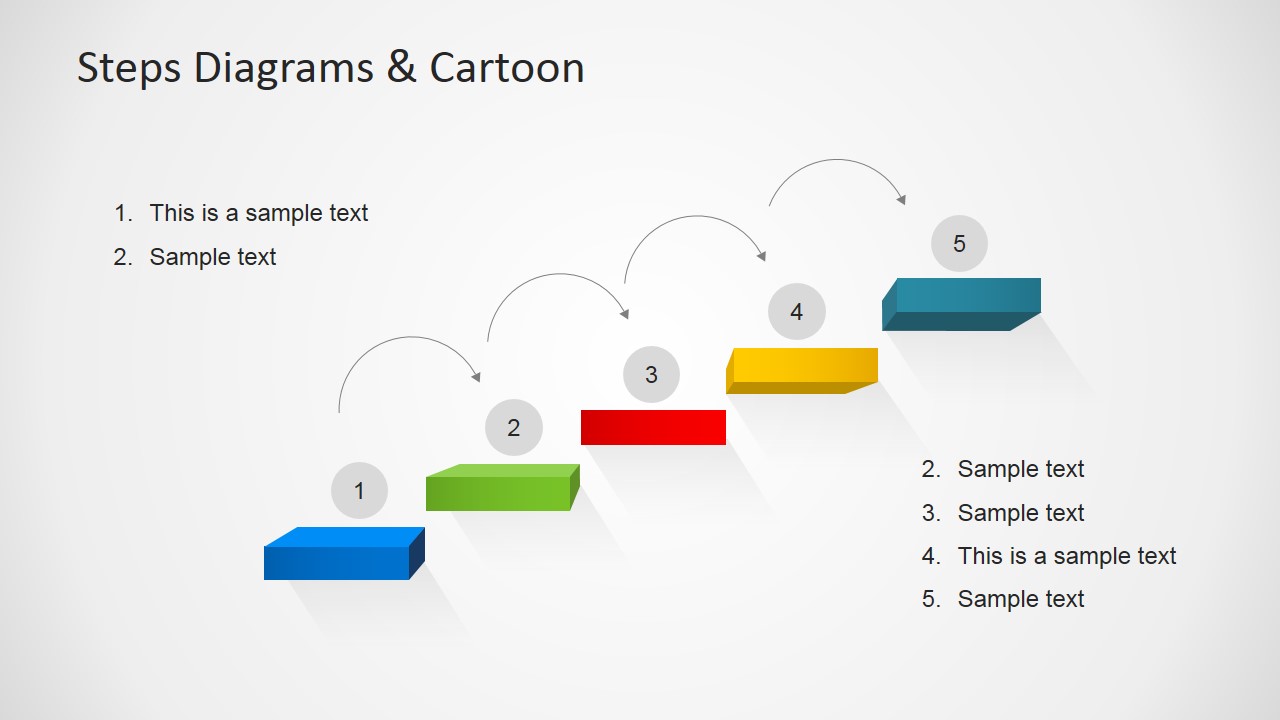
- A project manager can present five delivery milestones to stakeholders using the numbered arc progression to show how each stage moves the team closer to completion.
- A business trainer can explain a learning path to employees using the cartoon runner slides to connect each step with a behavior, skill, or checkpoint.
- A sales manager can outline a team performance plan using the five colored ladder steps and callout annotations to show targets, actions, and accountability.
- A consultant can introduce a change management path to executives using the final-step climber slide to emphasize the desired end state and the steps required to reach it.
Features
- 100% editable presentation template
- Compatible with Microsoft PowerPoint
- 16:9 aspect ratio slides
- Scalable vector shapes, icons and illustrations
- AI-Ready for Microsoft Copilot and Claude
- Instant access and download
Frequently asked questions
Q: How should I structure a message around the five-step ladder?
A: Start by naming the end goal, then label each colored step as one necessary move toward it. Use the callout slides for explanation and the numbered arc slide for a recap. Keep each step parallel in grammar so the audience hears a sequence, not a list of disconnected tasks.
Q: Who is this template best suited for?
A: It works best for managers, trainers, coaches, and project leads who need to make progress feel concrete. The cartoon runner and elevated steps are useful when the message is about momentum, readiness, or moving from a current state to a target state, rather than comparing metrics or financial detail.
Q: Why use a ladder metaphor instead of a standard process list?
A: A ladder metaphor makes effort and advancement visible at the same time. The 3D steps show distance between stages, while the running characters add human action and urgency. That combination helps audiences understand that progress requires movement, not just approval of a sequence on a flat checklist.

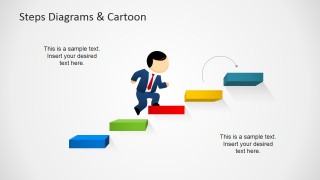
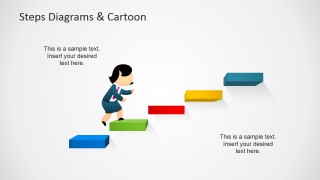
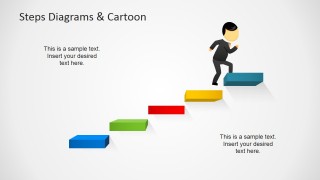
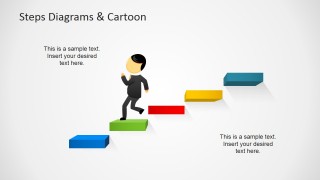
3D Steps Ladder Template for PowerPoint
6-slide PowerPoint presentation template with 3D ladder steps, cartoon runners, and five-step progress diagrams
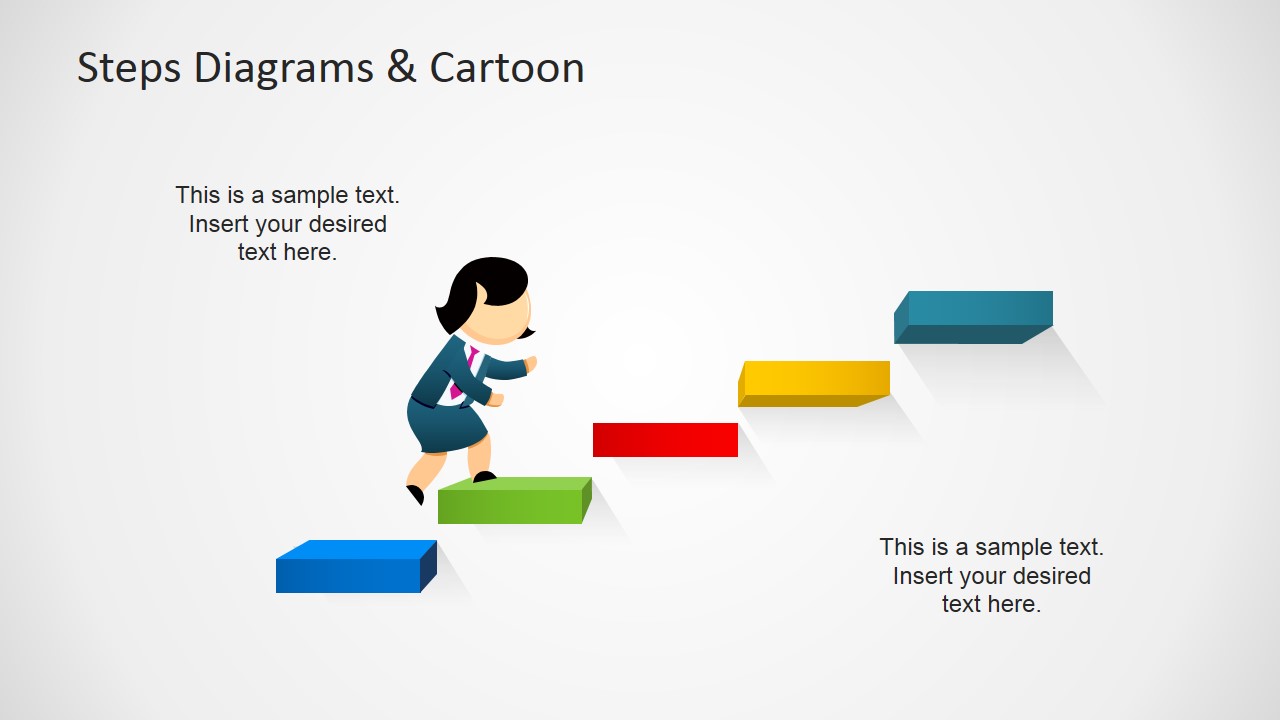
This 6-slide PowerPoint template provides 3D step ladder diagrams with cartoon business runners for explaining progress, goals, or staged plans. Visible layouts include a five-step ladder with callout annotations, single-character step scenes, a numbered arc progression, and a blue-background variant for managers, trainers, and project presenters in Microsoft PowerPoint.
- Category
- Shapes
- Rating


 Loading...
- Aspect ratio
- 16:9
- Item ID
- 6591-02
- Colors
 Microsoft PowerPoint
  Microsoft Copilot
  Claude for PowerPoint
 Other formats supported
Subscribe today and get immediate
access to download our PowerPoint templates.