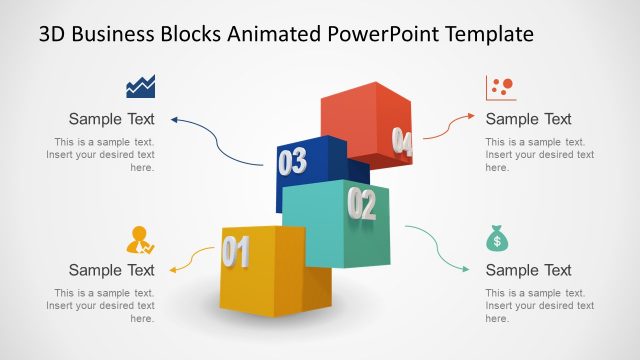
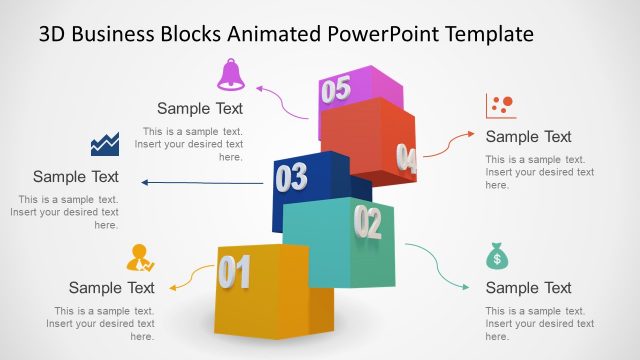
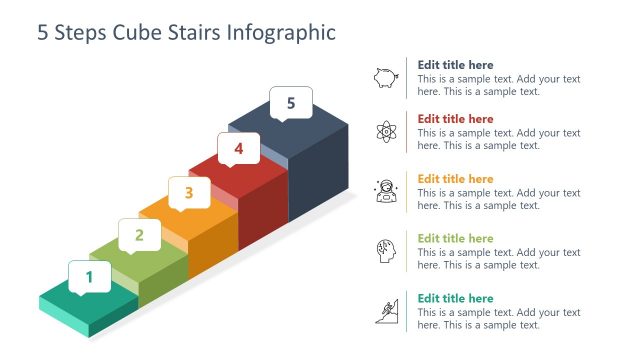
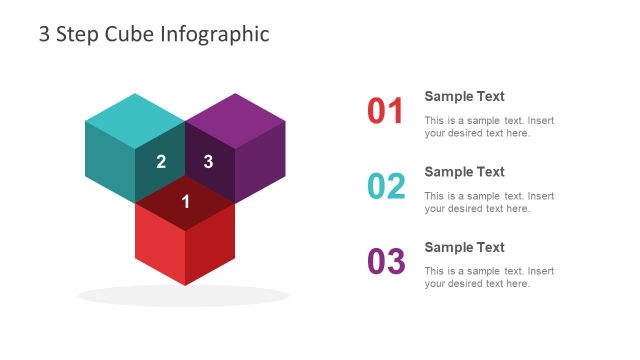
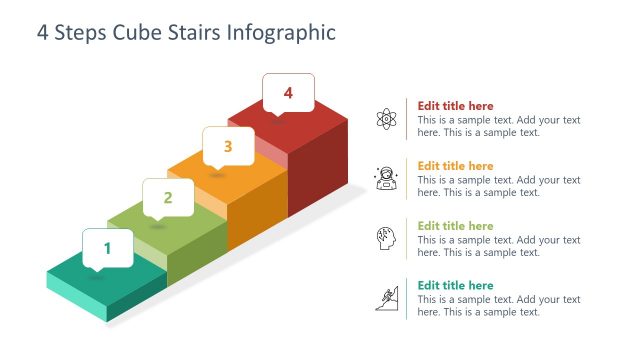
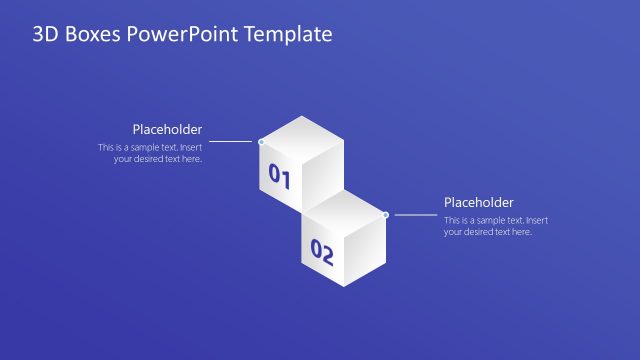
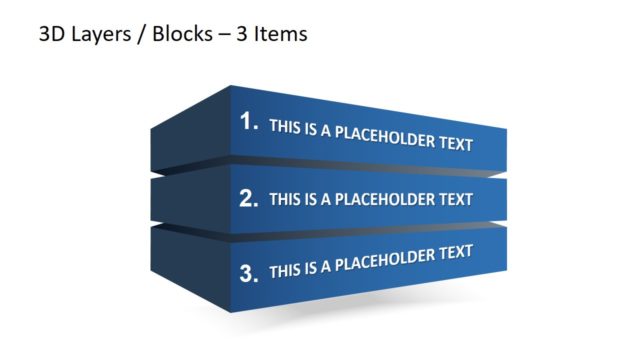
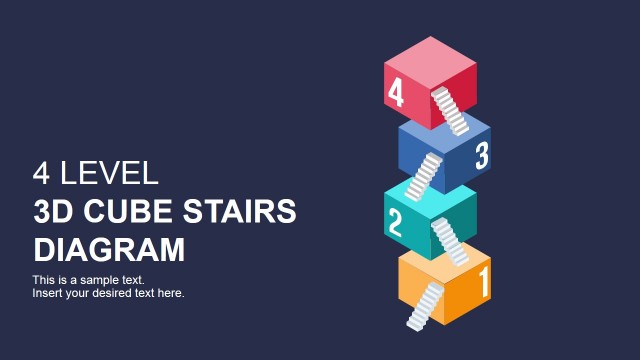
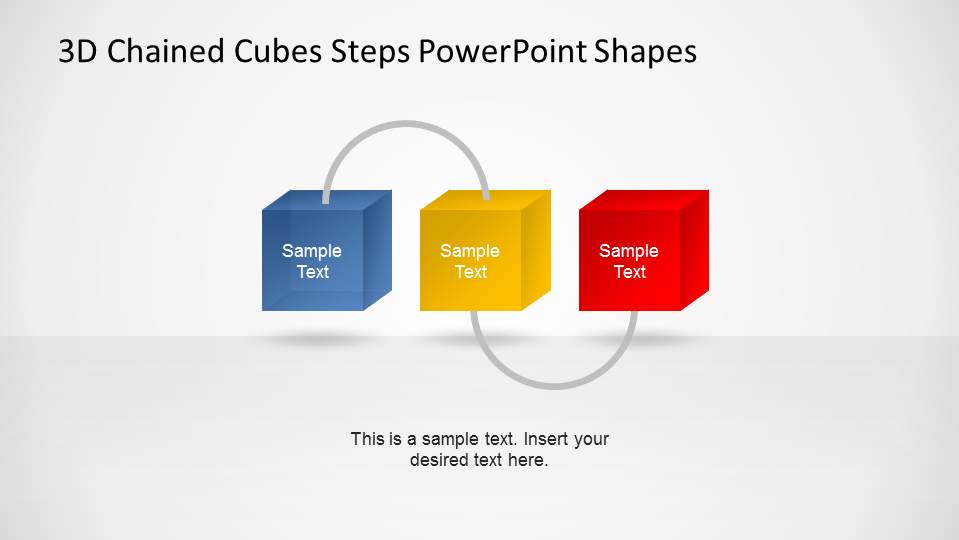
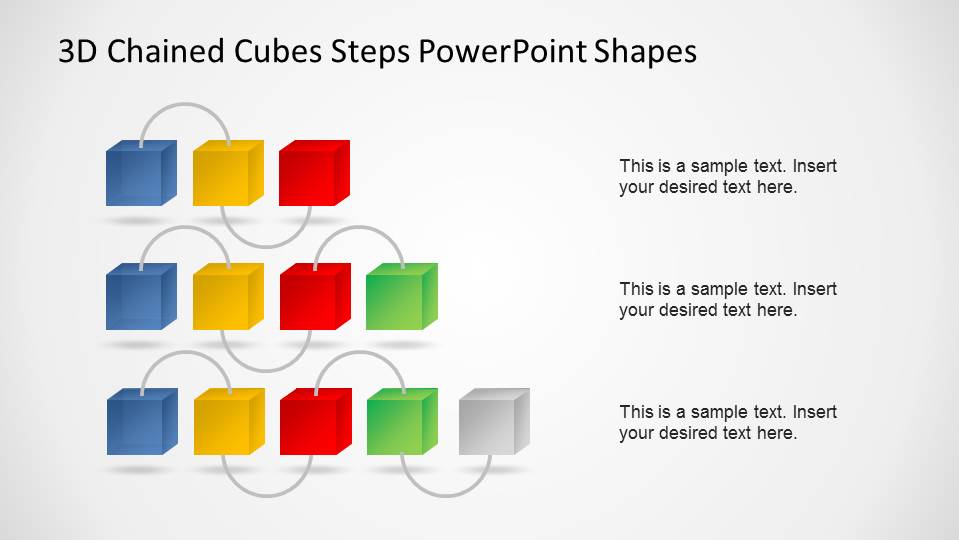
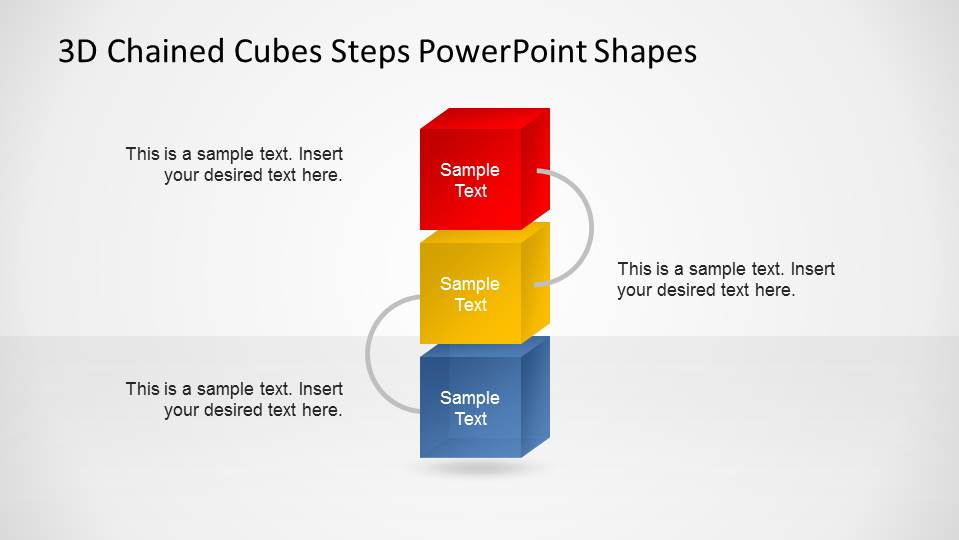
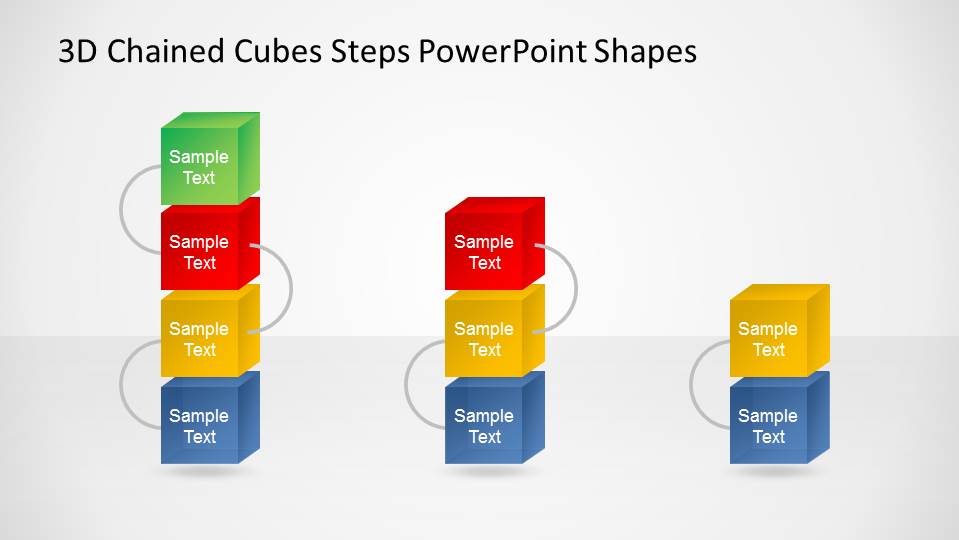
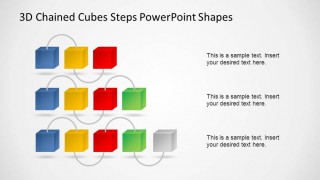
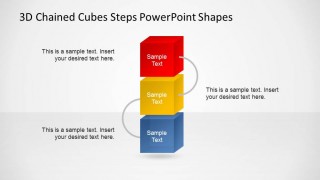
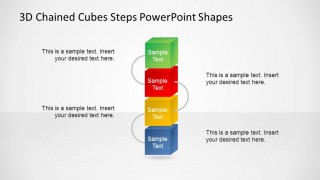
3D Chained Cubes Steps PowerPoint Shapes is professional presentation with steps represented by 3D PowerPoint Cubes. Each cube is connected to the following one, generating a chain effect. This templates is ideal for step by step processes, or to describe a list of facts. The presentation contains 3, 4 and 5 Steps chains, in vertical and horizontal representation.
In order to transition from step three to four and four to five, a slide with a transition animation effect is provided. The user can add or delete transitions in order to reach the desired effect.
We provide an extensive catalog of PowerPoint Shapes composing Steps Diagrams and Staged Diagrams. Combine this 3D Chained Cubes Steps PowerPoint Shapes template with your existing presentation, or create new one with our PowerPoint Templates offering, and impress your audience.
What’s inside this template
Example presentation scenarios
- A project manager can use the horizontal 5-step chain to explain a delivery workflow, showing each stage as a connected cube with a short label.
- A consultant can use the 3-step and 4-step horizontal chain slides to compare simplified and expanded versions of a client process.
- A training presenter can use the vertical stacked cube layouts to teach a procedure where learners need to understand step order and handoffs.
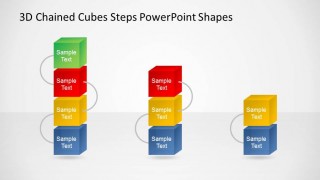
- An operations leader can use the grouped comparison slide to show alternative process structures, such as short, medium, and longer operating models.
Features
- 100% editable presentation template
- Compatible with Microsoft PowerPoint and Google Slides
- 16:9 aspect ratio slides
- Scalable vector shapes, icons and illustrations
- Ready with Animations & Transitions in PowerPoint
- AI-Ready for Microsoft Copilot and Claude
- Instant access and download
Frequently asked questions
Q: How should a presenter explain a process with the chained cube diagrams?
A: Start with the chain length that matches the message rather than filling every cube. Use each cube for one action, decision, or milestone, then use the curved connector as the verbal handoff between stages. Keep cube labels short and place supporting detail in the text area so the audience sees the sequence before reading explanations.
Q: Who is this template best suited for?
A: This template is best for presenters who need to show order, dependency, or progression without a time scale. Project managers, consultants, trainers, and operations teams can use the 3-step, 4-step, and 5-step chains to explain process maturity, implementation phases, service steps, or work packages in a simple visual structure.
Q: Why use chained cubes instead of a standard bullet list?
A: The cube metaphor gives each step visual weight, while the looped connectors show that the steps are linked rather than isolated. This helps the audience understand sequence and dependency quickly. The horizontal versions read like a process path, while the vertical stacks work well when discussing layered stages or increasing complexity.



3D Chained Cubes Steps PowerPoint Shapes
8-slide presentation template with 3D chained cube process steps in horizontal and vertical layouts
3D Chained Cubes Steps PowerPoint Shapes is an 8-slide diagram template for process and staged lists. Visible layouts include 3-step horizontal chains, 4-step horizontal chains, 5-step horizontal chains, vertical stacked cube steps, and combined step variants. It is designed for business presenters using Microsoft PowerPoint or Google Slides.
- Category
- Diagrams
- Rating


 Loading...
- Aspect ratio
- 16:9, 4:3
- Item ID
- 6544-01
- Colors
 Microsoft PowerPoint
  Microsoft Copilot
  Claude for PowerPoint
 Other formats supported
Subscribe today and get immediate
access to download our PowerPoint templates.