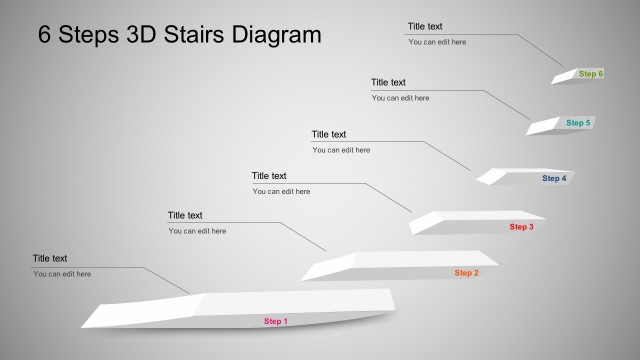
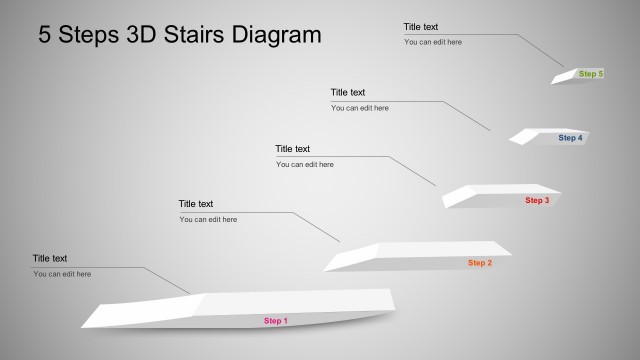
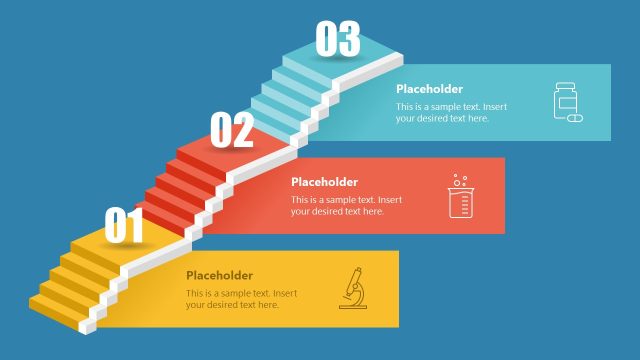
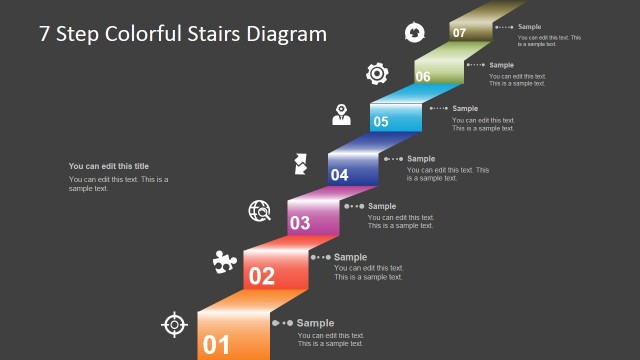
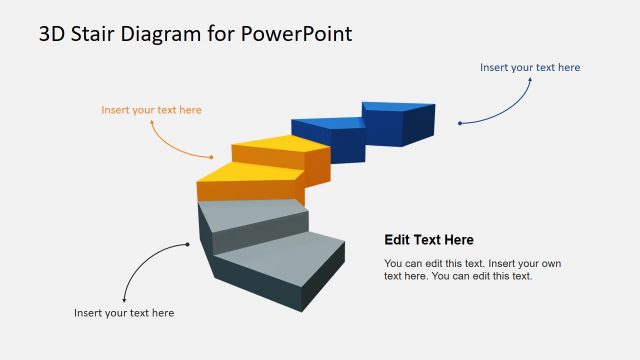
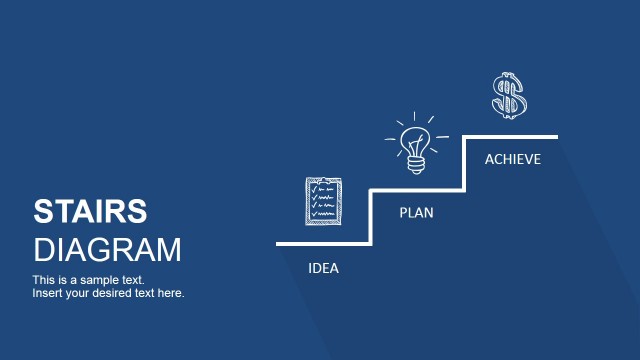
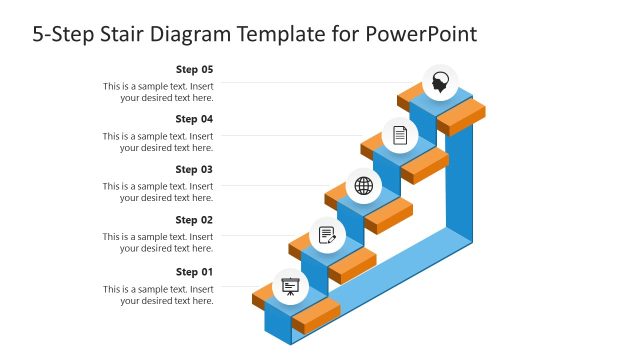
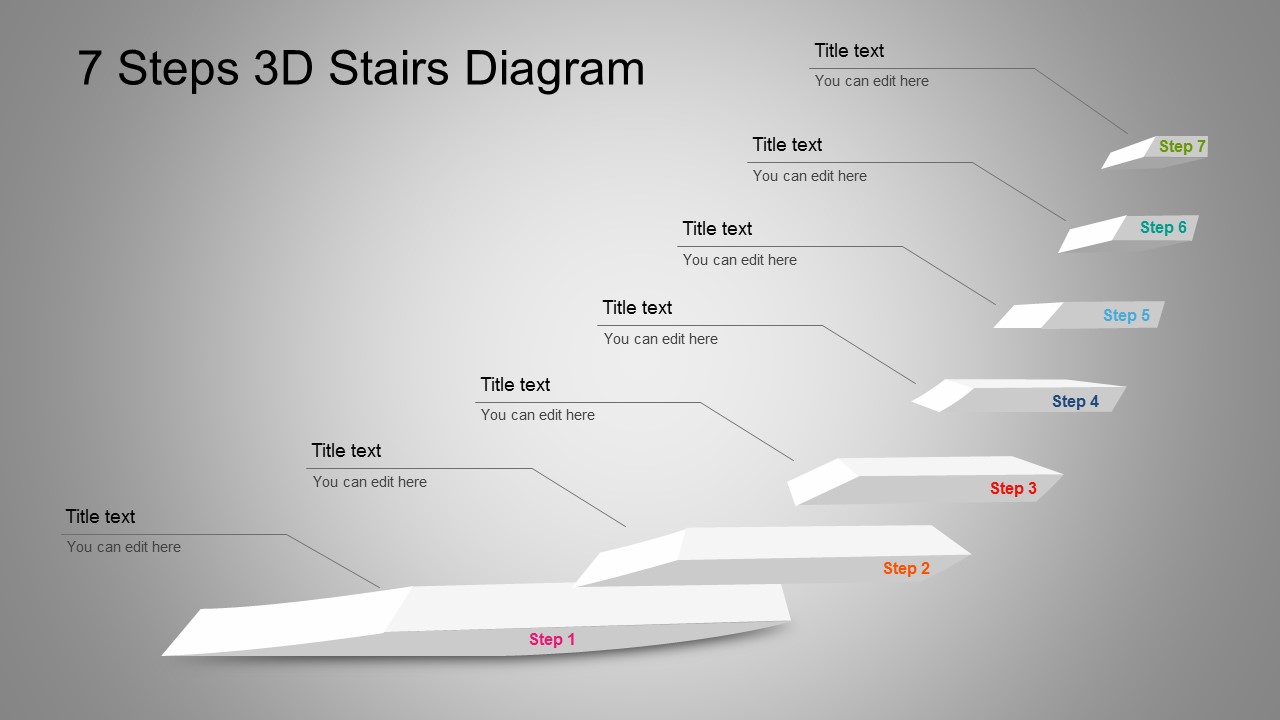
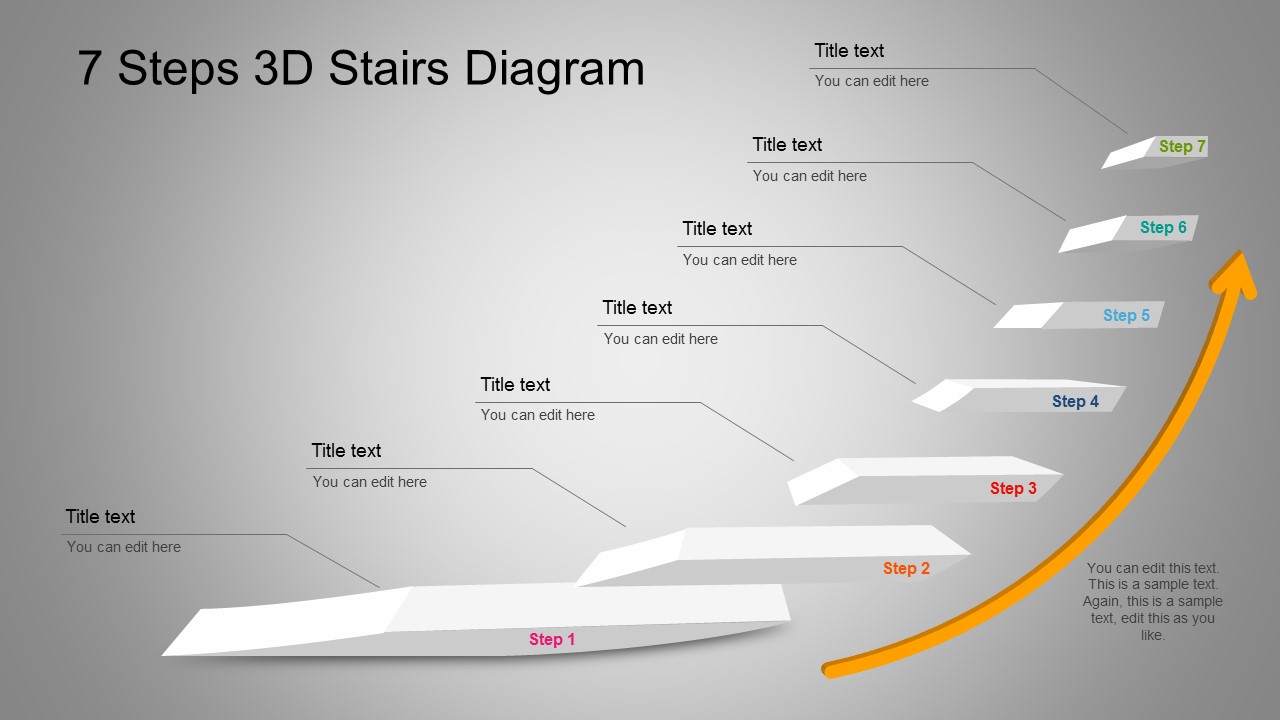
7 Step 3D Stairs Diagram for PowerPoint is highly calibrated business presentation tool. The PowerPoint template highlights the sequence or incremental steps in a task, process, or workflow. This PowerPoint template was created with an arrow pointing up the 3D stairs to illustrate goals and success. This PowerPoint template is also great for presentation concepts related to career steps and development, business growth, management structure, process flow, progress and hierarchical ideas.
Once you have the basic 3D Stairs diagram downloaded, you can come up with your own PowerPoint variations. This 7 Step 3D Stairs Diagram for PowerPoint is user-friendly and is ready for modifications. You can easily change the color, move the 3D stairs vectors and add relevant text to the diagram to complete the slides.
7 Step 3D Stairs Diagram for PowerPoint Features
- Compelling slides with 3D PowerPoint graphics
- Save hours with this fully editable shapes and diagrams PowerPoint Template
- Easily highlight 7-steps process flow for effective presentation delivery
Don’t miss out this 7 Step 3D Stairs Diagram if you’re looking for professional PowerPoint template that is easy to use. Furthermore, we have thousands of similar templates to give you a wide variety of options for your presentations.
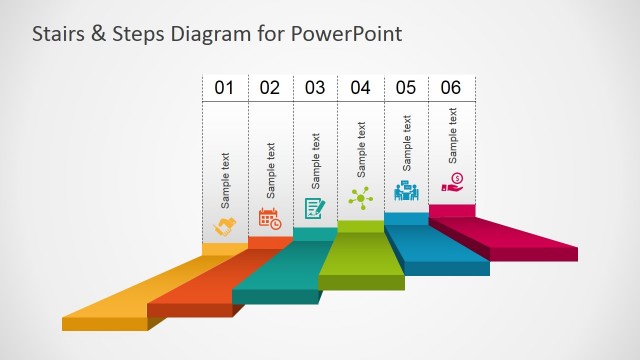
You might also want to see our Stairs & Steps Diagram for PowerPoint and more templates!
What’s inside this template
Example presentation scenarios
- A project manager can present a seven-phase implementation plan by assigning each milestone to one stair and using the callout labels for owners, deadlines, or deliverables.
- A human resources presenter can explain a career development path with the ascending stairs representing promotion levels, skill stages, or training checkpoints.
- A consultant can show business growth recommendations by using the upward arrow variation to connect the seven steps to a final goal or future-state outcome.
- A trainer can introduce a structured learning module by mapping each lesson or competency to a step so participants understand sequence and progression.
Features
- 100% editable presentation template
- Compatible with Microsoft PowerPoint and Google Slides
- 16:9 aspect ratio slides
- Scalable vector shapes, icons and illustrations
- AI-Ready for Microsoft Copilot and Claude
- Instant access and download
Frequently asked questions
Q: How should a presenter explain a seven-step process with this stairs diagram?
A: Start at Step 1 and move visually up the staircase, treating each stair as one decision, task, or milestone. Keep each callout short so the audience follows the rising path without reading dense paragraphs. Use the arrow slide when the final message is progress toward a goal, not just a list of activities.
Q: When is this template a better choice than a timeline or checklist?
A: This stair-step layout works best when the message is about advancement, levels, capability building, or moving closer to a goal. A project lead, trainer, or HR presenter can use it when sequence matters, but exact dates are secondary. The 3D stairs make progression feel cumulative rather than flat.
Q: Why does the 3D stairs metaphor help communicate process progress?
A: Stairs create an immediate metaphor for effort, ascent, and achievement. The diagonal climb guides the eye from the lower-left start to the upper-right finish, while the callout lines keep explanations connected to each stage. The arrow variation adds a stronger growth signal for strategy, improvement, or success messages.
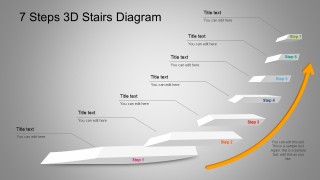
7 Step 3D Stairs Diagram for PowerPoint
2-slide presentation template with 7-step 3D stairs diagram and upward growth arrow
7 Step 3D Stairs Diagram for PowerPoint is a two-slide diagram template for showing a seven-part progression with a 3D stair process, linked callout labels, and an upward growth arrow. Business presenters can explain milestones, stages, levels, or career steps in Microsoft PowerPoint and Google Slides using editable vector shapes.
- Category
- Diagrams
- Rating


 Loading...
- Aspect ratio
- 16:9, 4:3
- Item ID
- 2054-01
- Colors
 Microsoft PowerPoint
  Microsoft Copilot
  Claude for PowerPoint
 Other formats supported
Subscribe today and get immediate
access to download our PowerPoint templates.