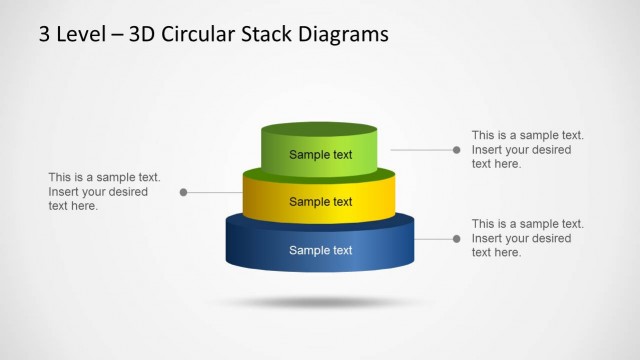
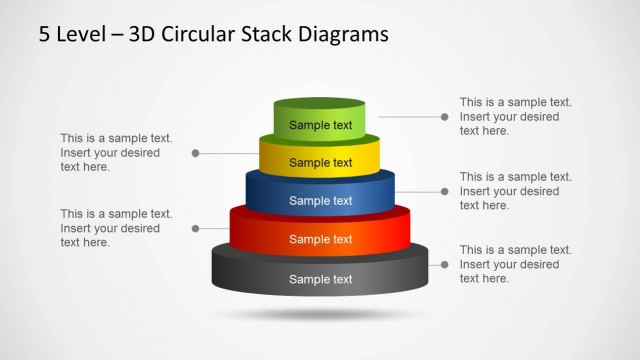
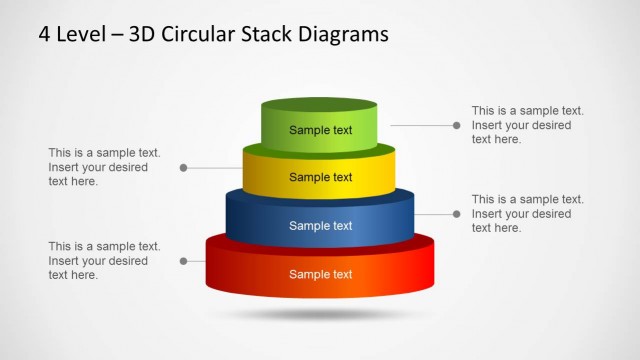
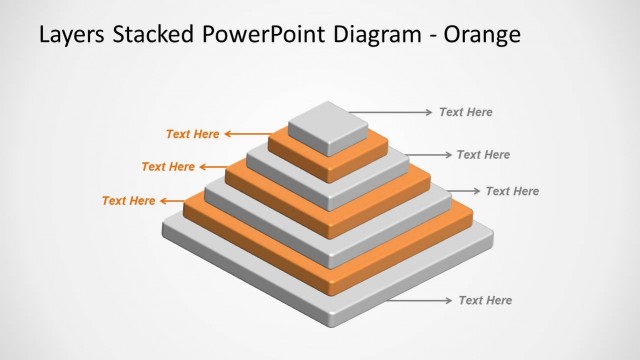
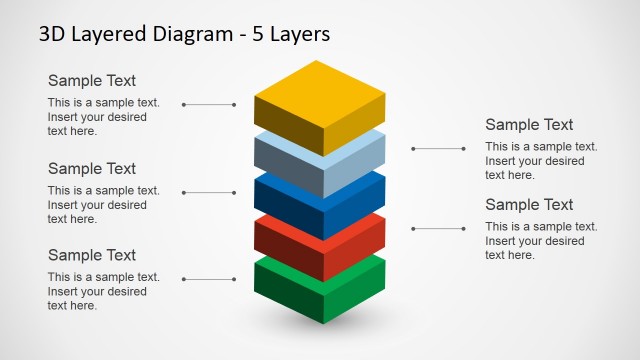
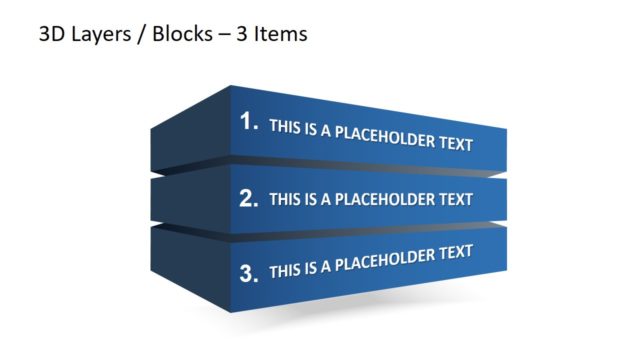
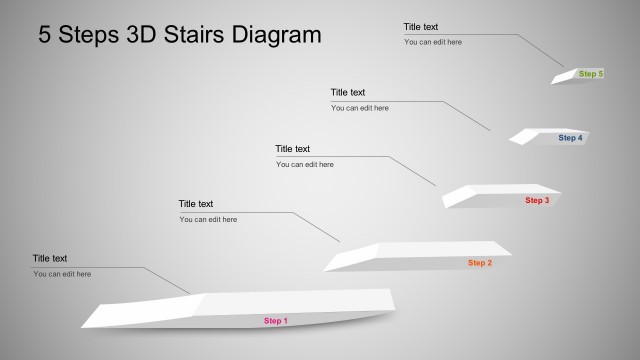
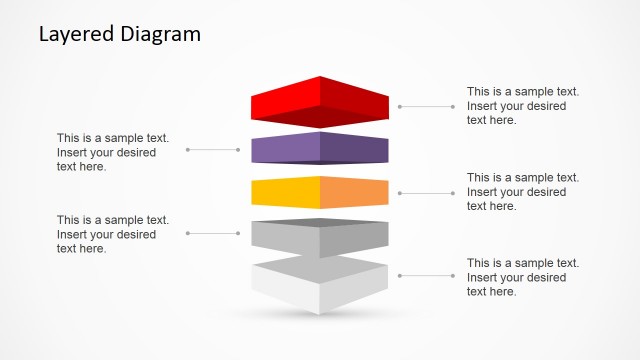
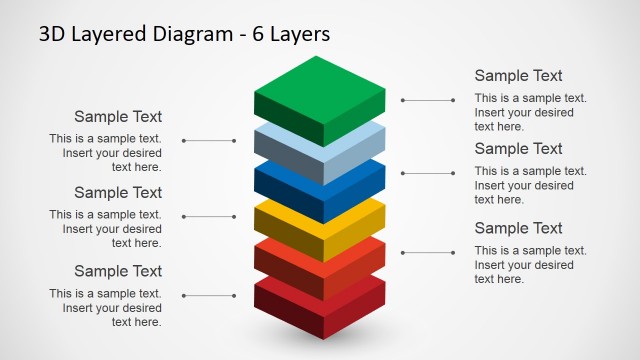
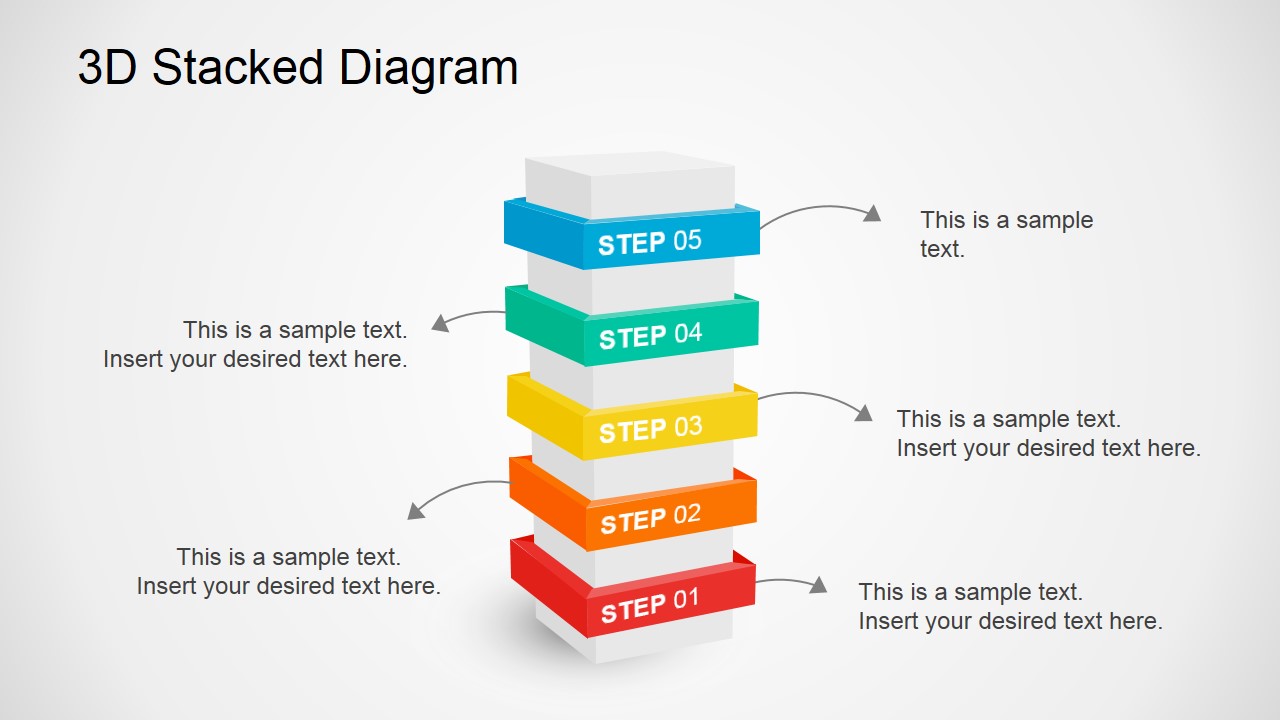
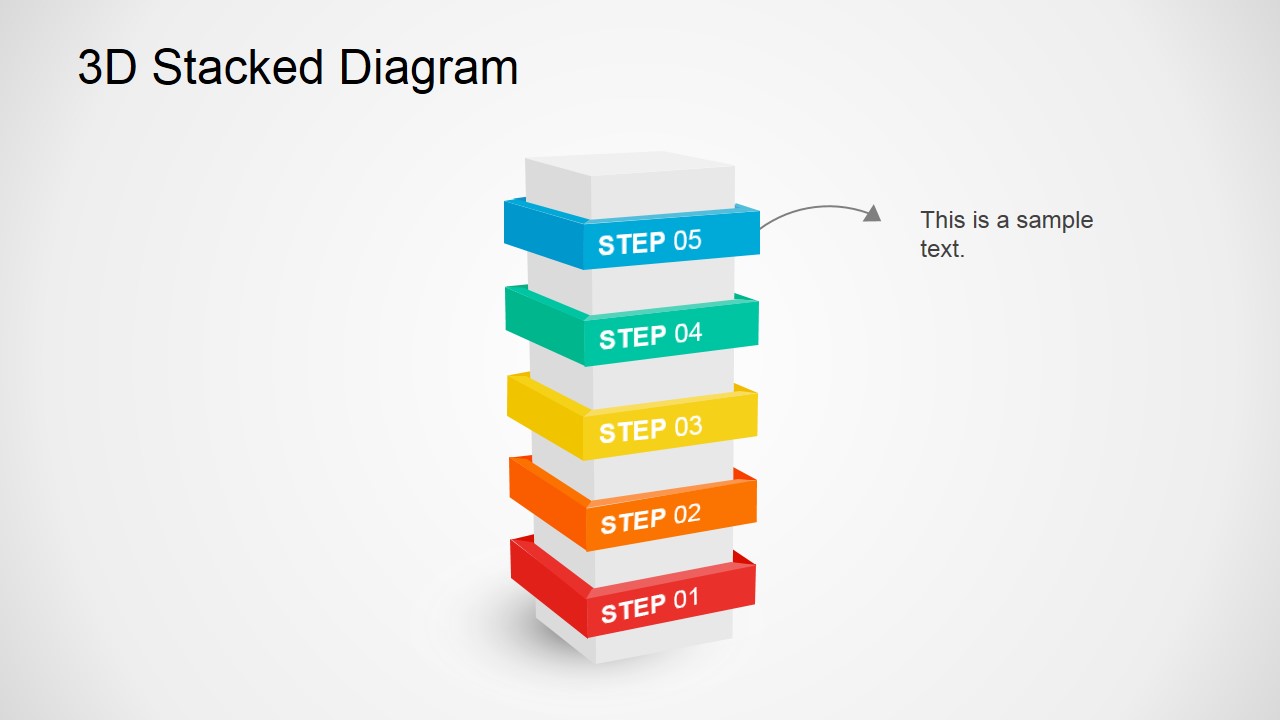
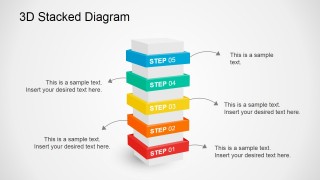
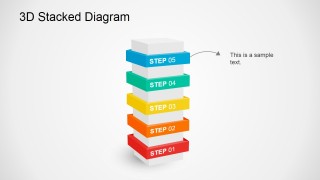
3D Stacked Diagram for PowerPoint with 5 levels. This stacked diagram can be used to make presentations in PowerPoint and describe a multi-step or multi-level process. This is often used to show a progression or sequential steps in a task, vertical process, workflow, or to emphasize movement and direction.
This type of visualization depicts items stacked one on top (column) of the other instead of side-by-side (bar), differentiated by a colored box typed shapes. This kind of stacking is a multilayered graph and these graphs do support 3D PowerPoint Effect. This allows you to show 5 Levels or Stages of a Process Model. But the number of the stacks can be easily adapted as the shapes are independent and could be removed or added.
This 3D Stacked Diagram for PowerPoint was designed with a linear vertical orientation with 5 levels. PowerPoint stacked values are 100% editable, colors can be easily changed if needed with text placeholders in every slide.
Quick Highlights in Using Stacked Diagrams:
- Helpful for conveying multiple levels of processes.
- Easily understood and gives the entire process information at a glance.
- It highlights added information than the standard graph with awesome visualization.
Appreciating the benefits of stack diagrams in PowerPoint, we designed related Stacked Column in 3D Diagrams and Useful Data and Charts that you can integrate with this 3D presentation slide template. Download these ready-made slides and editable templates for PowerPoint and save hours of work.
What’s inside this template
Example presentation scenarios
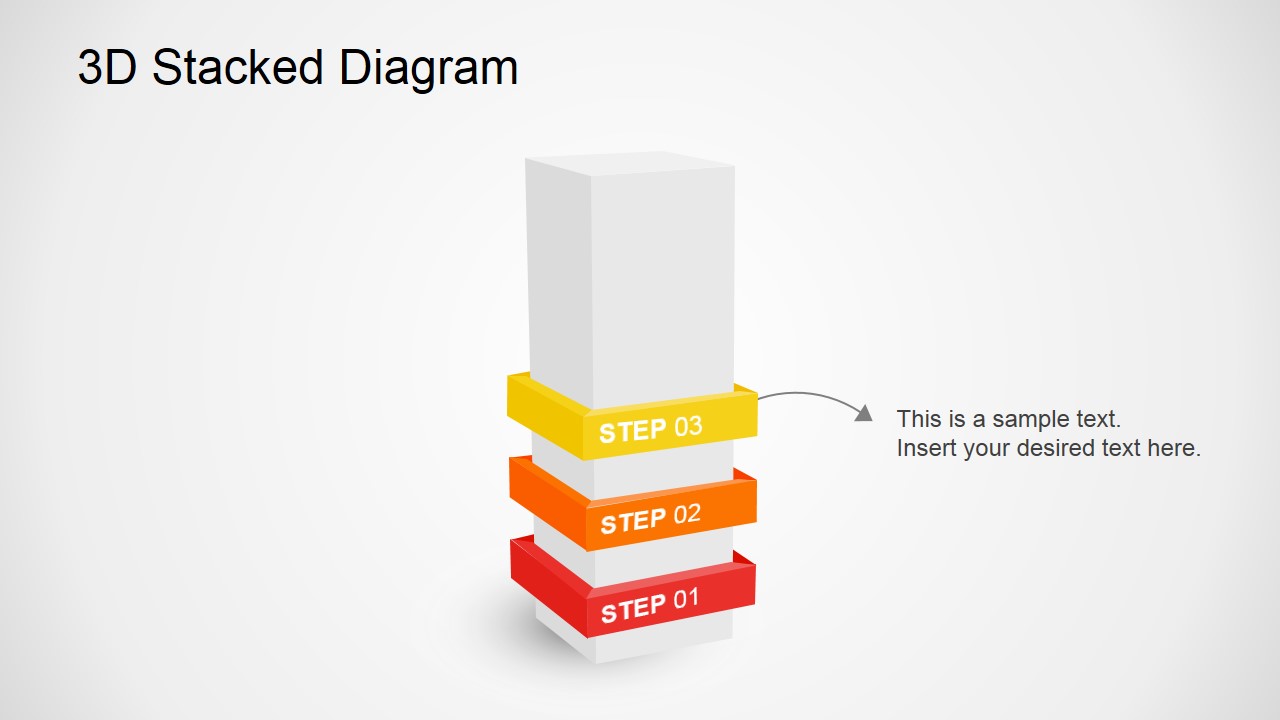
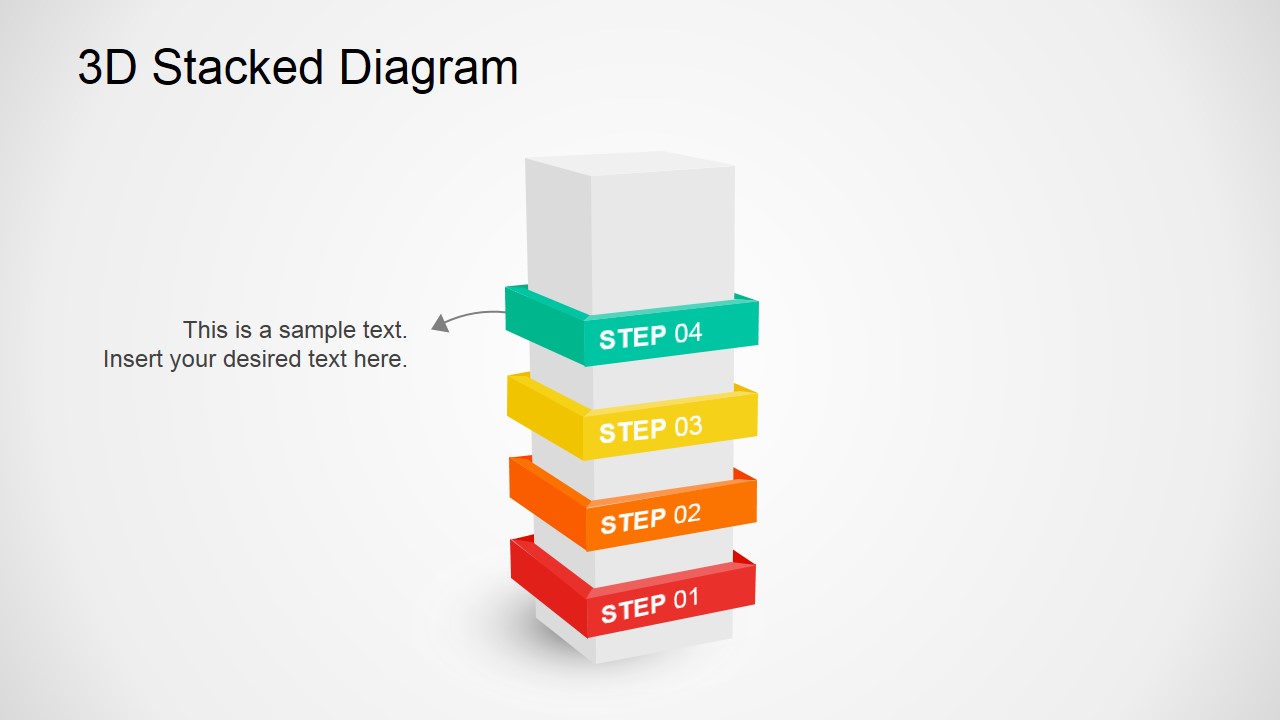
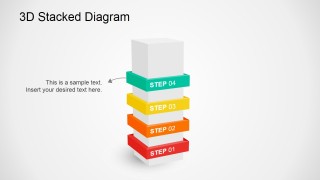
- A project manager can use the five-level stack to present an implementation roadmap, explaining each phase from Step 01 to Step 05 with the step-focus slides.
- A consultant can use the full stack and callout arrows to explain a maturity model, showing how each level builds on the one below it.
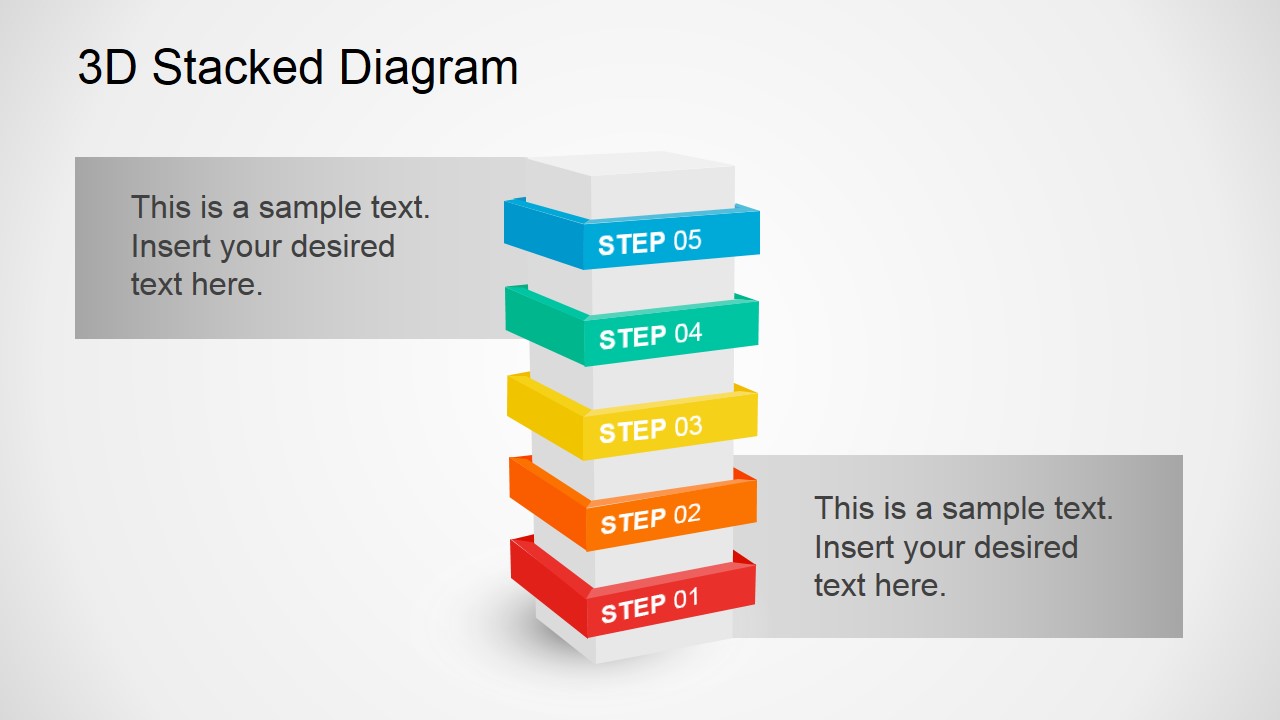
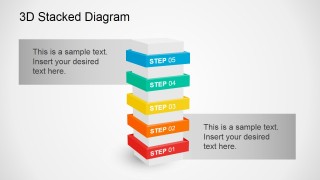
- A trainer can use the shaded text-panel slide to introduce a course framework, placing module descriptions beside the central stacked process.
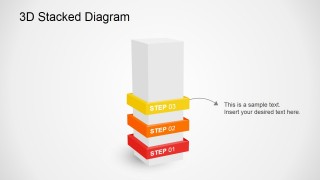
- An operations leader can use the three-step and four-step layouts to focus discussion on the current stage of a workflow while keeping the remaining structure visible.
Features
- 100% editable presentation template
- Compatible with Microsoft PowerPoint and Google Slides
- 16:9 aspect ratio slides
- Scalable vector shapes, icons and illustrations
- AI-Ready for Microsoft Copilot and Claude
- Instant access and download
Frequently asked questions
Q: How should I present a five-step process with this template without making it feel like a list?
A: Start with the full stack to give the audience the whole model, then move through the step-focus slides to explain one level at a time. Treat each colored layer as a decision point, phase, or requirement. Keep the callout text short so the 3D structure remains the main explanation device.
Q: Who gets the most value from this stacked diagram format?
A: This template fits presenters who need to explain layered thinking rather than raw data. Project managers, consultants, trainers, and operations teams can use it to show progress from a foundation step to a final level, especially when the audience needs to remember the order and dependency between stages.
Q: Why use a stacked 3D metaphor instead of a flat process list?
A: The vertical stack makes dependency visible: each layer appears to support the next one. That metaphor helps audiences understand foundation, sequence, and buildup at a glance. The isolated step slides also let the presenter zoom into one layer without losing the larger five-step mental model.
3D Stacked Diagram for PowerPoint
7-slide presentation template with 3D stacked process diagrams for five-step workflows and levels
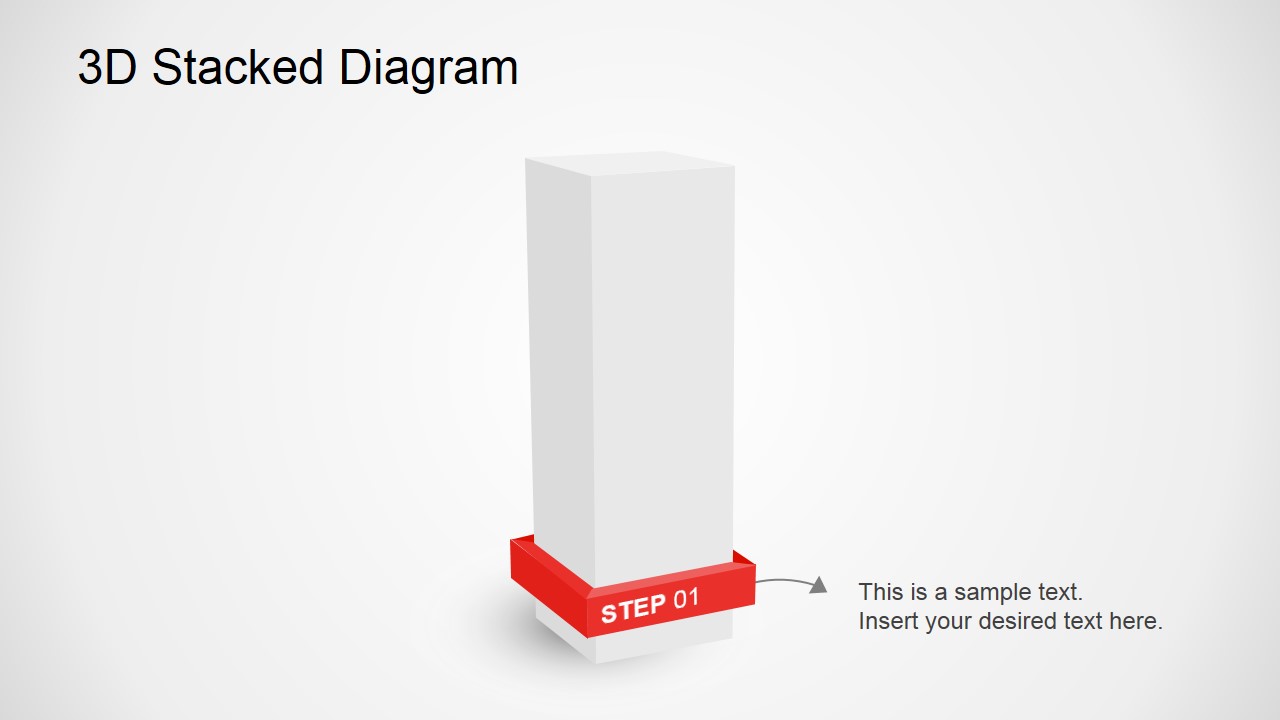
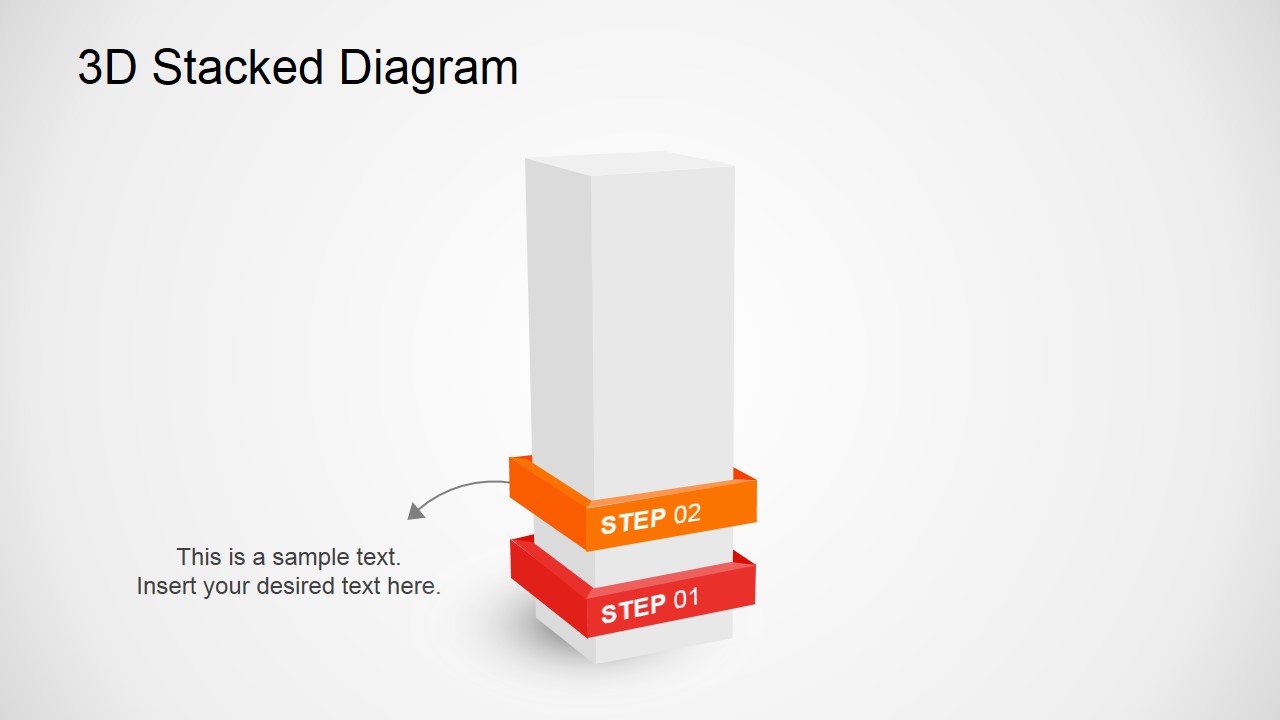
3D Stacked Diagram for PowerPoint is a 7-slide diagram template for explaining five-level processes, layered workflows, or staged progressions. The deck includes a complete 3D stack, single-step focus slides, callout annotation layouts, and shaded text-box variations for business, operations, training, and project presentations in Microsoft PowerPoint and Google Slides.
- Category
- Diagrams
- Rating


 Loading...
- Aspect ratio
- 16:9, 4:3
- Item ID
- 2075-01
- Colors
 Microsoft PowerPoint
  Microsoft Copilot
  Claude for PowerPoint
 Other formats supported
Subscribe today and get immediate
access to download our PowerPoint templates.