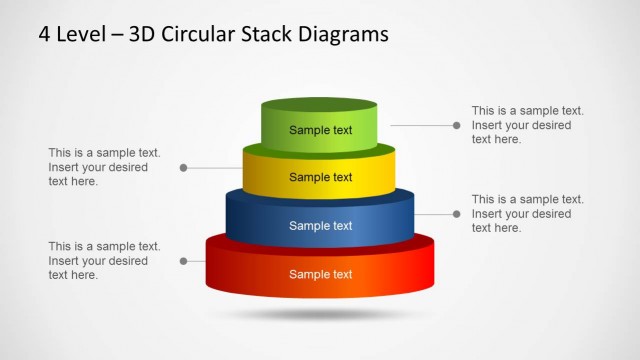
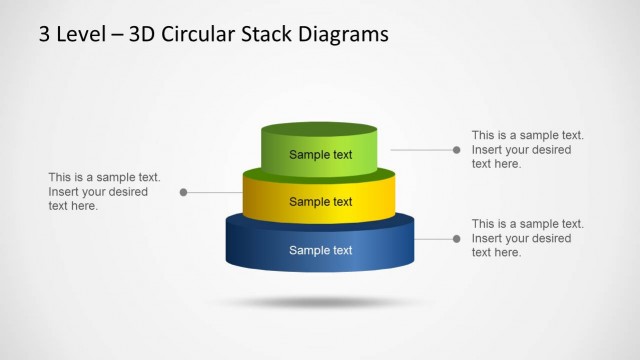
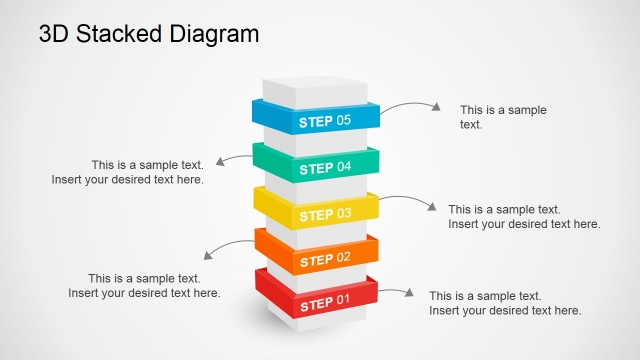
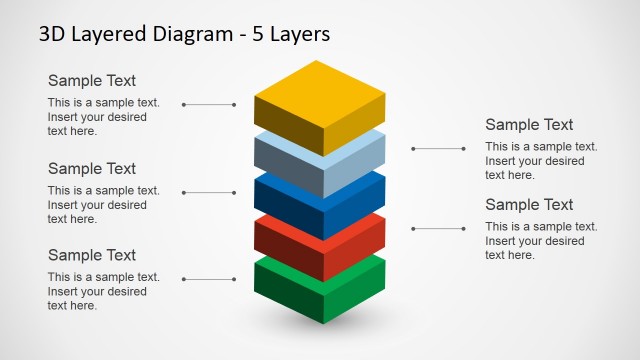
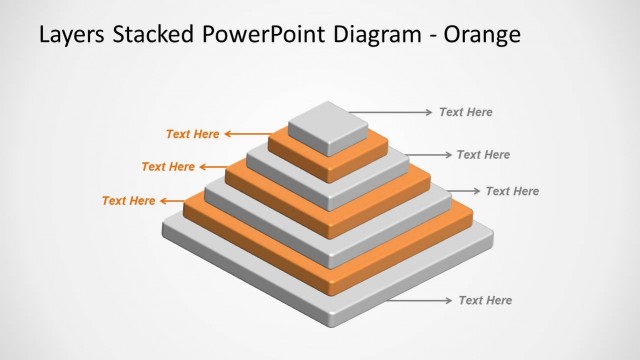
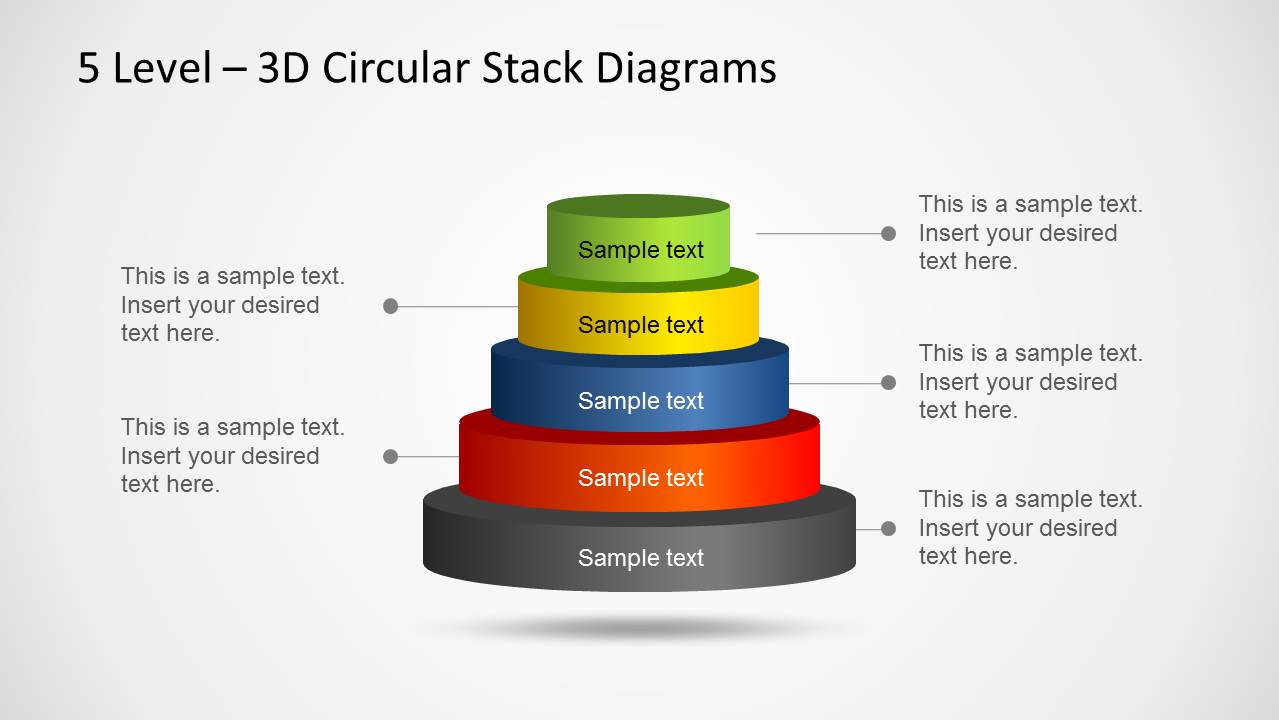
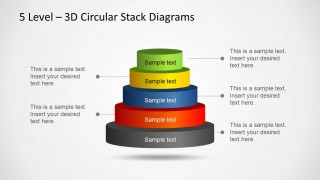
3D Circular Stack Diagram for PowerPoint with 5 Levels is a nice stacked diagram design with five levels that you can use to represent a business idea or concept.
This is among our series of Stack Diagram Templates for PowerPoint, which come in different varieties, such as three, four and five level diagram templates.
This template can be used for a variety of presentation topics and can help you construct custom diagrams with your own or standard business concepts.
What’s inside this template
Example presentation scenarios
- A consultant can use the annotated 5-level stack to explain how a business capability is built from foundation elements to advanced outcomes.
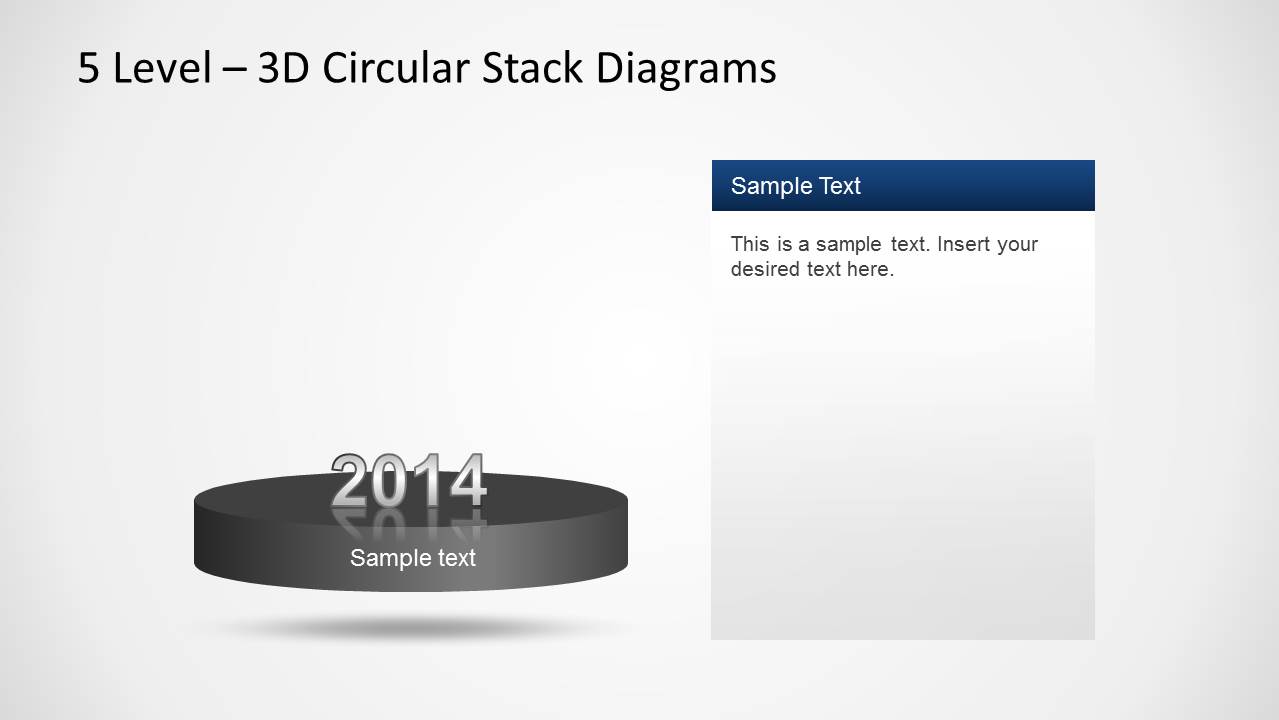
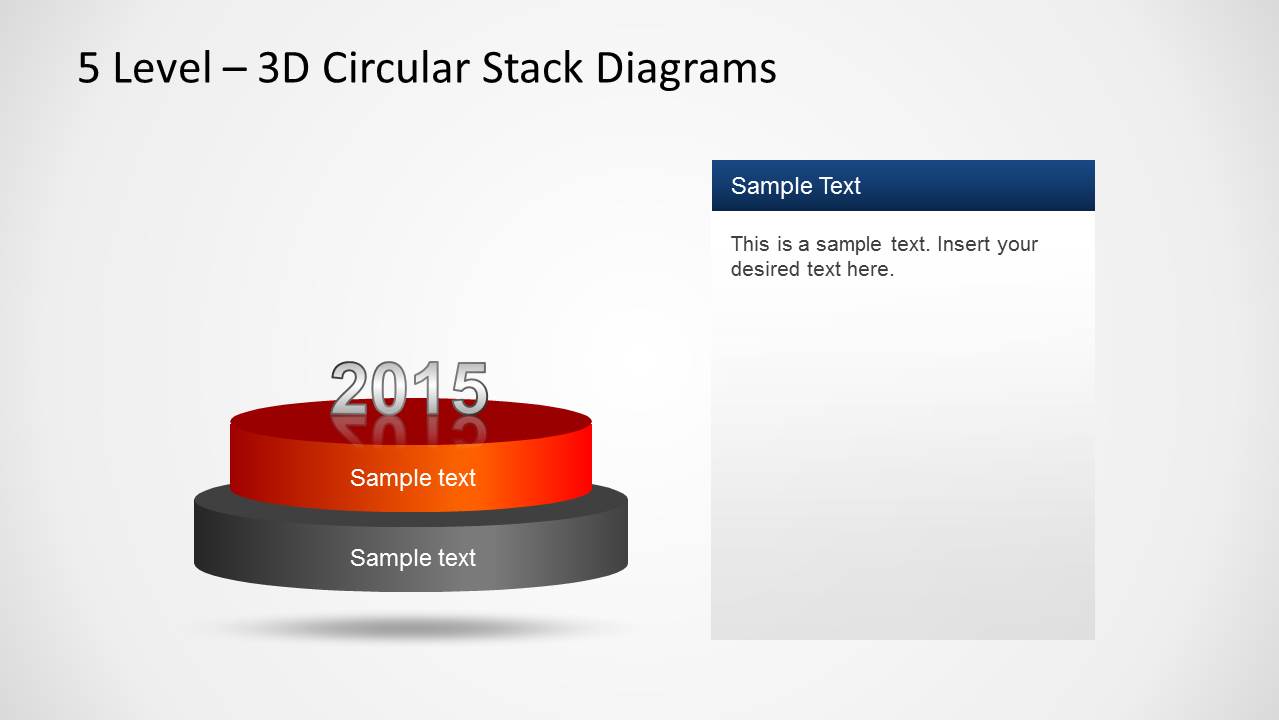
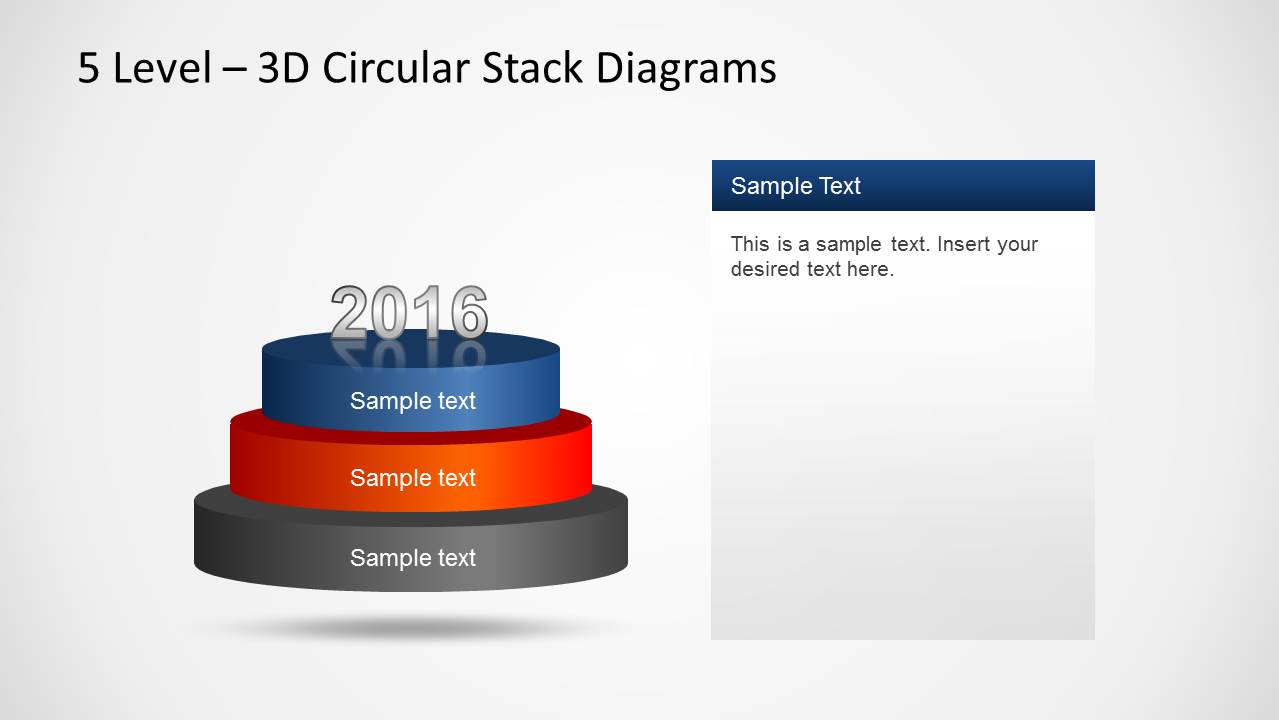
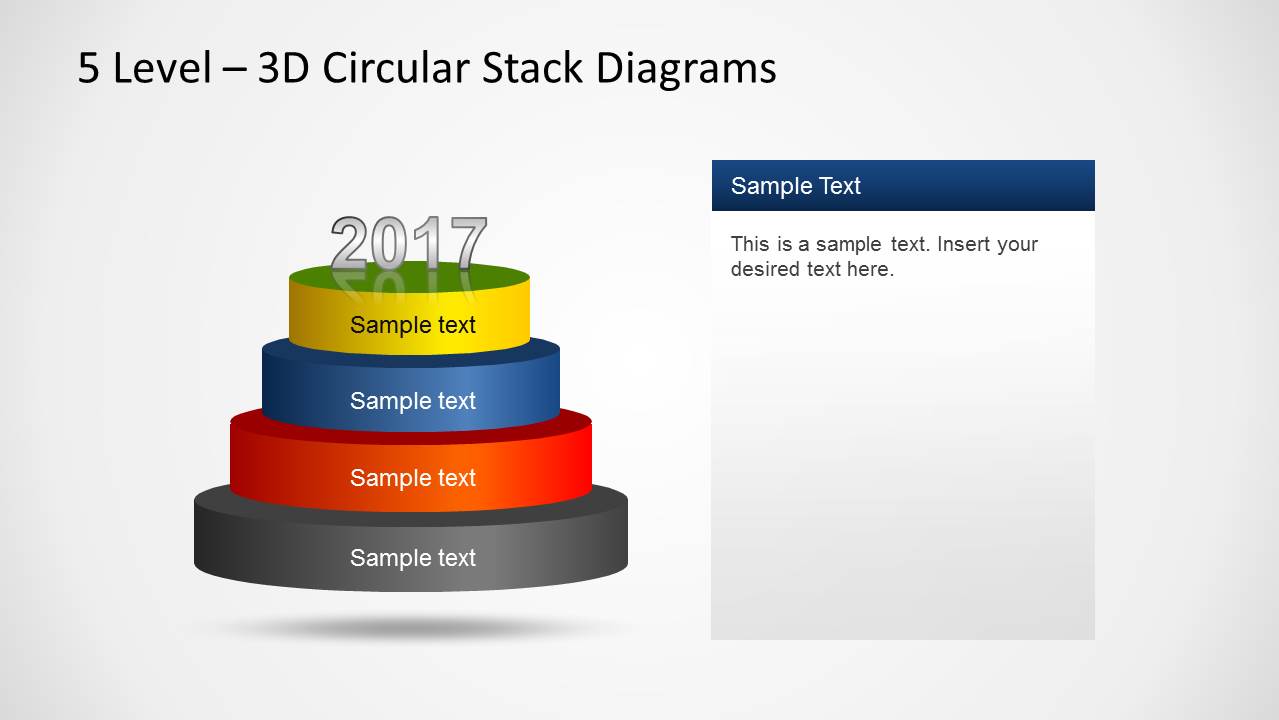
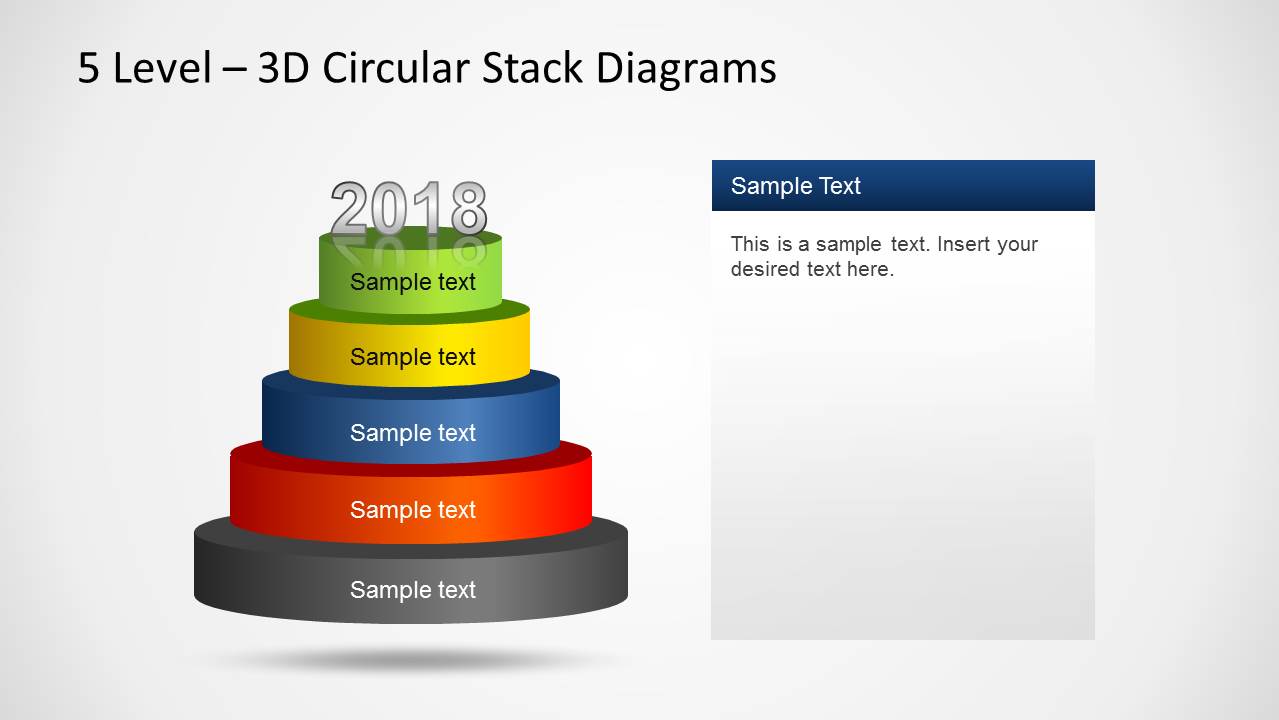
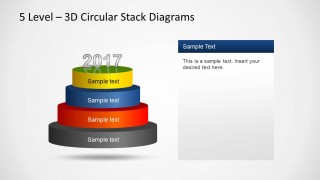
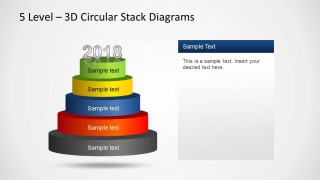
- A project manager can use the 2014 to 2018 buildup slides to present phased implementation milestones one layer at a time.
- A trainer can use the right-side text panel slides to define each level of a maturity model while keeping the stack diagram visible.
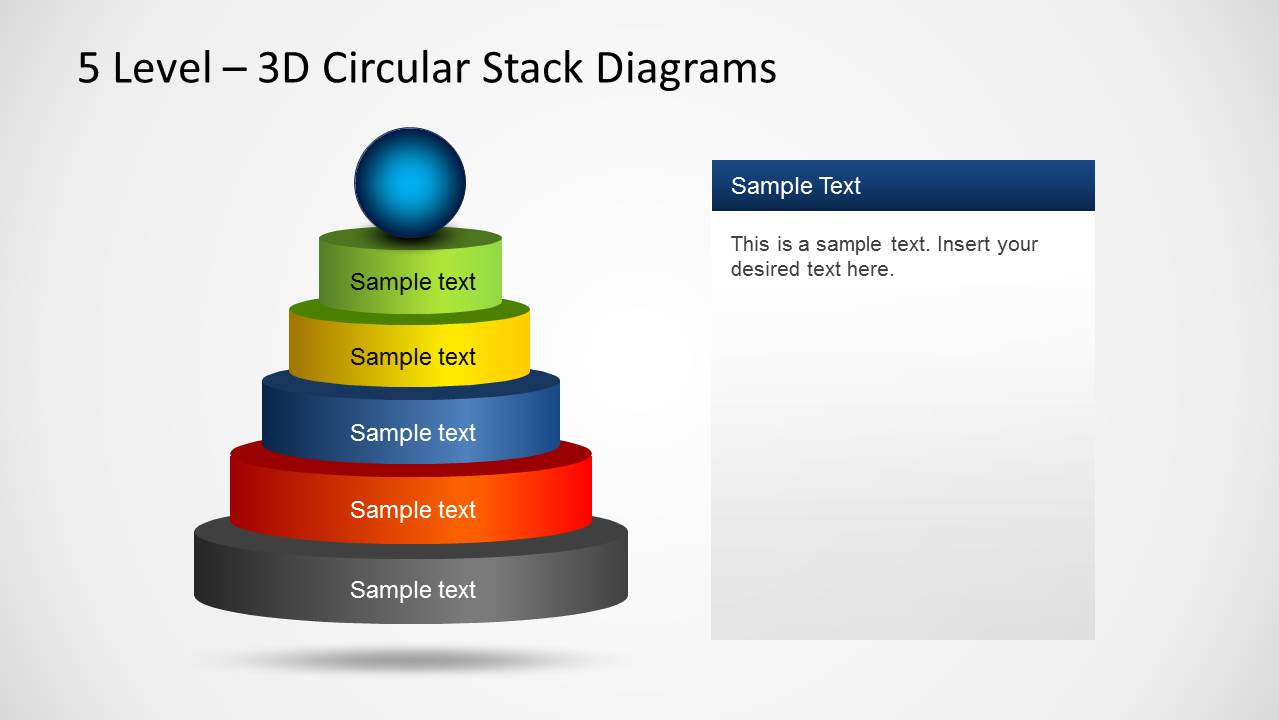
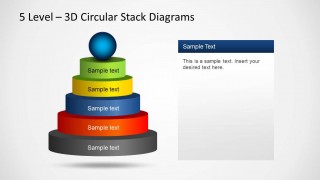
- A strategy lead can use the sphere-topped final stack to present the target state or top priority after explaining the lower layers.
Features
- 100% editable presentation template
- Compatible with Microsoft PowerPoint and Google Slides
- Scalable vector shapes, icons and illustrations
- AI-Ready for Microsoft Copilot and Claude
- Instant access and download
Frequently asked questions
Q: How should a presenter explain the five-level stack without making it feel like a decorative pyramid?
A: Start with the lowest layer as the foundation, then define what each added tier contributes to the level above it. Use the buildup slides before showing the complete five-level stack so the audience understands the logic of the hierarchy. Reserve the full annotated slide for summarizing relationships across all levels.
Q: Who is this template best suited for in a business presentation?
A: This template fits consultants, managers, and trainers who need to explain a layered concept such as a maturity model, capability stack, priority framework, or staged program. The year-labeled slides work well when the idea develops over time, while the full stack slide works well for a current-state or target-state overview.
Q: Why does the circular stack metaphor help communicate the message?
A: The circular stack makes hierarchy and dependency visible: each tier appears to support the layers above it. The 3D form draws attention to level order, while the repeated right-side text panel gives room for explanation without crowding the diagram. This combination helps audiences connect structure with meaning.
3D Circular Stack Diagram for PowerPoint with 5 Levels
7-slide PowerPoint diagram template with 5-level circular stack and staged layer buildup layouts
3D Circular Stack Diagram for PowerPoint with 5 Levels is a 7-slide diagram template for explaining layered ideas, maturity stages, or stacked priorities. It includes an annotated 5-level stack, year-labeled buildup slides from one to five layers, and a final stack with a sphere marker, using editable PowerPoint shapes.


 Loading...
 Microsoft PowerPoint
  Microsoft Copilot
  Claude for PowerPoint
 Other formats supported
Subscribe today and get immediate
access to download our PowerPoint templates.