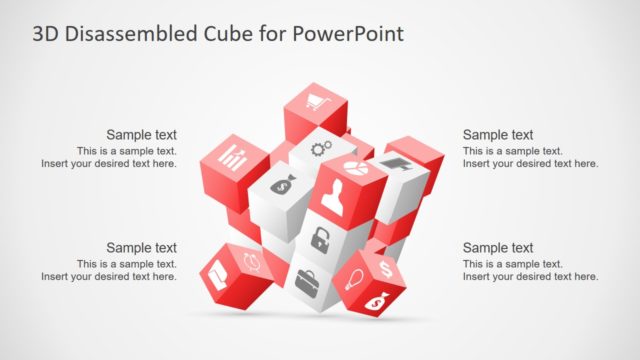
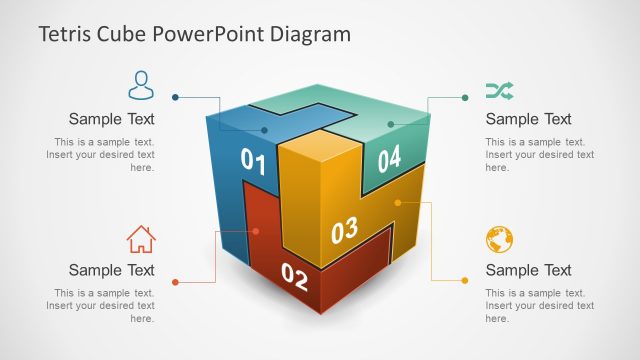
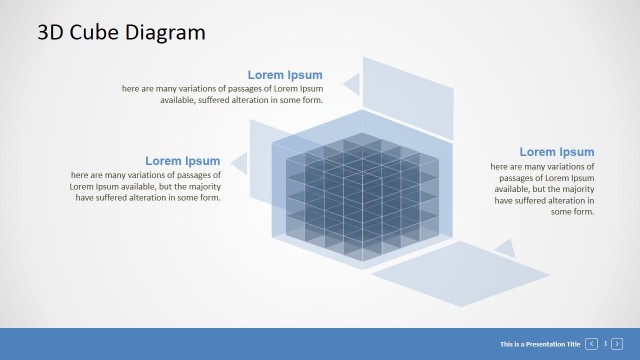
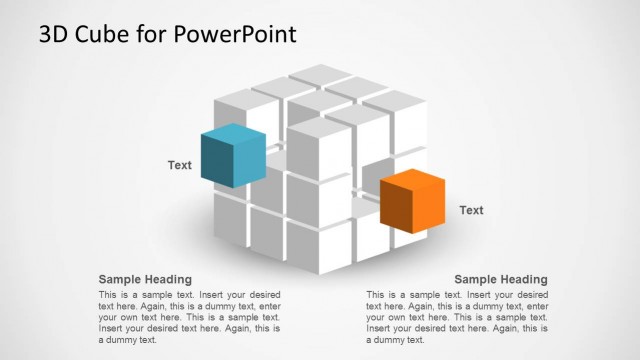
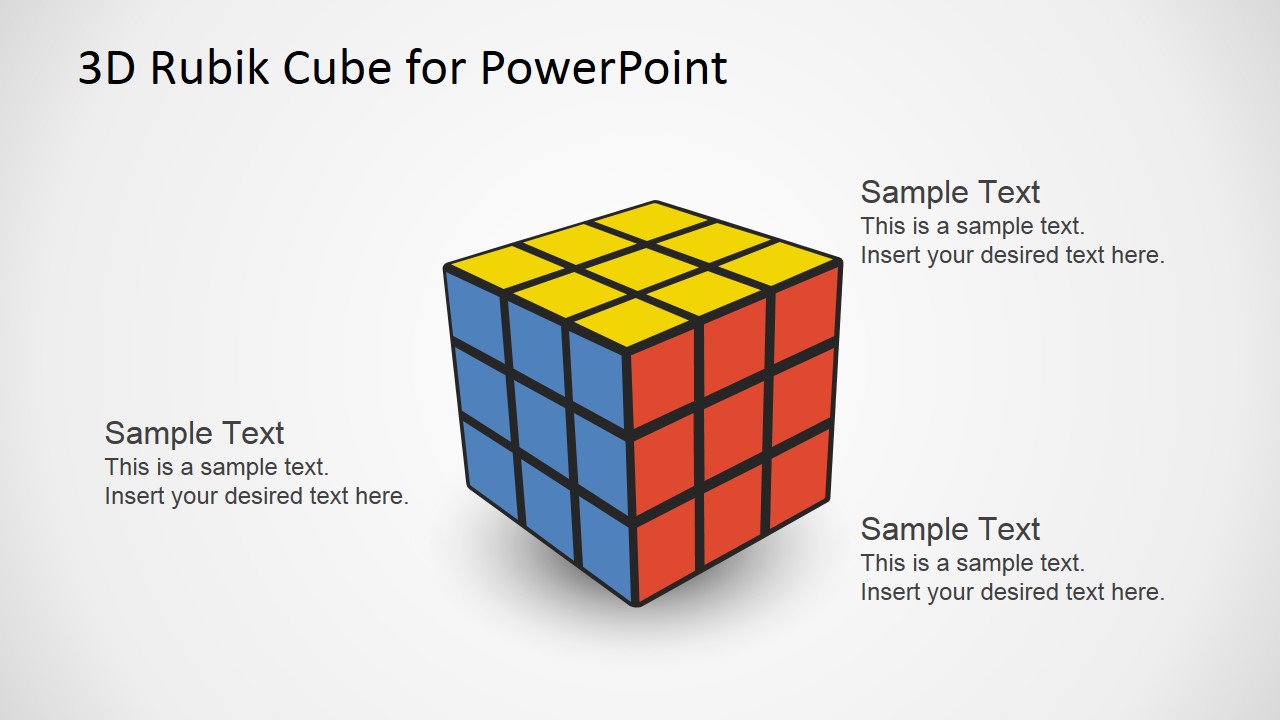
3D Rubik Cube PowerPoint Template is a professional presentations featuring different scenes with a Rubik’s cube to map business metaphors and diagrams. Each of the Rubik’s cubes shapes are created as PowerPoint objects, allowing the user to fully customize its appearance.
The Rubik’s Cube is a popular 3 dimensional puzzle also known as Magic Cube. A classic Rubik’s Cube is composed of six colored faces, covered by nine stickers, where an internal pivot mechanism allows each face to turn independently. To solve the puzzle, each face must be returned to its color.
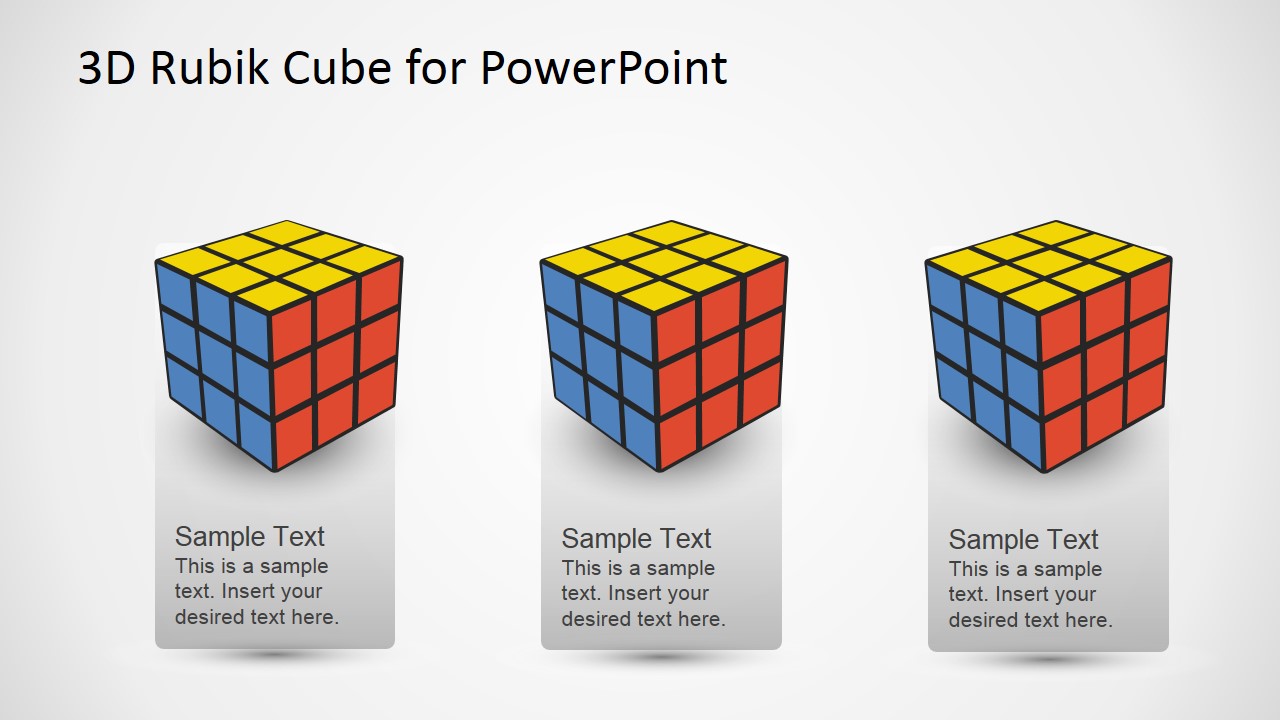
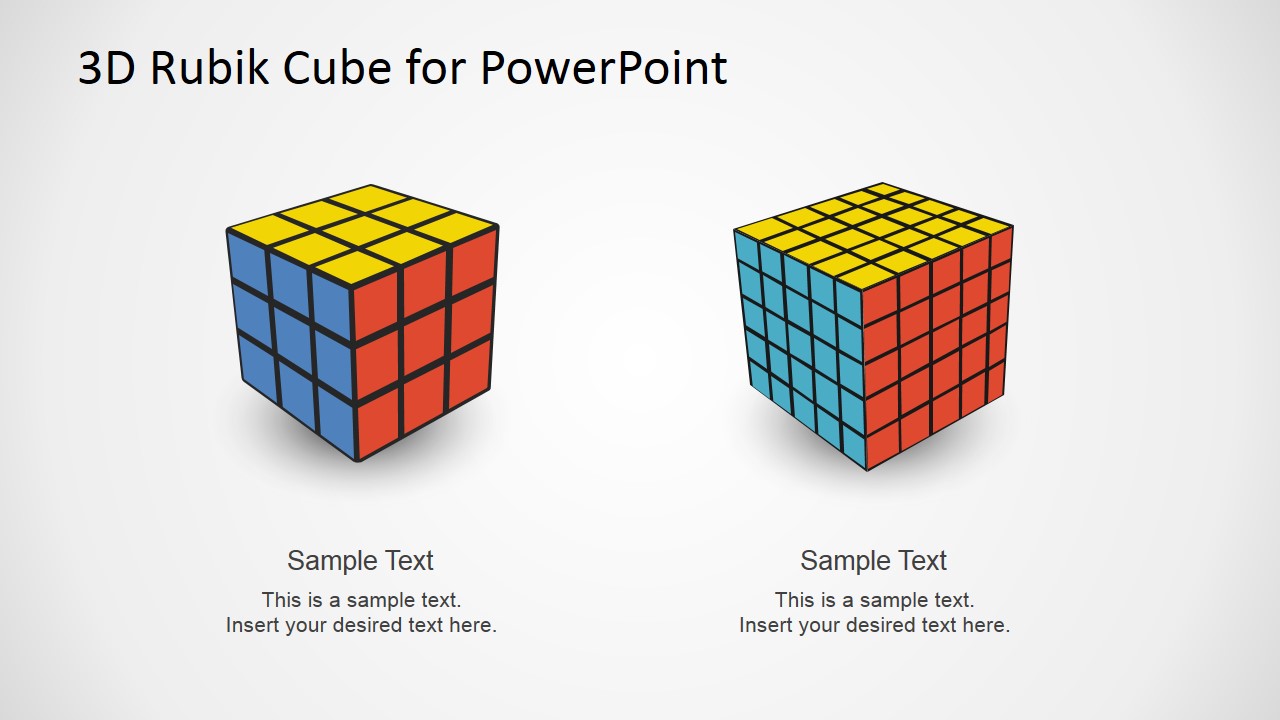
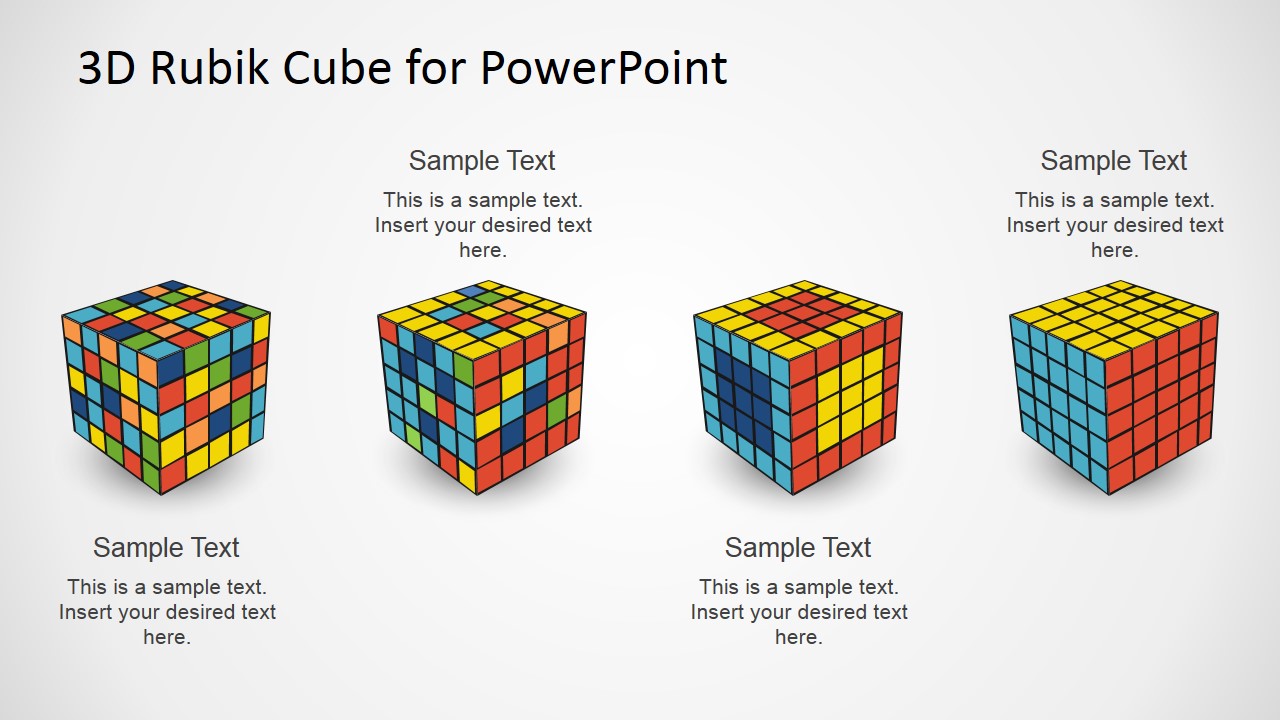
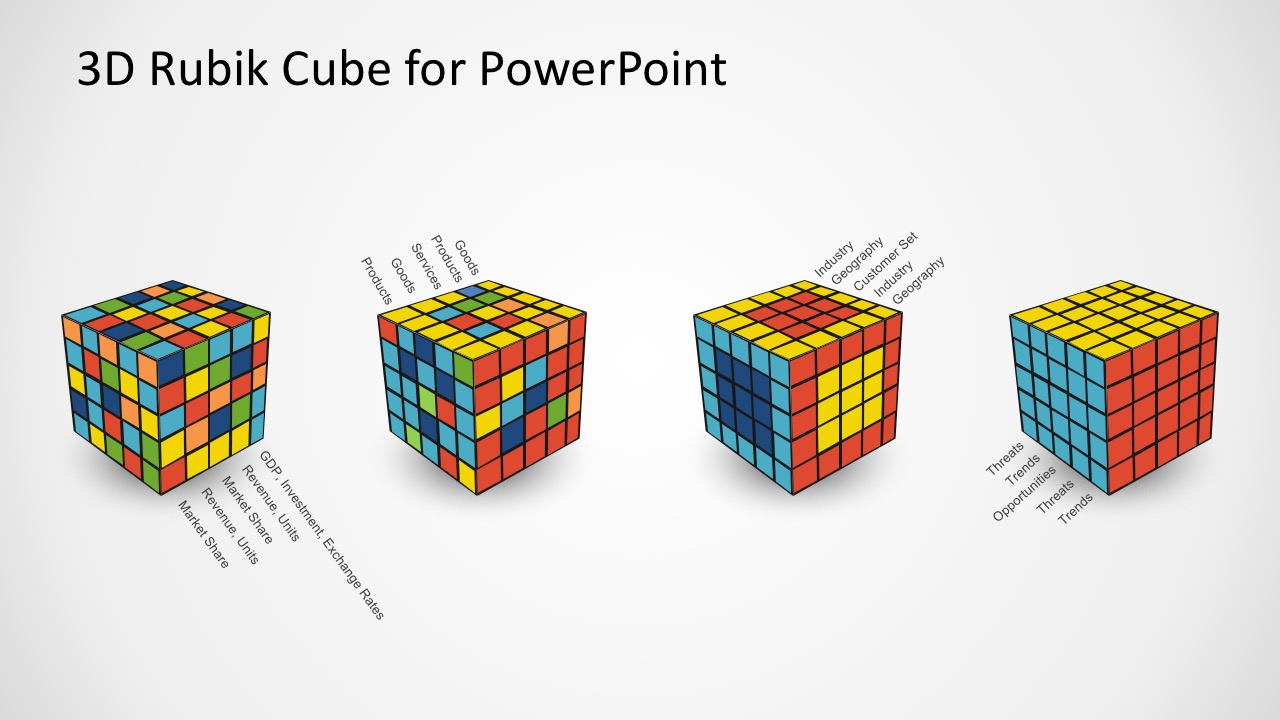
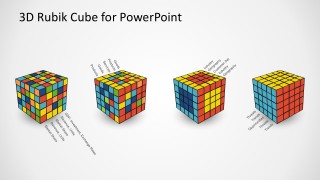
The Rubik Cube Puzzle is a popular game used for business metaphors. Its six colored faces provide a simple coded series. The concept of solving step by step, can describe different “constructive” processes. The different variations of cubes (3x3x3, 5x5x5, etc.) provides the presenter the ability to describe processes of different complexity.
Solving The Rubik’s Cube can be difficult and frustrating without the proper training or technique. There exists several algorithms to solve it in few repeatable steps. One of the most popular is the layer method, based on solving one face, then the middle layer and finally the last face. This procedures can be mapped as business processes achieving the success when solving the cube.
Each of the cubes sections is 100% editable. Impress your audiences with this creative PowerPoint Template that appeals to global audiences.
What’s inside this template
Example presentation scenarios
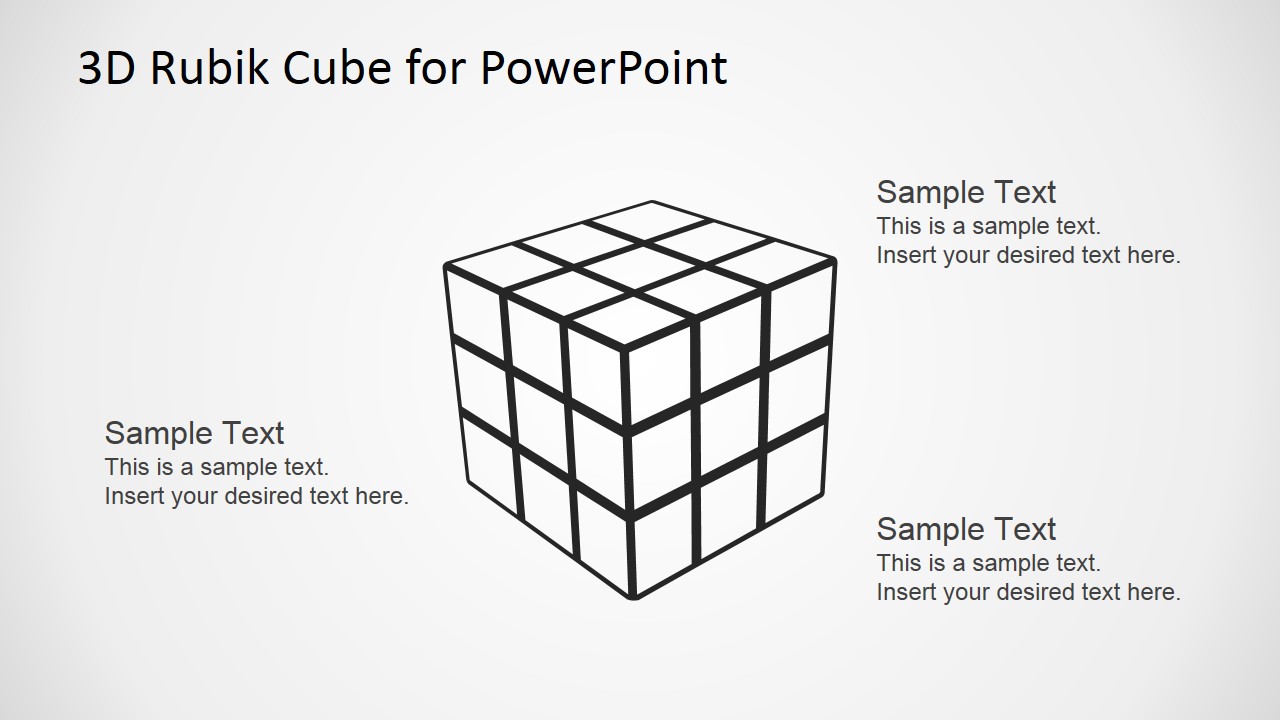
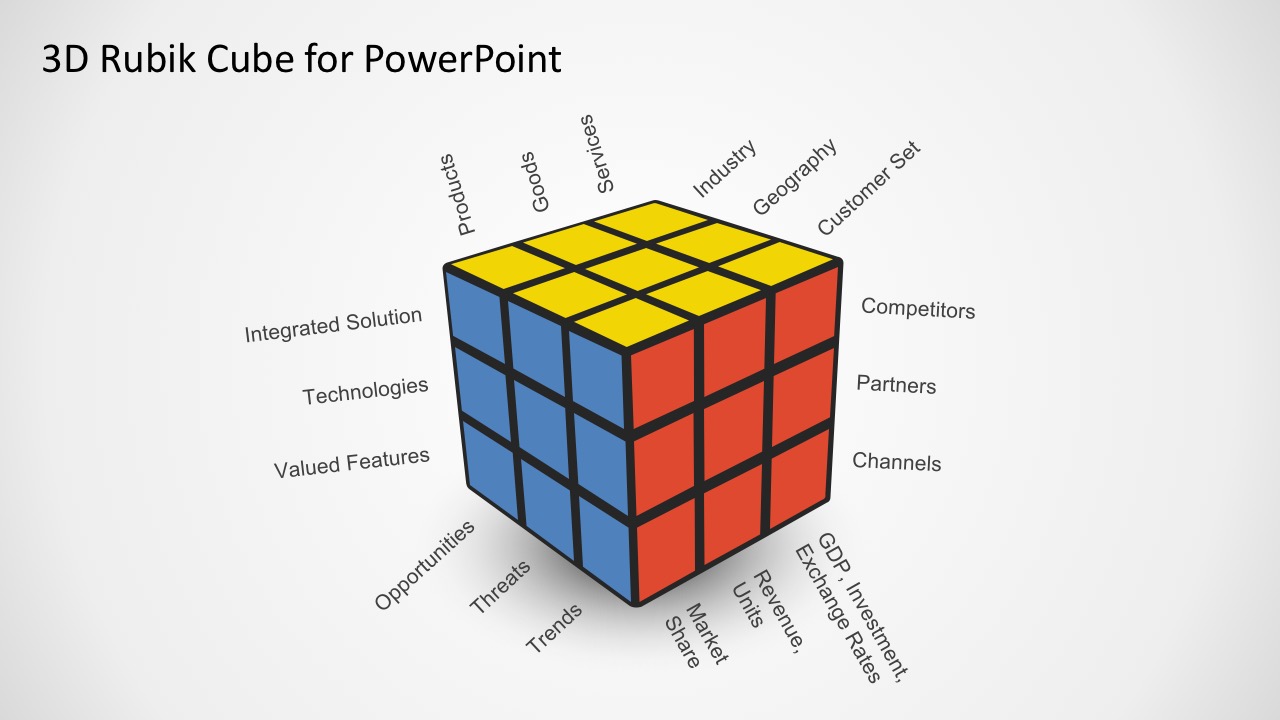
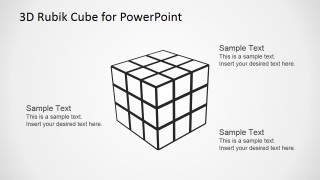
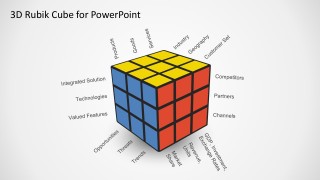
- A strategy consultant can use the labeled business dimension cube to show executives how products, channels, partners, competitors, and goals interact within one system.
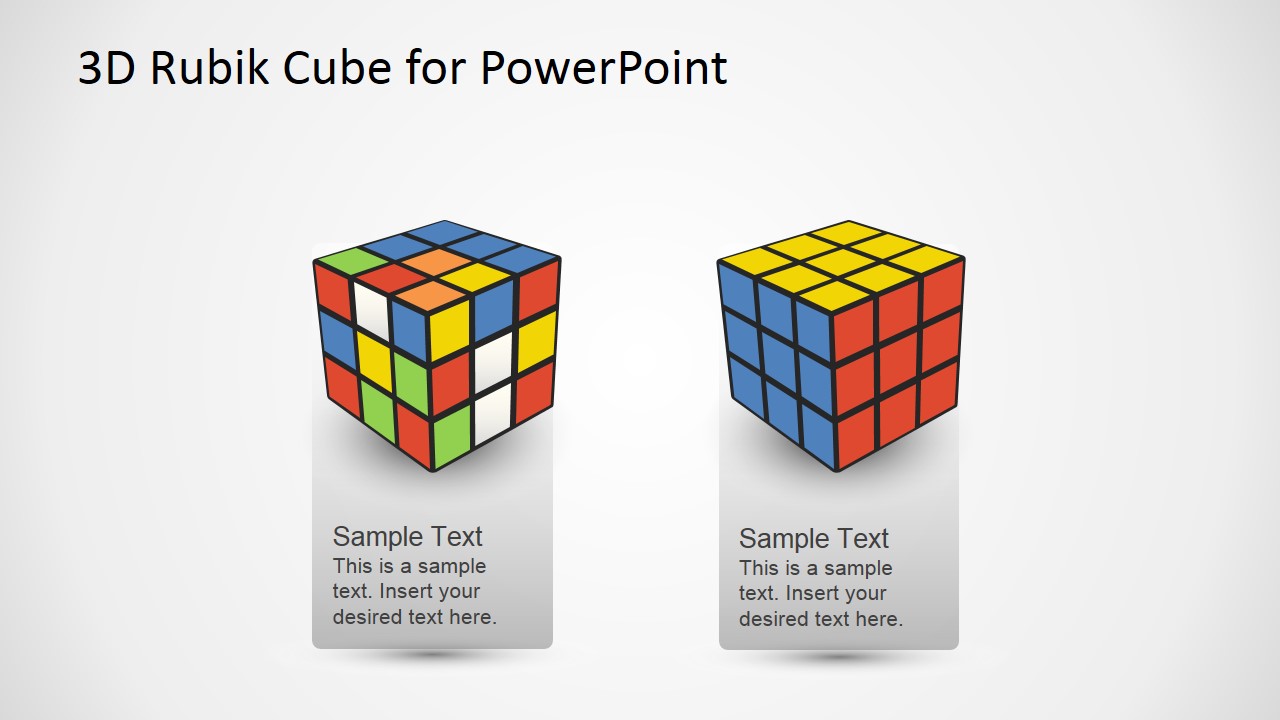
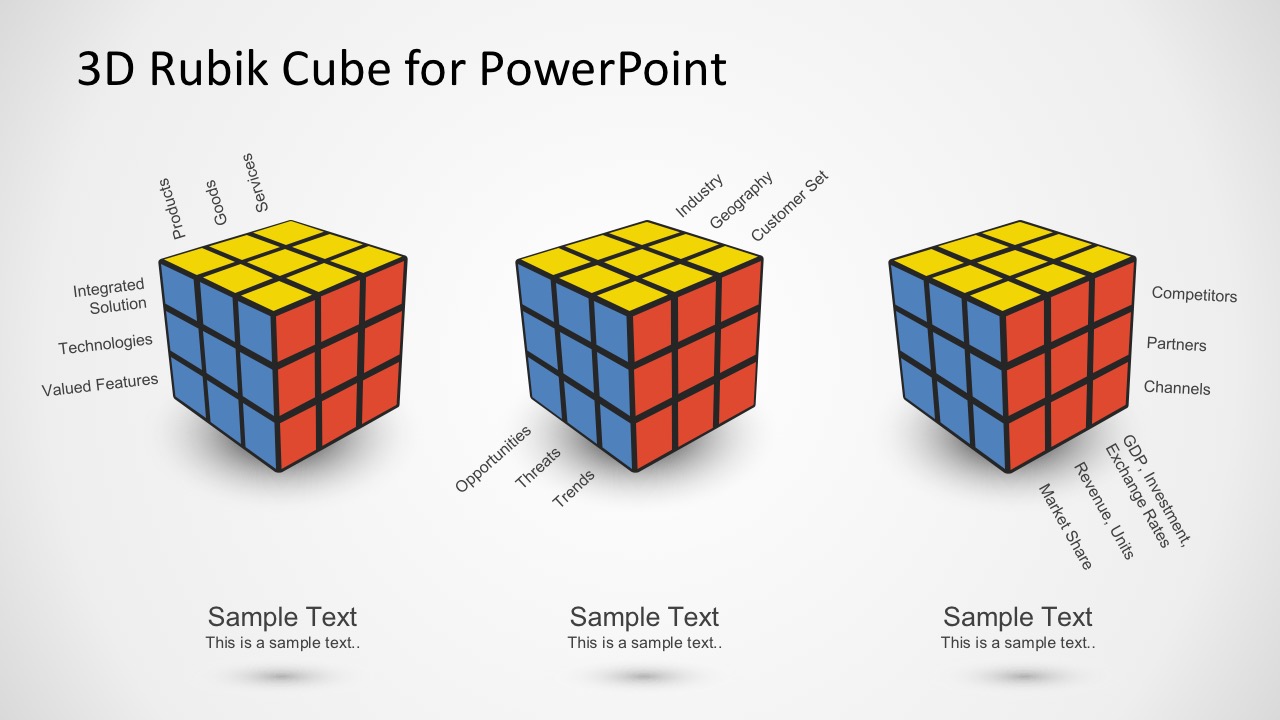
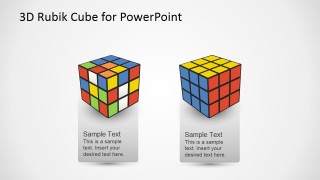
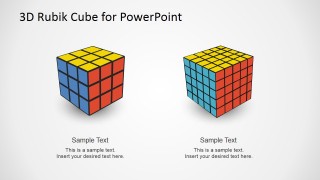
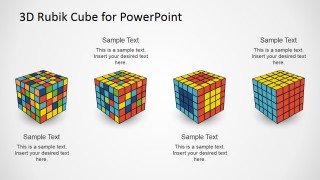
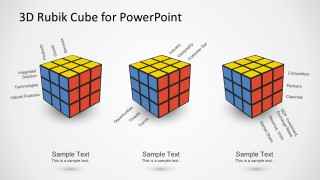
- A product manager can use the mixed-versus-solved cube comparison to explain a move from fragmented requirements to an organized product roadmap.
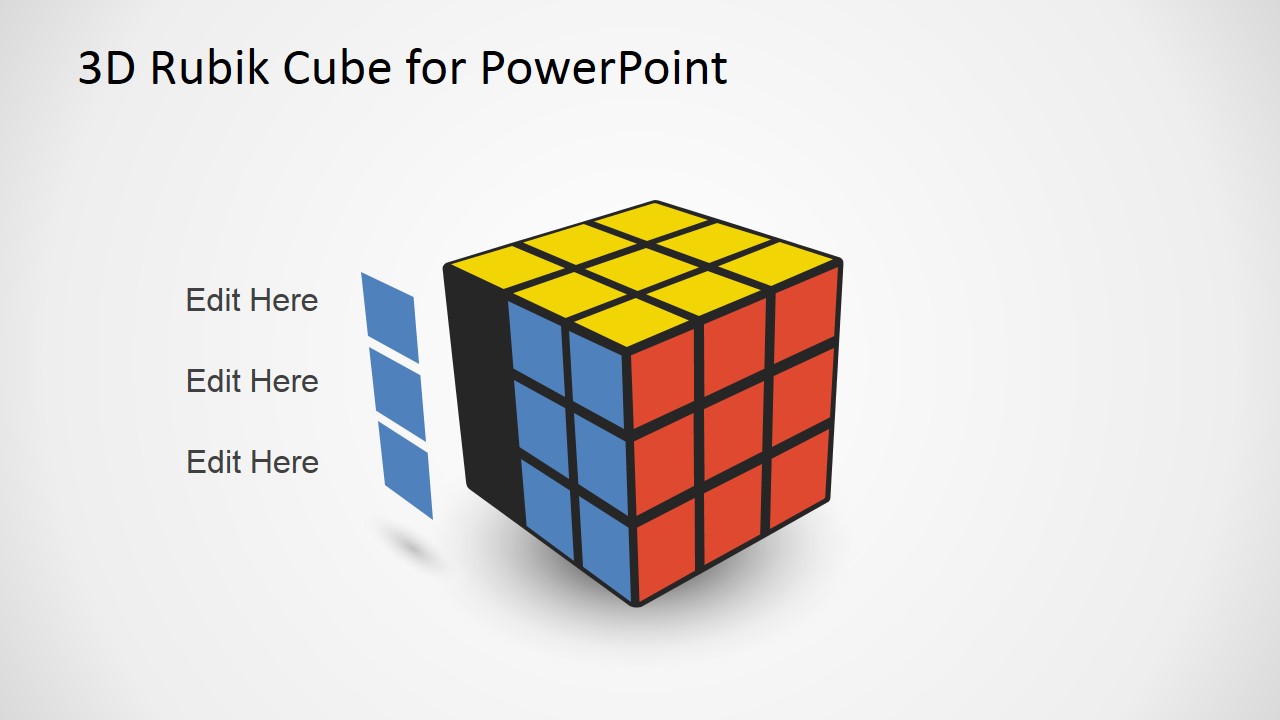
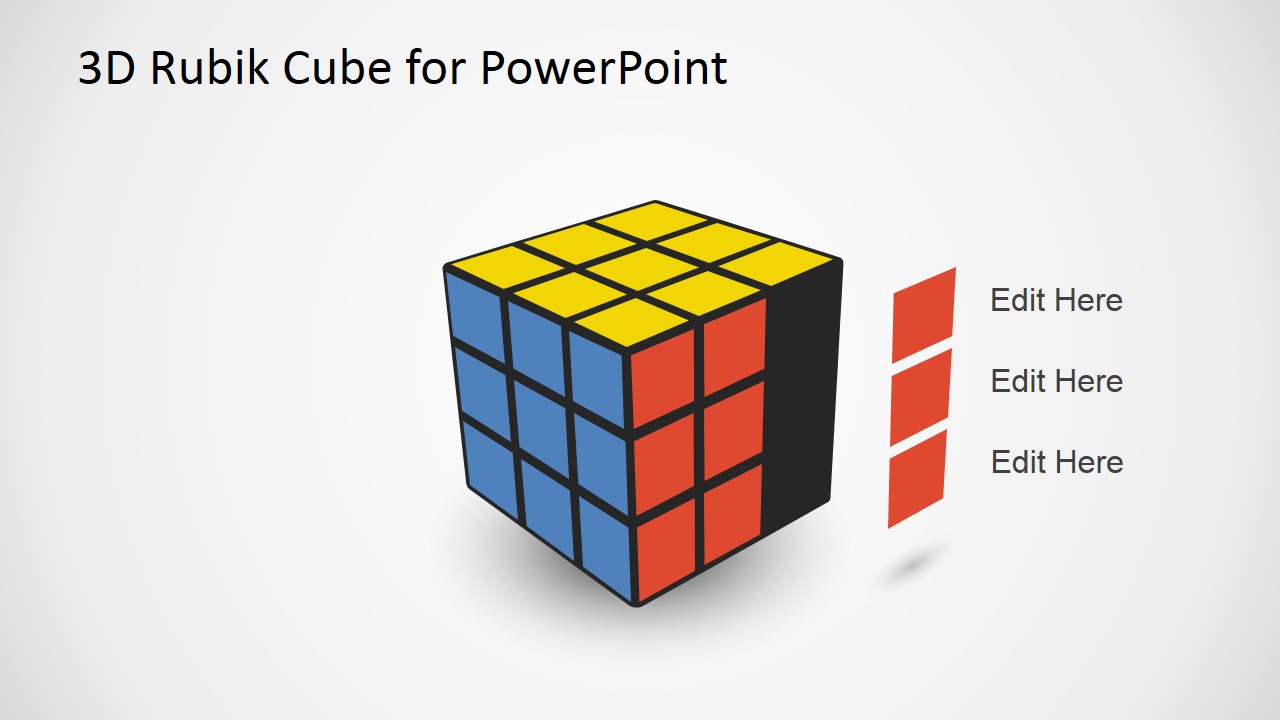
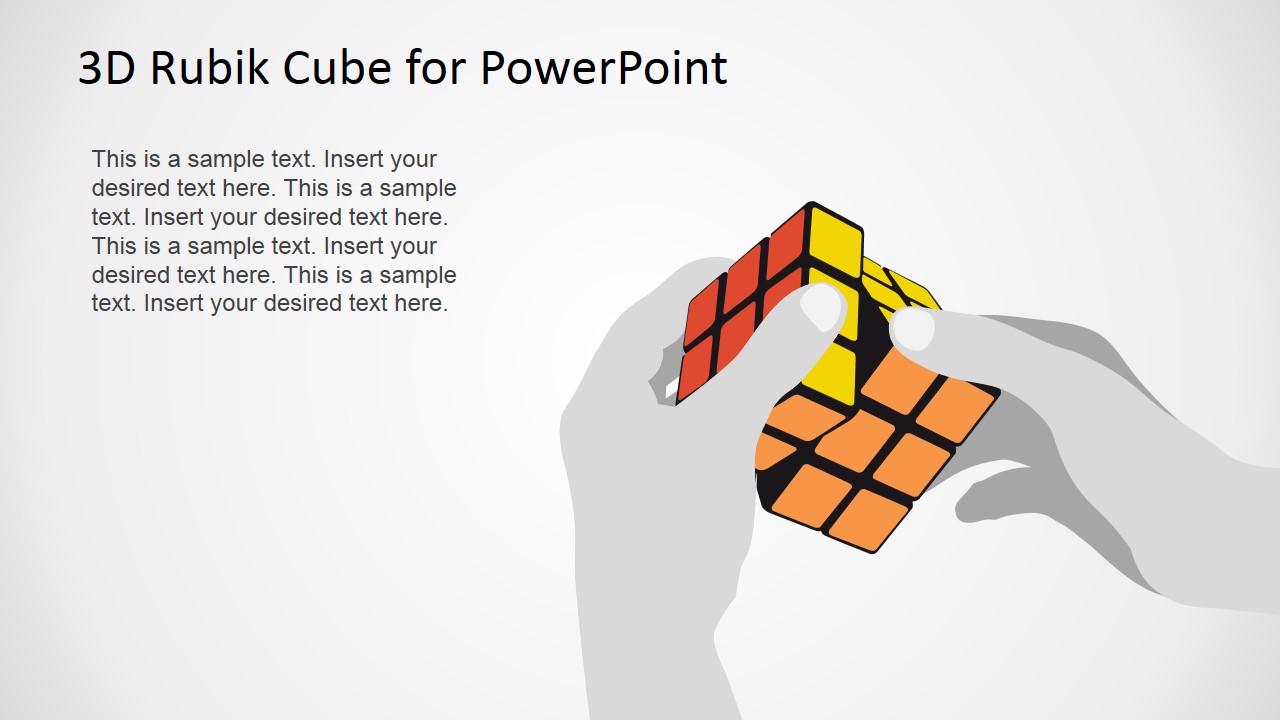
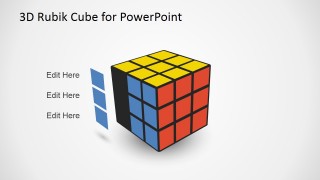
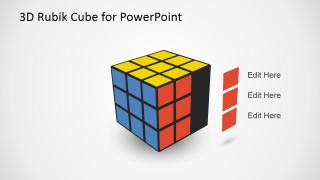
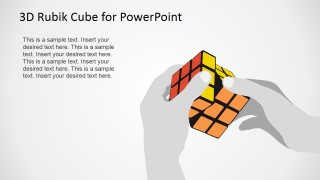
- A transformation lead can use the hand-turning cube illustration and side-tab callout slides to frame change as a step-by-step problem-solving process.
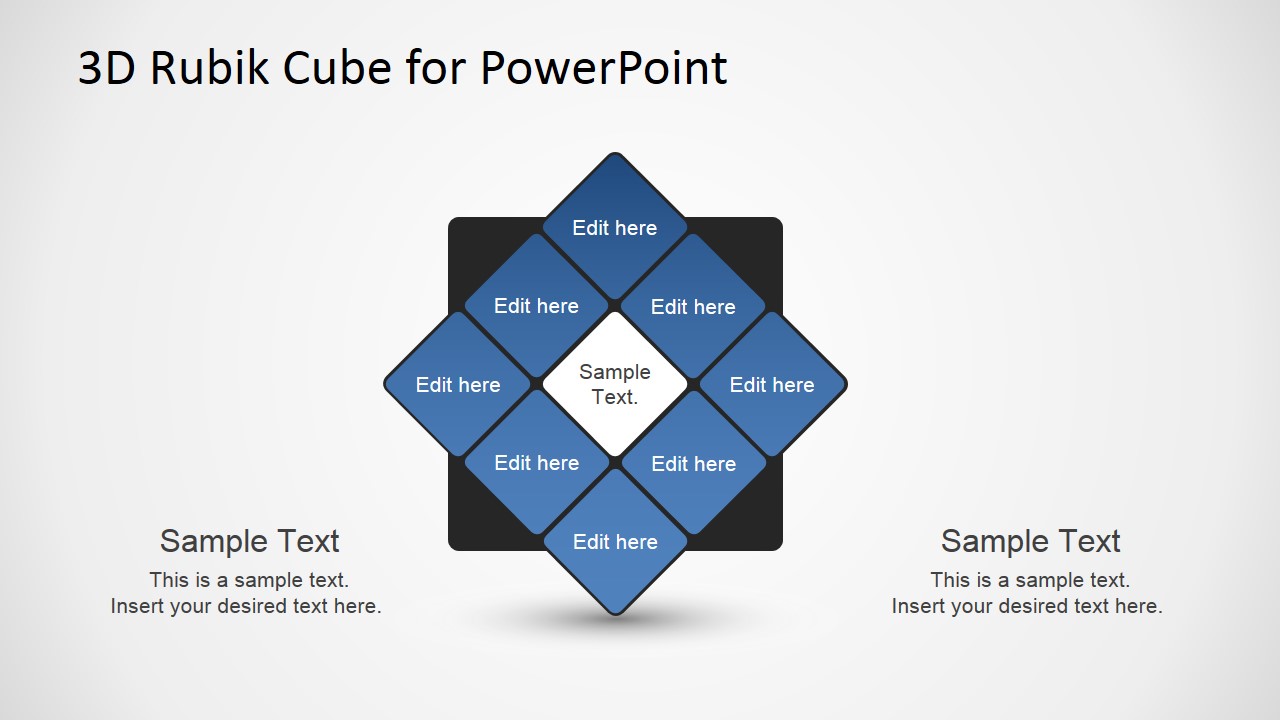
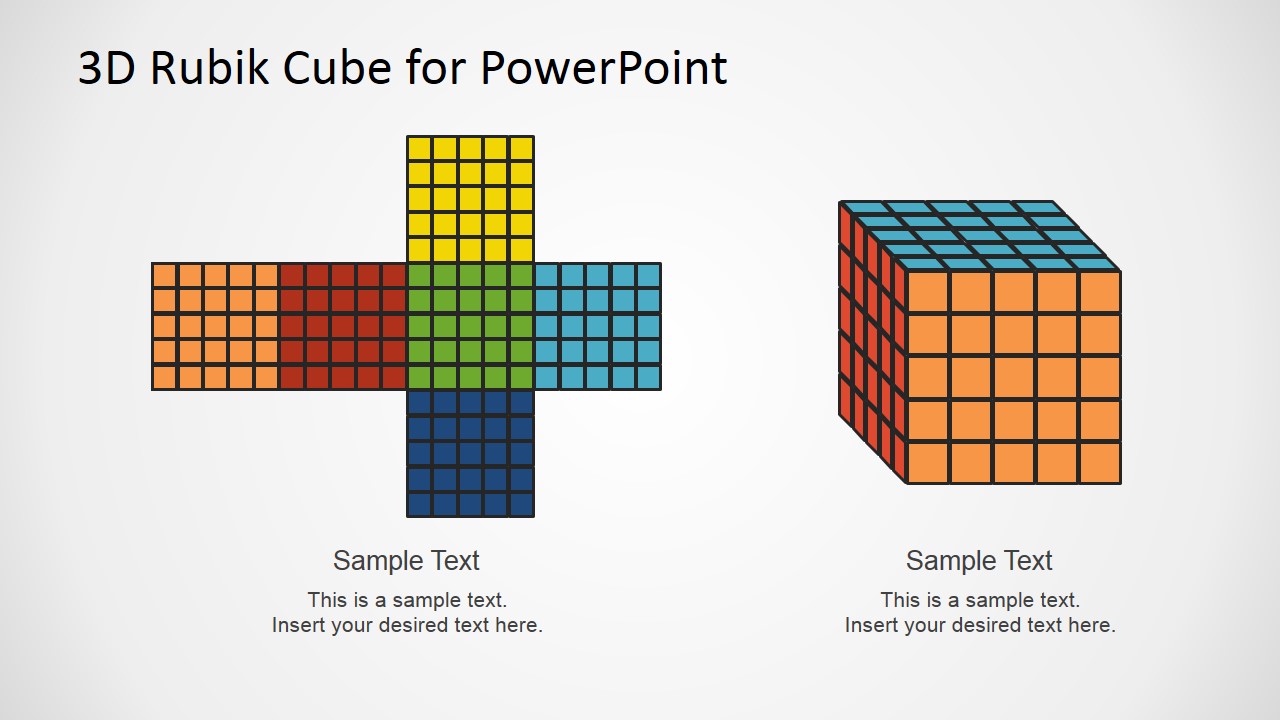
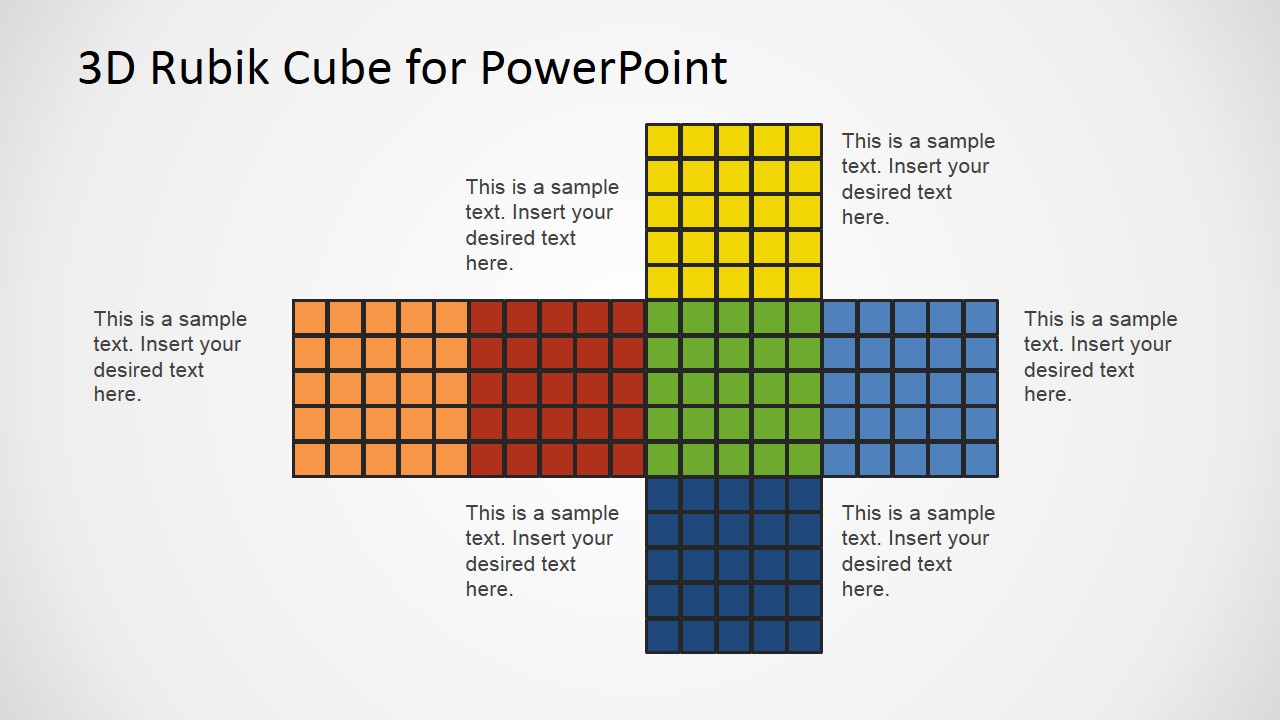
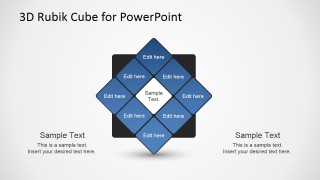
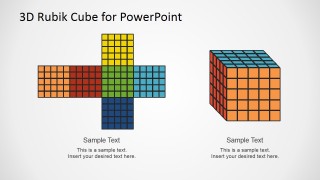
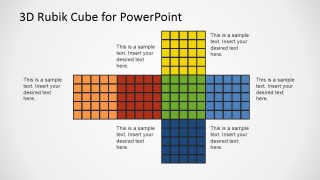
- A trainer can use the unfolded cube net diagrams to break a complex model into visible parts before returning to the assembled cube metaphor.
Features
- 100% editable presentation template
- Compatible with Microsoft PowerPoint and Google Slides
- 16:9 aspect ratio slides
- Scalable vector shapes, icons and illustrations
- AI-Ready for Microsoft Copilot and Claude
- Instant access and download
Frequently asked questions
Q: How should a presenter use the Rubik cube metaphor without making the message feel decorative?
A: Start by assigning meaning to each cube face or color, such as customer groups, products, channels, or constraints. Then keep that mapping consistent across the callout, comparison, and labeled cube slides. The metaphor works best when the audience can connect the puzzle state to a specific business problem and see what organized resolution looks like.
Q: Who benefits most from presenting with this template?
A: This template fits consultants, strategists, product leads, and transformation teams who need to explain many interdependent factors in one visual idea. The comparison cubes, side callouts, and business dimension labels help audiences understand complexity, alignment, and stepwise problem solving without turning the presentation into a dense text document.
Q: Why include both 3D cubes and unfolded cube net diagrams?
A: The 3D cube shows the complete system as a recognizable metaphor, while the unfolded net exposes its parts for explanation. This combination helps a presenter shift between big-picture complexity and component-level detail. It is useful when a strategy or operating model must feel connected, not like a list of unrelated bullets.
3D Rubik Cube PowerPoint Template
12-slide presentation template with Rubik cube metaphors, callouts, cube nets, and business dimension diagrams
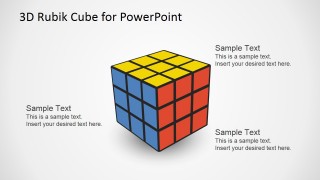
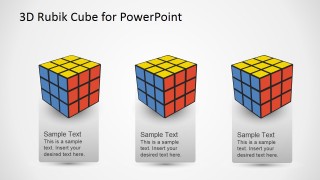
This 12-slide presentation template uses editable 3D Rubik cube visuals to explain business complexity, problem solving, and structured change. Visible layouts include cube callouts, comparison cubes, an unfolded cube net, a hand-turning cube illustration, and labeled business dimension cubes for Microsoft PowerPoint and Google Slides.
- Category
- Shapes
- Rating


 Loading...
- Aspect ratio
- 16:9, 4:3
- Item ID
- 1178-02
 Microsoft PowerPoint
  Microsoft Copilot
  Claude for PowerPoint
 Other formats supported
Subscribe today and get immediate
access to download our PowerPoint templates.