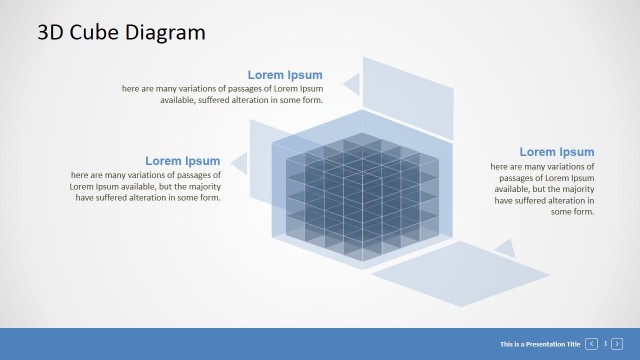
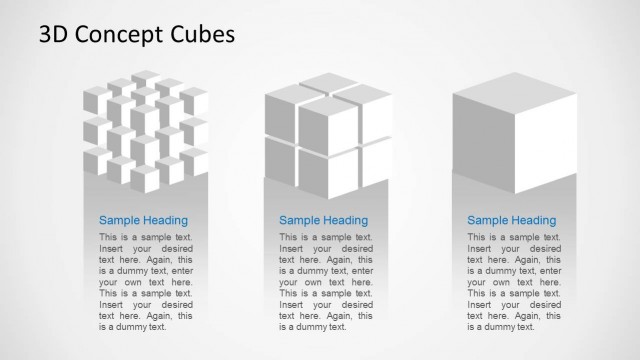
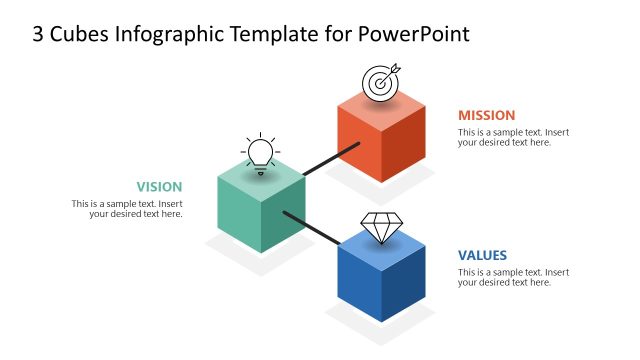
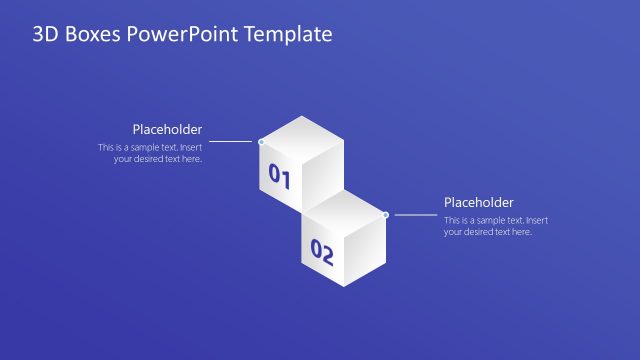
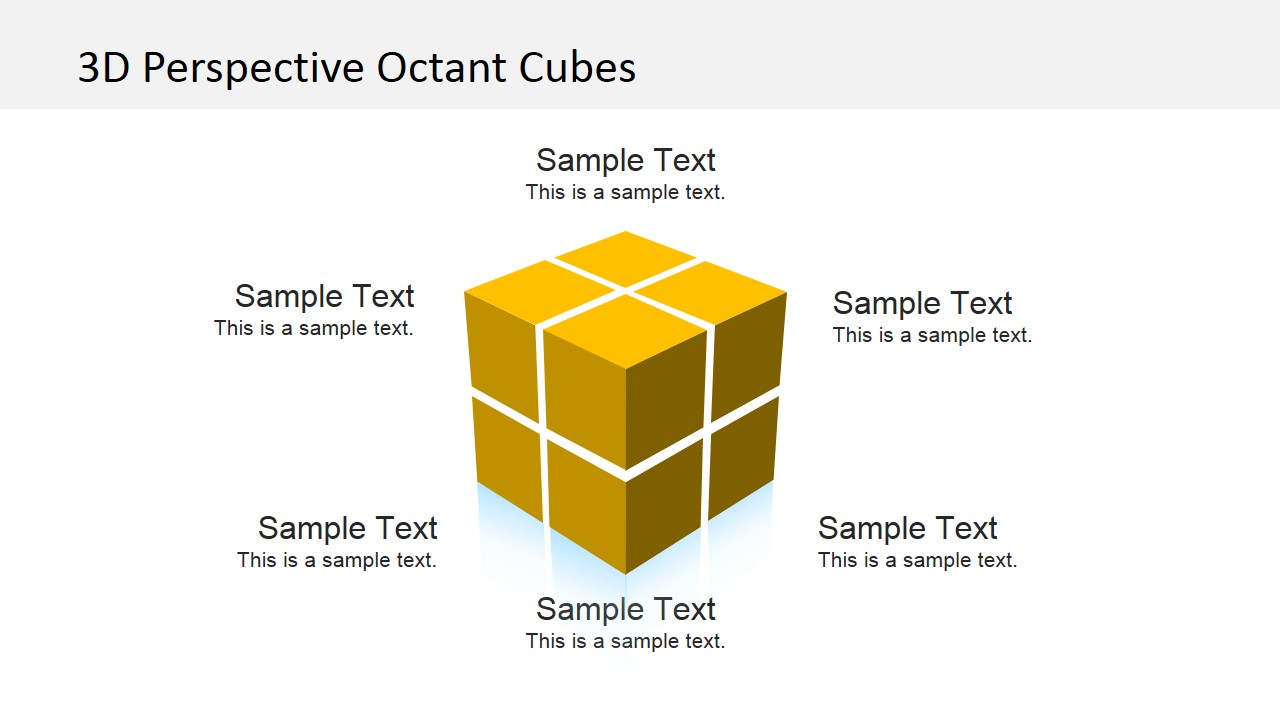
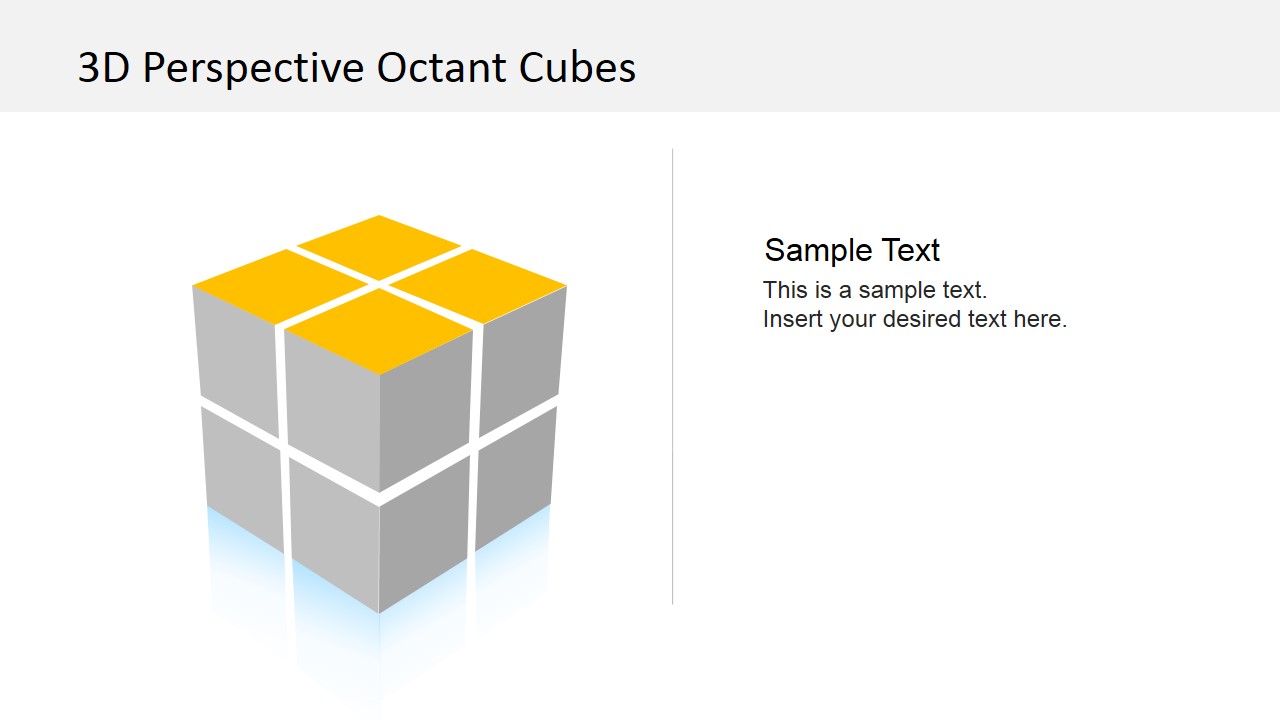
Effectively communicate innovative business plans through the creative 3D Perspective Octant Cubes. This presentation template is made of editable PowerPoint shapes that are fully customizable. Each of the cube surfaces a set of quadrants which represents the different classification, stage or step of a plan. The template also allows optional texts by the sides of the cube and even all around it. A visual presentation is an important tool in communicating business ideas. It’s an instrument that facilitates an individual to make a group of people spot the big picture. In this sense, presenting cases and plans in a non-conventional way will have an even better response from the target audience.
This 3D cube slide is an engaging presentation platform that transforms an idea into a 3-dimensional concept. The 3D cube’s realistic qualities give a presentation the notion that its business ideas are more than just the typical words – they become more alive. This impression helps with the credibility of the presentation.
Delivering a business plan in a presentation or seminar steers the participants’ reaction to the idea. It can either make the audience take the plan by heart or totally ignore it and consider it unimportant. Many individuals are inclined to make an immediate impression based on what they see. This sets the importance of a high quality business presentation. According to studies, the majority of adults tend to stop listening after the first 10 minutes if they are not convinced that there’s value to what they are seeing and hearing. This 3D Cube template stimulates interest from the audience all throughout the presentation. It provides an ample opportunity for the presenter to keep on winning their confidence and continuously feed the business concepts in the presentation. This PowerPoint template on its own is a dynamic and interesting means to deliberate business concepts. It can be more interesting combined with the rest of our PowerPoint Diagrams.
What’s inside this template
Example presentation scenarios
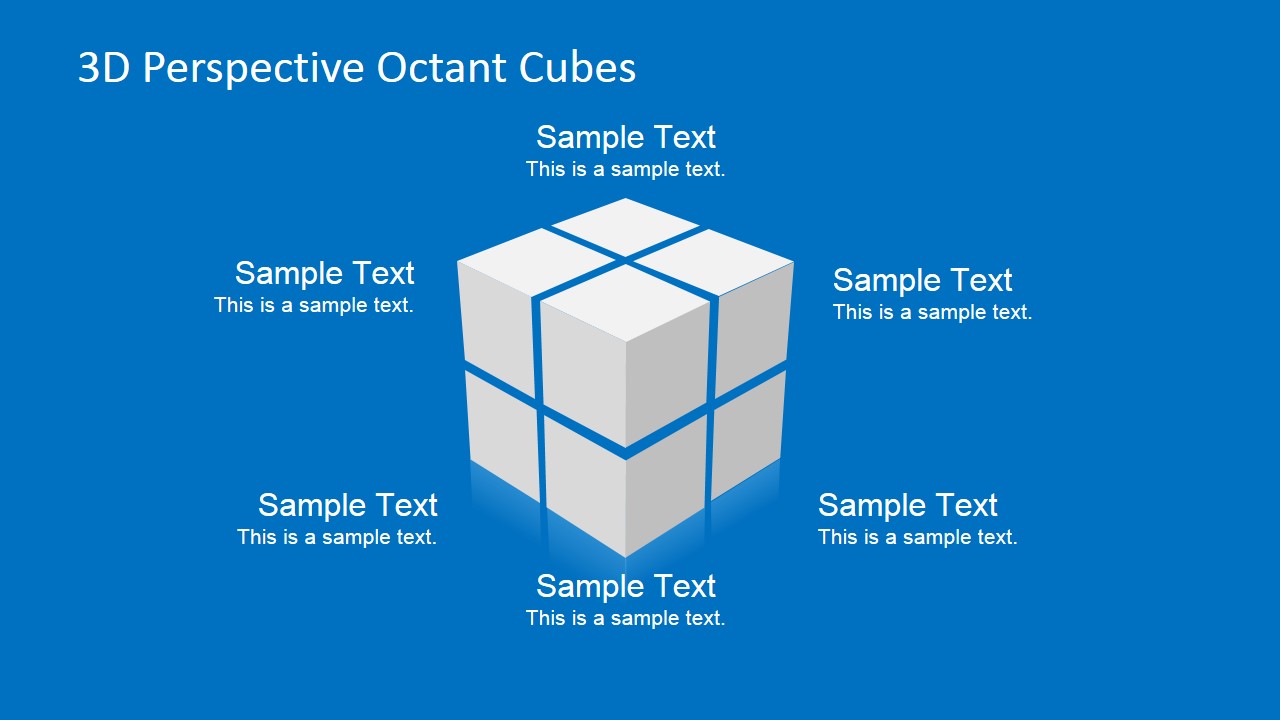
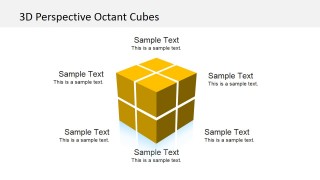
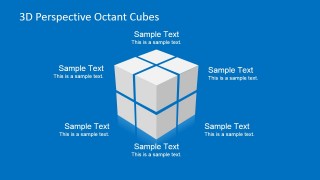
- A consultant can use the labeled octant cube to explain how six business factors fit into one strategic model during a client workshop.
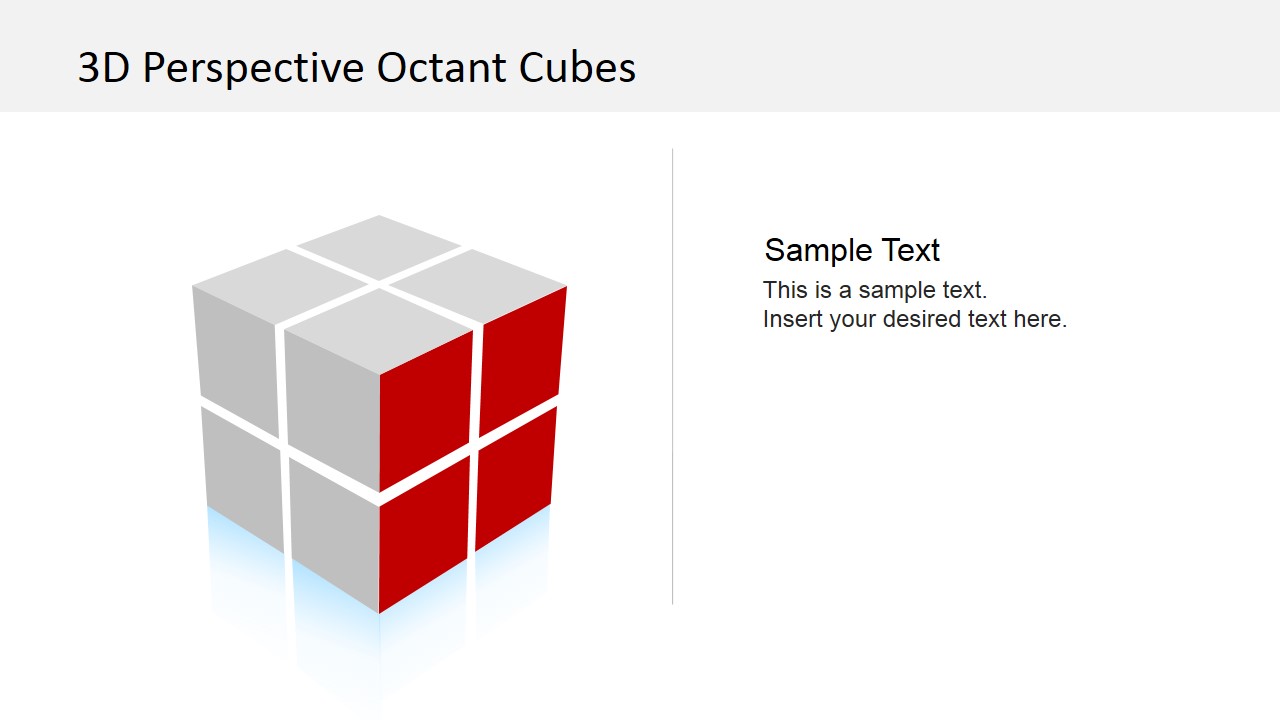
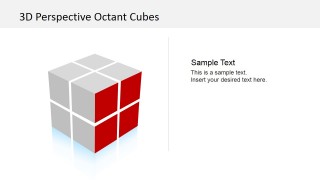
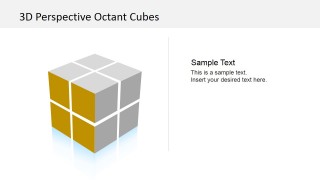
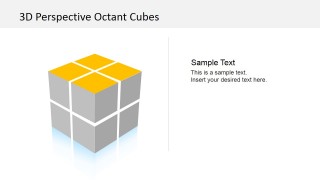
- A product manager can use the highlighted quadrant cube to show which product area or capability deserves attention in a roadmap discussion.
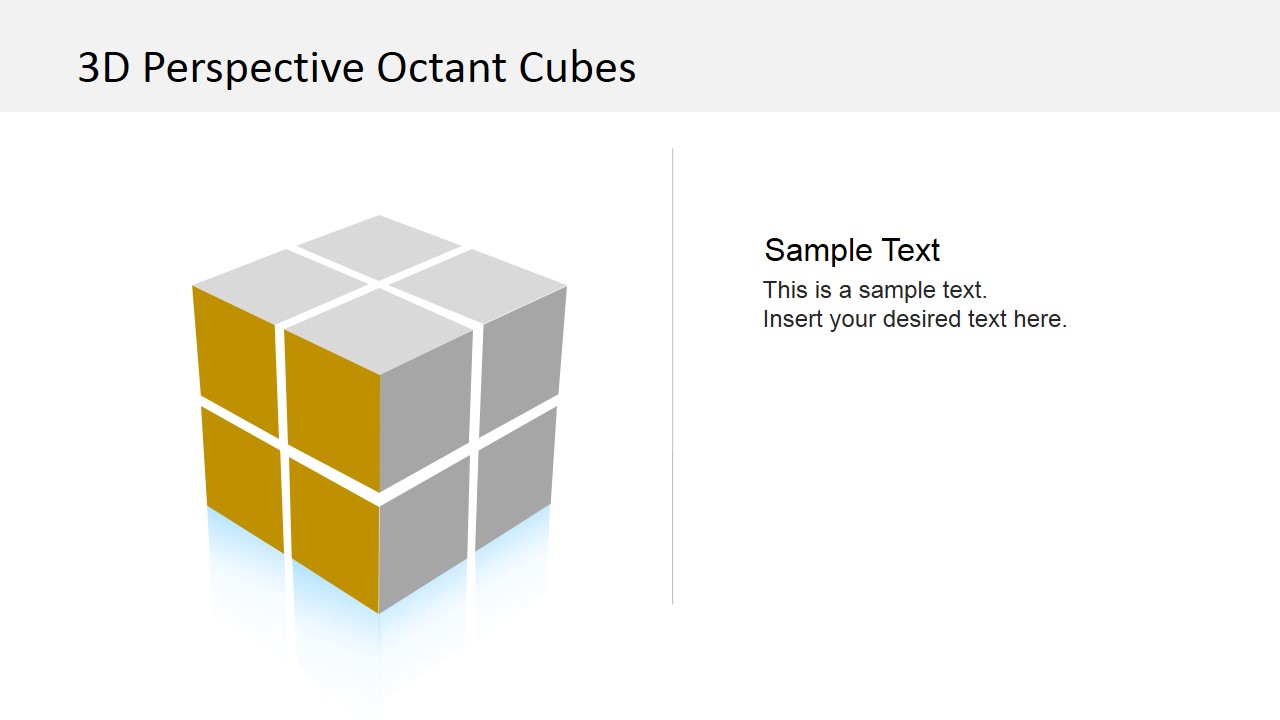
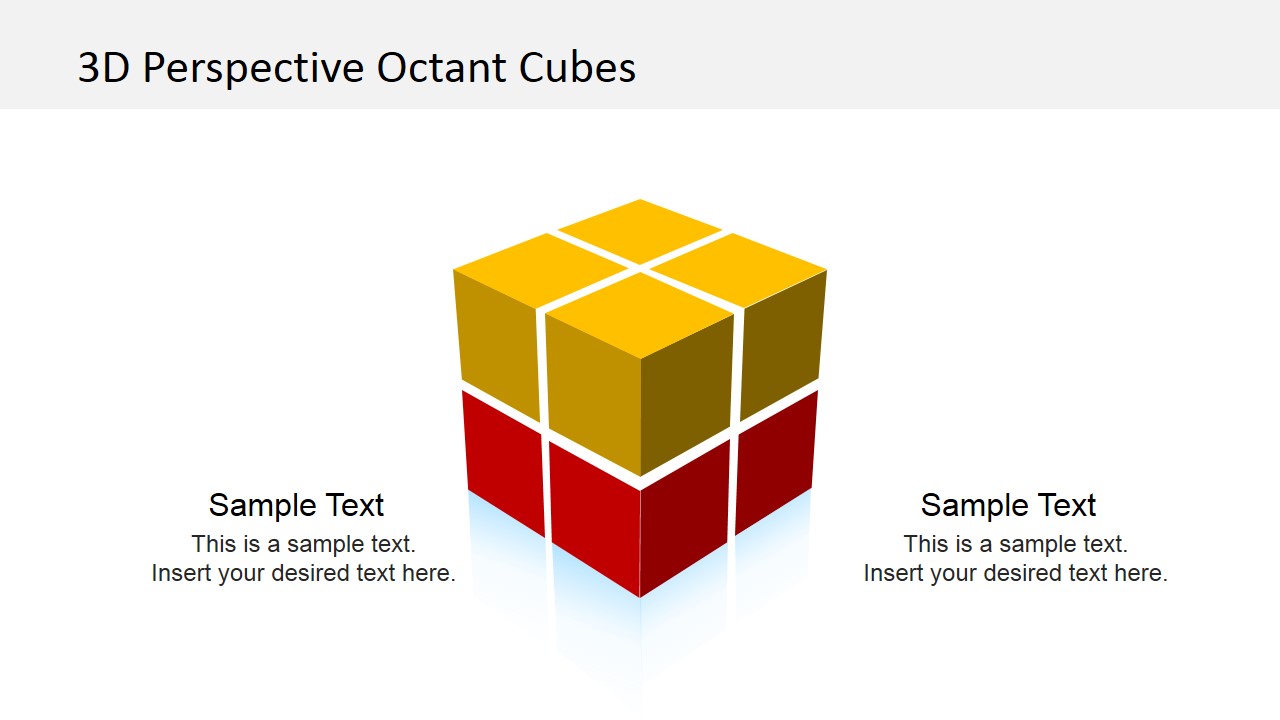
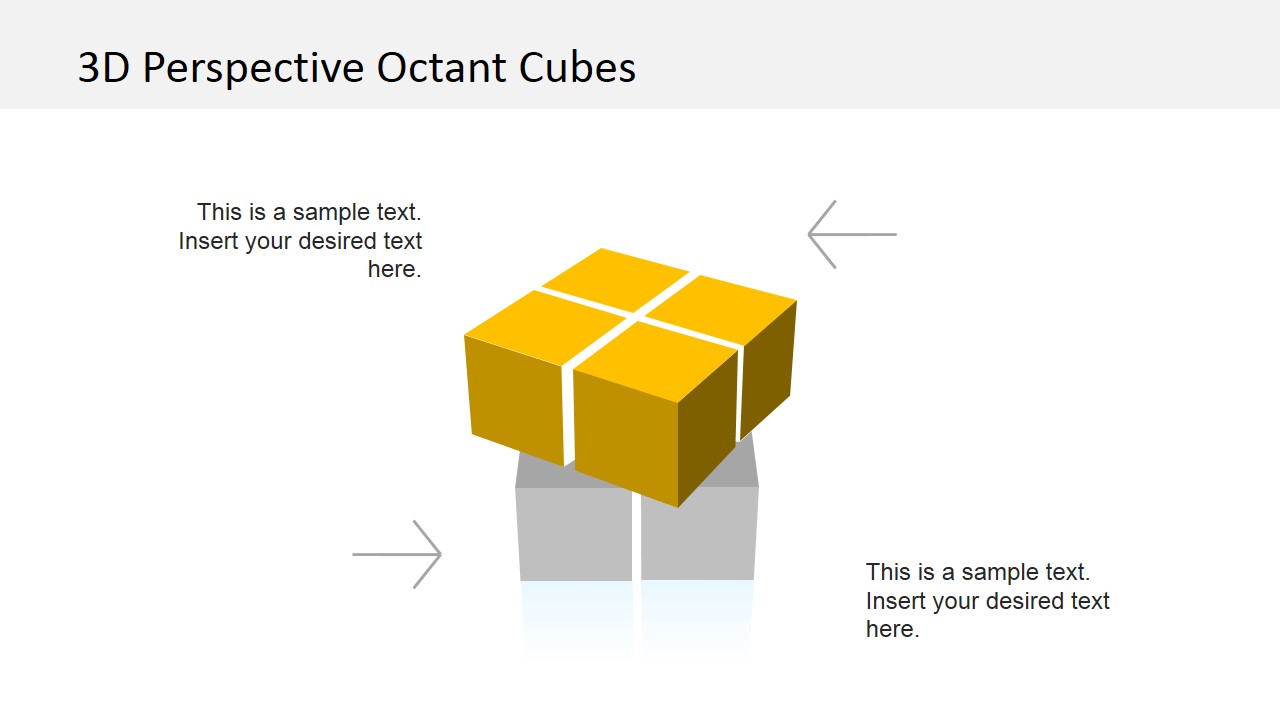
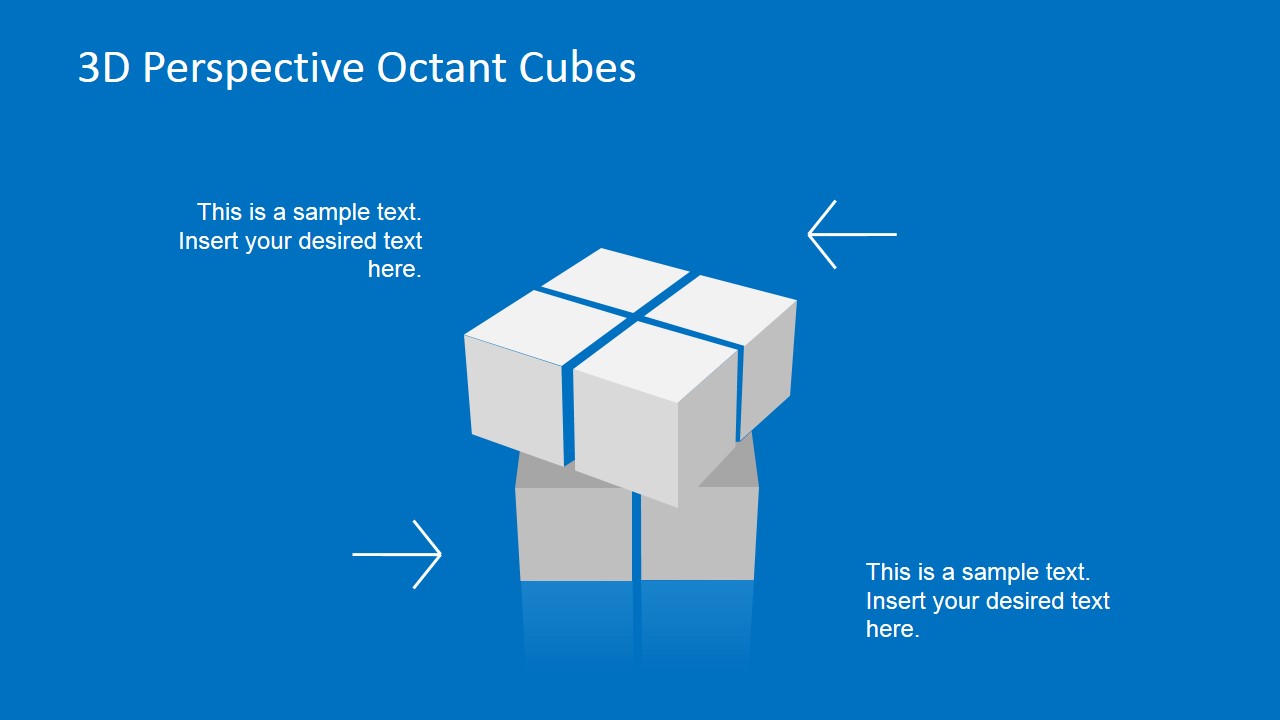
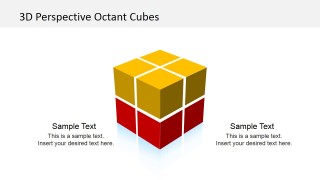
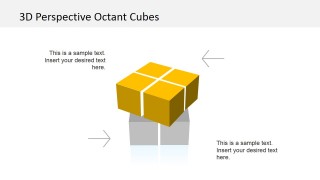
- A trainer can use the split cube layouts with arrows to teach how upper-level concepts connect to supporting foundations.
- An executive can use the blue-background cube slides to present a concise framework in a board or leadership meeting.
Features
- 100% editable presentation template
- Compatible with Microsoft PowerPoint and Google Slides
- 16:9 aspect ratio slides
- Scalable vector shapes, icons and illustrations
- AI-Ready for Microsoft Copilot and Claude
- Instant access and download
Frequently asked questions
Q: How should a presenter explain a business framework with this cube template?
A: Start with the full octant cube to introduce the big picture, then move to a highlighted-face slide to focus attention on one category or decision area. Keep each callout short and use the cube segments as visual anchors, so the audience understands both the whole structure and the part being discussed.
Q: Who is this template best suited for?
A: This template fits consultants, managers, trainers, and founders who need to explain a structured but abstract idea without relying on dense text. It works well for strategy pillars, product modules, capability areas, or implementation components where the message benefits from a clear object-based metaphor.
Q: Why use a 3D octant cube instead of a standard quadrant diagram?
A: The cube adds depth and hierarchy to a classification model. A flat quadrant usually implies four equal areas, while this octant cube can show front, side, top, upper, and lower relationships. The split cube slides also make it easier to discuss dependencies between visible outcomes and supporting foundations.
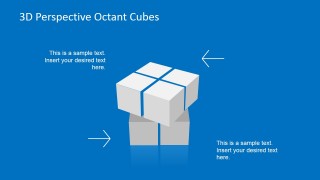
3D Perspective Octant Cubes
8-slide presentation template with 3D octant cube diagrams, quadrant highlights, and business concept callouts.
3D Perspective Octant Cubes is an 8-slide diagram template for presenting classified ideas, stages, or plan components as 3D cube segments. Visible layouts include labeled octant cubes, highlighted quadrant faces, split cube concepts, directional arrow callouts, and blue-background variants for Microsoft PowerPoint and Google Slides.
- Category
- Shapes
- Rating


 Loading...
- Aspect ratio
- 16:9, 4:3
- Item ID
- 6701-01
- Colors
 Microsoft PowerPoint
  Microsoft Copilot
  Claude for PowerPoint
 Other formats supported
Subscribe today and get immediate
access to download our PowerPoint templates.