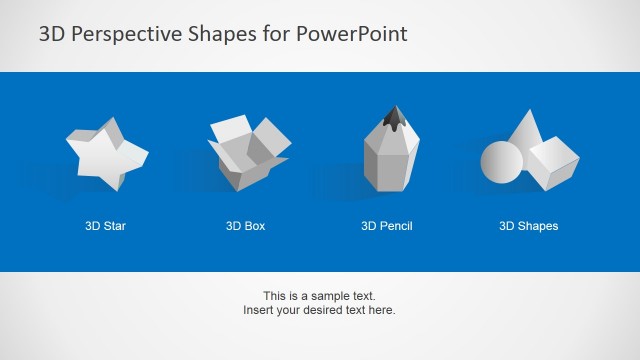
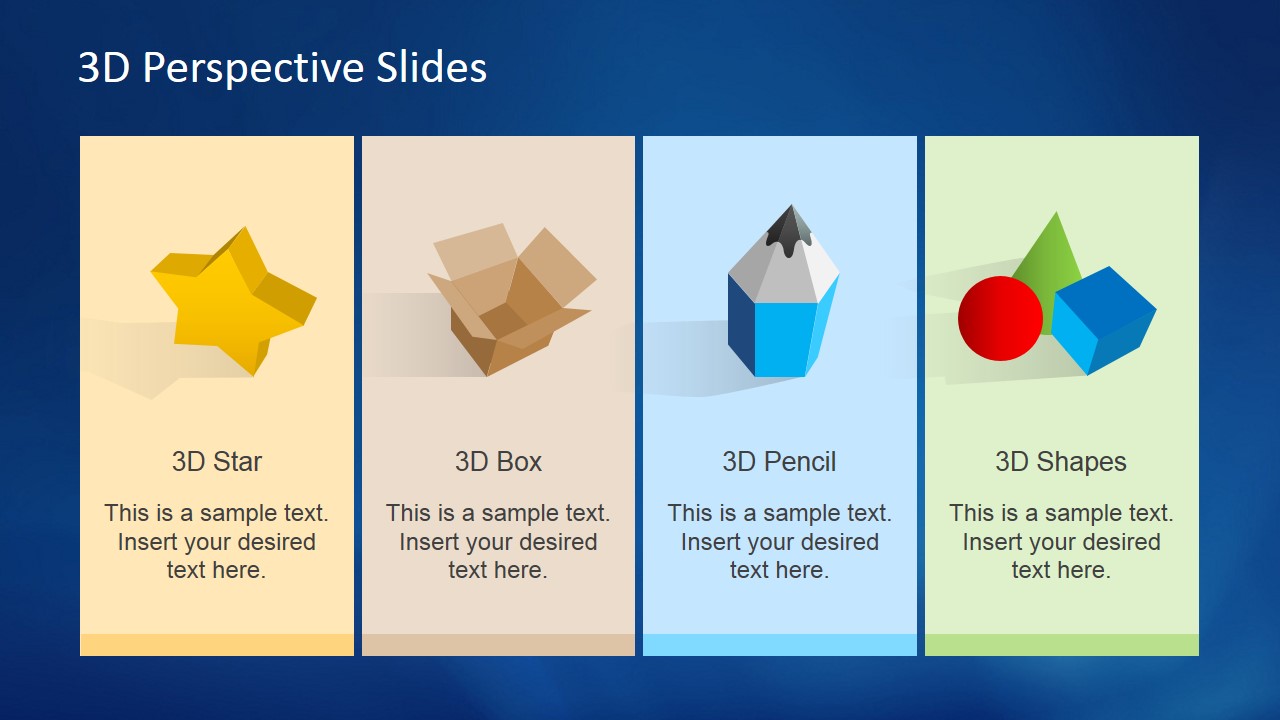
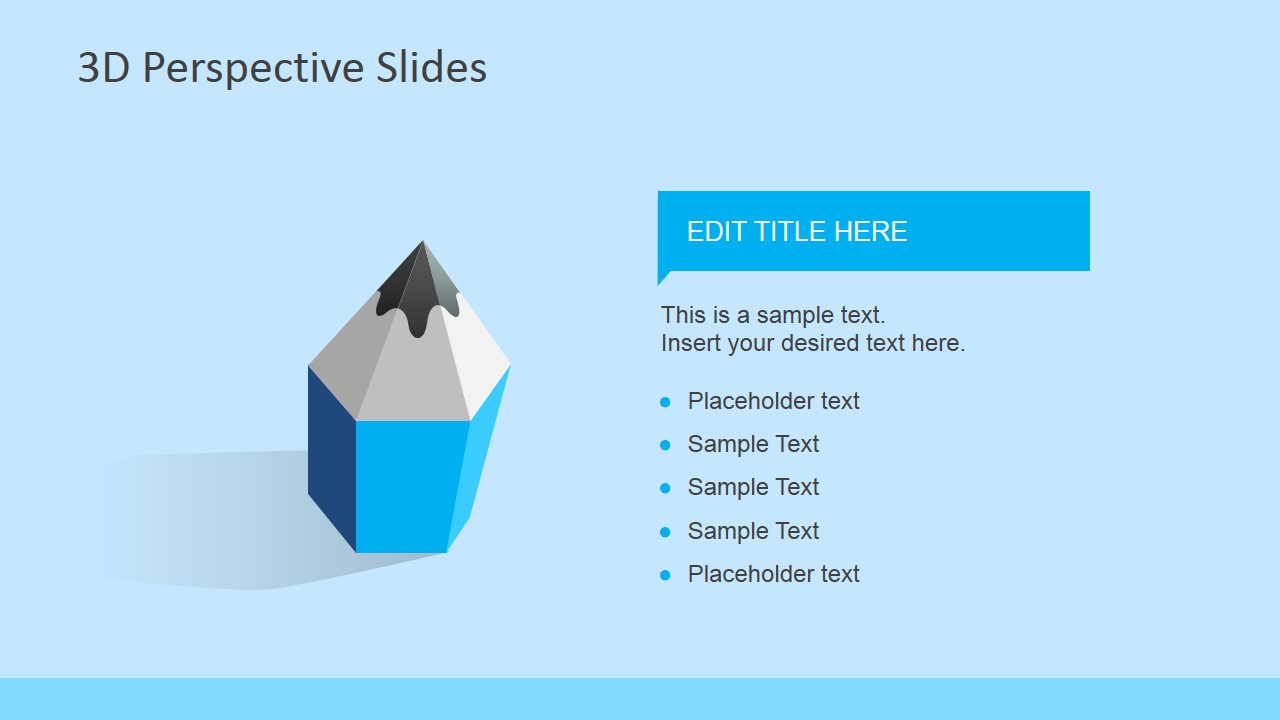
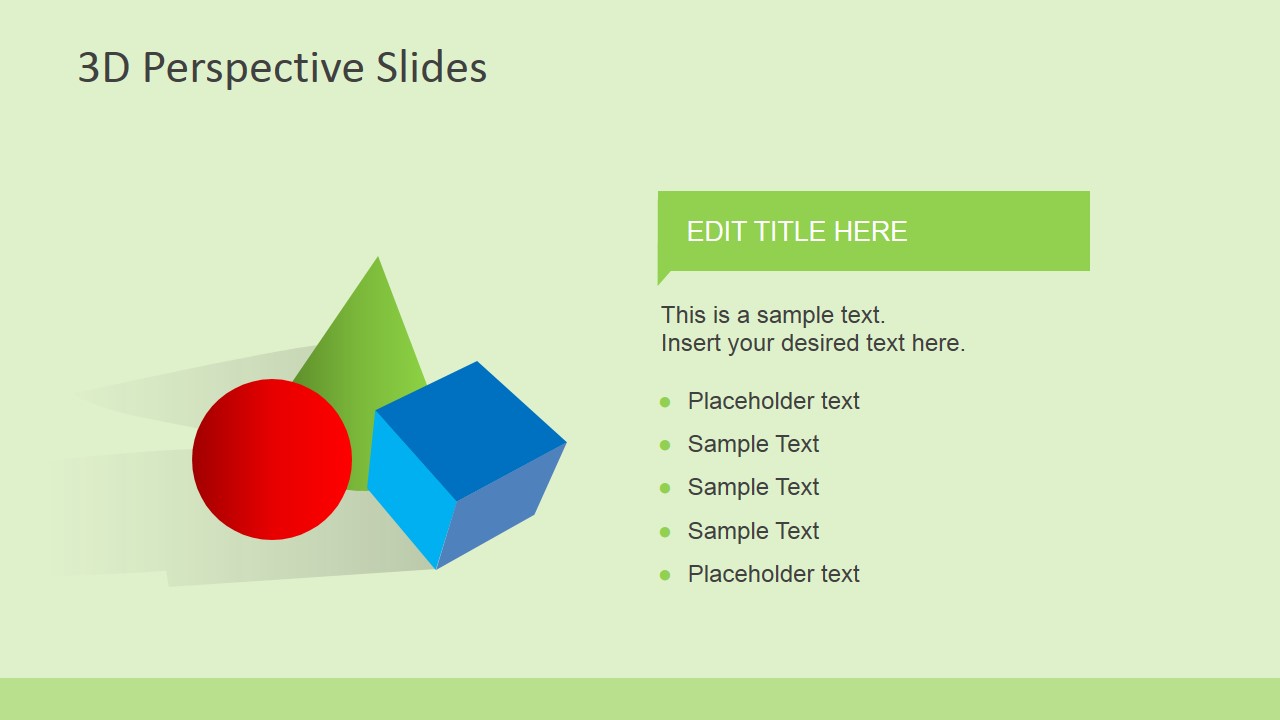
3D Perspective Icons for PowerPoint is a presentation template containing editable PowerPoint shapes & graphics. Inside this presentation template you can find PowerPoint illustrations containing 3D shipping boxes, 3D Pencil design, 3D shapes in PowerPoint and 3D Star.
Instead you can download a similar PowerPoint presentation template for back to school PowerPoint presentations and gray perspective icons in PowerPoint.
What’s inside this template
Example presentation scenarios
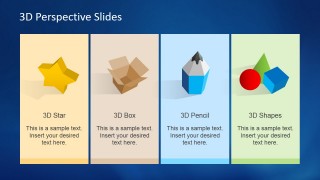
- An educator can introduce a back-to-school topic by using the four-card icon overview to assign meanings to the star, box, pencil, and geometric shapes.
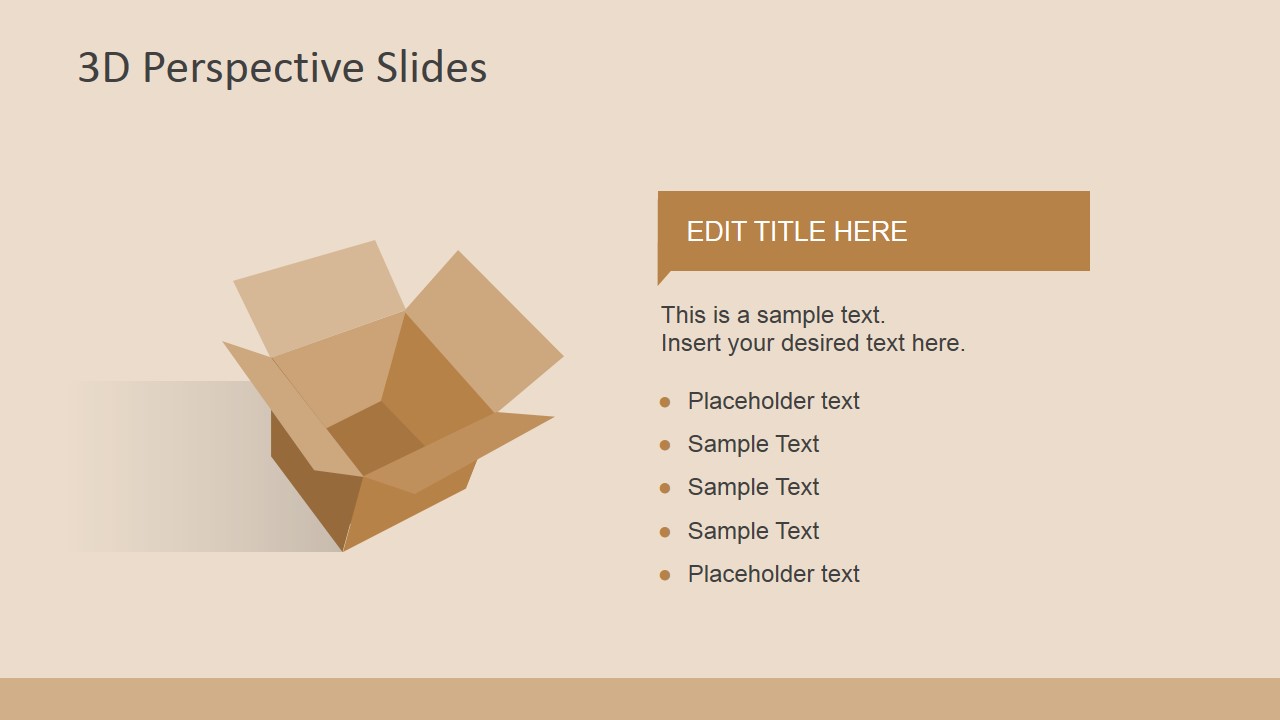
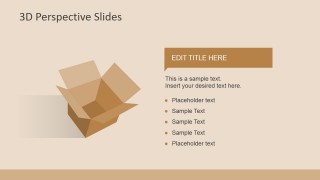
- A logistics or packaging presenter can explain a shipping concept with the 3D open box slide and use the bullet list for key process notes.
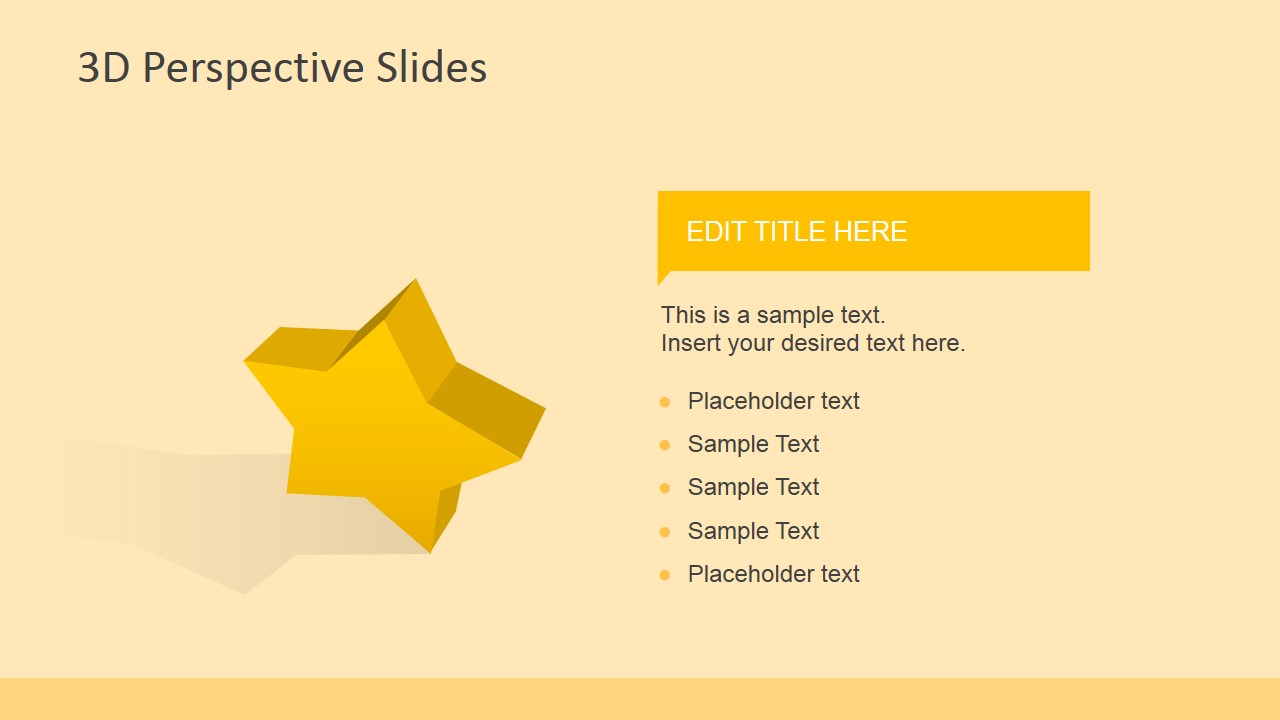
- A marketing team can frame product benefits with the 3D star detail slide, pairing the large symbol with a short headline and supporting bullets.
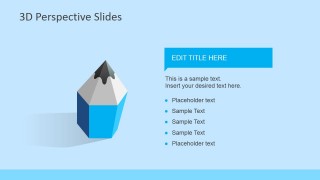
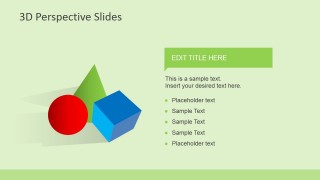
- A training facilitator can use the pencil or geometric shapes slides as section dividers, then summarize learning points in the editable bullet list.
Features
- 100% editable presentation template
- Compatible with Microsoft PowerPoint and Google Slides
- 16:9 aspect ratio slides
- Scalable vector shapes, icons and illustrations
- AI-Ready for Microsoft Copilot and Claude
- Instant access and download
Frequently asked questions
Q: How should a presenter assign meaning to the 3D icons without making the slides feel decorative?
A: Treat each icon as a named metaphor before adding bullets. For example, the star can represent priority or achievement, the open box can represent shipping or an offer, and the pencil can represent learning or planning. Keep each title specific so the audience understands why the visual is on the slide.
Q: Who is this template best suited for in a business or education presentation?
A: This template fits presenters who need a short visual section, not a full report. Educators can use the pencil and shapes for classroom themes, marketers can use the star for promotion or value, and logistics teams can use the box slide to explain packaging or delivery ideas.
Q: Why does the template use one large 3D object with a simple bullet list on each detail slide?
A: The large 3D object creates quick recognition, while the right-side title ribbon and bullets keep the explanation concise. This split layout helps audiences connect a visual metaphor to a small set of points, which is clearer than placing several unrelated icons and paragraphs on one slide.
3D Perspective Icons for PowerPoint
5-slide presentation template with 3D star, box, pencil, and geometric shape icons
3D Perspective Icons for PowerPoint is a 5-slide presentation template for presenting dimensional icon concepts in Microsoft PowerPoint and Google Slides. It includes a four-card icon overview plus individual detail slides for a 3D star, open box, pencil, and geometric shapes. Editable vector PowerPoint shapes can be recolored, restyled, and resized.
- Category
- Shapes
- Rating


 Loading...
- Aspect ratio
- 16:9
- Item ID
- 6620-02
- Colors
 Microsoft PowerPoint
  Microsoft Copilot
  Claude for PowerPoint
 Other formats supported
Subscribe today and get immediate
access to download our PowerPoint templates.