Slide 1 of 3 from 3D Cube Shape for PowerPoint
1178-3d-cube-shape-powerpoint-wide-1
3D Cube Shape for PowerPoint
- Diagram
- Other
- Concept Explanation Slide
- 16:9
- 100% Editable
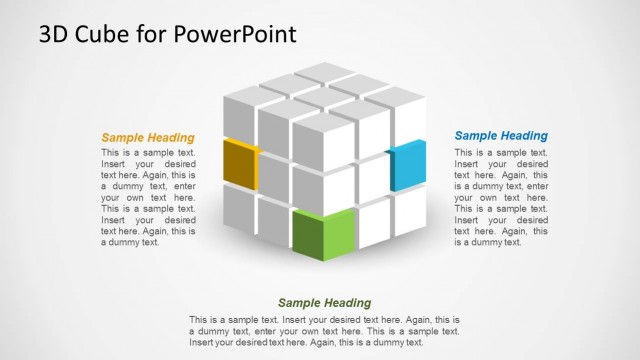
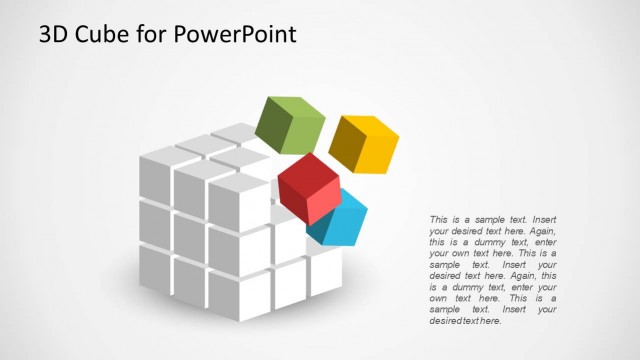
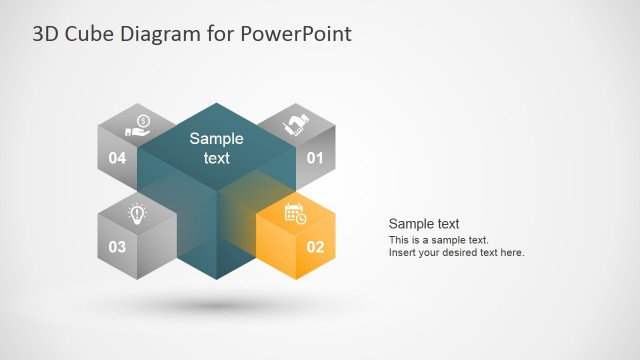
The 3D Cube Structure slide from the 3D Cube Shape for PowerPoint template offers a clear visual framework ideal for data presentations and IT infrastructure discussions. This slide layout uses editable shapes and vector icons to create a balanced, three-dimensional cube design that supports structured overviews in business presentations and project pitch decks.
What’s on This Slide
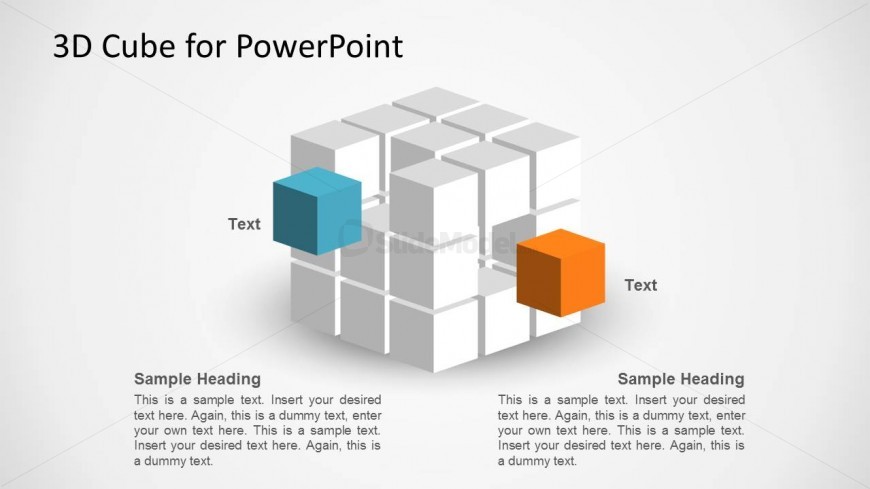
The layout features a central 3D cube composed of smaller cubes arranged in a grid. Two larger cubes, one blue and one orange, are positioned on the left and right sides, respectively, with text placeholders adjacent to each. The text placeholders are aligned vertically, allowing for headings and body text. The background is light gray, enhancing the visibility of the cube structure. The overall composition is balanced, with a clear visual hierarchy, emphasizing the 3D effect of the cubes. Additional text placeholders are located at the bottom for further content.
How to Use It
This layout serves as a visual representation of concepts related to data, technology, or processes. It is suitable for presentations that require a structured overview of key points or features. The slide fits well after introductory content, providing a transition to more detailed discussions. It can be used in business contexts such as data analysis, IT infrastructure, or project presentations, where illustrating relationships or components is essential. The layout effectively highlights multiple aspects of a topic in a visually engaging manner.
Text Placeholders & Capacity
Keep your copy within these limits so it fits without resizing. Node body slots can accommodate roughly 30-40 words each.
| Placeholder | Count | Max characters (approx.) |
|---|---|---|
| Slide title | 1 | 30 |
| Item heading | 2 | 20 |
| Item body | 2 | 150 |
Slide Keywords
Download unlimited PowerPoint templates, charts and graphics for your presentations with our annual plan.
DOWNLOADReturn to 3D Cube Shape for PowerPoint.