3D Coordinate Axis Cube PowerPoint Template
Do you need to visualize complex information like data trends, spatial relationships, or other 3D structures easily? Look no further, we have created a 3D Coordinate Axis Cube PowerPoint Template using fully editable PowerPoint elements so that you can discuss complex points easily using different angles or coordinate axes. The cube’s axes enable professionals to examine the other dimensions of a business framework. It can be used to present data analysis results, strategic plans, and various facets of a project or product. You can also showcase interconnected ideas or steps in your executive meetings with our cube diagram.
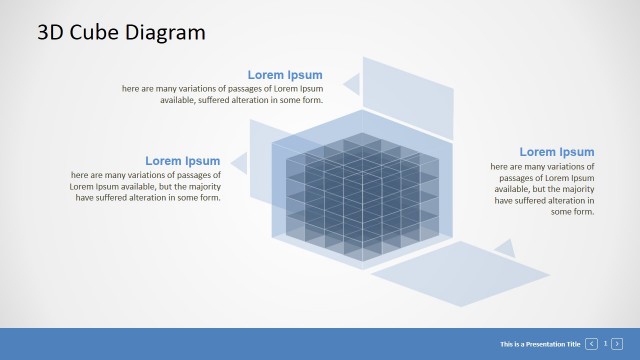
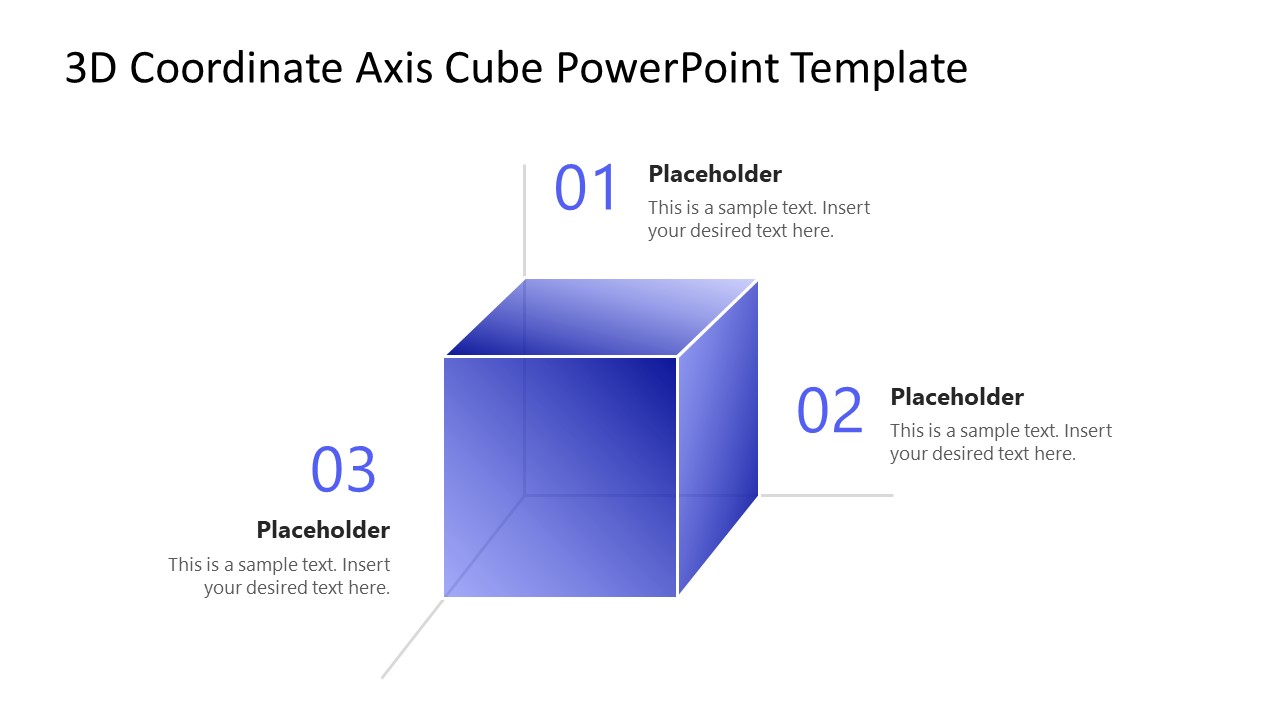
You can customize our 3D Coordinate Axis Cube PowerPoint Template with Google Slides and other versions of Microsoft PowerPoint. The first slide shows a semitransparent gradient-blue cube centered on the three axes: x-axis, y-axis, and z-axis. At the end of each axis, there is a plechodler text segment with a numerical digit indicating the point number, tile, and description presentation. The cube’s outlines are white, which makes it look impressive. Then the second slide has a background color similar to the cube’s, which merges with its background and becomes less visible, while the white text segments remain prominent. Users can use both slides or choose the one that best matches their theme or choices. Furthermore, you can adjust the color scheme or text fonts used in the template to present your information accurately.
Download the 3D coordinates axis cube PPT template and demonstrate multiple categories in business presentations. Alternatively, you can download other 3D coordinate system templates for presentations including the basic coordinate system slides for PowerPoint or other editable slide templates for presentations.

You must be logged in to download this file.
DOWNLOAD- Category
- Diagrams
- Rating

 Loading...
- Size
- 16x9
- Item ID
- 23349-01
- Colors
Subscribe today and get immediate
access to download our PowerPoint templates.