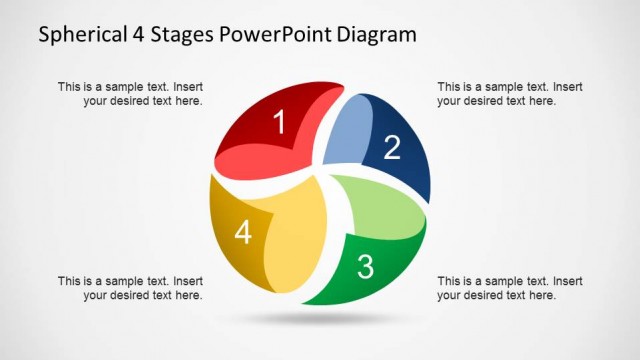
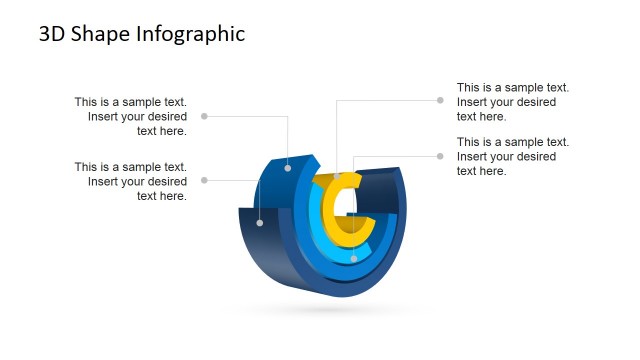
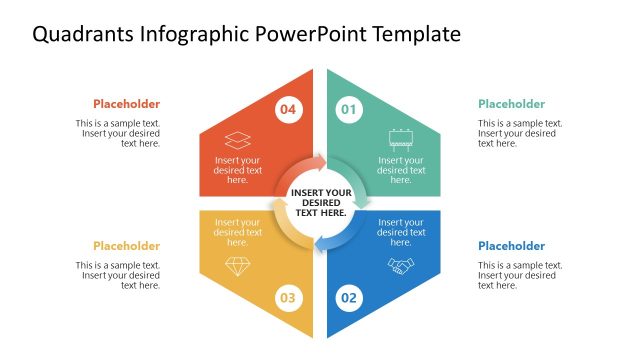
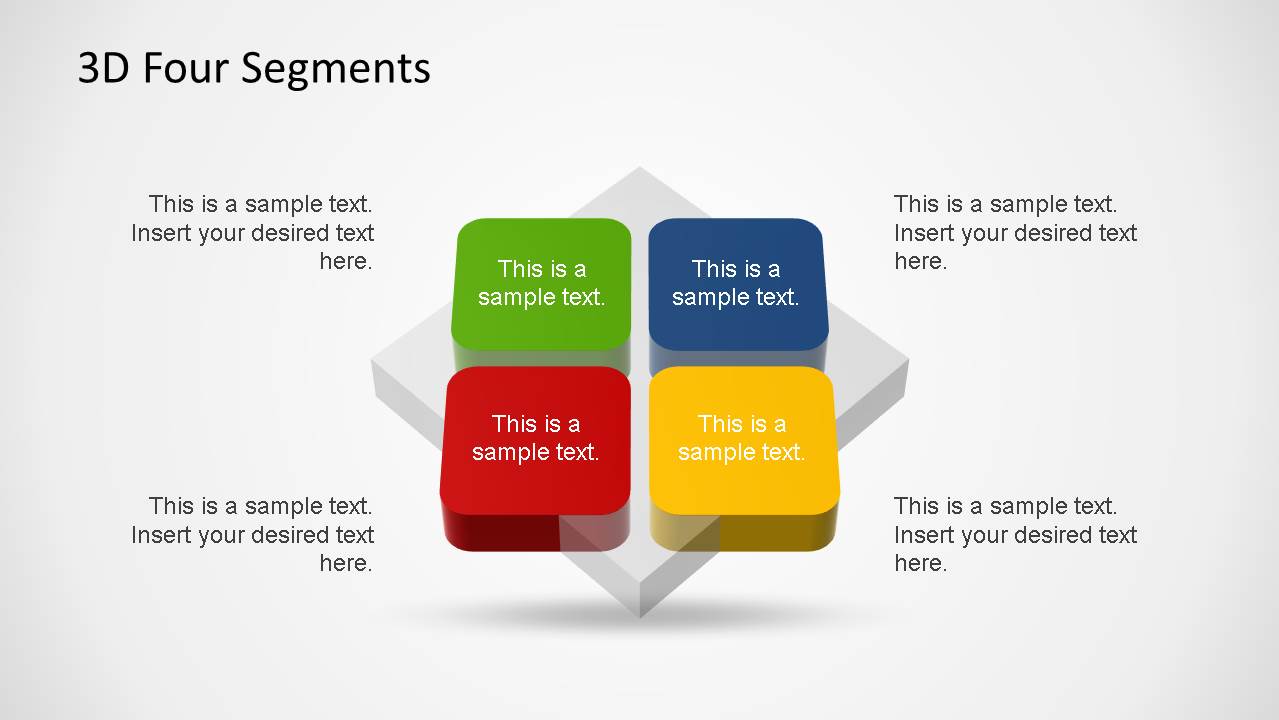
4 Segments 3D Diagrams PowerPoint template is a colourful slide designed with 3D objects and and angular perspective that represent 4 Quadrants. Impress your audience with this fully customizable, attractive and modern design.
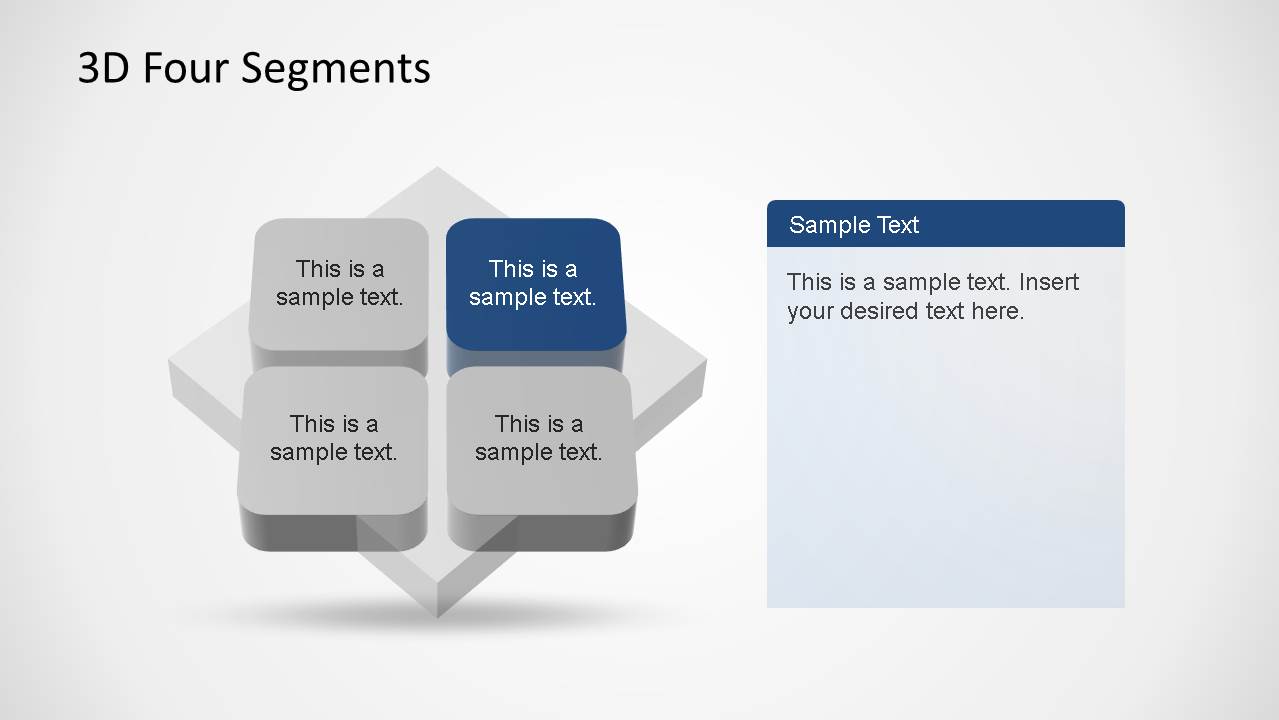
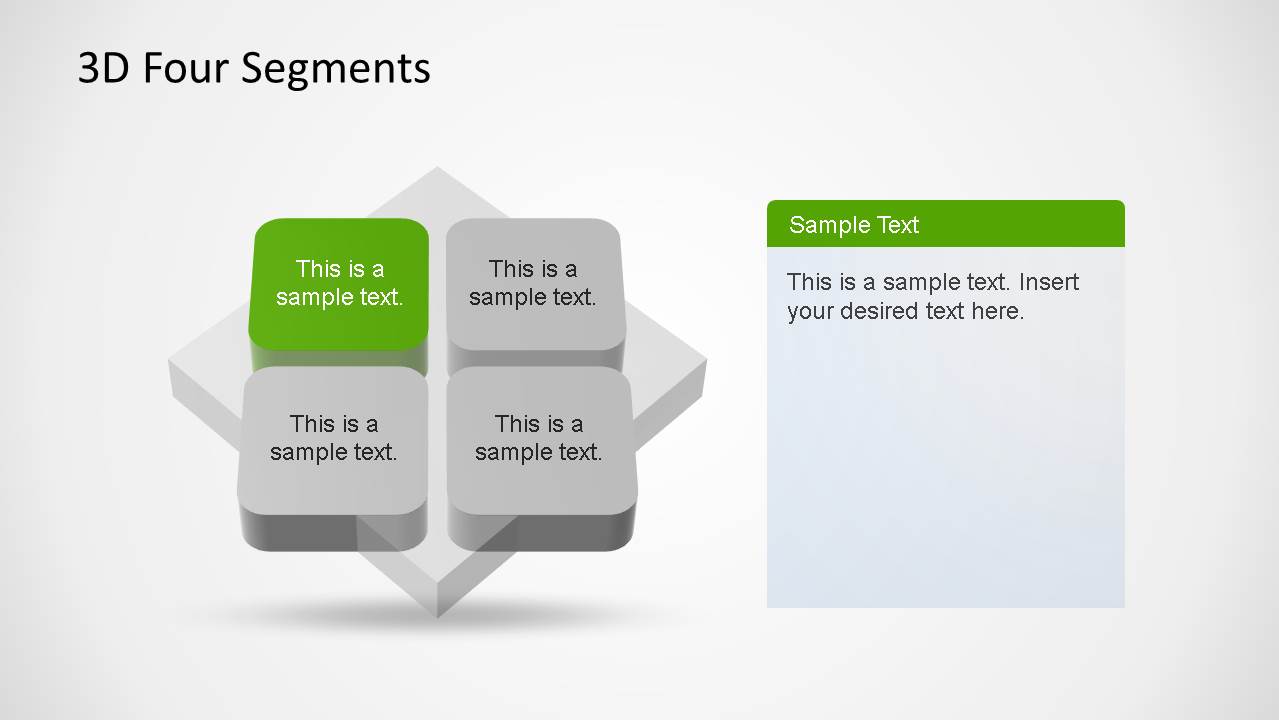
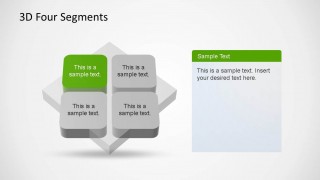
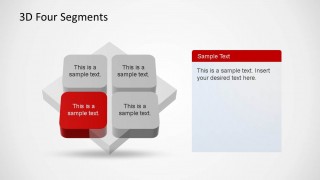
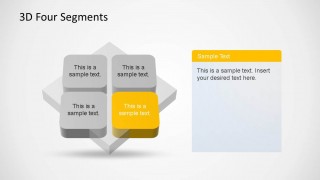
Generally used to describe 4 Step processes or to represent simple analysis frameworks, like SWOT diagrams, this flexible design can be adapted for any Model that requires a simple 2-matrix design. Four Segments diagrams are very popular for describing opposing ideas. This presentation has an initial slide with the 4 Segments highlighted with strong colors, and then one slide for each Segment highlighted and the rest in shadows. This design is ideal for representing individual descriptions of each segment.
The slides are created using PowerPoint shapes, enabling the user to modify the objects properties, and reuse the objects and diagram in other presentations.
Impress your audience with this 4 Segments 3D Diagrams PowerPoint and create appealing presentations.
Alternatively, you can download other 4 step PPT templates for presentations and quadrant diagrams including a variety of layouts that you can use to represent SWOT slides in PowerPoint & Google Slides presentations.
What’s inside this template
Example presentation scenarios
- A strategy consultant can use the 3D quadrant overview to introduce a SWOT-style analysis, then use the colored segment slides to explain each quadrant one at a time.
- A marketing manager can present four customer segments or campaign pillars by assigning each block a category and using the right-side text panels for supporting details.
- A product manager can explain a four-step roadmap or feature model by using the overview slide for context and the focused segment slides for deeper discussion.
- A project leader can compare four workstreams, risks, or priorities by placing the main categories inside the blocks and adding concise notes in the editable callout areas.
Features
- 100% editable presentation template
- Compatible with Microsoft PowerPoint and Google Slides
- 16:9 aspect ratio slides
- Scalable vector shapes, icons and illustrations
- AI-Ready for Microsoft Copilot and Claude
- Instant access and download
Frequently asked questions
Q: How should a presenter explain a four-segment model with this template?
A: Start with the full 3D quadrant overview to name the four categories and define the relationship between them. Then move through the segment-highlight slides to discuss one area at a time. Keep each block label short, and use the right-side panel for the key explanation, evidence, or decision attached to that segment.
Q: What presentation situations fit this 3D quadrant template best?
A: This template works best when the audience needs to compare four ideas that belong to one framework, such as SWOT factors, marketing segments, process steps, or strategic priorities. It is especially useful for consultants, product teams, and managers who need a structured visual that separates categories without turning the discussion into a data-heavy report.
Q: Why use a 3D four-block metaphor instead of a flat list?
A: The raised 3D blocks make each segment feel like a distinct part of the same system. The overview slide shows the whole model, while the grayed-out blocks on the following slides keep context visible as one segment is highlighted. This reduces audience confusion and supports focused explanation without losing the overall structure.


4 Segments 3D Diagrams PowerPoint Template
5-slide presentation template with 3D quadrant diagrams for SWOT, four steps, and segment comparisons
The 4 Segments 3D Diagrams PowerPoint Template is a 5-slide diagram deck for presenting a four-part model. It includes a full 3D quadrant overview, four segment-highlight slides, and matching text panels for focused explanations. It is built for business process, SWOT, marketing, or comparison presentations in Microsoft PowerPoint and Google Slides.
- Category
- Diagrams
- Rating


 Loading...
- Aspect ratio
- 16:9
- Item ID
- 6434-01
- Colors
 Microsoft PowerPoint
  Microsoft Copilot
  Claude for PowerPoint
 Other formats supported
Subscribe today and get immediate
access to download our PowerPoint templates.