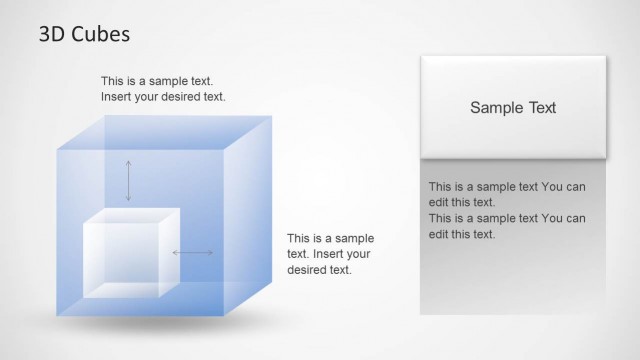
Slide 2 of 2 from 3D Coordinate Axis Cube PowerPoint Template
Customizable 3D Coordinate Axis Cube PowerPoint Layout
3D Coordinate Axis Cube Diagram for Presentations
- Diagram
- Other
- Concept Explanation Slide
- 16:9
- 100% Editable
The 3D Coordinate Axis Cube Diagram from the 3D Coordinate Axis Cube PowerPoint Template offers a clear visual tool for explaining complex concepts in business presentations. This slide layout uses editable shapes and vector icons to represent product features, project phases, or strategic frameworks in a structured format, making it suitable for corporate presentations and pitch deck templates.
What’s on This Slide
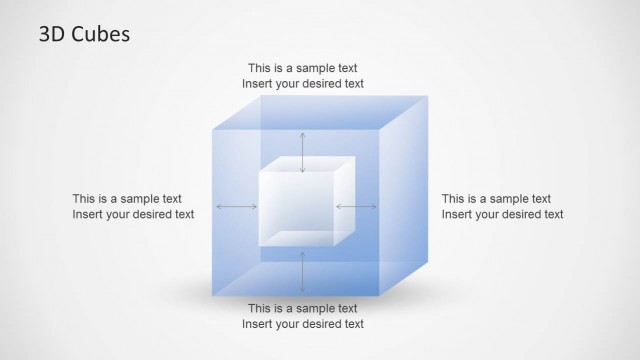
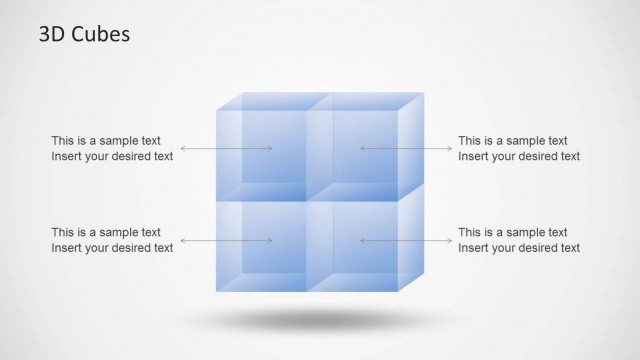
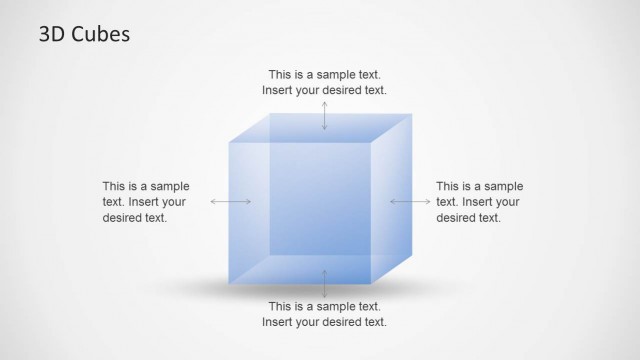
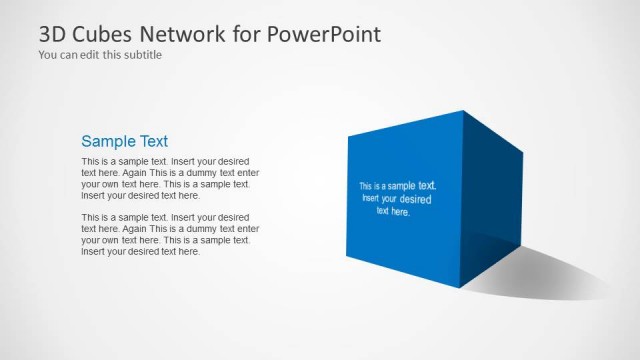
The layout features a 3D cube positioned centrally, with three numbered placeholders arranged around it. The first placeholder is at the top left, the second at the bottom right, and the third at the bottom left. Each placeholder contains sample text and is aligned to the corresponding number. The background is a solid blue gradient, enhancing the cube's visibility. The visual hierarchy emphasizes the cube, while the placeholders are clearly defined with a consistent font size. The overall composition is balanced and structured.
How to Use It
This layout serves as a visual representation of a 3D coordinate axis, ideal for illustrating concepts in three dimensions. It fits well in a presentation sequence after introducing a topic and before diving into detailed analysis. Common scenarios include product features, project phases, or strategic frameworks. It allows for clear communication of complex ideas through a structured visual format, making it suitable for business, education, or technical presentations.
Text Placeholders & Capacity
Keep your copy within these limits so it fits without resizing. Node body slots can accommodate roughly 15-20 words each.
| Placeholder | Count | Max characters (approx.) |
|---|---|---|
| Item heading | 3 | 40 |
| Item body | 3 | 100 |
Slide Keywords
Download unlimited PowerPoint templates, charts and graphics for your presentations with our annual plan.
DOWNLOADReturn to 3D Coordinate Axis Cube PowerPoint Template.