Slide 7 of 7 from 3D Cone Diagrams for PowerPoint
6089-01-cone-diagram-7
Cone Diagram for PowerPoint
- Diagram
- Other
- Process Slide
- 16:9
- 100% Editable
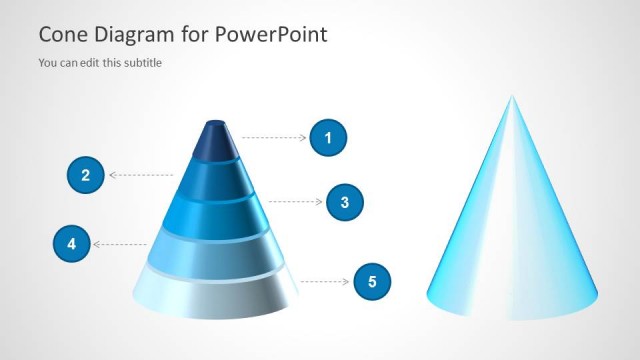
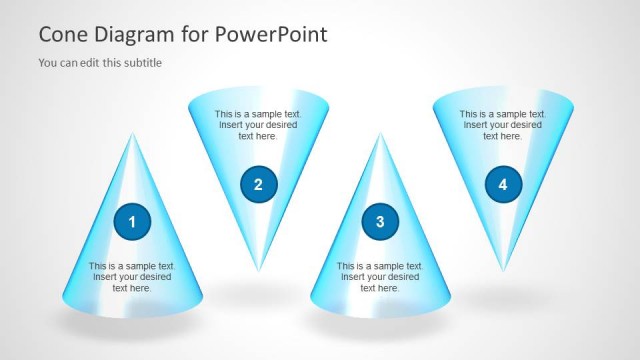
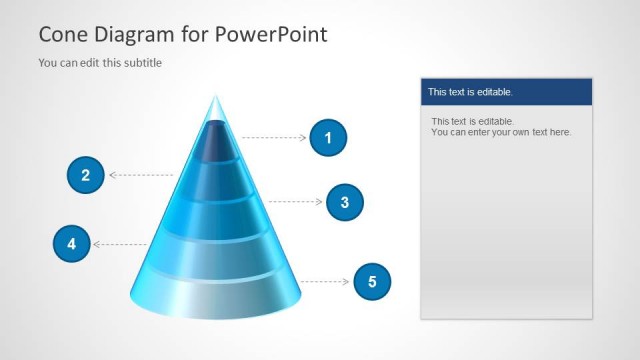
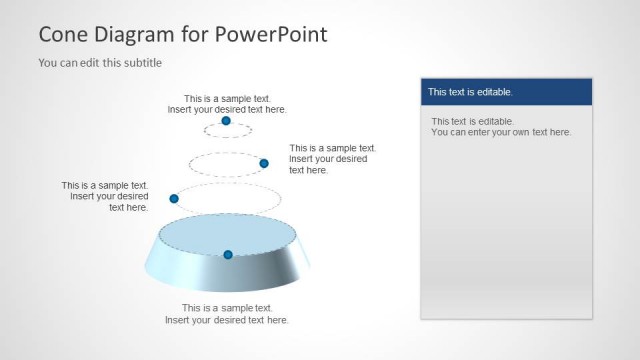
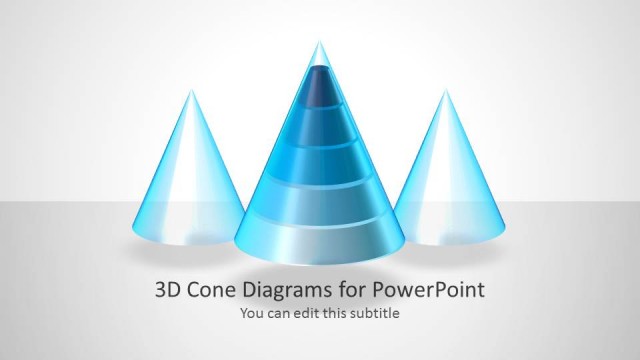
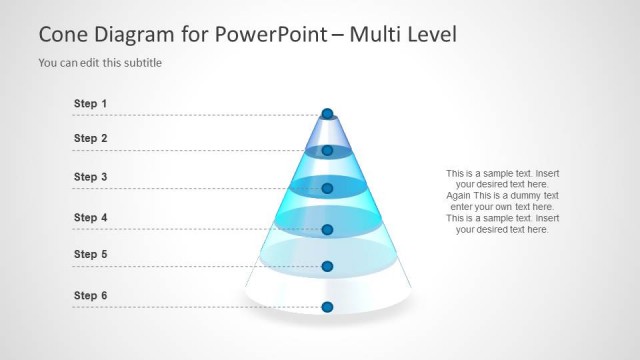
The Cone Diagram for PowerPoint slide from the 3D Cone Diagrams for PowerPoint template offers a clear way to visualize processes and hierarchical stages. This slide layout uses editable shapes and vector icons to depict three cones in varying styles, making it suitable for business presentations or pitch deck templates that require illustrating progression or categorization effectively.
What’s on This Slide
The layout features three cone shapes arranged horizontally. The left cone is a 3D representation with a gradient from dark blue at the top to light blue at the bottom. The center cone is a solid light blue, while the right cone is a dashed outline of a cone shape. Below each cone, there are text placeholders for descriptions, aligned centrally. The title is positioned at the top left, with a subtitle placeholder directly beneath it. The background is a light gradient, enhancing the visual appeal.
How to Use It
This layout serves as a visual representation of hierarchical or staged processes, suitable for illustrating concepts such as funnels or steps. It fits well in a presentation sequence following introductory content, providing clarity on complex ideas. Real-world applications include project management, training sessions, or business strategy discussions where visualizing progression or categorization is essential.
Text Placeholders & Capacity
Keep your copy within these limits so it fits without resizing. Node body slots can hold around 8 words each.
| Placeholder | Count | Max characters (approx.) |
|---|---|---|
| Slide title | 1 | 30 |
| Subtitle | 1 | 30 |
| Item body | 3 | 40 |
Slide Keywords
Download unlimited PowerPoint templates, charts and graphics for your presentations with our annual plan.
DOWNLOADReturn to 3D Cone Diagrams for PowerPoint.