Slide 4 of 7 from 3D Cone Diagrams for PowerPoint
6089-01-cone-diagram-4
Multi-Level Cone Diagram for Presentations
- Diagram
- Segmented Wheel
- Process Slide
- 16:9
- 100% Editable
The Multi-Level Cone Diagram slide from the 3D Cone Diagrams for PowerPoint template offers a clear visual tool for illustrating project stages and process hierarchies. This slide layout features editable shapes and color gradients that enhance the presentation of complex processes, making it suitable for business presentations and strategic planning. Its design supports effective communication in corporate presentations and pitch deck templates by visually organizing multi-step workflows.
What’s on This Slide
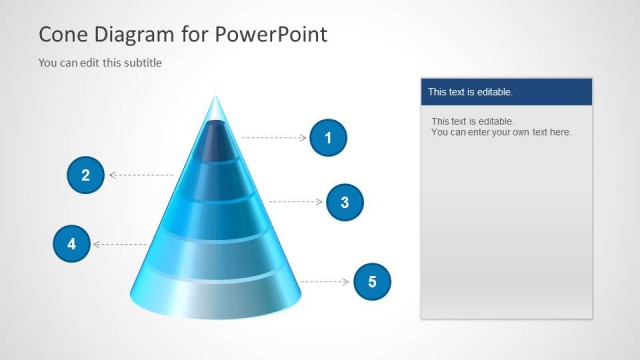
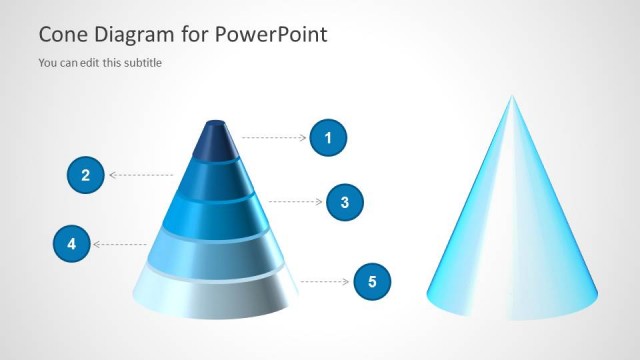
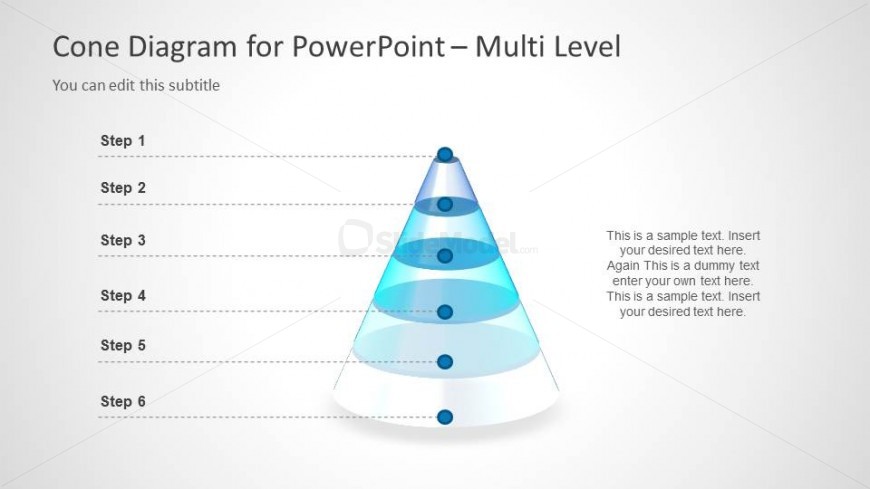
The slide features a multi-level cone diagram positioned centrally. The cone is segmented into six layers, each represented by a distinct color gradient from blue to white. To the left of the cone, there are six labeled steps arranged vertically, aligned with the layers of the cone. Each step has a corresponding placeholder for text, which is aligned left and allows for editing. The background is a light gradient, enhancing the visibility of the cone and text. The overall composition is balanced, with clear visual hierarchy.
How to Use It
This layout serves as a multi-level cone diagram, ideal for illustrating processes or hierarchies. It fits well in presentations discussing steps in a project, stages of a process, or levels of a strategy. This structure can be used in business contexts such as project management, product development, or educational settings to explain complex concepts in a simplified manner. It effectively communicates progression or categorization in a visually engaging way.
Text Placeholders & Capacity
Keep your copy within these limits so it fits without resizing. Node body slots can accommodate about 15-20 words each.
| Placeholder | Count | Max characters (approx.) |
|---|---|---|
| Item heading | 6 | 20 |
| Item body | 6 | 100 |
| Slide title | 1 | 50 |
| Subtitle | 1 | 50 |
Slide Keywords
Download unlimited PowerPoint templates, charts and graphics for your presentations with our annual plan.
DOWNLOADReturn to 3D Cone Diagrams for PowerPoint.