Slide 5 of 7 from 3D Cone Diagrams for PowerPoint
4 Cones for PowerPoint Slide Design
Cone Diagram for PowerPoint Presentation
- Diagram
- Segmented Wheel
- Process Slide
- 16:9
- 100% Editable
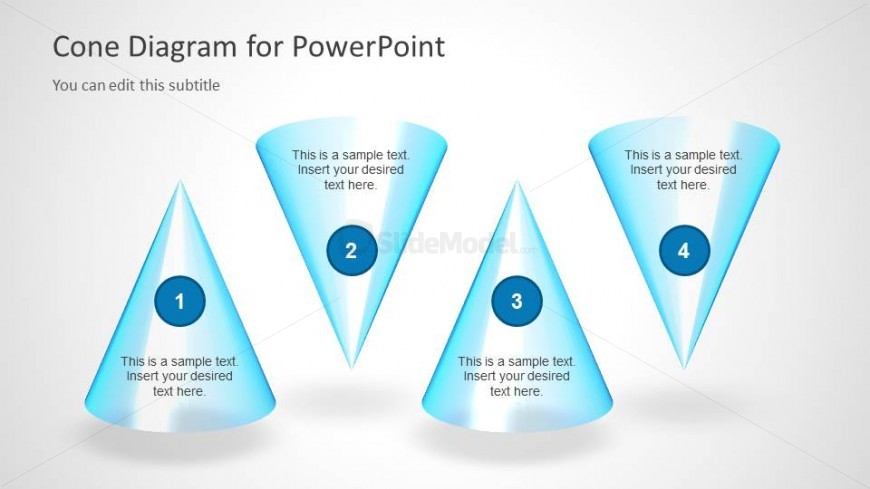
The Cone Diagram with Steps slide from the 3D Cone Diagrams for PowerPoint template presents a clear visual process using three 3D cones with numbered labels and descriptive text placeholders. This layout is ideal for illustrating project phases, product features, or sequential actions in a business presentation. Its balanced design and editable shapes enhance communication clarity, making it a practical choice for corporate slide decks and pitch deck templates that require structured process visualization.
About This Slide
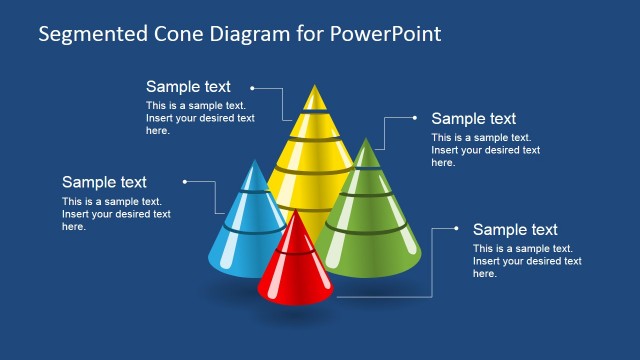
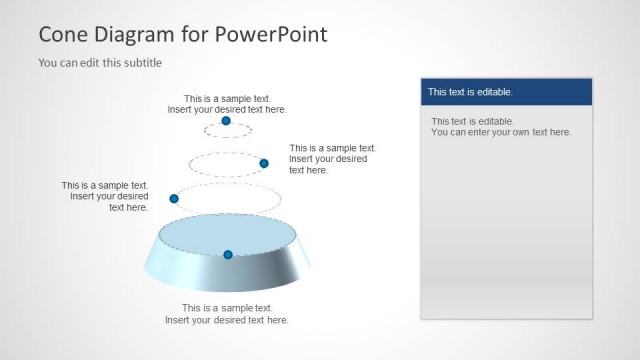
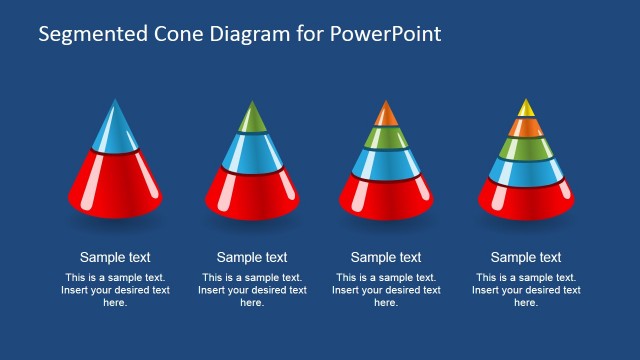
Four Cone diagrams for PowerPoint contains 4 unique 3D cone diagrams created in PowerPoint and two of these cones are inverted in the slide design.
What’s on This Slide
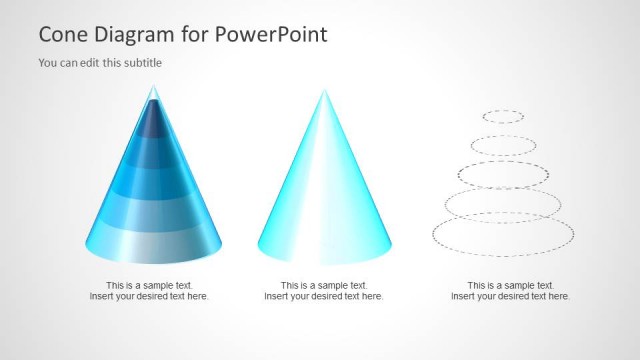
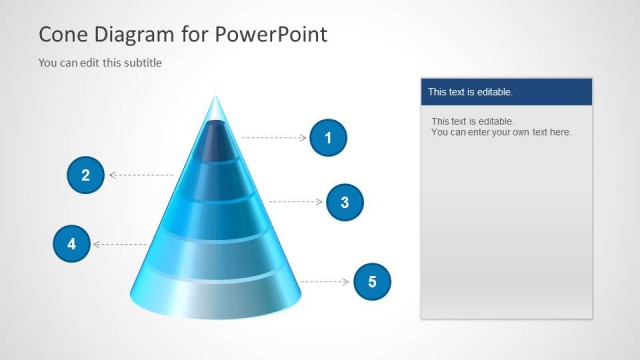
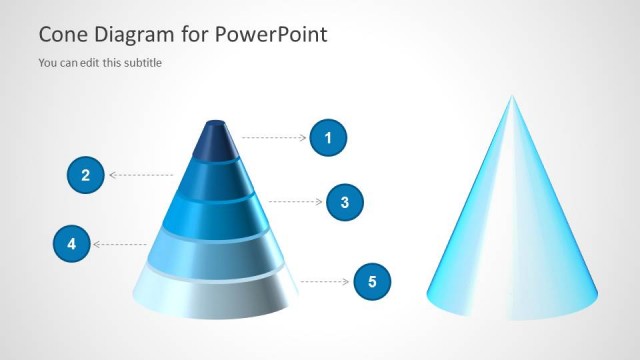
The layout features three 3D cone shapes arranged horizontally. Each cone is topped with a circular label containing a number, indicating a step or segment. Below each cone, there is a text placeholder for descriptive content. The cones are visually distinct, with a gradient color scheme transitioning from light blue to a darker blue. The background is a light gray, providing contrast. The overall composition is balanced, with equal spacing between the cones, creating a cohesive visual flow across the slide.
How to Use It
This layout serves as a segmented diagram to illustrate a process or steps in a presentation. It is suitable for scenarios such as project phases, product features, or sequential actions. Positioned after an introductory slide, it effectively transitions into detailed explanations. This structure is beneficial for business contexts where clarity in sequential information is essential, such as training sessions or strategy presentations.
Text Placeholders & Capacity
Keep your copy within these limits so it fits without resizing. Node body slots can hold roughly 10-12 words each.
| Placeholder | Count | Max characters (approx.) |
|---|---|---|
| Item heading | 4 | 20 |
| Item body | 4 | 50 |
| Slide title | 1 | 40 |
| Subtitle | 1 | 40 |
Slide Keywords
Download unlimited PowerPoint templates, charts and graphics for your presentations with our annual plan.
DOWNLOADReturn to 3D Cone Diagrams for PowerPoint.