Slide 6 of 7 from 3D Cone Diagrams for PowerPoint
Spiral Diagram Design for PowerPoint
3D Cone Diagram for PowerPoint
- Diagram
- Other
- Process Slide
- 16:9
- 100% Editable
About This Slide
This cone diagram template for PowerPoint includes a spiral diagram design that you can use to represent a spiral process or the spiral model in software development process.
What’s on This Slide
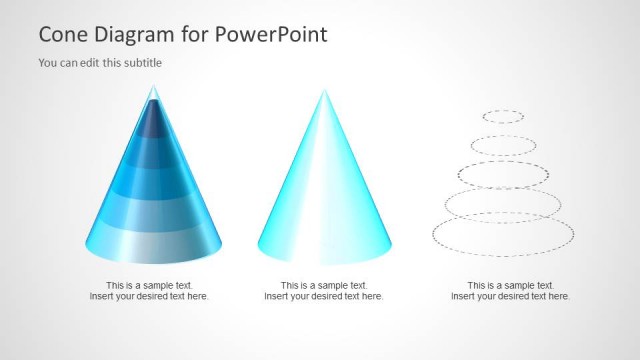
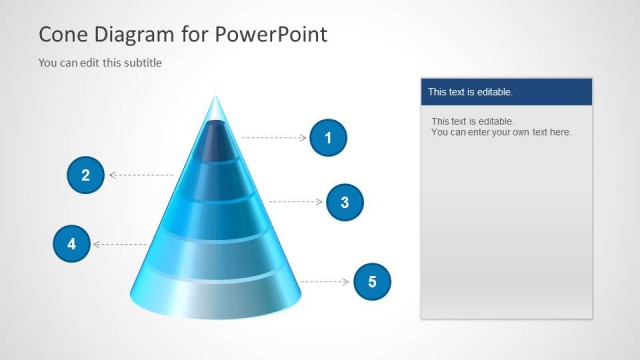
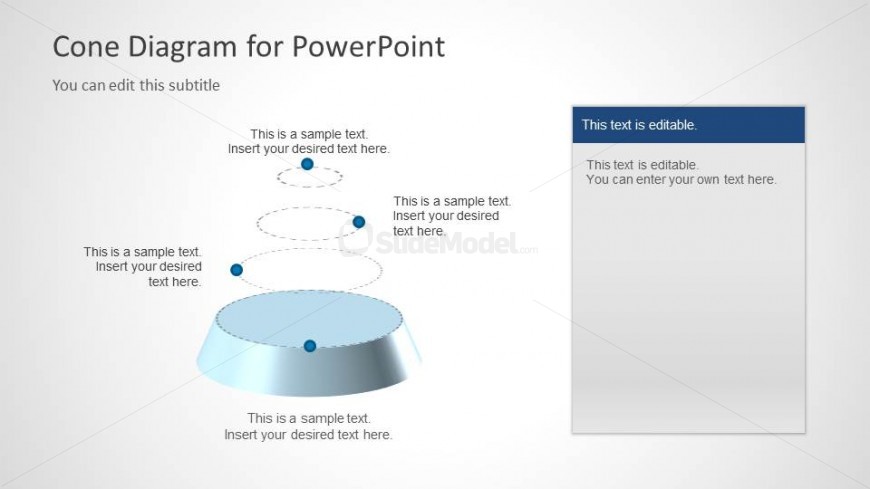
The slide features a 3D cone diagram positioned centrally, with a circular base and a tapered top. Above the cone, there are three evenly spaced circular nodes, each containing a text placeholder. The cone is rendered in a gradient color scheme, transitioning from light to dark blue. To the right, a vertical text box contains additional editable text placeholders. The title is located at the top, with a subtitle directly below it. The overall layout emphasizes the cone structure, with clear visual hierarchy and separation between the cone and text elements.
How to Use It
This layout serves as a visual representation of hierarchical or sequential information, making it suitable for presentations that require illustrating processes or stages. It fits well after introductory slides and before detailed discussions, helping to summarize key points. This structure is applicable in business contexts, such as project updates, training sessions, or strategic planning, where conveying layered information is essential.
Text Placeholders & Capacity
Keep your copy within these limits so it fits without resizing. Node body slots can hold approximately 10 words each.
| Placeholder | Count | Max characters (approx.) |
|---|---|---|
| Slide title | 1 | 30 |
| Subtitle | 1 | 40 |
| Item body | 3 | 50 |
| Body paragraph | 1 | 100 |
Slide Keywords
Download unlimited PowerPoint templates, charts and graphics for your presentations with our annual plan.
DOWNLOADReturn to 3D Cone Diagrams for PowerPoint.