Slide 1 of 7 from 3D Cone Diagrams for PowerPoint
6089-01-cone-diagram-1
3D Cone Diagram for PowerPoint
- Diagram
- Other
- Concept Explanation Slide
- 16:9
- 100% Editable
The 3D Cone Diagram slide from the 3D Cone Diagrams for PowerPoint template offers a clear visual hierarchy ideal for introducing processes or project stages. This slide layout uses editable shapes and gradient vector icons to emphasize key concepts, making it suitable for business presentations and pitch deck templates that require a professional and structured approach.
What’s on This Slide
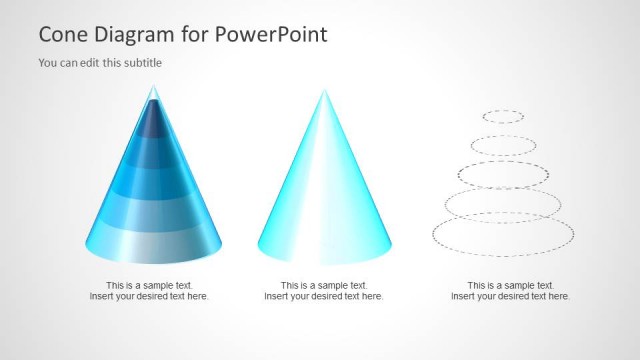
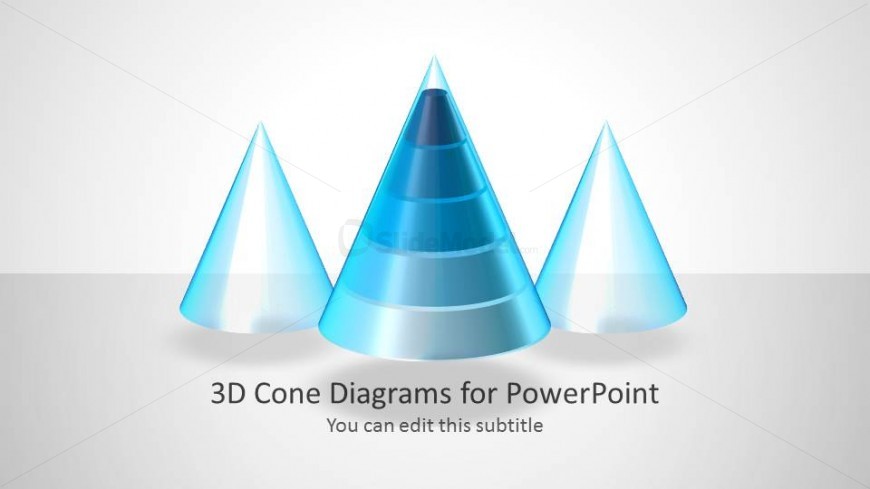
The layout features three 3D cone shapes arranged horizontally across the center. The cones vary in size, with the largest in the middle and two smaller cones on either side. Each cone has a gradient color scheme, transitioning from light to dark blue, enhancing the 3D effect. Below the cones, there are two text placeholders: the main title is centrally aligned, while the subtitle is positioned directly beneath it. The background is a light gray gradient, creating a subtle contrast with the cones. Overall, the composition emphasizes the central cone as the focal point.
How to Use It
This layout serves as a visual representation of hierarchical or sequential information, ideal for illustrating processes or stages. It fits well at the beginning of a presentation to introduce key concepts or themes. In business contexts, it can be used to depict product features, project phases, or strategic steps. The design allows for easy customization of titles and subtitles, making it suitable for various topics. It is particularly effective in presentations that require a clear visual hierarchy.
Text Placeholders & Capacity
Keep your copy within these limits so it fits without resizing. Title and subtitle slots can accommodate a few short phrases each.
| Placeholder | Count | Max characters (approx.) |
|---|---|---|
| Slide title | 1 | 30 |
| Subtitle | 1 | 40 |
Slide Keywords
Download unlimited PowerPoint templates, charts and graphics for your presentations with our annual plan.
DOWNLOADReturn to 3D Cone Diagrams for PowerPoint.