Slide 3 of 7 from 3D Cone Diagrams for PowerPoint
2 3D Cone Diagrams for PowerPoint
Cone Diagram for PowerPoint Slide
- Diagram
- Segmented Wheel
- Process Slide
- 16:9
- 100% Editable
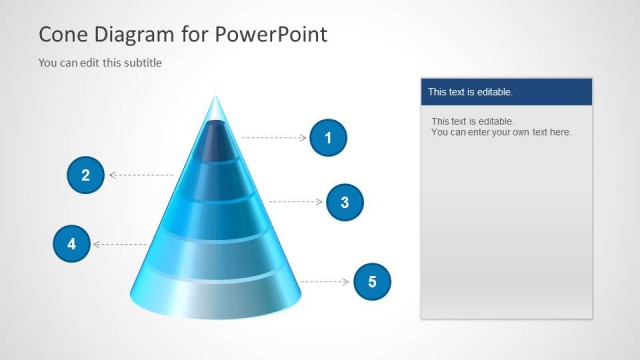
The Cone Diagram with Steps slide from the 3D Cone Diagrams for PowerPoint template offers a clear visual process layout ideal for business presentations. Featuring a segmented 3D cone with numbered steps, this slide supports step-by-step guides and project phase explanations. It integrates well into corporate presentation slide decks, providing editable shapes and vector icons to enhance clarity in sales funnels or strategic workflows.
About This Slide
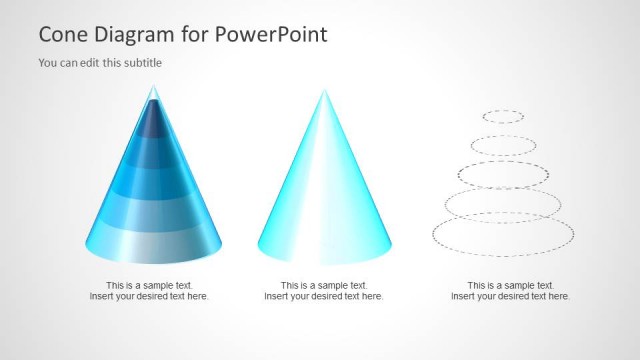
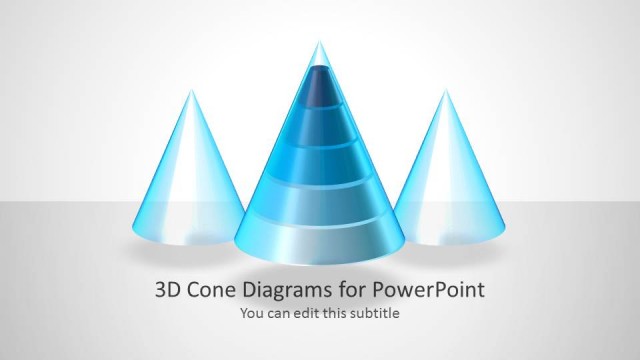
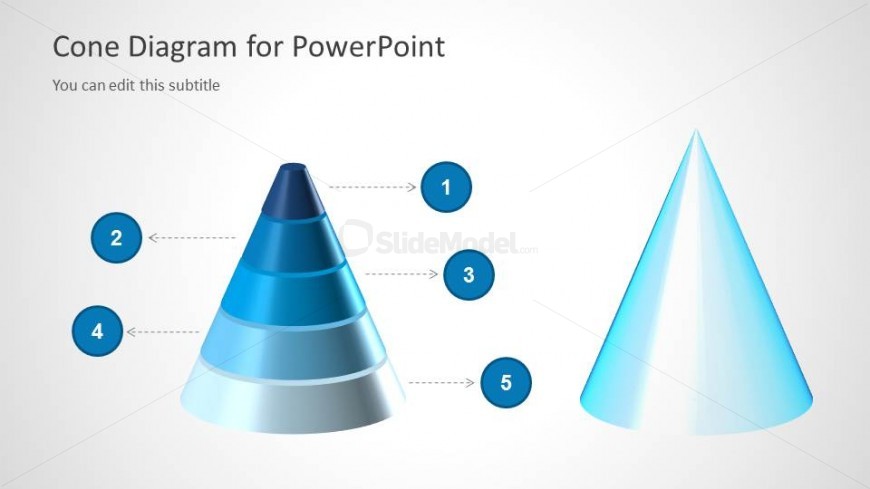
Two cone diagrams in the slide design with multi-level 3D cone diagram and plain cone diagram design created in Microsoft PowerPoint.
What’s on This Slide
The slide features a 3D cone diagram positioned centrally, with five segments represented in varying shades of blue. Each segment is labeled with numbers 1 through 5, placed in circular icons to the right of the cone. The cone is flanked by a solid cone shape on the right side, which is rendered in a lighter blue gradient. The background is a light gray, providing contrast to the blue elements. There are text placeholders for a title and subtitle at the top, aligned left, with the title being larger and bolder than the subtitle.
How to Use It
This layout serves as a visual representation of a process or steps, suitable for illustrating sequential information. It fits well in a presentation sequence following an introductory slide or problem statement, providing clarity on the steps involved. This structure is useful in business scenarios where processes need to be outlined, such as project phases, sales funnels, or strategic steps in a plan. It can be used individually to emphasize specific stages in a workflow or methodology.
Text Placeholders & Capacity
Keep your copy within these limits so it fits without resizing. Title and subtitle slots are tight, roughly 5-10 words each.
| Placeholder | Count | Max characters (approx.) |
|---|---|---|
| Slide title | 1 | 30 |
| Subtitle | 1 | 50 |
| Item heading | 5 | 10 |
Slide Keywords
Download unlimited PowerPoint templates, charts and graphics for your presentations with our annual plan.
DOWNLOADReturn to 3D Cone Diagrams for PowerPoint.