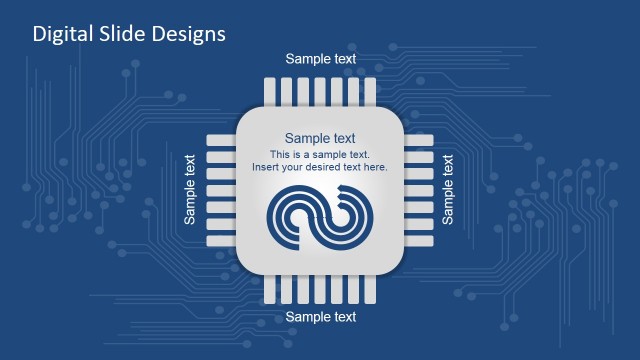
3D Computer Chip Shapes for PowerPoint template with computer processors and lots of electronic components.
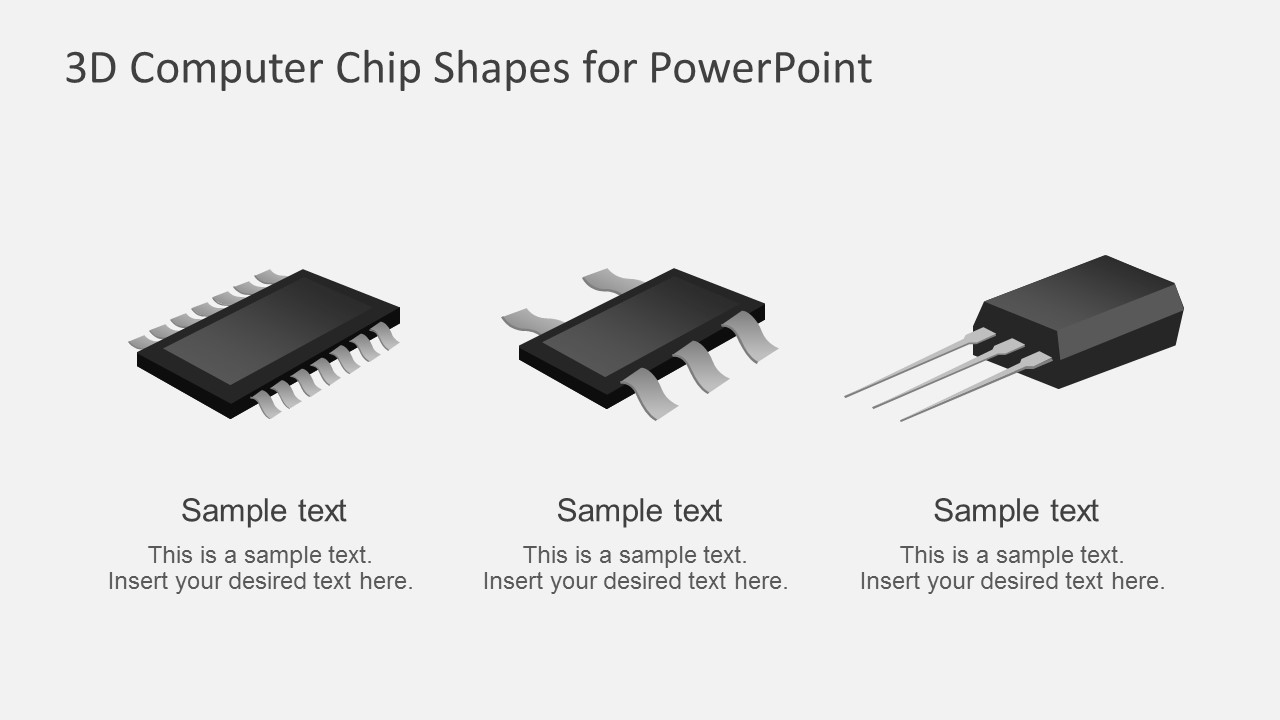
We are proud to present our 3D graphic processor unit chip microprocessor CPU for PowerPoint slides. This template shows 3D Graphics of CPU processor that is useful to share brilliant ideas with your audiences. This 3D PowerPoint diagram can be used to create technology related presentations.
This PowerPoint template can be easily used in different kinds of the computer as well as software related PowerPoint presentations. In this digital age, computers and the rest of high technologies engineering are developing with an extremely fast speed. A great number of companies provide new kinds of various services. They would like to promote their products, goods and services as better as they can. They do their best in order to interest their potential clients in their products, goods or services so then they buy them and use in their everyday personal life. In this case, it is recommended to think over the plan which you will stick to during your company’s promotional campaign. This PowerPoint template can be useful as it can be easily downloaded. This customized PowerPoint template has a proper vectors and illustrations of computer chips that are easily editable.
Learn more about our awesome PowerPoint slides and templates. We have tons of 3D graphics, integrated circuits and other computer related PowerPoint presentations.
What’s inside this template
Example presentation scenarios
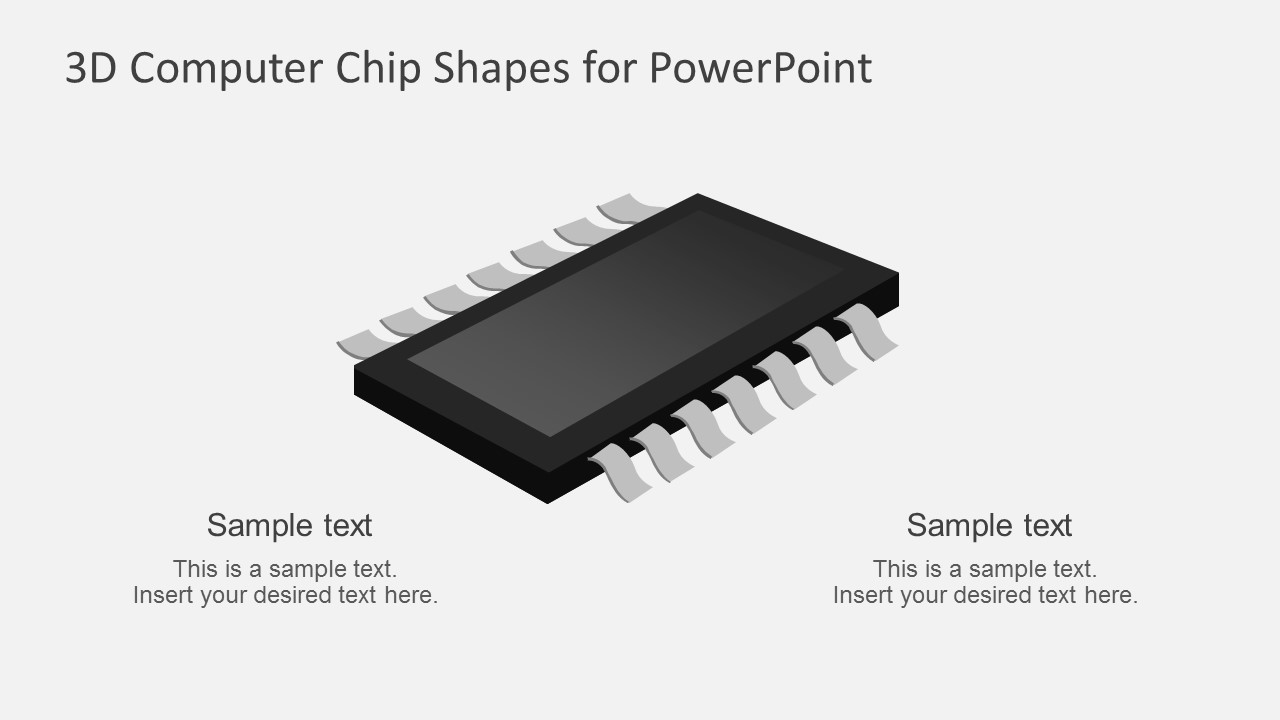
- A product marketer can introduce a new hardware concept by using the title cover for context and the large processor callout slide to connect the chip visual with key product messages.
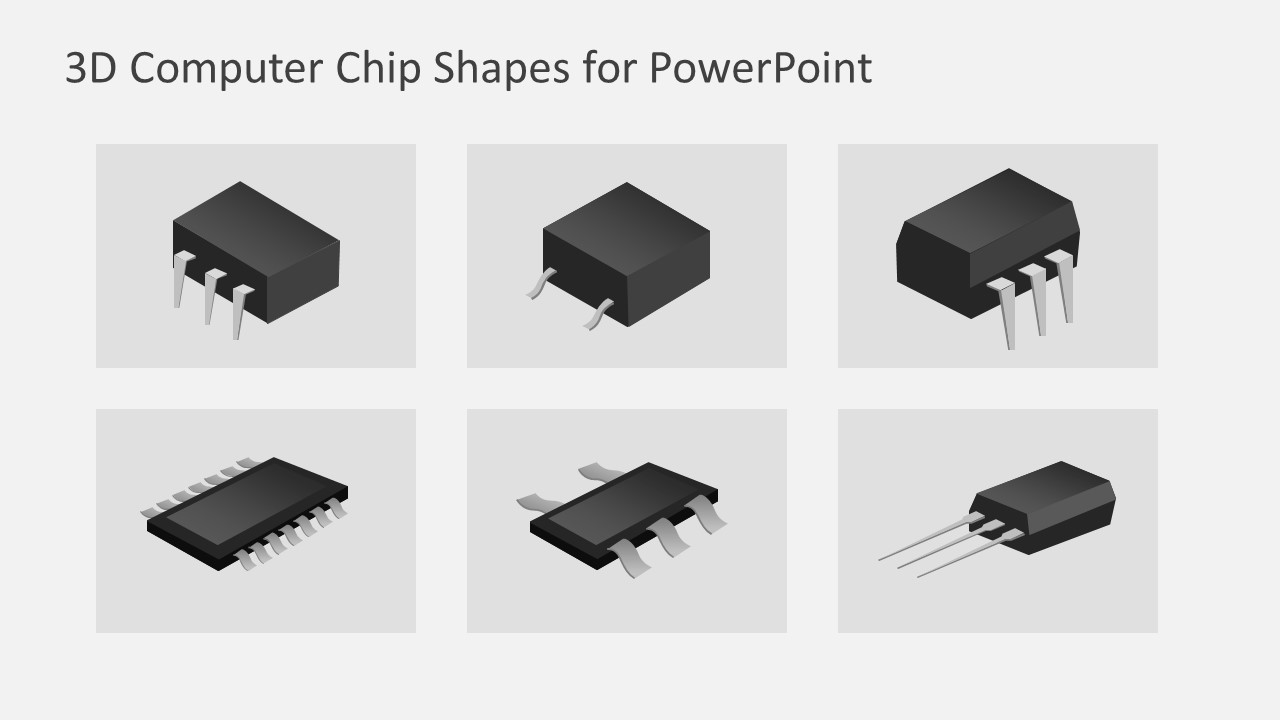
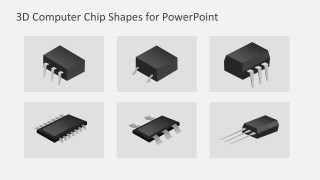
- An electronics engineer can compare component types during a technical briefing by using the six-chip gallery to show different package shapes and related notes.
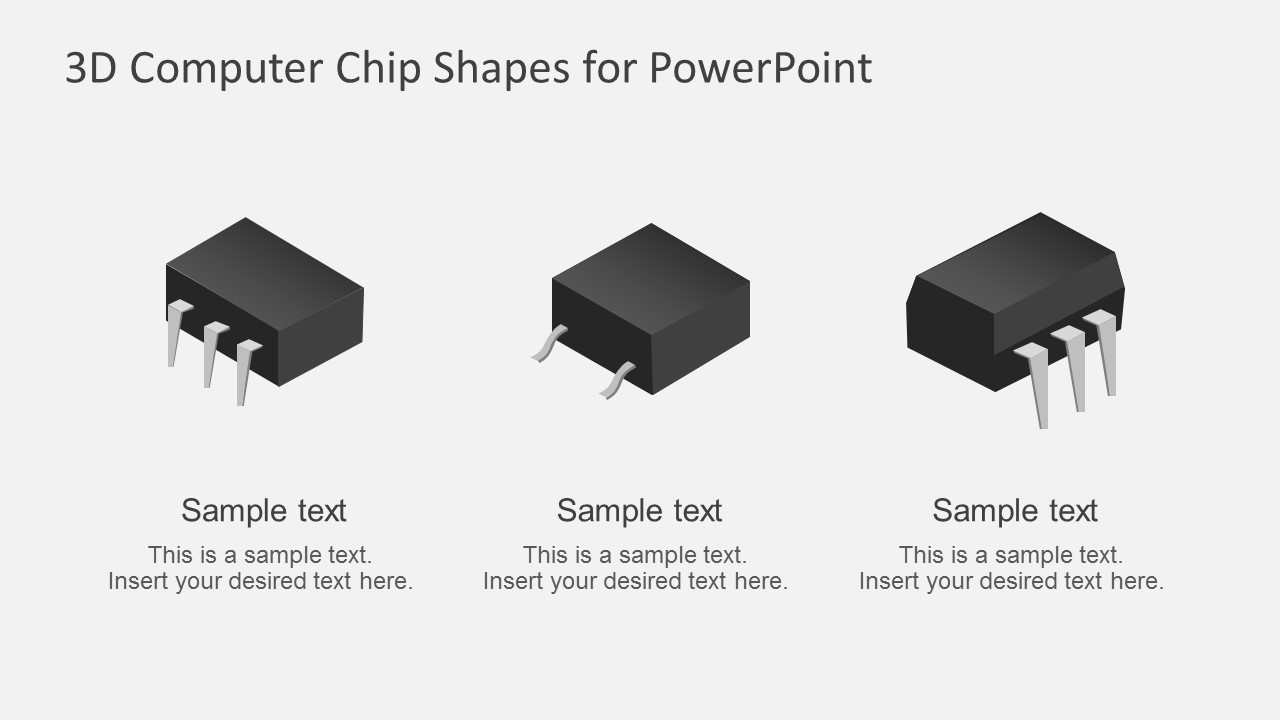
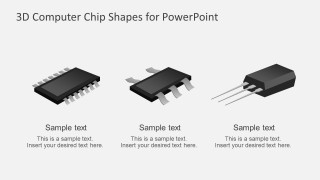
- An IT consultant can explain infrastructure or software performance topics by using the three-column callout slides to separate processor, memory, and device-level concepts.
- A technical trainer can teach basic semiconductor vocabulary by assigning each chip illustration to a term, then using the text placeholders for concise definitions.
Features
- 100% editable presentation template
- Compatible with Microsoft PowerPoint and Google Slides
- 16:9 aspect ratio slides
- Scalable vector shapes, icons and illustrations
- AI-Ready for Microsoft Copilot and Claude
- Instant access and download
Frequently asked questions
Q: How should a presenter use these chip shapes without making the message look too decorative?
A: Start with the cover slide to establish the technology topic, then use the callout slides to attach one clear idea to each chip. Keep body text short and treat the chip as a visual anchor, not the whole explanation. The six-chip gallery works best when each component represents a distinct category, feature, or comparison point.
Q: Who is this template best suited for in a business or technical presentation?
A: This template fits presenters who need to discuss computing, electronics, processors, or hardware-enabled services without drawing circuits from scratch. Product marketers can frame benefits, engineers can label component types, and IT consultants can make abstract computing concepts easier to see through processor and integrated circuit visuals.
Q: Why does the 3D chip metaphor help explain technology topics?
A: The chip metaphor gives the audience a concrete object for ideas that are often invisible, such as processing, embedded intelligence, or digital infrastructure. The dark 3D shapes contrast with the clean background, so attention moves first to the component, then to the nearby callout text that explains its role.
3D Computer Chip Shapes for PowerPoint
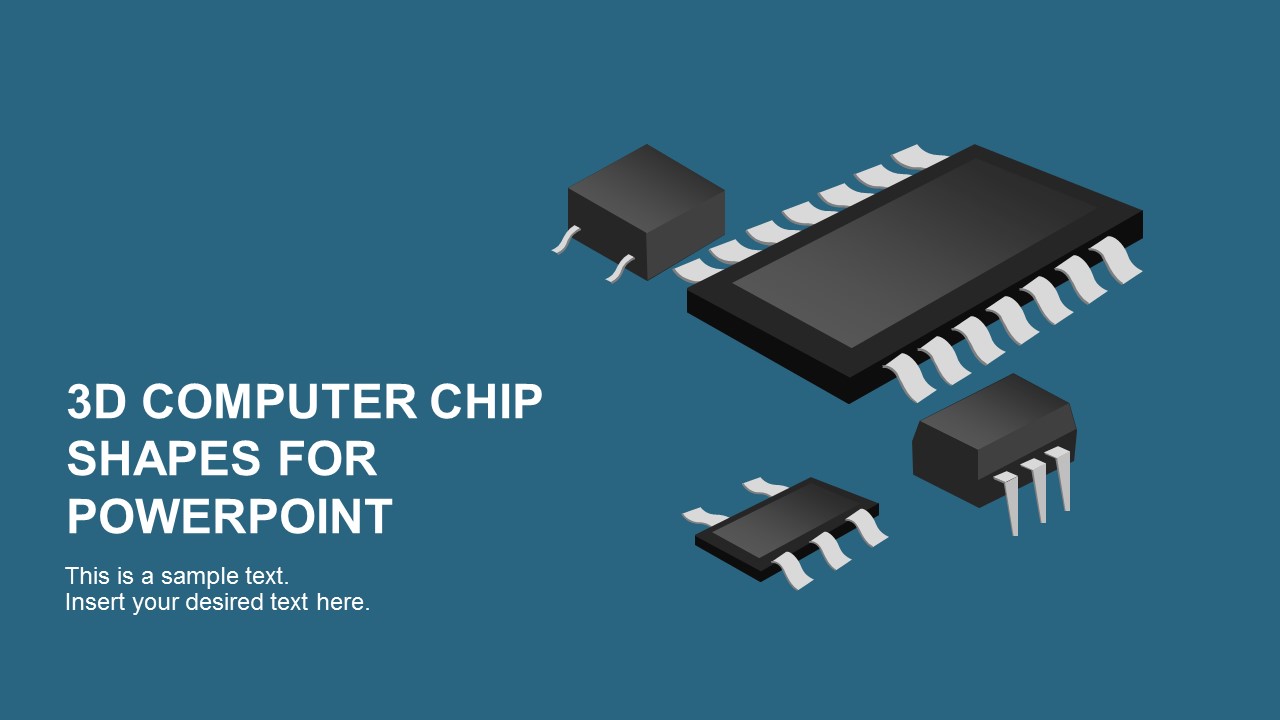
5-slide presentation template with 3D computer chip shapes and processor component callouts
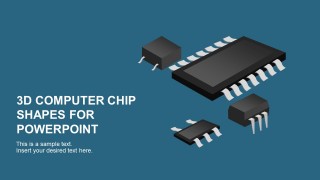
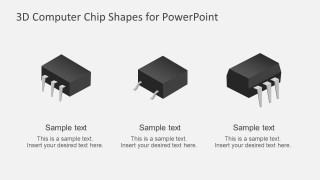
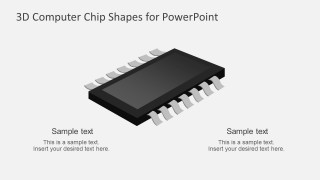
3D Computer Chip Shapes for PowerPoint is a 5-slide shapes presentation template for engineers, product marketers, and IT presenters. It includes a cover with grouped chips, three-item component callouts, a large processor callout, and a six-chip gallery. Built for Microsoft PowerPoint and Google Slides, the vector chip illustrations can be recolored and resized.
- Category
- Shapes
- Rating

 Loading...
- Aspect ratio
- 16:9
- Item ID
- 7212
- Colors
 Microsoft PowerPoint
  Microsoft Copilot
  Claude for PowerPoint
 Other formats supported
Subscribe today and get immediate
access to download our PowerPoint templates.