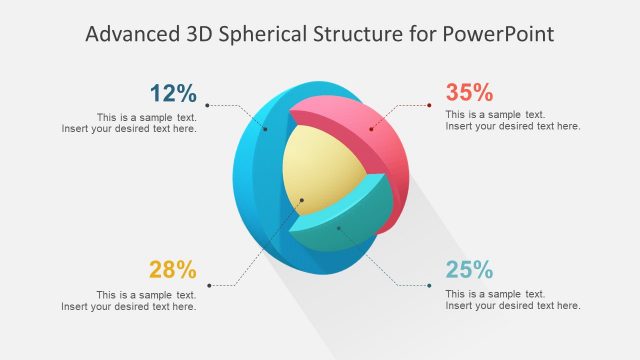
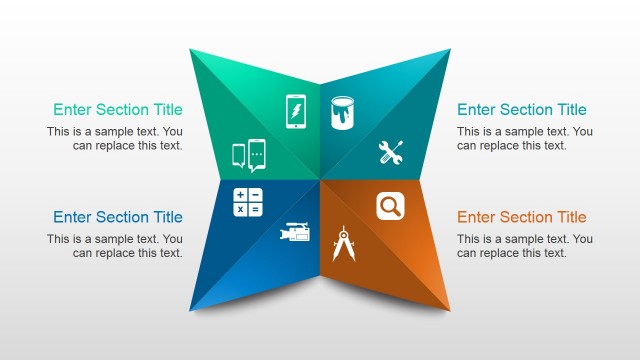
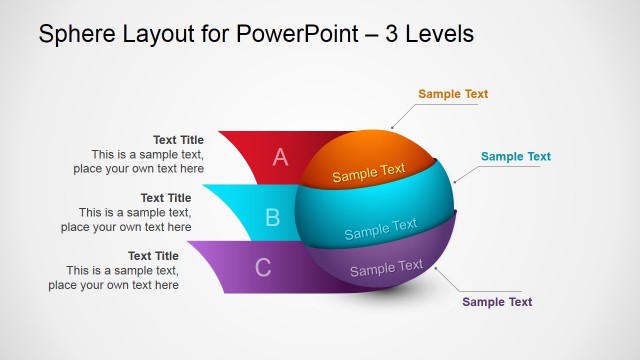
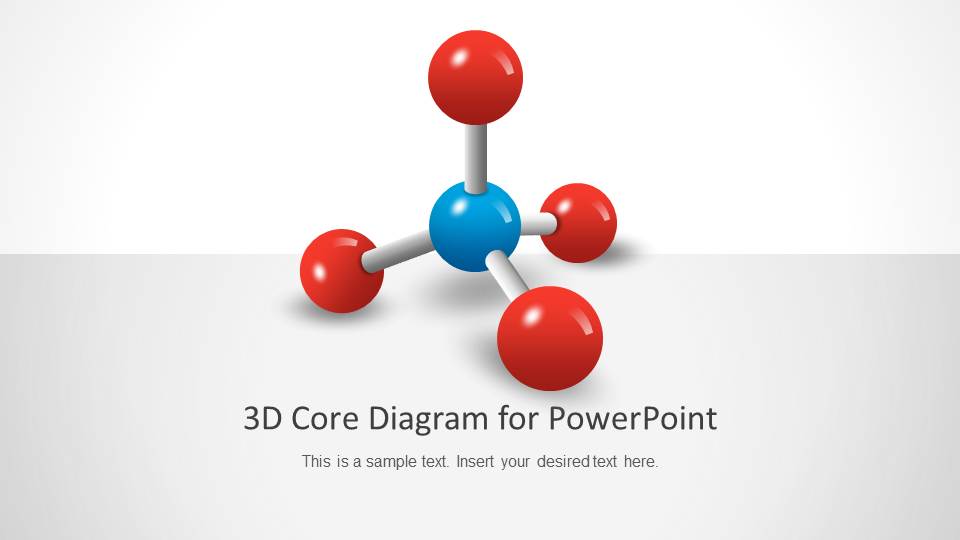
Create inspiring presentations with the 3D Core Diagram for PowerPoint. The template contains a professional PowerPoint diagram to use in presentations. Organize and connect different elements of a business with the colorful shapes and graphics provided.
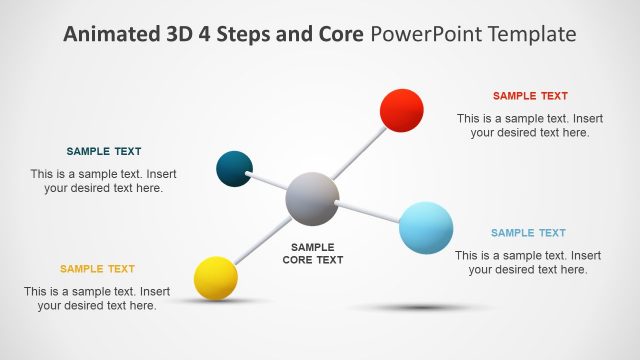
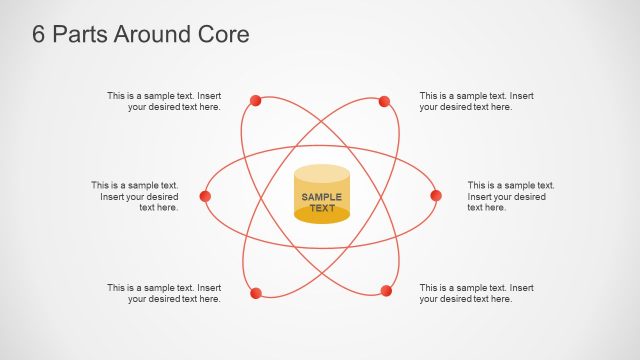
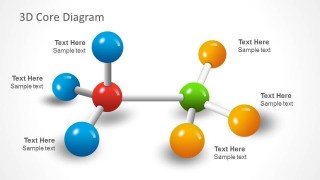
The diagram was inspired by molecular geometry and atoms. Three-dimensional spheres and pipes are arranged on the slides to resemble different molecular structures. In theory, the spheres represent elements, and the pipes show their interconnections. Some of the spheres are connected to center shapes. This shows their connection to the main element, which applies to balancing chemical equations in chemistry. The presenter can also use the Chemical Industry Shapes for PowerPoint downloaded from our Gallery.
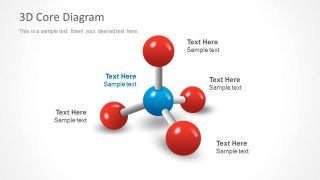
Each sphere contains a text placeholder where the presenter can place labels for the different concerned elements. They have different colors to help distinguish them from each other. The colors can represent a category of employees connected to the main management representative.
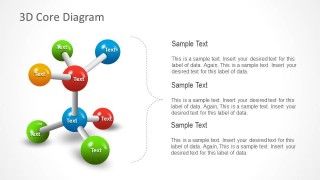
The template can be used to show a modified organizational model, presenting the members and officers concerned about the responsibilities of an individual. Users can apply these slides to clear up role expectations and role perceptions through the employee’s work career. The slides’ discussions and explanations for each of the elements can be discussed in the text placeholders located on the slide designs.
Another use for the template is to showcase the elements of a business plan. The presenter can use base spheres as representations of the principal components of the plan, such as planning and implementation, or to present an atomic structure. The different branches of the plan, such as more specific tasks, are symbolized by the spheres connected to the main base.
Each of the spheres is created applying modern flat material design techniques. This means that the 3D effects are made with the overlap of shapes composites. This provides greater flexibility when porting the shapes to other presentation software like Google Slides or Keynote.
The 3D Core Diagram for PowerPoint is ideal for showing relationships among different components. The eye-catching graphics help the audience visualize the actual connections of the elements, making them easier to understand and remember. The PowerPoint objects can be edited and modified to fit specifications.
What’s inside this template
Example presentation scenarios
- A chemistry instructor can introduce atomic or molecular relationships by using the single-core diagram to label a central element and its connected parts.
- A strategy consultant can explain a business plan by assigning the center sphere to the main objective and the connected spheres to planning, implementation, resources, and risks.
- An operations manager can clarify role expectations by using the vertical relationship diagram to group responsibilities and add explanations in the adjacent text blocks.
- A project manager can compare two related workstreams by using the two-cluster diagram to show dependencies between separate teams, functions, or process centers.
Features
- 100% editable presentation template
- Compatible with Microsoft PowerPoint and Google Slides
- 16:9 aspect ratio slides
- Scalable vector shapes, icons and illustrations
- AI-Ready for Microsoft Copilot and Claude
- Instant access and download
Frequently asked questions
Q: How should a presenter explain the central core without overcrowding the molecule diagram?
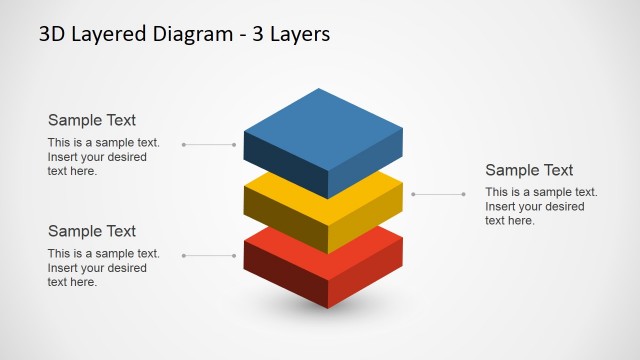
A: Start with the center sphere as the single idea the audience must remember, then label each outer sphere with one short component or stakeholder. Use the surrounding callouts on slide 2 for brief explanation rather than full paragraphs. If a node needs more detail, move that explanation to slide 4 where the bracket and text blocks support grouped commentary.
Q: Who is this template best suited for beyond chemistry presentations?
A: It fits presenters who need to show relationships rather than sequence or measurement. Consultants can map business plan components, managers can clarify responsibility networks, and trainers can explain how roles connect to a central function. The atom metaphor works well when the message is about interdependence, shared structure, or a core idea with supporting parts.
Q: Why use a molecular metaphor instead of a standard org chart or bullet list?
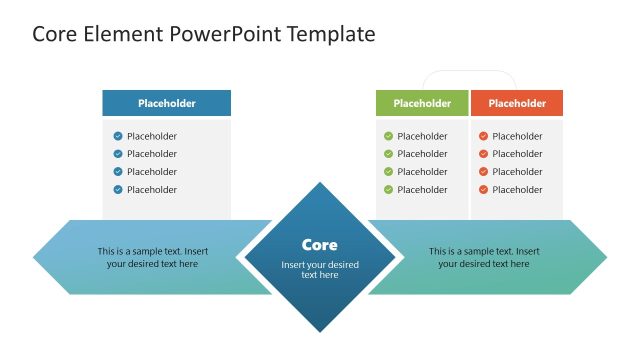
A: The molecule shape shows connection and dependency at a glance. Unlike a bullet list, the pipes make relationships visible; unlike a strict org chart, the rounded nodes feel less hierarchical. This helps when elements are peers around a core concept, or when two clusters on slide 3 need to be shown as linked but distinct groups.


3D Core Diagram for PowerPoint
4-slide presentation template with molecular core diagrams and relationship maps for PowerPoint and Google Slides
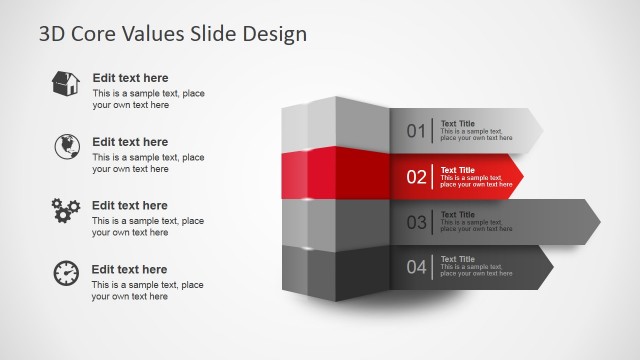
3D Core Diagram for PowerPoint is a 4-slide diagram presentation template for explaining connected elements through atom-inspired visuals. It includes a title diagram, molecular core diagram, connected cluster map, and vertical relationship diagram. Business, science, and training presenters can use it in Microsoft PowerPoint and Google Slides.
- Category
- Diagrams
- Rating


 Loading...
- Aspect ratio
- 16:9, 4:3
- Item ID
- 1200-01
- Colors
 Microsoft PowerPoint
  Microsoft Copilot
  Claude for PowerPoint
 Other formats supported
Subscribe today and get immediate
access to download our PowerPoint templates.