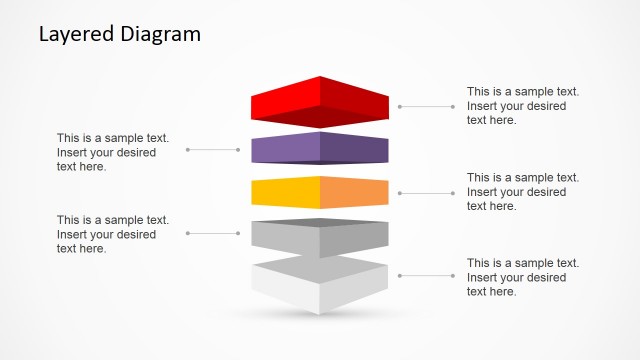
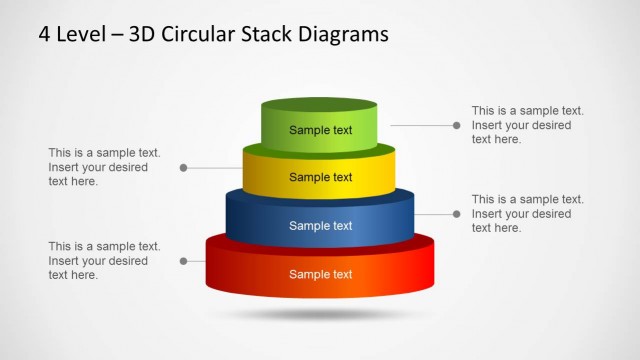
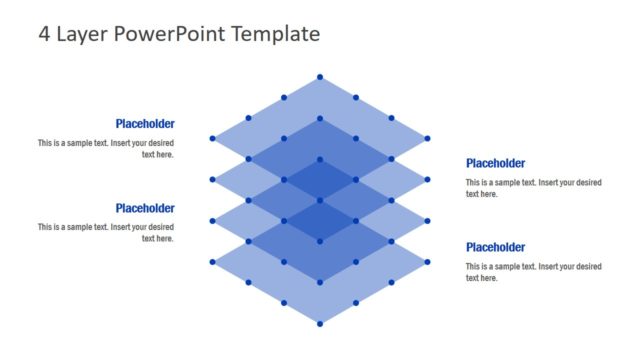
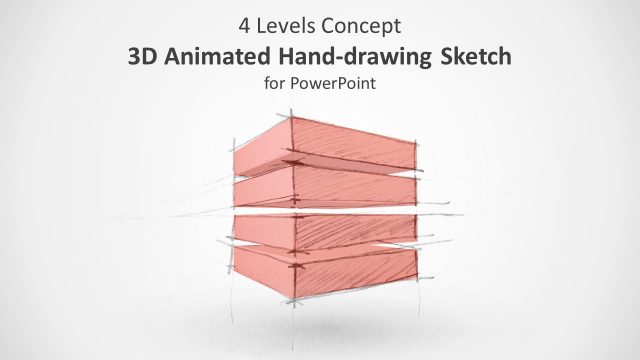
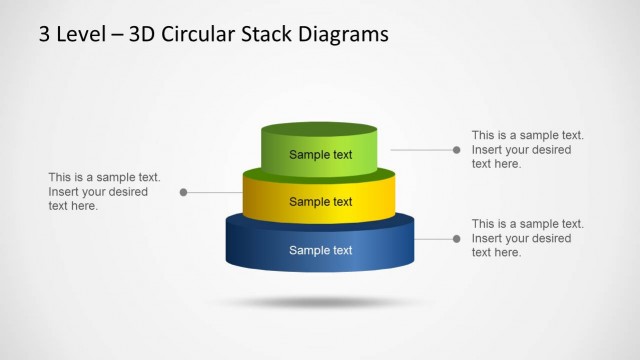
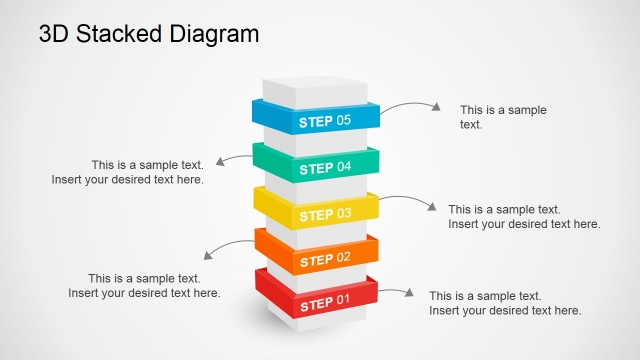
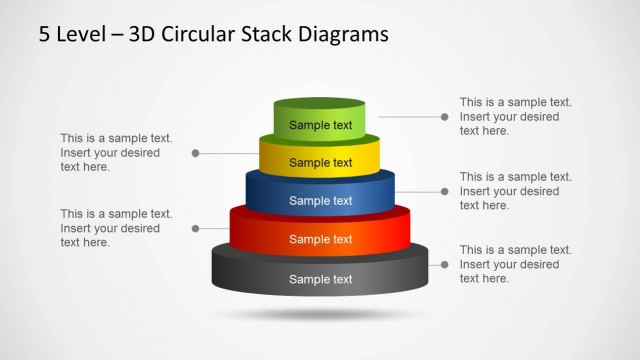
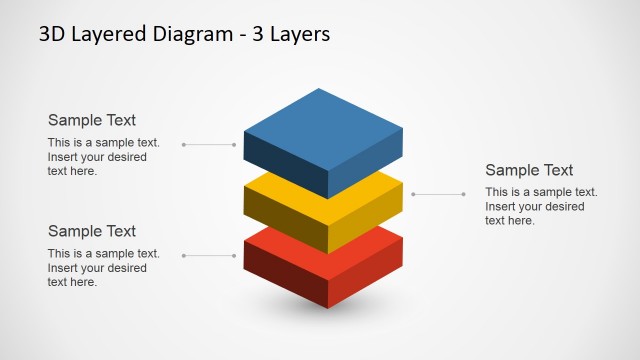
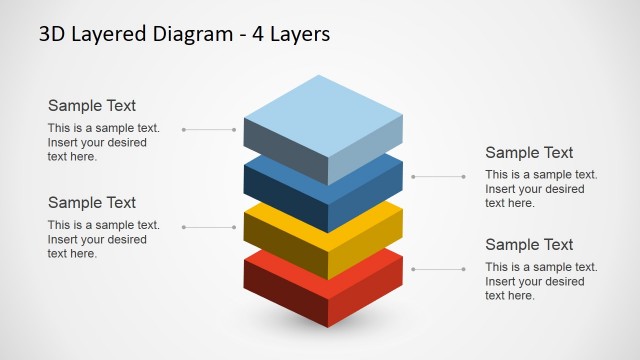
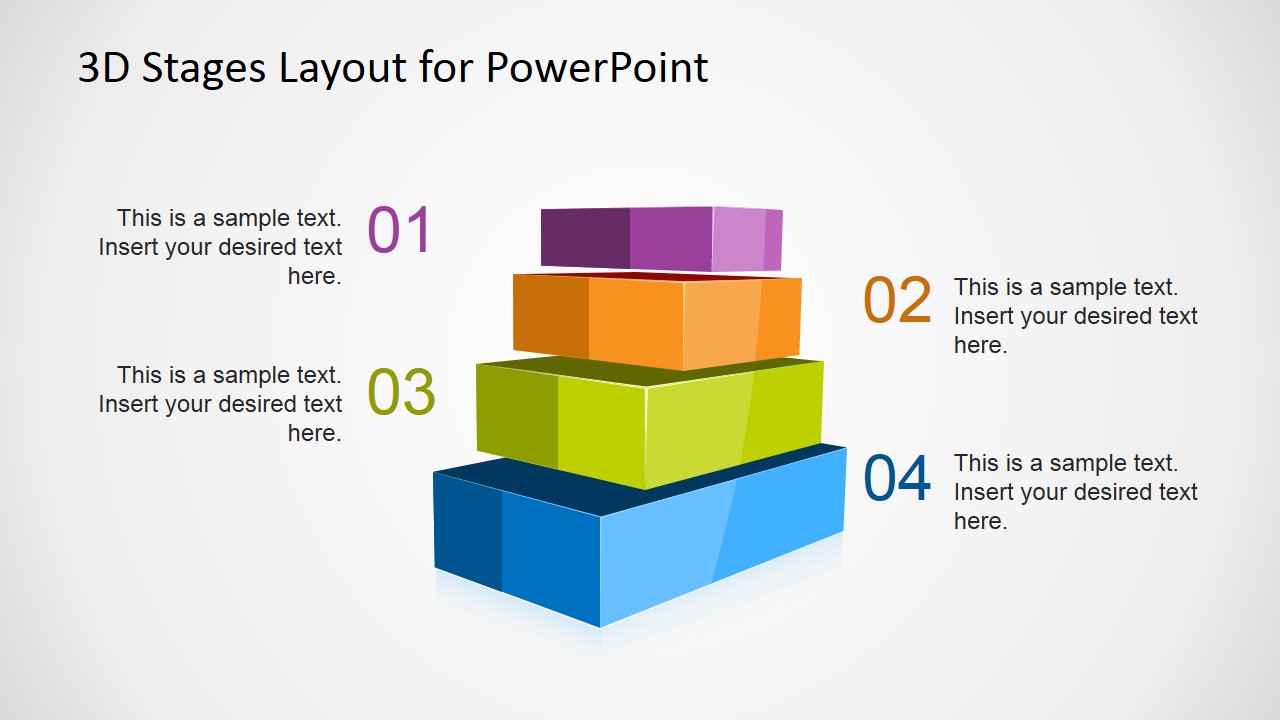
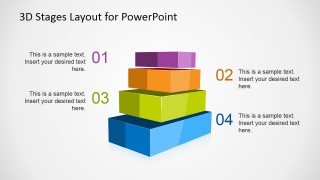
3D Stages Layout Template for PowerPoint with four levels is a presentation template containing a creative staged diagram with perspective effect.
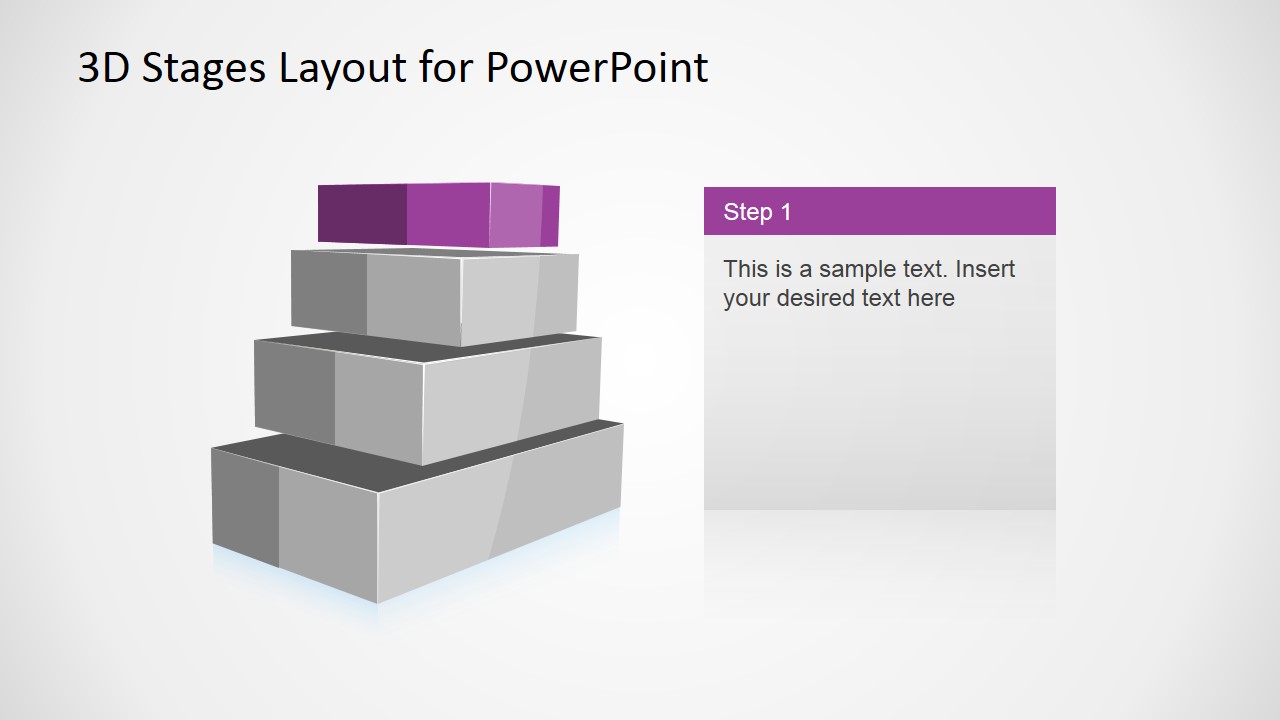
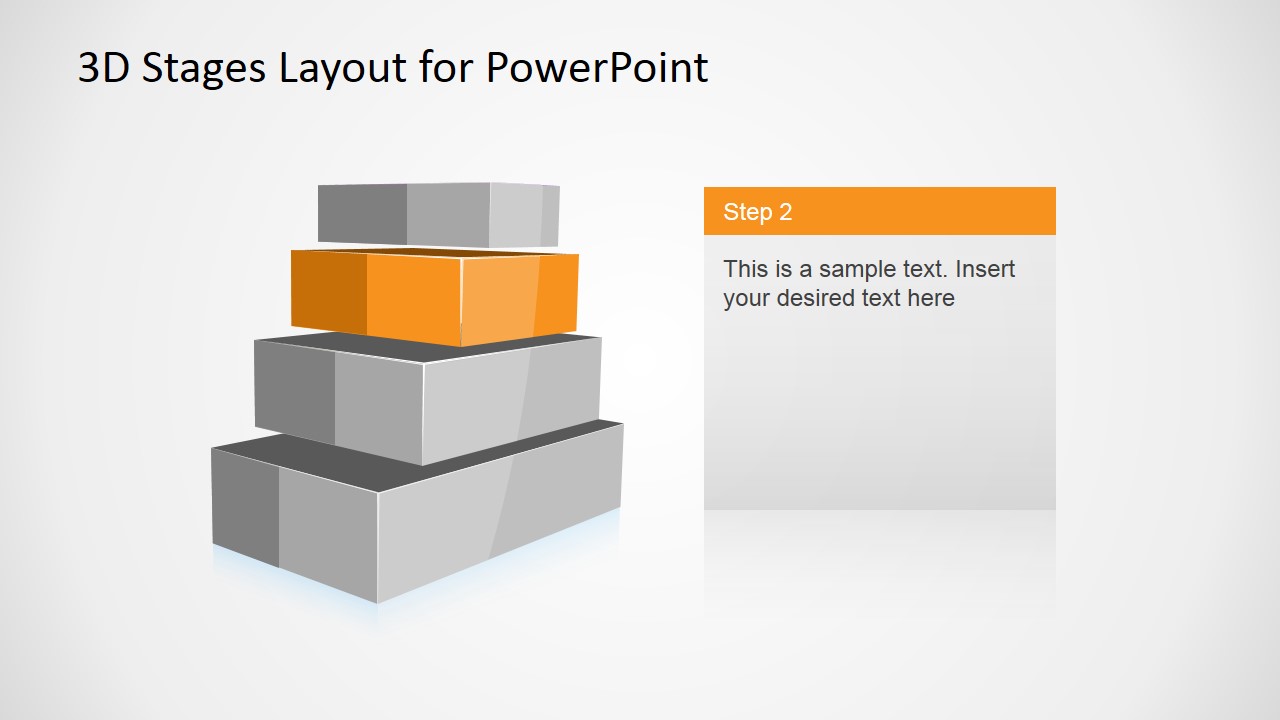
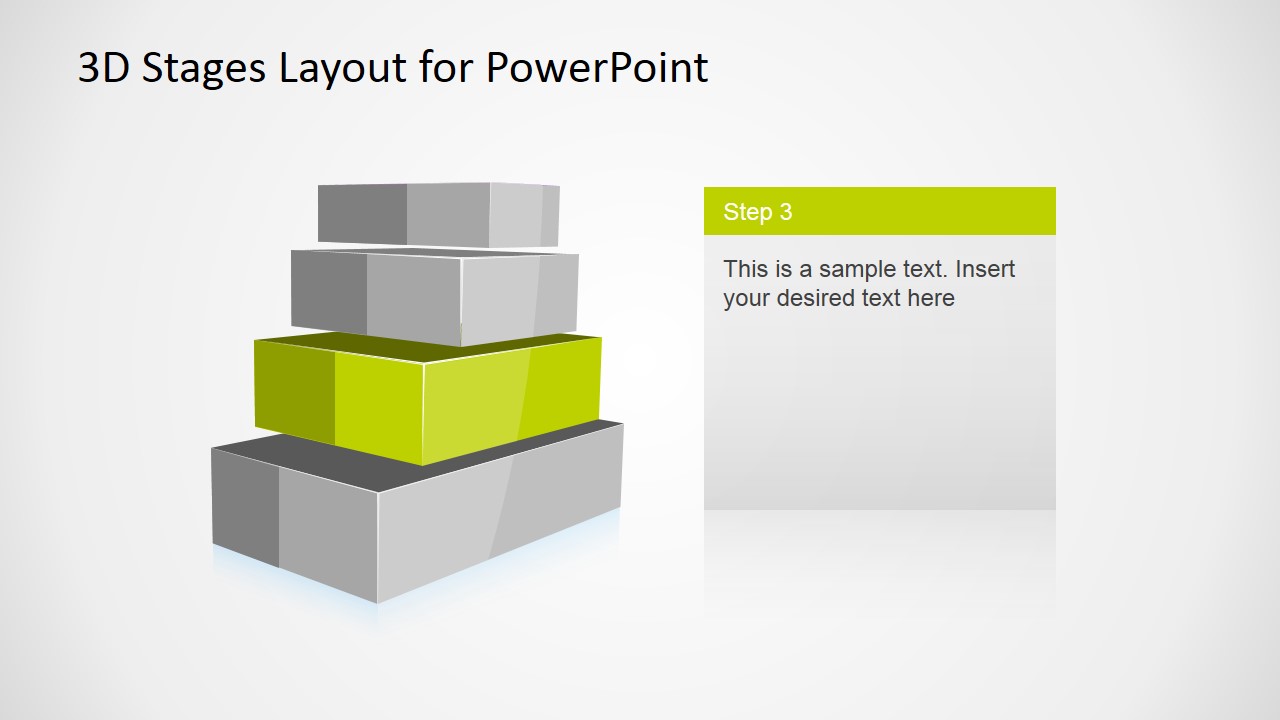
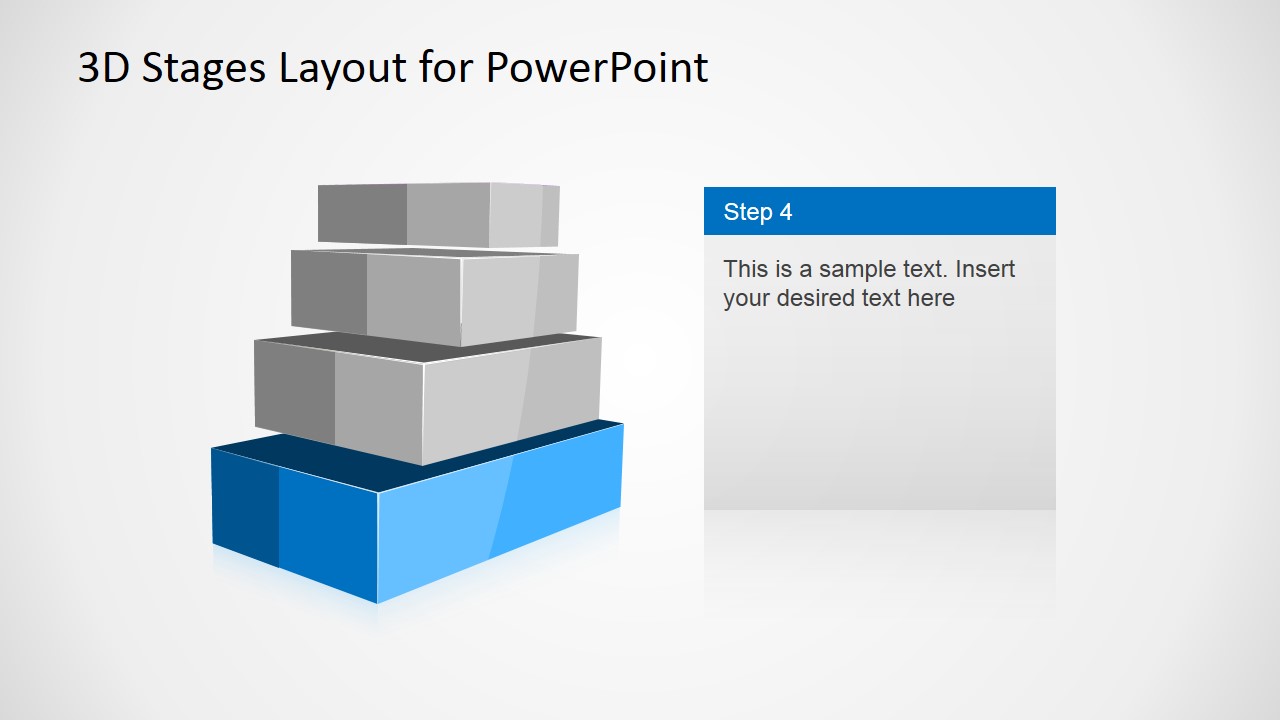
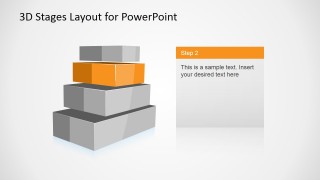
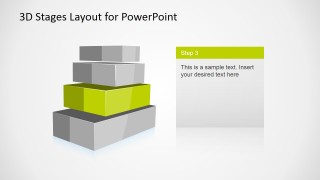
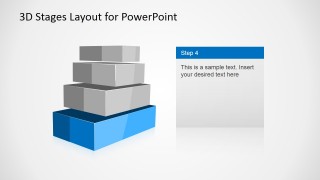
You can use this creative 3D diagram template for presentations to decorate your PowerPoint slides with multi-level designs. This 3D staged diagram contains four colorful levels that can help you to describe a concept or idea during a PowerPoint presentation. Inside this presentation you can find many different slide designs highlighting each step in the staged diagram.
What’s inside this template
Example presentation scenarios
- A consultant can use the full four-level stack overview to introduce a maturity model and then use the single-stage highlight slides to explain each capability level in sequence.
- A project manager can present an implementation plan by assigning each colored block to a phase and using the right-side text panels to describe owners, timing, or deliverables.
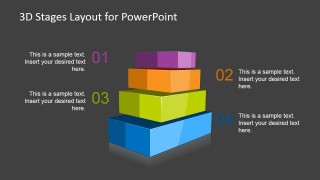
- A product manager can explain a tiered feature roadmap by mapping the blue, green, orange, and purple levels to release priorities or product layers.
- A trainer can use the dark-background overview as a recap slide after teaching the four steps, helping learners remember the complete staged structure.
Features
- 100% editable presentation template
- Compatible with Microsoft PowerPoint and Google Slides
- 16:9 aspect ratio slides
- Scalable vector shapes, icons and illustrations
- AI-Ready for Microsoft Copilot and Claude
- Instant access and download
Frequently asked questions
Q: How should a presenter organize the message with this four-level 3D stack?
A: Start with the full stack overview so the audience understands the complete model before details. Then move through the Step 1 to Step 4 highlight slides, using each right-side text panel for one key message, proof point, or action. Return to the dark overview if the presentation needs a concise recap.
Q: What communication problem does this template fit best?
A: This template works best when the presenter must explain a layered idea that has four ordered parts, such as maturity stages, implementation phases, service tiers, or capability levels. It is strongest for consultants, managers, and trainers who need the audience to see both the hierarchy and the individual stage details.
Q: Why use a 3D stacked metaphor instead of a flat list?
A: The stacked block metaphor makes hierarchy and progression visible before the audience reads any text. Each colored level suggests a distinct stage, while the gray highlight slides keep attention on one layer at a time. This reduces the risk that the four points feel like an unrelated list.

3D Stages Layout Template for PowerPoint with 4 Levels
6-slide 3D stages presentation template with four-level stack diagrams and step highlights
This 6-slide diagram template presents a four-level 3D staged stack with a perspective effect for explaining ordered steps, tiers, or maturity levels. It includes a full overview, four single-stage highlight slides with text panels, and a dark-background summary version for presenters using Microsoft PowerPoint or Google Slides.
- Category
- Diagrams
- Rating


 Loading...
- Aspect ratio
- 16:9
- Item ID
- 6739-01
- Colors
 Microsoft PowerPoint
  Microsoft Copilot
  Claude for PowerPoint
 Other formats supported
Subscribe today and get immediate
access to download our PowerPoint templates.