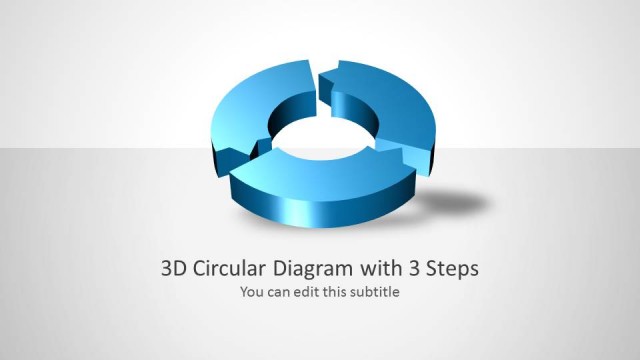
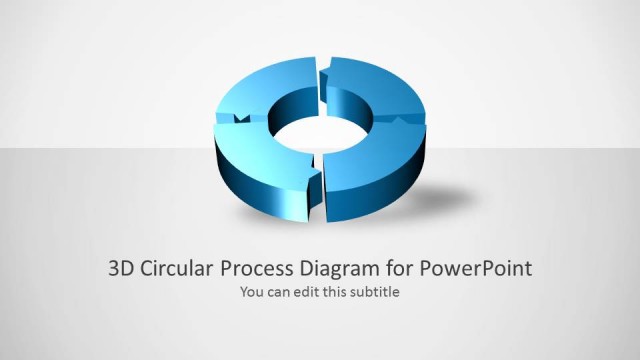
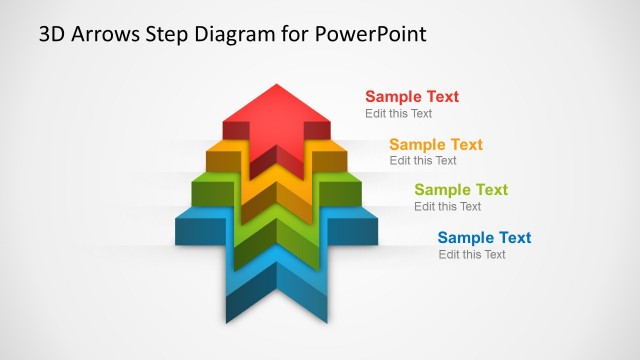
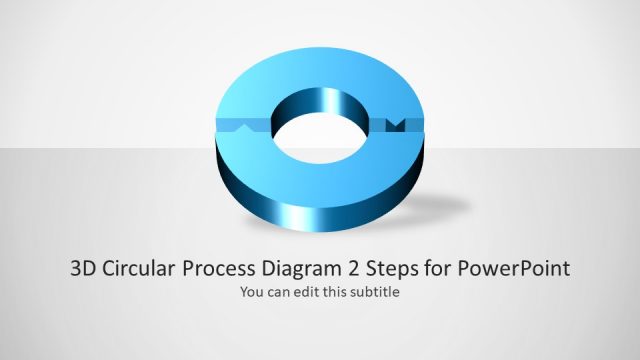
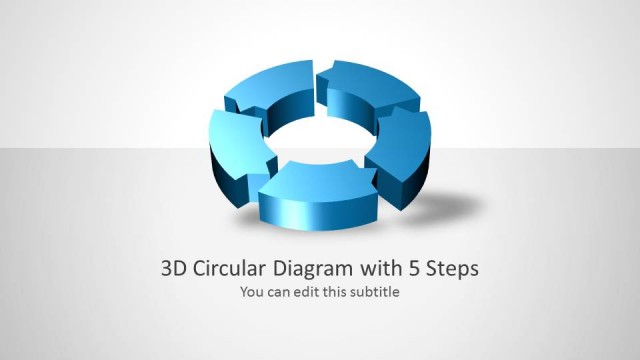
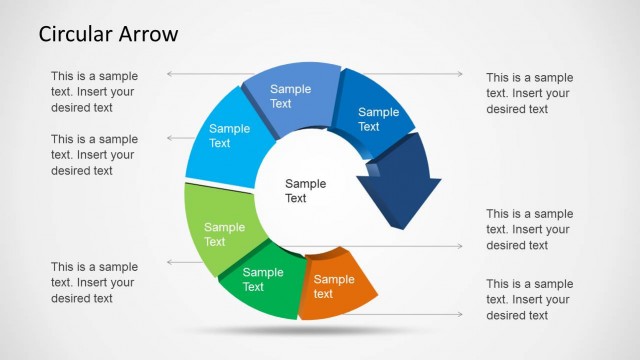
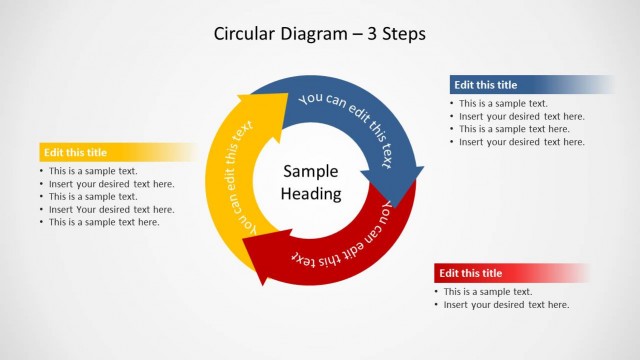
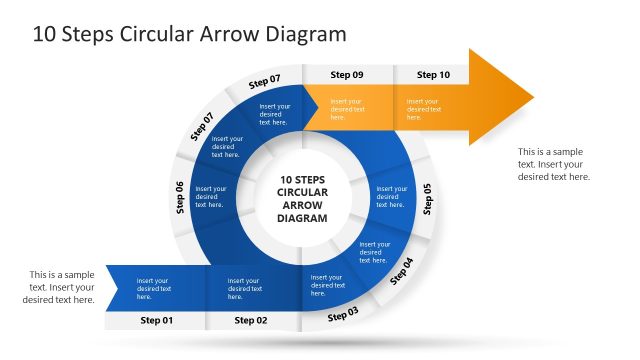
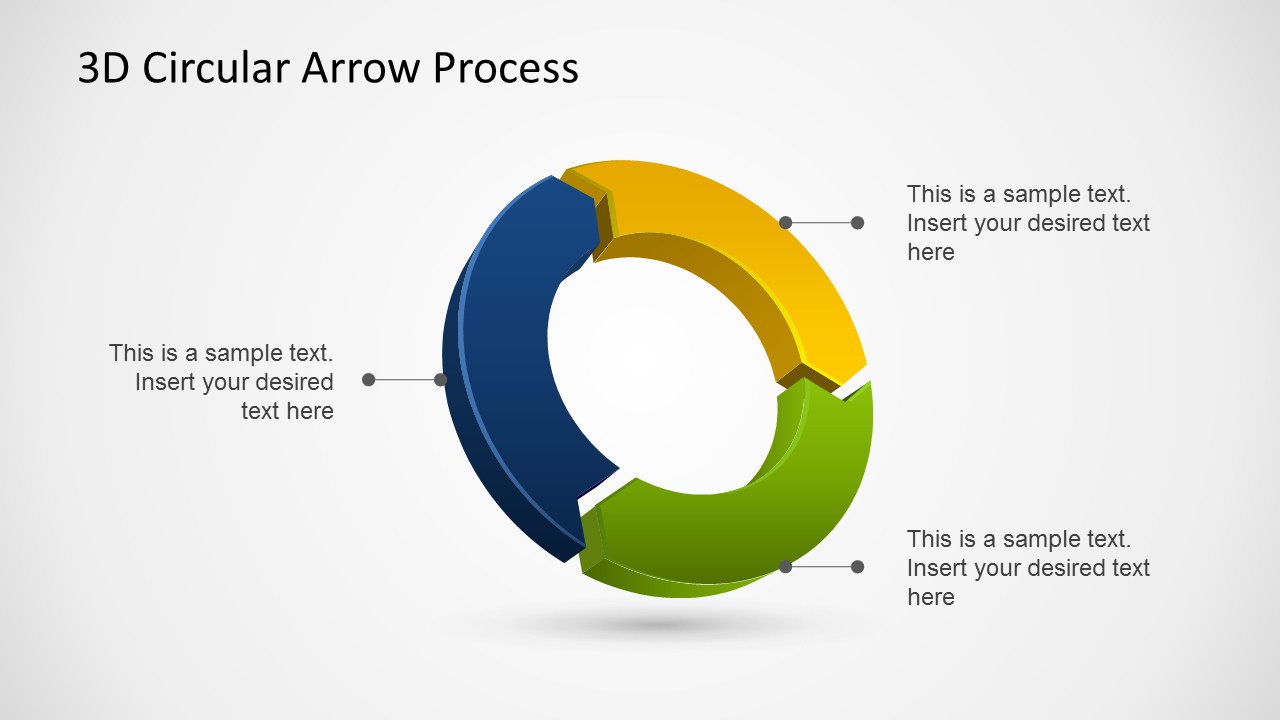
3D Circular Arrow Process Diagrams for PowerPoint is a professional presentation design that you can use to present a process of three steps or stages using Microsoft PowerPoint. 3D diagram designs like this 3D template for PowerPoint let you present your process with stunning graphics and impress your audience with awesome visual elements.
Alternatively you can download other process flow templates for PowerPoint or creative process diagrams for presentations.
What’s inside this template
Example presentation scenarios
- A project manager can use the callout cycle slide to explain how planning, execution, and review connect in a recurring workflow.
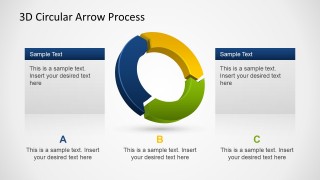
- An operations leader can use the A-B-C information panel layout to compare three process phases with short supporting notes under each stage.
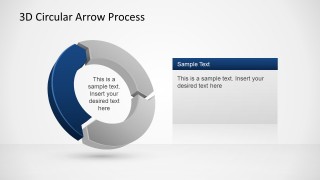
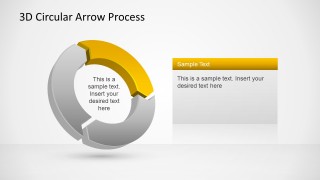
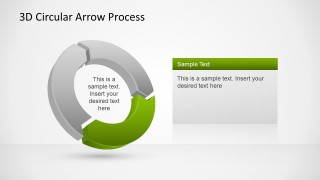
- A consultant can use the highlighted-segment slides to focus stakeholders on the current phase while keeping the full cycle visible in gray.
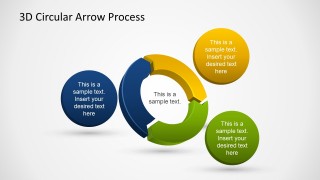
- A trainer can use the circular badge layout to introduce three learning steps before moving into detailed instructions or exercises.
Features
- 100% editable presentation template
- Compatible with Microsoft PowerPoint and Google Slides
- Scalable vector shapes, icons and illustrations
- AI-Ready for Microsoft Copilot and Claude
- Instant access and download
Frequently asked questions
Q: How should a presenter communicate a three-stage process with this template?
A: Start with the full 3D cycle to establish that the stages are connected and repeat over time. Use the callout or circular badge layouts for brief stage definitions, then move to the highlighted-segment slides when the discussion needs more detail on one phase. Keep each stage label short so the circular structure remains the main visual cue.
Q: Who is this template best suited for?
A: This template fits presenters who need to explain a simple three-part process rather than a dense procedure. Project managers, consultants, trainers, and operations leaders can use it for planning cycles, quality loops, service workflows, or process management discussions where the audience needs to understand stage order and recurrence quickly.
Q: Why use a circular arrow metaphor instead of a linear process diagram?
A: The circular arrow metaphor tells the audience that the process does not end after the third step; it returns to the beginning. The 3D segments make each phase distinct, while the gray highlight variants help direct attention without losing the context of the complete cycle. This is useful for continuous improvement, management routines, and recurring workflows.


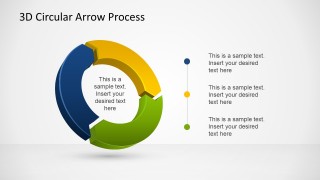
3D Circular Arrow Process Diagrams for PowerPoint
7-slide presentation template for 3D circular arrow process cycles and three-step diagrams
This 7-slide PowerPoint template contains 3D circular arrow process diagrams for explaining a three-step cycle. Visible layouts include a central cycle with callouts, A-B-C information panels, circular text badges, a legend-style step list, and single-segment highlight variations for focusing on one phase.


 Loading...
 Microsoft PowerPoint
  Microsoft Copilot
  Claude for PowerPoint
 Other formats supported
Subscribe today and get immediate
access to download our PowerPoint templates.