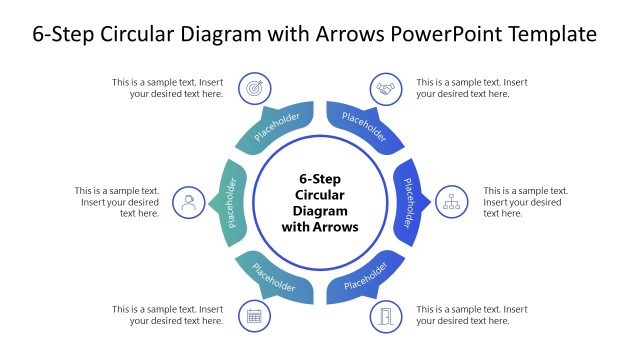
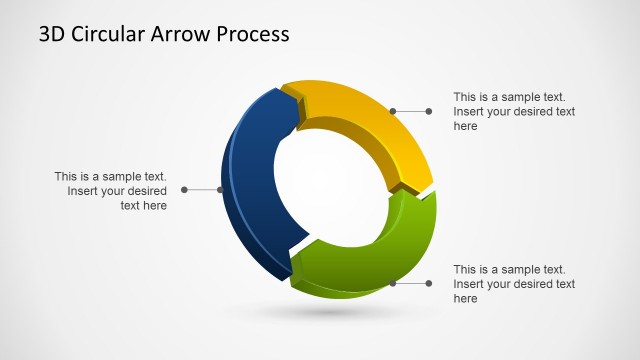
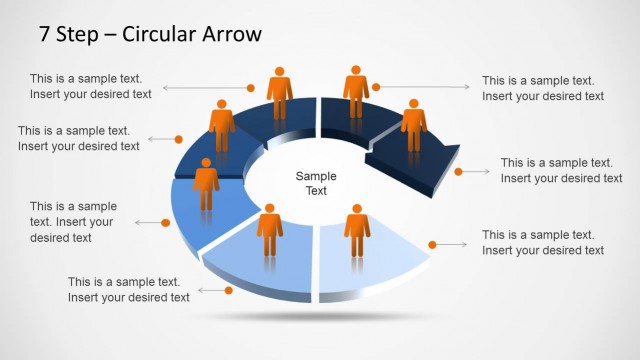
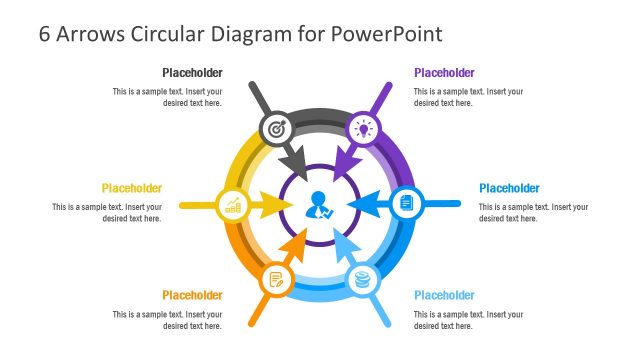
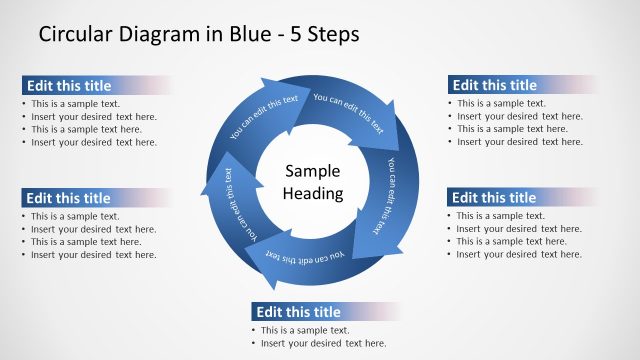
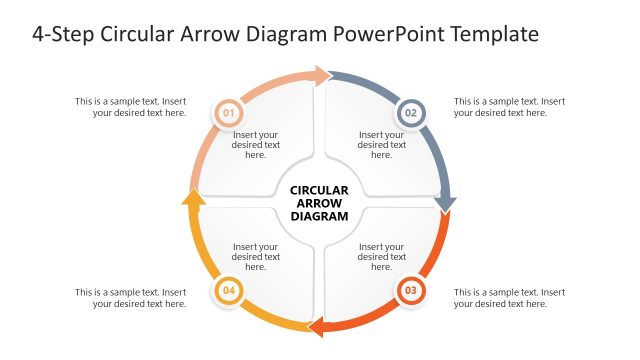
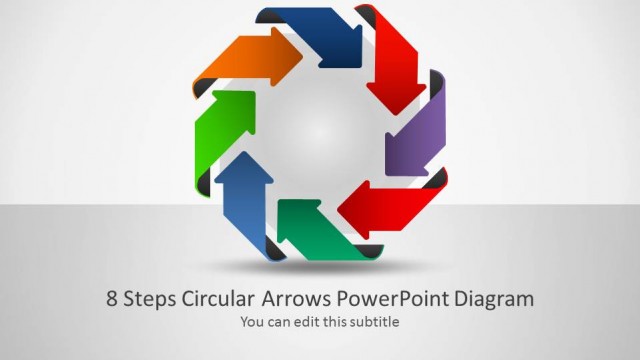
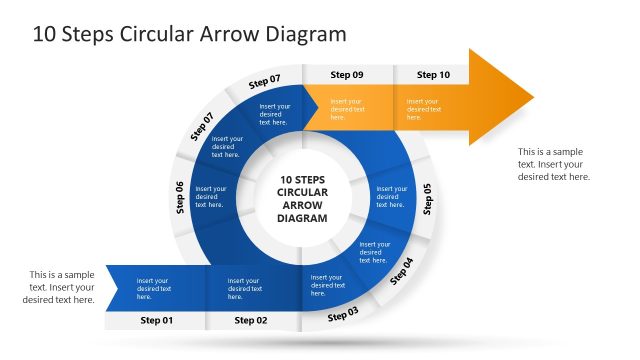
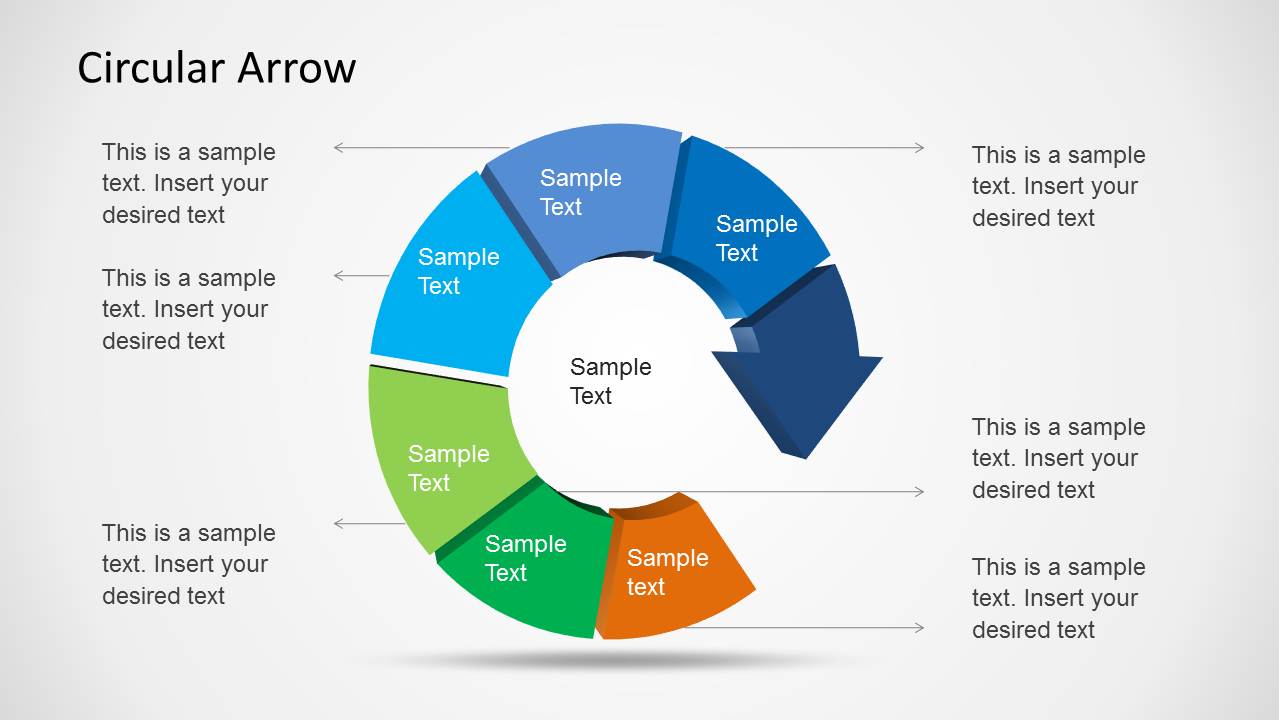
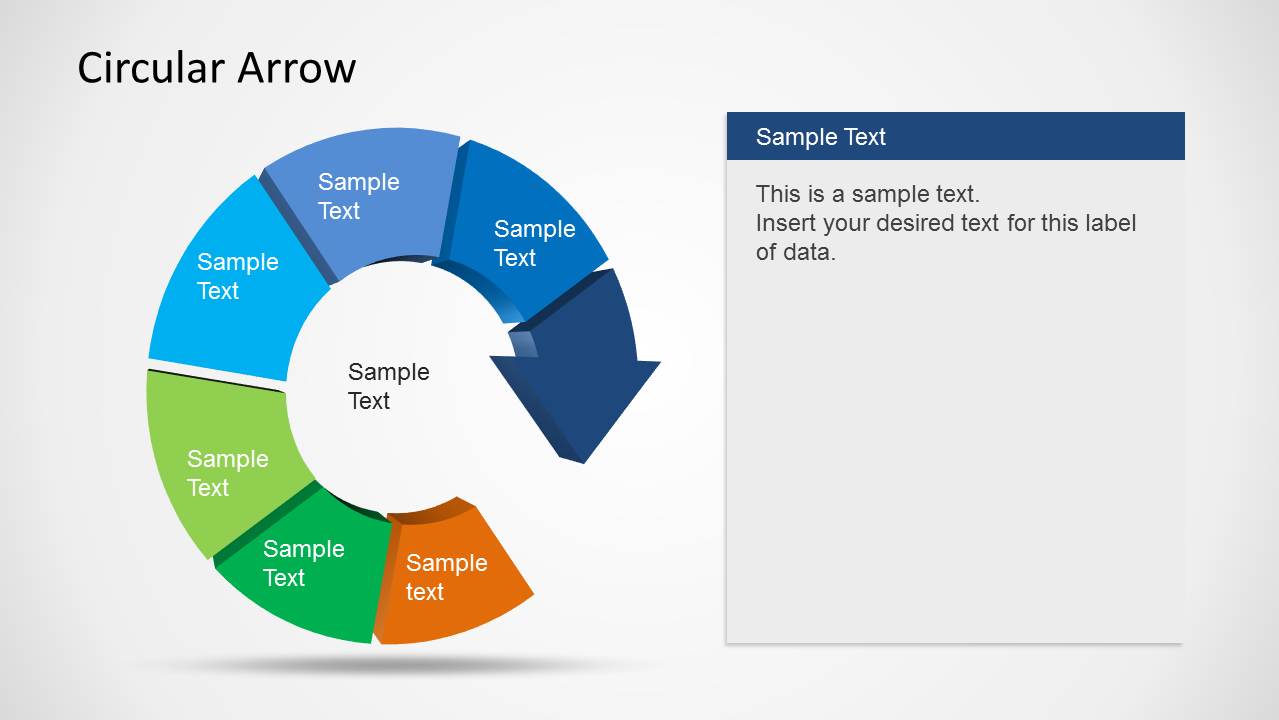
Create business diagrams with Circular Arrow Template for PowerPoint. This circular arrow PPT template design depicts a circular arrow shape in the form of various sample diagrams with the option to customize each part of the arrow diagram according to specific needs. The circular arrow PPT template is fully compatible with Microsoft PowerPoint & Google Slides presentations.
You can create visually appealing circular arrow diagrams to show a process, project details or financial information using a custom diagram by simply entering text. To modify the diagram you can shift slide elements via drag and drop and also resize or recolor them.
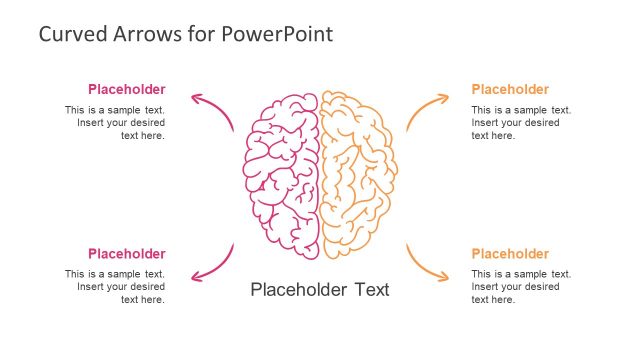
Alternatively, you can download other curved arrow templates or circular arrows slide templates for PowerPoint & Google Slides presentations.
What’s inside this template
Example presentation scenarios
- A project manager can use the 6-step circular arrow to explain a repeating project control cycle and show how each stage connects to the next.
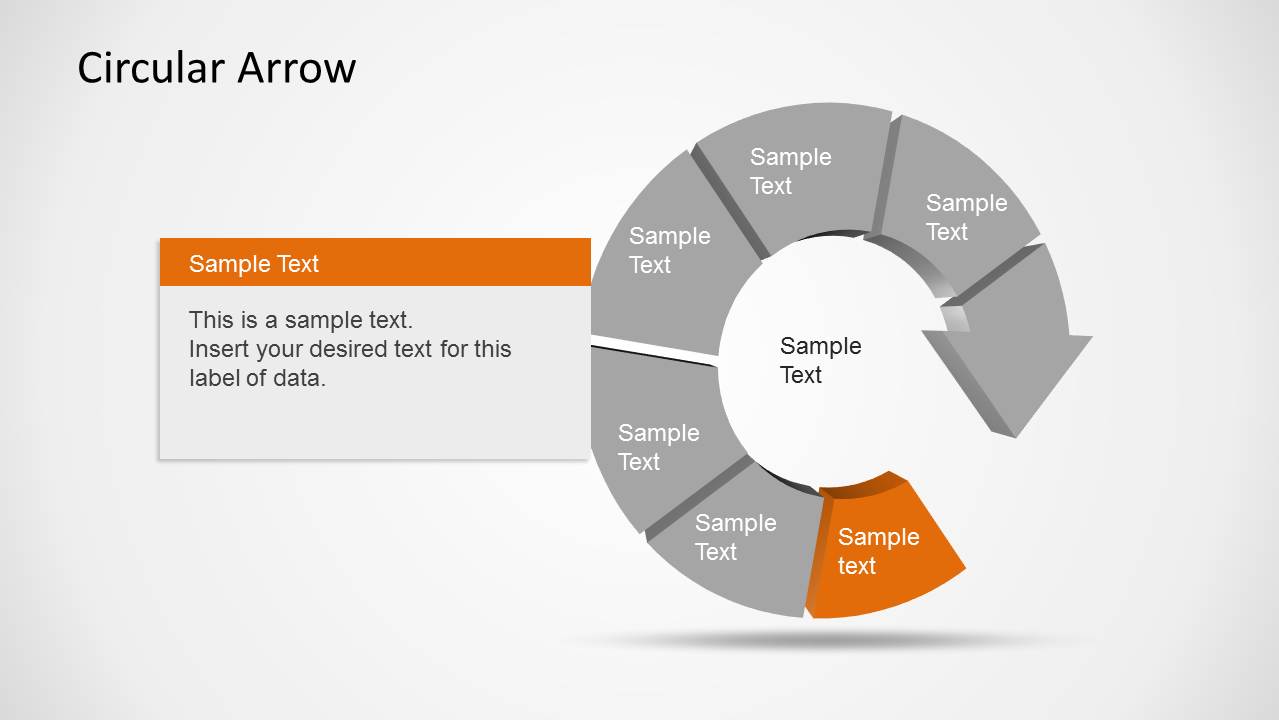
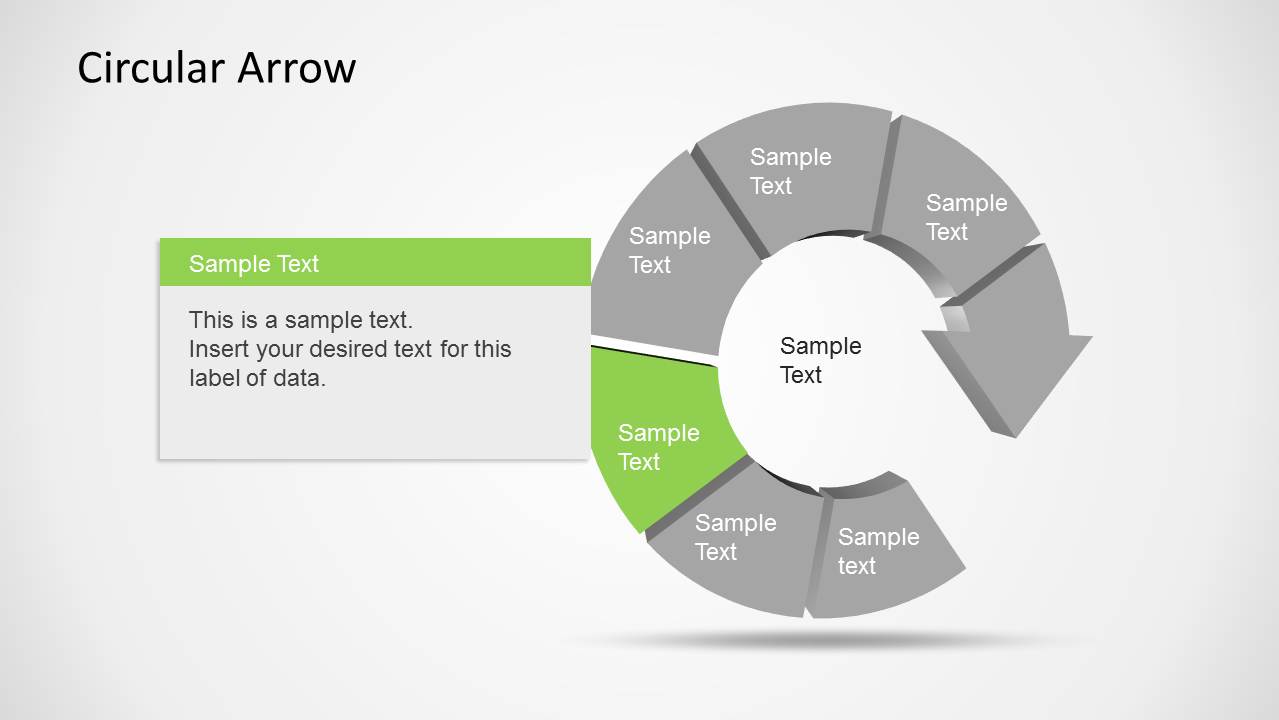
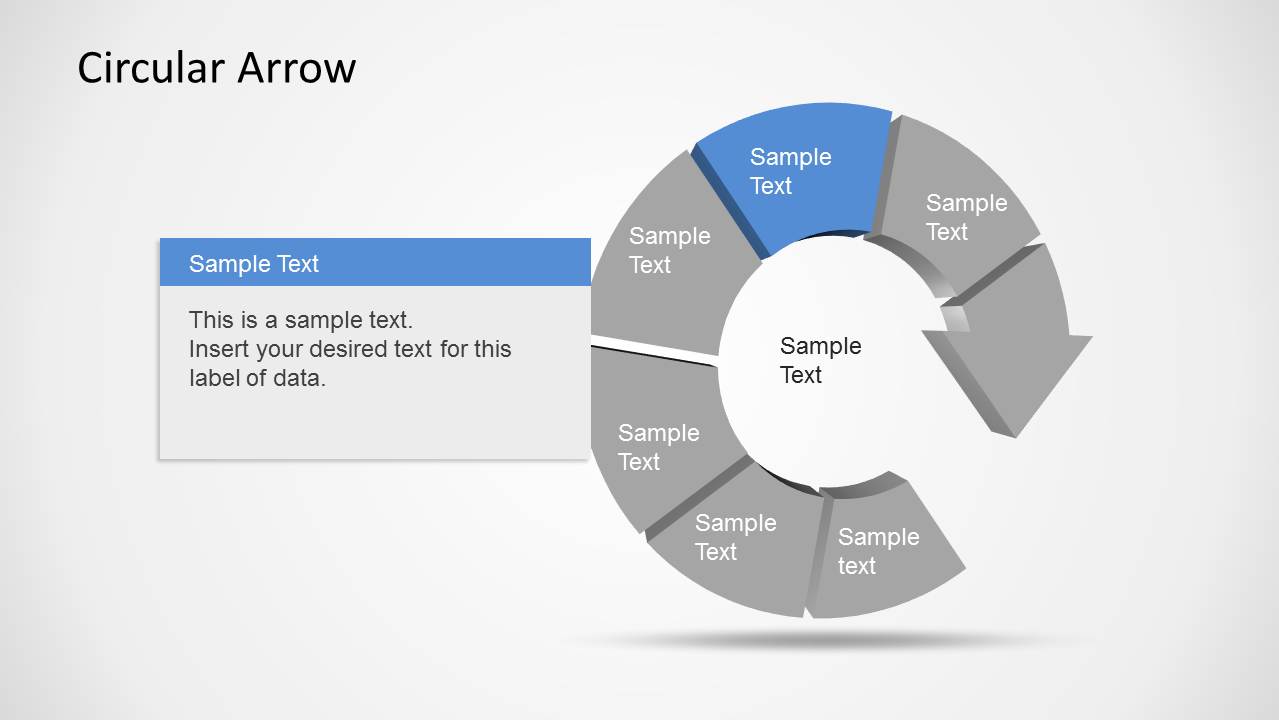
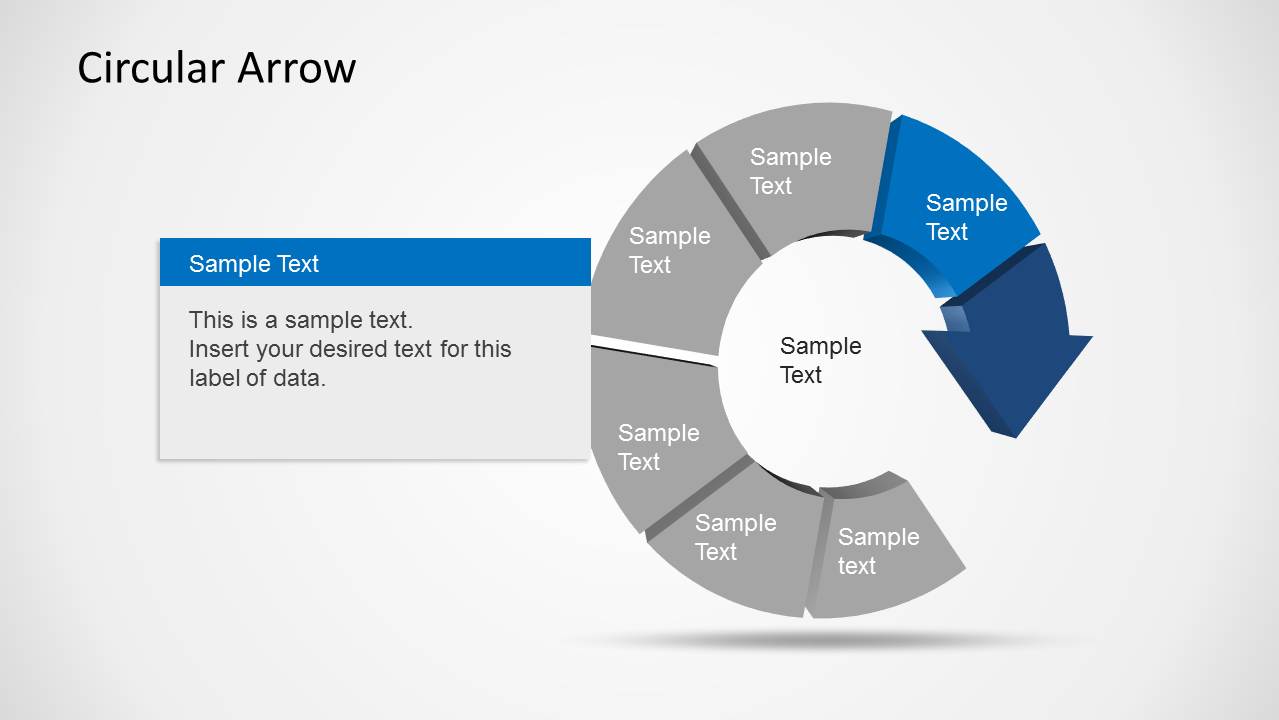
- A consultant can use the highlighted step layouts to walk executives through one process stage at a time while keeping the full cycle visible.
- An operations lead can use the callout text box slides to explain ownership, inputs, or decision criteria for selected workflow steps.
- A trainer can use the large explanation panel slide to introduce a process model before discussing each circular arrow segment in detail.
Features
- 100% editable presentation template
- Compatible with Microsoft PowerPoint and Google Slides
- Scalable vector shapes, icons and illustrations
- AI-Ready for Microsoft Copilot and Claude
- Instant access and download
Frequently asked questions
Q: How should a presenter explain the cycle without making all six steps feel equal?
A: Start with Slide 1 to establish the complete loop, then move to the highlighted step layouts to control attention. Keep the center label as the cycle name, use each segment label for a short stage title, and place decision points or responsibilities in the callout box so the audience knows why the selected step matters.
Q: Who is this circular arrow template best suited for?
A: This template fits presenters who need to explain a repeatable process rather than a linear plan. Project managers, operations leaders, consultants, and trainers can use the 6-step cycle to show continuous improvement, review routines, service workflows, or recurring business stages where the final step feeds back into the first.
Q: Why use a circular arrow metaphor for this message?
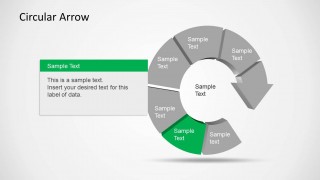
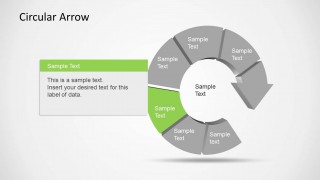
A: The circular arrow signals recurrence, feedback, and continuity before the audience reads any text. The gray inactive segments paired with one colored segment create a focus effect, so the presenter can discuss one stage while the full system remains visible. This reduces confusion when explaining interdependent process steps.







Circular Arrow Template for PowerPoint
8-slide circular arrow presentation template with 6-step cycle diagrams and process callouts
Circular Arrow Template for PowerPoint is an 8-slide diagram template for showing repeated processes, cycles, and step-by-step flows. It includes a multicolor 6-step circular arrow, individual step highlight layouts, callout text boxes, and a large explanation panel. It is built for Microsoft PowerPoint and Google Slides.


 Loading...
 Microsoft PowerPoint
  Microsoft Copilot
  Claude for PowerPoint
 Other formats supported
Subscribe today and get immediate
access to download our PowerPoint templates.