Slide 4 of 8 from 3D Cardboard Box Shapes for PowerPoint
6137-03-3d-box-shape-4
3D Box Shape for PowerPoint Presentation
- Diagram
- Comparison Split
- Comparison Slide
- 16:9
- 100% Editable
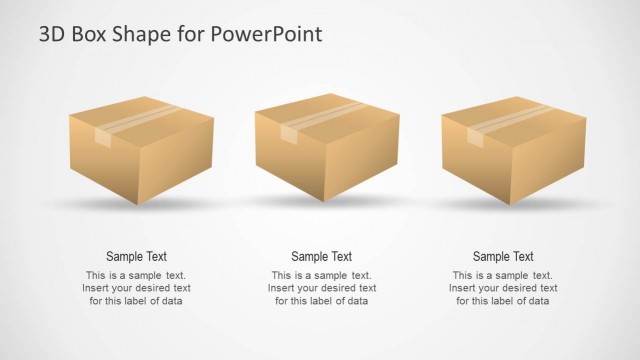
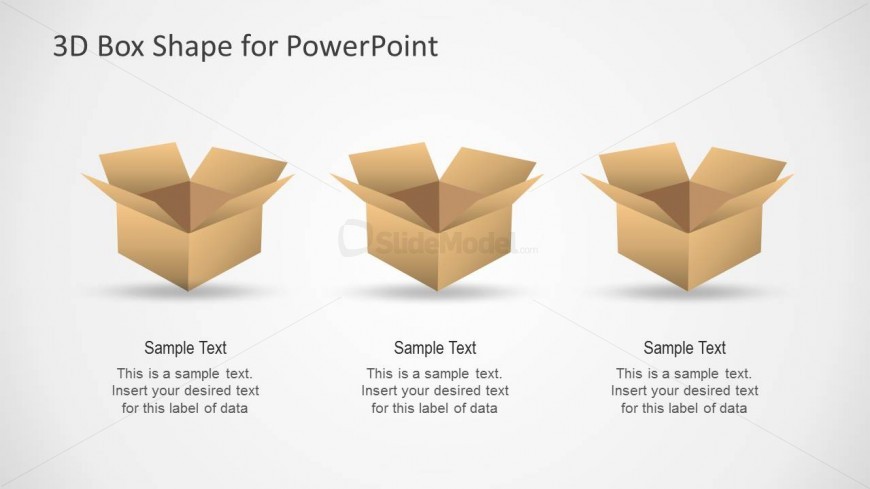
The 3D Box Shape for PowerPoint slide from the 3D Cardboard Box Shapes for PowerPoint template offers a clear visual comparison tool using editable shapes. This layout is suitable for business presentations focusing on product feature comparisons, packaging options, or shipping methods, featuring three distinct 3D box icons arranged horizontally for easy customization within slide templates.
What’s on This Slide
The layout features three 3D cardboard box shapes arranged horizontally across the center. Each box is identical in design, with an open top and a slight shadow beneath, enhancing the three-dimensional effect. Below each box, there are text placeholders aligned centrally, allowing for labels and descriptions. The background is light, providing contrast to the brown color of the boxes. The visual hierarchy emphasizes the boxes as the main elements, with the title positioned at the top center. The overall composition is balanced, with equal spacing between the boxes.
How to Use It
This layout serves as a comparison tool, ideal for showcasing three distinct items or categories. It fits well in a presentation sequence that discusses product features, packaging options, or shipping methods. Business scenarios include product delivery discussions, storage solutions, or packaging strategies. The design allows for easy customization of text to suit specific data points or labels, making it versatile for various contexts.
Text Placeholders & Capacity
Keep your copy within these limits so it fits without resizing. Node body slots can hold roughly 20 words each.
| Placeholder | Count | Max characters (approx.) |
|---|---|---|
| Item heading | 3 | 30 |
| Item body | 3 | 100 |
Slide Keywords
Download unlimited PowerPoint templates, charts and graphics for your presentations with our annual plan.
DOWNLOADReturn to 3D Cardboard Box Shapes for PowerPoint.