Slide 3 of 8 from 3D Cardboard Box Shapes for PowerPoint
6137-03-3d-box-shape-3
3D Box Shape for PowerPoint Presentation
- Diagram
- Comparison Split
- Comparison Slide
- 16:9
- 100% Editable
The 3D Box Shape for PowerPoint slide from the 3D Cardboard Box Shapes for PowerPoint template offers a clear comparison layout ideal for product packaging or shipping solutions. This slide uses editable shapes and vector icons to visually distinguish different box sizes, supporting effective communication in business presentations and pitch decks.
What’s on This Slide
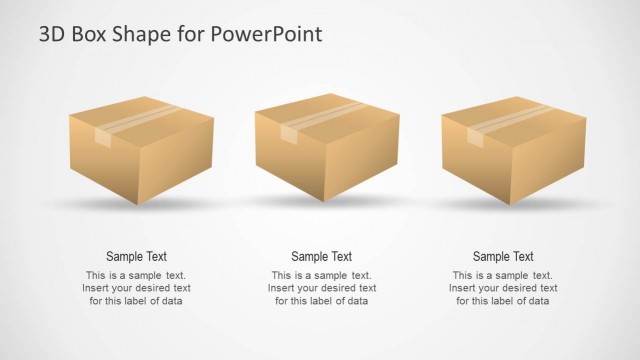
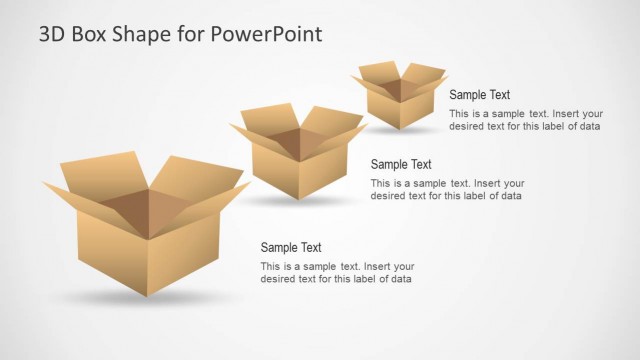
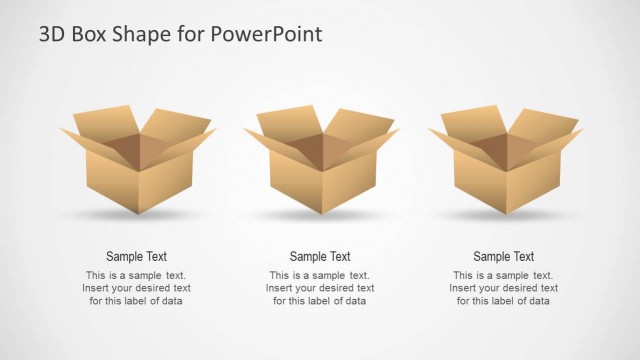
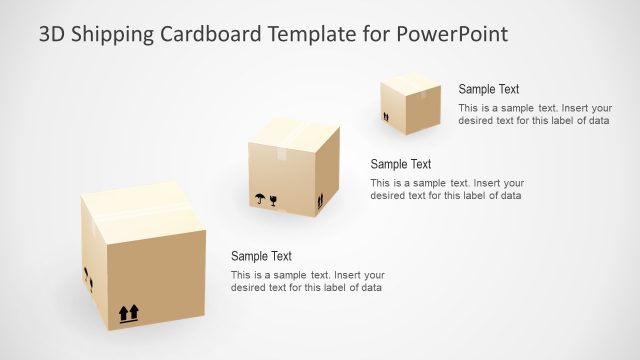
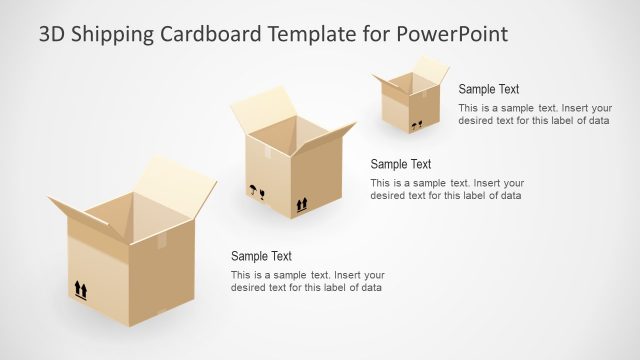
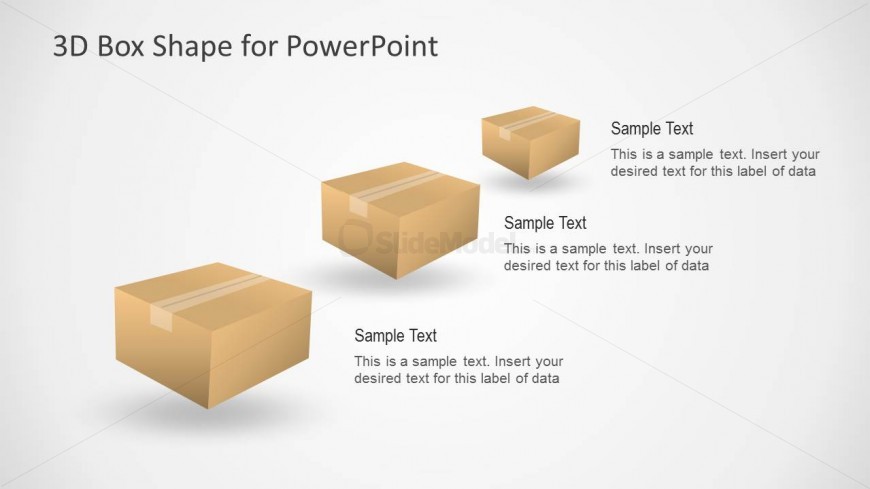
The layout features three 3D cardboard box shapes arranged from left to right. The boxes vary in size, with the largest on the left and the smallest on the right. Each box has a light brown color with a simple design, including a top and side view. Text placeholders are positioned adjacent to each box, aligned to the right, allowing for descriptive labels and additional information. The background is a light gradient, enhancing the visual appeal while maintaining focus on the boxes. The overall composition is balanced and organized.
How to Use It
This layout serves as a comparison tool for showcasing different packaging options or product deliveries. It fits well in a presentation sequence after introducing a shipping or logistics topic, allowing for detailed discussions on various box types. This structure is suitable for scenarios involving product presentations, shipping solutions, or packaging comparisons, enabling clear communication of key attributes or features of each box type.
Text Placeholders & Capacity
Keep your copy within these limits so it fits without resizing. Node body slots can hold roughly 15-20 words each.
| Placeholder | Count | Max characters (approx.) |
|---|---|---|
| Item heading | 3 | 30 |
| Item body | 3 | 100 |
Slide Keywords
Download unlimited PowerPoint templates, charts and graphics for your presentations with our annual plan.
DOWNLOADReturn to 3D Cardboard Box Shapes for PowerPoint.