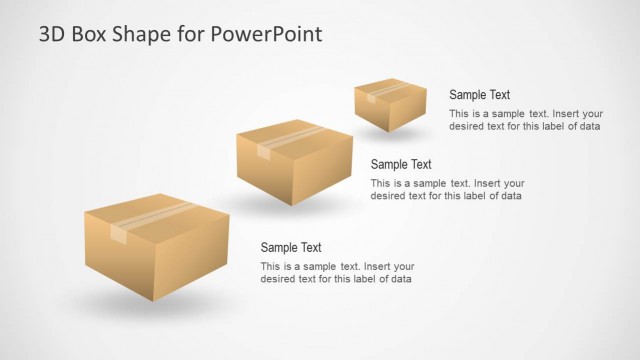
Slide 6 of 8 from 3D Cardboard Box Shapes for PowerPoint
6137-03-3d-box-shape-6
3D Box Shape for PowerPoint - 2 Boxes
- Diagram
- Comparison Split
- Comparison Slide
- 16:9
- 100% Editable
The 3D Box Shape for PowerPoint - 2 Boxes slide from the 3D Cardboard Box Shapes for PowerPoint template offers a clear comparison layout ideal for business presentations. This slide template features editable shapes and text placeholders arranged to highlight two products or shipping options effectively. Its simple design supports corporate presentations and pitch deck templates focused on packaging or logistics, making it a practical choice within professional slide decks.
What’s on This Slide
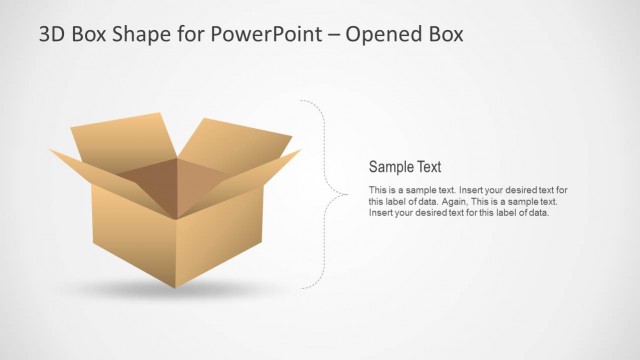
The layout features a 3D cardboard box positioned on the left side, slightly open to reveal its interior. To the right, there are two text placeholders stacked vertically. The top placeholder is labeled 'Sample Text,' while the bottom contains additional sample text for data input. The background is light, enhancing the visibility of the box and text. The visual hierarchy emphasizes the box shape, while the text placeholders are aligned to the right, creating a balanced composition. The overall design is simple, focusing on the box illustration.
How to Use It
This layout serves as a two-box comparison or callout format, ideal for presenting contrasting ideas or data points. It fits well in a presentation sequence after introductory slides, providing a visual representation of concepts related to shipping, packaging, or product delivery. This structure is useful in business contexts where comparisons or highlights are necessary, such as in logistics or marketing discussions, allowing for clear visual communication of key points.
Text Placeholders & Capacity
Keep your copy within these limits so it fits without resizing. Text slots can accommodate roughly 30, 50, and 150 characters respectively.
| Placeholder | Count | Max characters (approx.) |
|---|---|---|
| Slide title | 1 | 30 |
| Item heading | 1 | 50 |
| Item body | 1 | 150 |
Slide Keywords
Download unlimited PowerPoint templates, charts and graphics for your presentations with our annual plan.
DOWNLOADReturn to 3D Cardboard Box Shapes for PowerPoint.