Slide 2 of 8 from 3D Cardboard Box Shapes for PowerPoint
6137-03-3d-box-shape-2
3D Box Shape for PowerPoint Presentation
- Diagram
- Comparison Split
- Comparison Slide
- 16:9
- 100% Editable
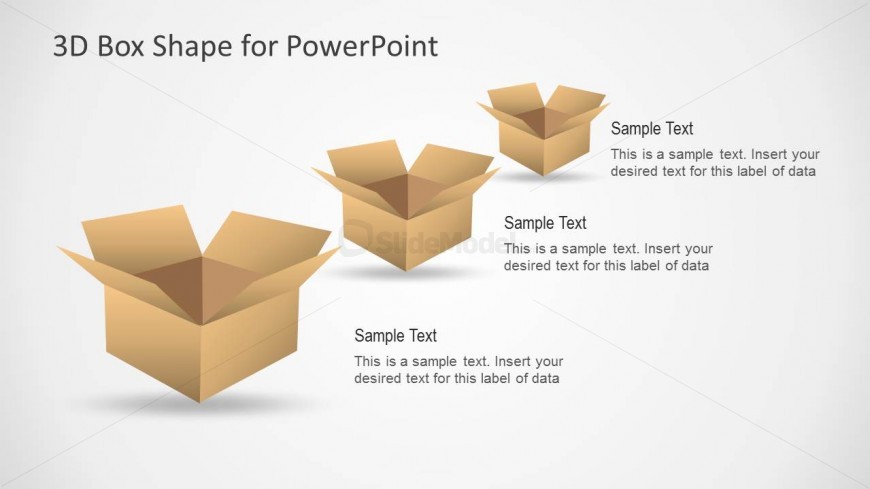
The 3D Box Shape for PowerPoint slide from the 3D Cardboard Box Shapes for PowerPoint template offers a clear comparison layout ideal for business presentations and educational concepts. Featuring three editable 3D boxes with text placeholders, this slide supports showcasing product features or service offerings effectively within a professional slide deck. Its balanced design and vector icons enhance visual clarity in corporate presentations and pitch deck templates.
What’s on This Slide
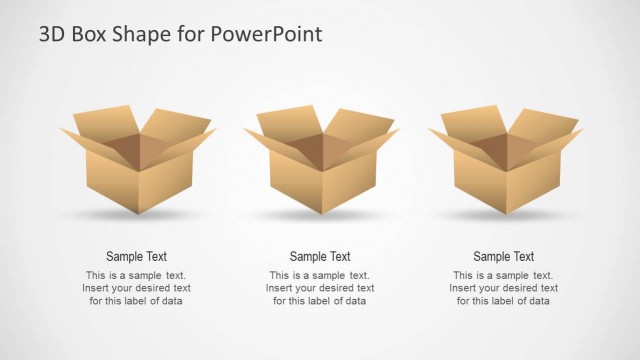
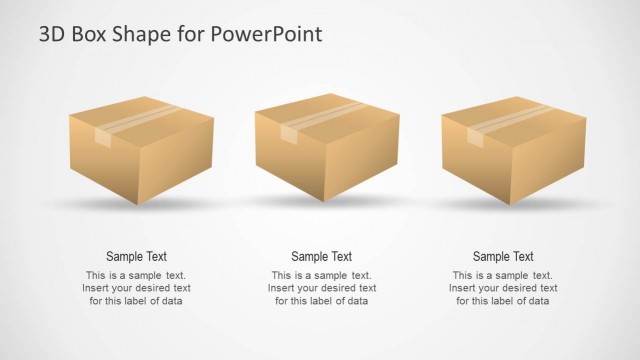
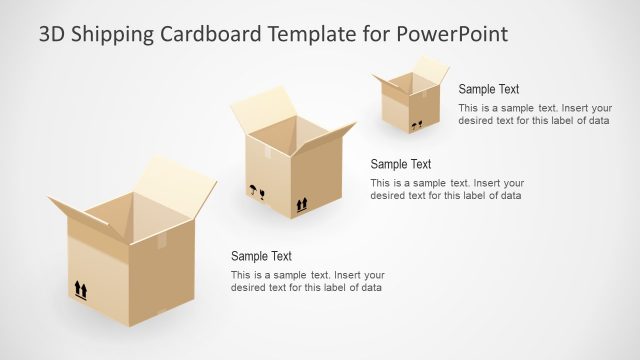
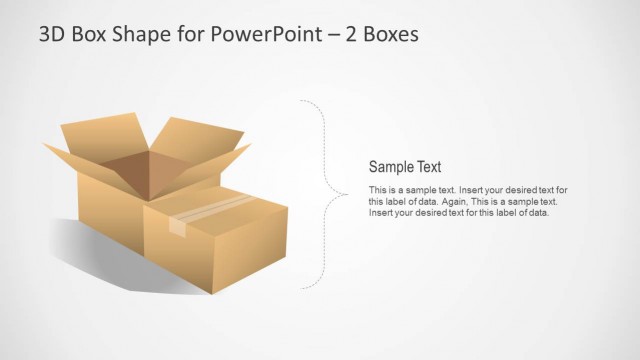
The layout features three 3D cardboard boxes positioned in a row, with the left box slightly angled to the viewer. Each box has a text placeholder above and below it, aligned centrally. The boxes are rendered in a light brown color, with shadows to enhance the 3D effect. The background is a soft gradient, transitioning from light gray to white. The text placeholders are labeled as 'Sample Text' and are designed to accommodate titles and descriptions. The overall composition is balanced, with ample white space surrounding the boxes.
How to Use It
This layout serves as a comparative display for three distinct items or concepts, ideal for showcasing product features or categories. It fits well in a presentation sequence following an introduction or overview slide. This structure is useful in business contexts such as packaging comparisons, product delivery options, or service offerings. It can also be applied in educational settings to illustrate different concepts or categories within a topic.
Text Placeholders & Capacity
Keep your copy within these limits so it fits without resizing. Node body slots can accommodate roughly 15-20 words each.
| Placeholder | Count | Max characters (approx.) |
|---|---|---|
| Item heading | 3 | 30 |
| Item body | 3 | 100 |
Slide Keywords
Download unlimited PowerPoint templates, charts and graphics for your presentations with our annual plan.
DOWNLOADReturn to 3D Cardboard Box Shapes for PowerPoint.