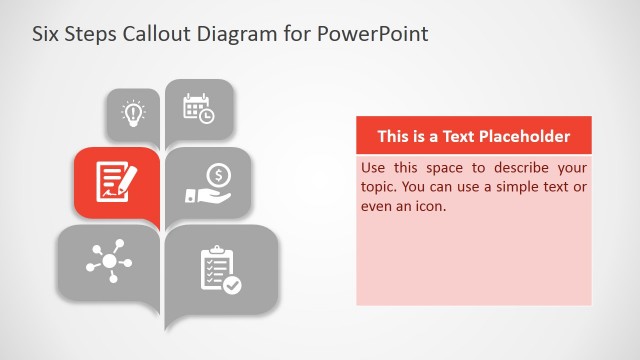
Slide 2 of 6 from 3D Callout PowerPoint Diagram
PowerPoint Template of 3D Callout Box
3D Callout PowerPoint Diagram - Step Structure
- Diagram
- Process Flow
- Process Slide
- 16:9
- 100% Editable
About This Slide
The PowerPoint Template of 3D Callout Box highlights one level out of five to focus on one unit at a time. It is a five level diagram design showing speech bubble using 3D shape effects. The first level i.e. red unit contain location pin clipart as visual interpretation of this level. But users can replace this segment with alternative and relevant shapes. Further, change colors and add animations to make slide more appealing towards the audience.
What’s on This Slide
The layout features five horizontal segments stacked vertically. Each segment has a callout shape with a colored background, alternating between red and gray. The first segment is red with a location icon, while the subsequent segments are gray with various icons like a house, plus sign, hand, and person. Each segment contains text placeholders aligned to the left, with the first segment's number positioned prominently in the top right corner. The overall composition is centered, with a clean white background enhancing visibility.
How to Use It
This layout serves as a step-by-step process diagram, ideal for illustrating sequential actions or stages in a project. It fits well in presentations that require clear, visual communication of processes or workflows. Common scenarios include project management updates, training sessions, or product feature overviews. The structure supports easy customization for various business contexts, making it versatile for different presentation needs.
Text Placeholders & Capacity
Keep your copy within these limits so it fits without resizing. Node body slots can hold roughly 15-20 words each.
| Placeholder | Count | Max characters (approx.) |
|---|---|---|
| Item heading | 5 | 40 |
| Item body | 5 | 100 |
Slide Keywords
Download unlimited PowerPoint templates, charts and graphics for your presentations with our annual plan.
DOWNLOADReturn to 3D Callout PowerPoint Diagram.