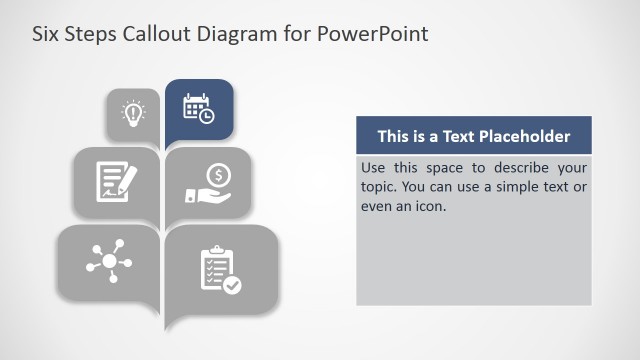
Slide 3 of 6 from 3D Callout PowerPoint Diagram
Speech Bubble 3D Callout in PowerPoint
3D Callout PowerPoint Diagram Slide
- Diagram
- Process Flow
- Process Slide
- 16:9
- 100% Editable
About This Slide
The Speech Bubble 3D Callout in PowerPoint highlights level of diagram out of five. It shows second level in blue color with home clipart. This slide is a succeeding slide of 3D callout template that shows multi-color 3D layout of callout box.
What’s on This Slide
The layout features a vertical arrangement of five horizontal callout shapes, each containing a number and placeholder text. The first callout is positioned at the top, followed by a highlighted second callout in a distinct color. The shapes are designed with rounded edges and a 3D effect, creating depth. Each callout includes an icon on the left side, with text placeholders aligned to the right. The background is a light gradient, enhancing the visual hierarchy of the callouts. The overall composition emphasizes the second callout through color contrast.
How to Use It
This layout serves as a step-by-step process diagram, ideal for illustrating sequential actions or stages in a project. It fits well in presentations that require a clear visual representation of processes or workflows. Common scenarios include project management updates, training sessions, or product development timelines. The highlighted callout can denote the current focus or an important step, guiding the audience's attention effectively.
Text Placeholders & Capacity
Keep your copy within these limits so it fits without resizing. Node body slots can accommodate roughly 10-15 words each.
| Placeholder | Count | Max characters (approx.) |
|---|---|---|
| Item heading | 5 | 30 |
| Item body | 5 | 50 |
| Slide title | 1 | 40 |
Slide Keywords
Download unlimited PowerPoint templates, charts and graphics for your presentations with our annual plan.
DOWNLOADReturn to 3D Callout PowerPoint Diagram.