Slide 6 of 7 from Free Six Steps Callout Diagram for PowerPoint
Six Steps PowerPoint Template Callout Design
Six Steps Callout Diagram for PowerPoint
- Diagram
- Other
- Process Slide
- 16:9
- 100% Editable
The Six Steps Callout Diagram slide from the Free Six Steps Callout Diagram for PowerPoint template provides a clear visual process overview using editable shapes and vector icons. Designed for business presentations and project phases, this slide layout supports structured step-by-step guides within professional slide decks, enhancing clarity in corporate presentations and pitch decks.
What’s on This Slide
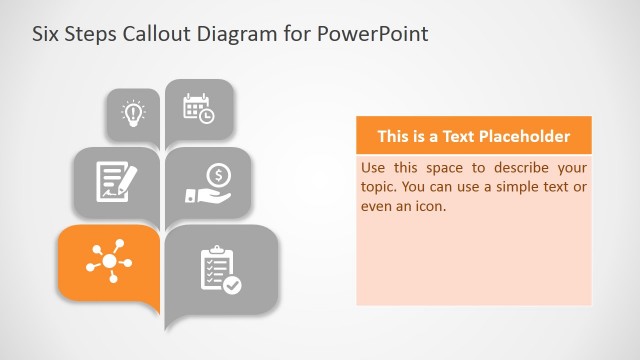
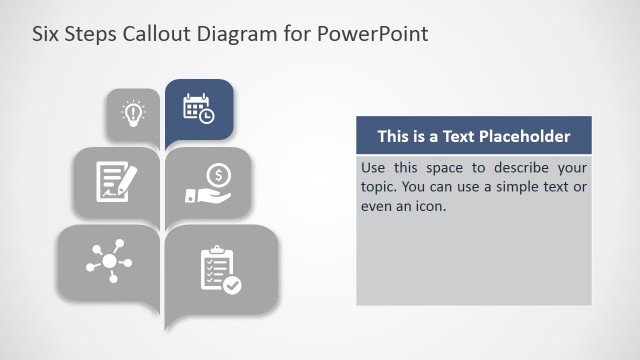
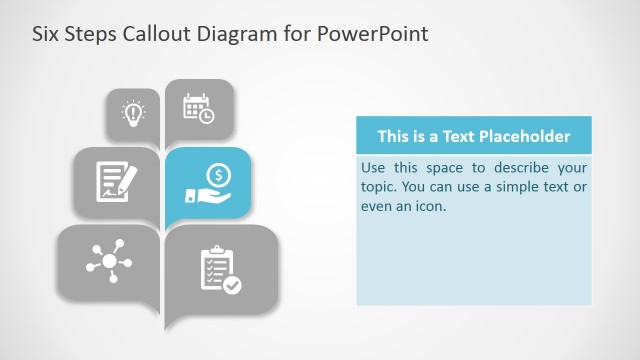
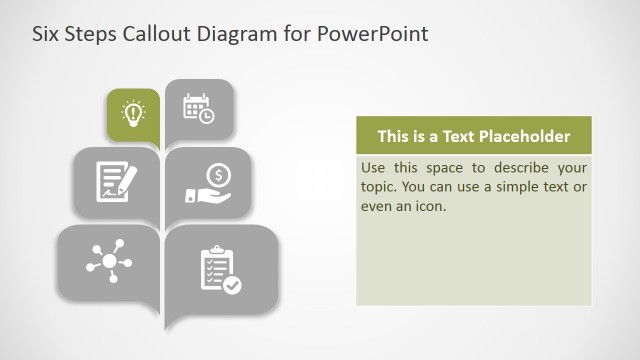
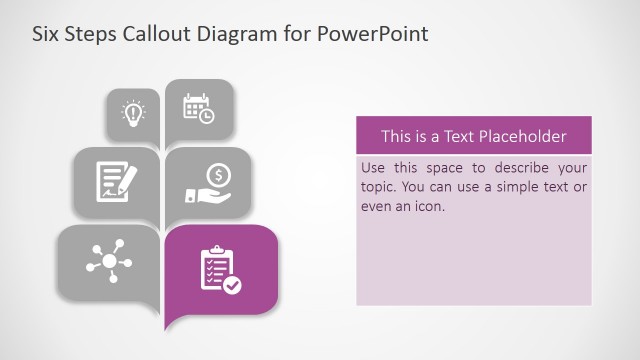
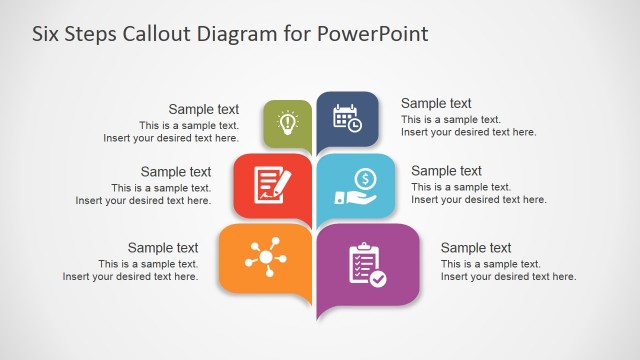
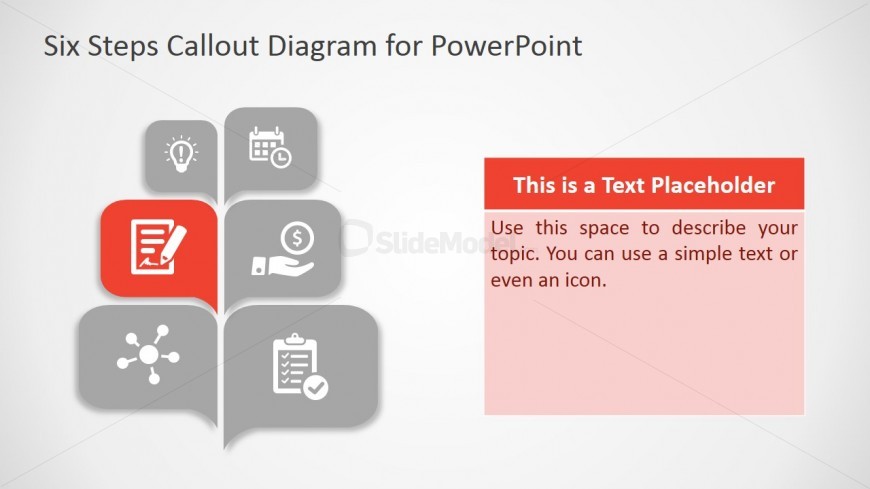
The layout features a central callout diagram with six icons arranged in a branching structure. The icons are circular and include a light bulb, calendar, dollar sign, hand, checklist, and a network symbol. Each icon is positioned in a gray bubble, with the central callout highlighted in red. To the right, there is a text placeholder for description, aligned vertically. The background is light, enhancing the visibility of the icons and text. The overall composition emphasizes the central callout while maintaining a clear visual hierarchy.
How to Use It
This layout serves as a callout diagram to illustrate a six-step process or topic. It is suitable for presentations that require a structured overview of key points or phases. This slide fits well after introducing a problem or concept, leading into detailed discussions. It can be used in business contexts, such as project planning, strategy sessions, or educational settings where step-by-step explanations are needed.
Text Placeholders & Capacity
Keep your copy within these limits so it fits without resizing. The text placeholder can hold roughly 25-30 words.
| Placeholder | Count | Max characters (approx.) |
|---|---|---|
| Item body | 1 | 150 |
| Slide title | 1 | 50 |
Slide Keywords
Download unlimited PowerPoint templates, charts and graphics for your presentations with our annual plan.
DOWNLOAD