Slide 6 of 6 from 3D Callout PowerPoint Diagram
Editable PowerPoint 3D Diagram
3D Callout PowerPoint Diagram Overview
- Diagram
- Process Flow
- Process Slide
- 16:9
- 100% Editable
About This Slide
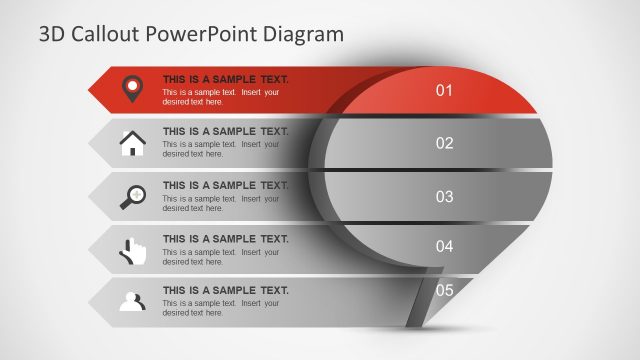
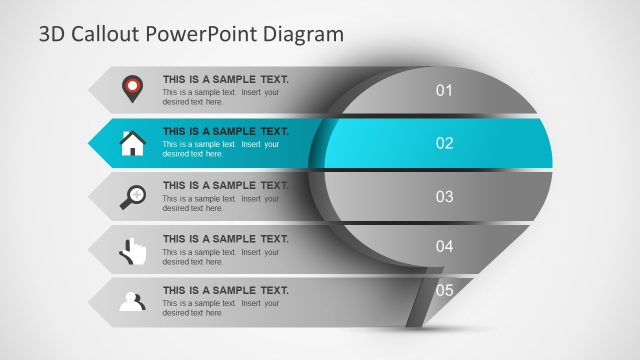
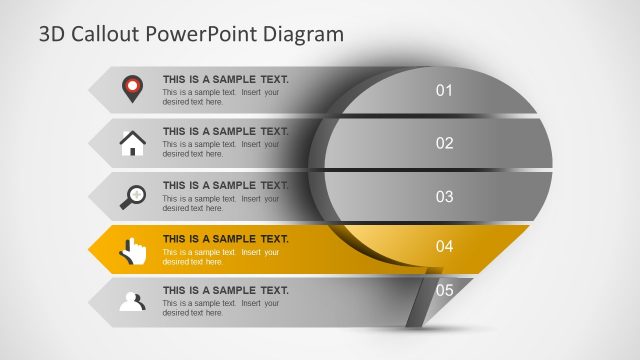
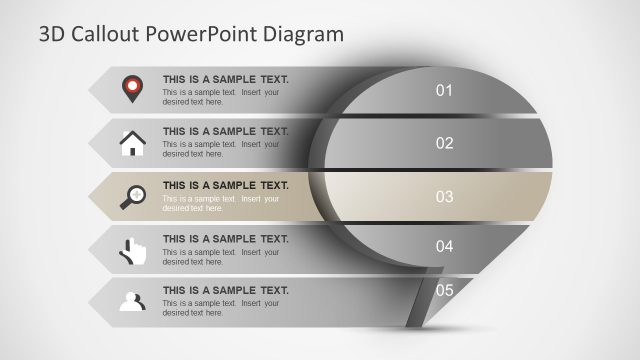
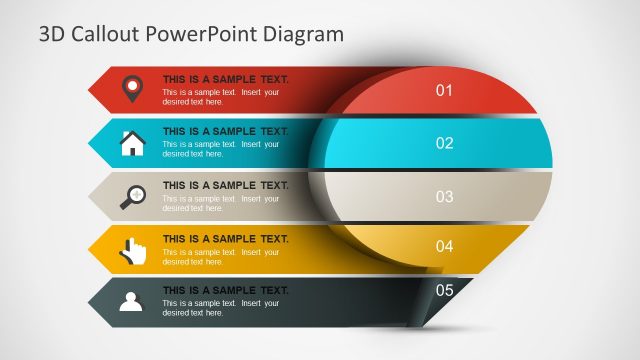
The Editable PowerPoint 3D Diagram of callout bubble speech shape shows 5 levels as cutout template. The infographics represent information at each level as bullet points. These levels could be used to describe presentation agenda. Further this slide highlights last level of 3D callout diagrams and grays out other segments. The PowerPoint include shadow and 3D effects on flat shapes. The users can easily change these effects from drawing format menu.
What’s on This Slide
The slide features a vertical arrangement of five distinct callout shapes, each containing a placeholder for text. The topmost shape is a rounded rectangle, followed by four parallelograms, all aligned centrally. Each shape has a corresponding icon on the left, representing different concepts. The icons include a location pin, house, plus sign, and user silhouette. Text placeholders are aligned to the right of each shape, with a numerical label in the upper right corner. The background is a gradient, enhancing the 3D effect of the shapes.
How to Use It
This layout serves as a step-by-step process diagram, ideal for presenting sequential information. It fits well within a presentation that outlines a process or workflow, particularly in business contexts such as project management or product development. The callout design allows for clear communication of each step's purpose. Use this slide to engage an audience with visual representations of complex ideas that require breakdown into manageable parts.
Text Placeholders & Capacity
Keep your copy within these limits so it fits without resizing. Node body slots can accommodate about 15-20 words each.
| Placeholder | Count | Max characters (approx.) |
|---|---|---|
| Item heading | 5 | 30 |
| Item body | 5 | 100 |
| Slide title | 1 | 50 |
Slide Keywords
Download unlimited PowerPoint templates, charts and graphics for your presentations with our annual plan.
DOWNLOADReturn to 3D Callout PowerPoint Diagram.