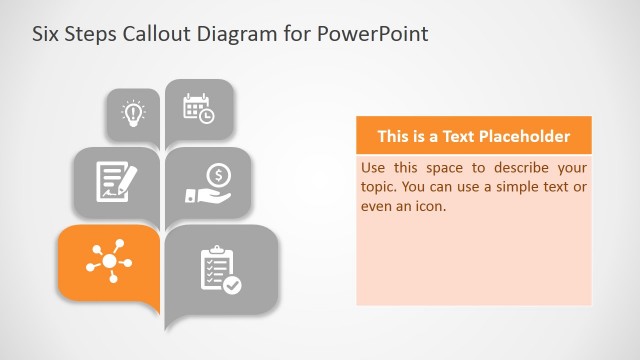
Slide 5 of 6 from 3D Callout PowerPoint Diagram
Infographic Slide of 3D diagram Presentation
3D Callout PowerPoint Diagram - Step 5
- Diagram
- Process Flow
- Process Slide
- 16:9
- 100% Editable
About This Slide
The Infographic Slide of 3D diagram Presentation provides a bullet point layout with callout design. This is a metaphor for opinions and could be used for brainstorming one-to-one sessions. The five levels of callout box contain infographic icons to represent terms of diagram. For instance, the highlighted level of this slide shows a hand clipart for mouse clicking. The 3D effects of diagram are editable from PowerPoint drawing format menu. Similarly customize colors and fonts to personalize this PowerPoint.
What’s on This Slide
The layout features five horizontal segments stacked vertically. Each segment contains a rounded shape with a callout icon on the left and a text placeholder on the right. The first four segments are in shades of gray, while the fourth segment is highlighted in yellow, indicating emphasis. Each segment is numbered from one to five, positioned at the top right of each shape. The text placeholders are aligned to the left within their respective segments, maintaining a consistent visual hierarchy. The background is light, enhancing the contrast of the shapes.
How to Use It
This layout serves as a step-by-step process diagram, ideal for illustrating sequential actions or phases. It fits well in a presentation sequence after introducing a concept and before detailing the implementation. This structure is useful in business contexts such as project management, process design, or training sessions where clear, ordered information is necessary. It can effectively communicate key points in a visually engaging manner.
Text Placeholders & Capacity
Keep your copy within these limits so it fits without resizing. Body slots can hold roughly 15-20 words each.
| Placeholder | Count | Max characters (approx.) |
|---|---|---|
| Item heading | 5 | 30 |
| Item body | 5 | 100 |
Slide Keywords
Download unlimited PowerPoint templates, charts and graphics for your presentations with our annual plan.
DOWNLOADReturn to 3D Callout PowerPoint Diagram.