Slide 2 of 6 from 3D BCG Matrix for PowerPoint
3D BCG Matrix Slide Design for PowerPoint
3D BCG Matrix for Portfolio Analysis
- Diagram
- Matrix Quadrant
- Strategic Analysis Slide
- 16:9
- 100% Editable
The 3D BCG Matrix slide from the 3D BCG Matrix for PowerPoint template provides a strategic analysis tool for portfolio assessment and market strategy discussions. This slide layout uses editable shapes and vector icons to visually represent market growth and share, making it suitable for business presentations and corporate slide decks focused on product positioning and resource allocation.
About This Slide
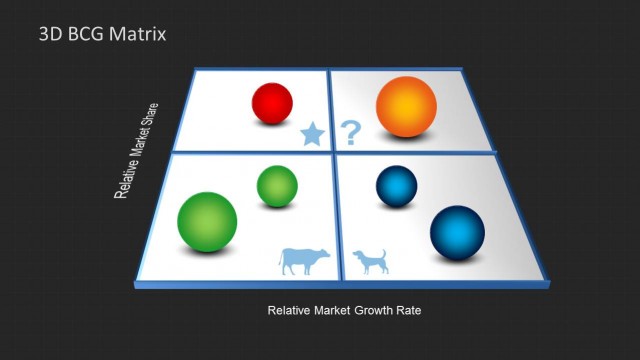
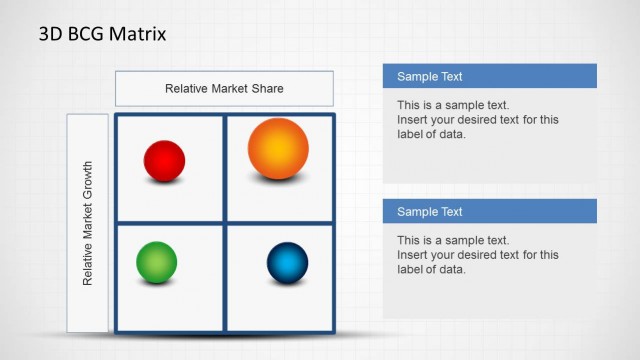
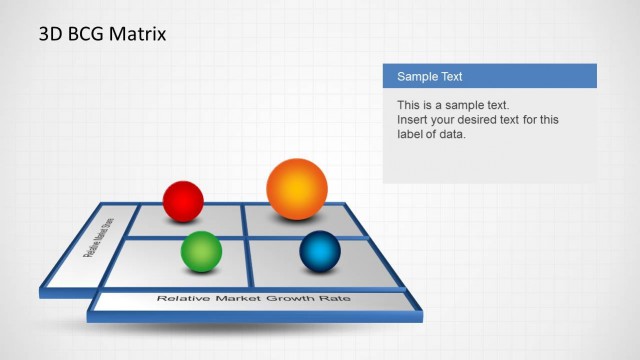
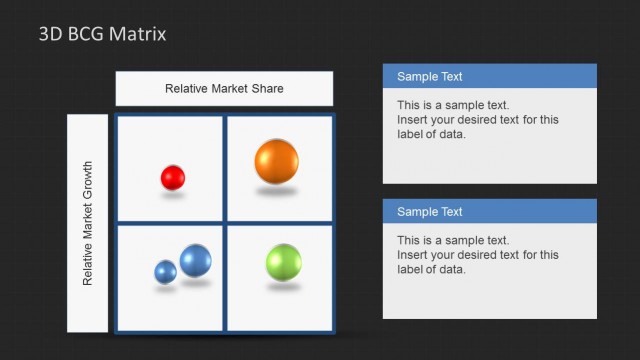
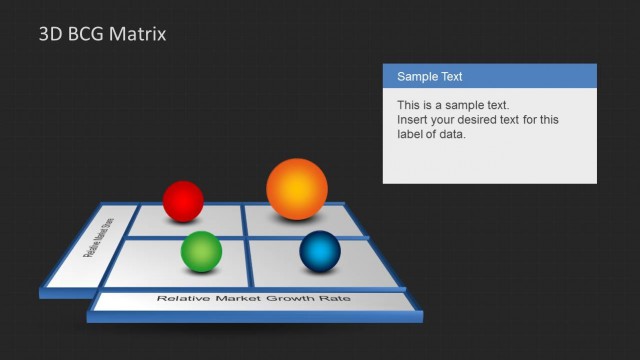
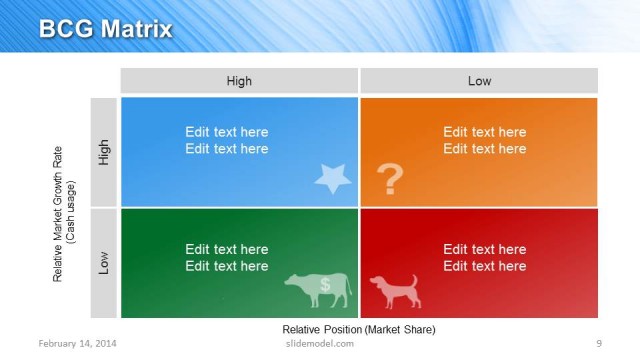
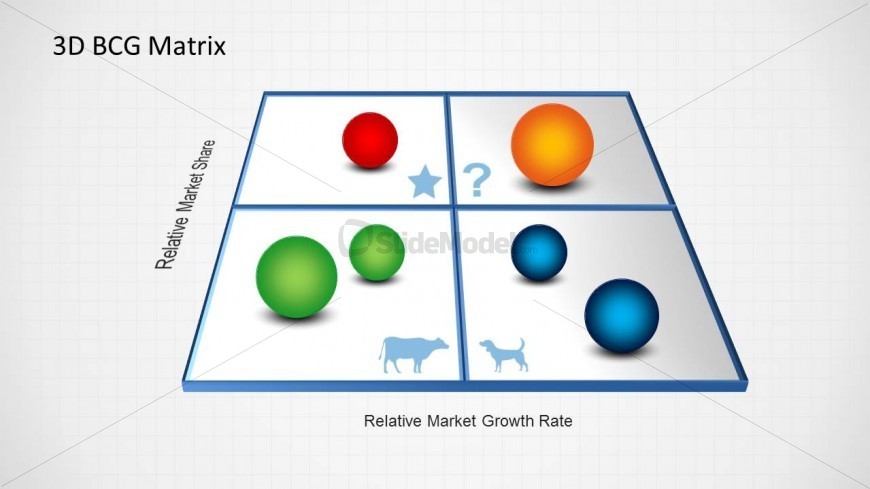
The PowerPoint template features a BCG growth-share matrix which is commonly used to analyze business units in order to properly allocate funding. The 3D BCG matrix template, originally created for the Boston Consulting Group, is a scatter graph divided into quarters. The x-axis of the matrix to be found on the slide design is labeled “Relative Market Growth Rate”, while the y-axis is labeled “Relative Market Share”, signifying that the different elements found in the PowerPoint graphic are arranged according to the relation of its relative market growth rather to its relative market share.
The four icons found in each quarter of the BCG matrix corresponds to the terms used to rank business units, namely, cash cows, dogs, question marks, and stars. The 3D spheres found in different areas of the matrix represent a product or service, and are colored according to the area of wherein they are found. The lone sphere in the quarter marked with a star is colored red. The orange sphere is found in the area representing question marks. The cash cow quarter contains two green sphere of varying sizes. The dog quarter also contains two, however, these spheres are blue. The PowerPoint objects are 100% editable to fit the presenter’s needs.
What’s on This Slide
The slide features a 3D BCG matrix with four quadrants, each containing colored spheres representing different market states. The top two quadrants are labeled with 'Relative Market Share' on the left and 'Relative Market Growth Rate' at the bottom. A star and question mark are present in the top right quadrant, while a cow and dog icon are in the bottom left quadrant. Text placeholders exist for the title and axis labels, positioned at the top and bottom respectively. The overall layout is clean, with a light background and a grid pattern.
How to Use It
This layout serves as a visual representation of the BCG matrix, ideal for portfolio analysis in business presentations. It fits well after a problem-framing slide, providing a clear framework for discussing product positioning and market strategy. This structure is useful in corporate strategy meetings, product planning sessions, and executive reviews, where stakeholders assess market opportunities and resource allocation based on growth potential and market share.
Text Placeholders & Capacity
Keep your copy within these limits so it fits without resizing. Node labels can accommodate about 2-3 words each, while axis labels can hold more text.
| Placeholder | Count | Max characters (approx.) |
|---|---|---|
| Slide title | 1 | 20 |
| Item heading | 4 | 15 |
| Axis label | 2 | 30 |
Slide Keywords
Download unlimited PowerPoint templates, charts and graphics for your presentations with our annual plan.
DOWNLOADReturn to 3D BCG Matrix for PowerPoint.