3-Item Flywheel Diagram PowerPoint Template
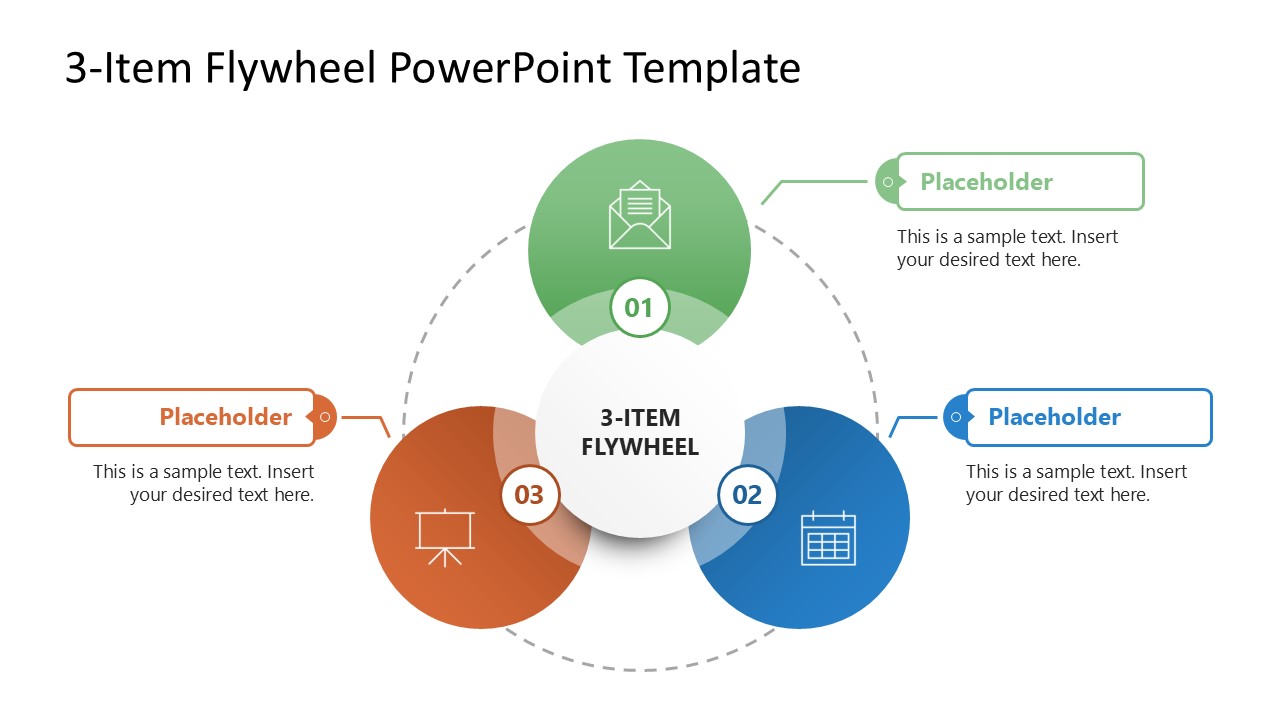
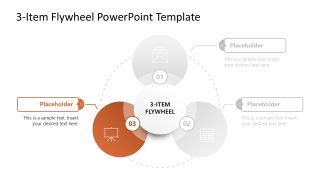
Download and showcase your cyclic processes with our creative 3-Item Flywheel Diagram PowerPoint Template. This flywheel diagram is created using circular shapes and editable text boxes, so all components can be edited to meet requirements. It has a central circular shape that indicates the presentation title, surrounded by three colored circles, each with a meaningful graphical icon. A dotted line around the central circle emphasizes the abstract circularity of the flywheel diagram. Number labels are also added to the diagram to indicate three segments or components of the continuous process. To mention the title and short descriptions of each part, we have provided the additional color-coded text boxes.
This 3-Item Flywheel Diagram PowerPoint Template includes three spotlight-effect slides, with each section of the diagram shown in color while the others remain grey. This enables presenters to discuss every aspect of their process in complete detail. Using this 3-item flywheel diagram, professionals can present any cyclic or continuous processes or interrelated concepts. For instance, in business presentations, it can help discuss the workings of three closely associated departments and indicate how the workings of one department regulate the operations of the others. It can also be used to present the components of a strategy or plan. Likewise, it can help showcase the steps of a continuous process applicable to any field, e.g., tech, science, marketing, finance, or business. The diagram can be easily edited using PowerPoint and Google Slides. Users can personalize the slides by adding a company logo or changing the background. Download and try it now. Alternatively, you can download other slideshow templates for presentations, 100% editables in PowerPoint.


You must be logged in to download this file.
DOWNLOAD- Category
- Diagrams
- Rating

 Loading...
- Size
- 16x9
- Item ID
- 23449-01
- Colors
Subscribe today and get immediate
access to download our PowerPoint templates.