Slide 1 of 4 from 3-Item Flywheel Diagram PowerPoint Template
3-Item Flywheel Diagram PPT Layout – Cover Slide
3-Item Flywheel Diagram for Presentations
- Diagram
- Circular Cycle
- Process Slide
- 16:9
- 100% Editable
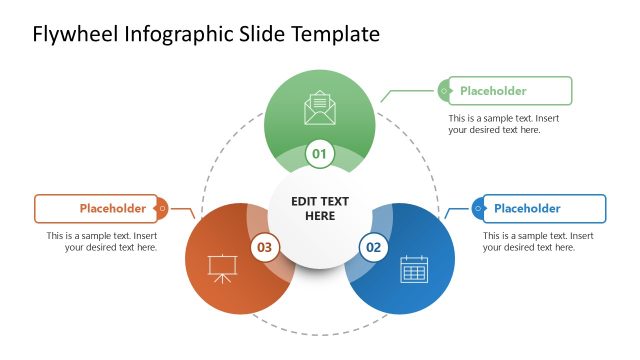
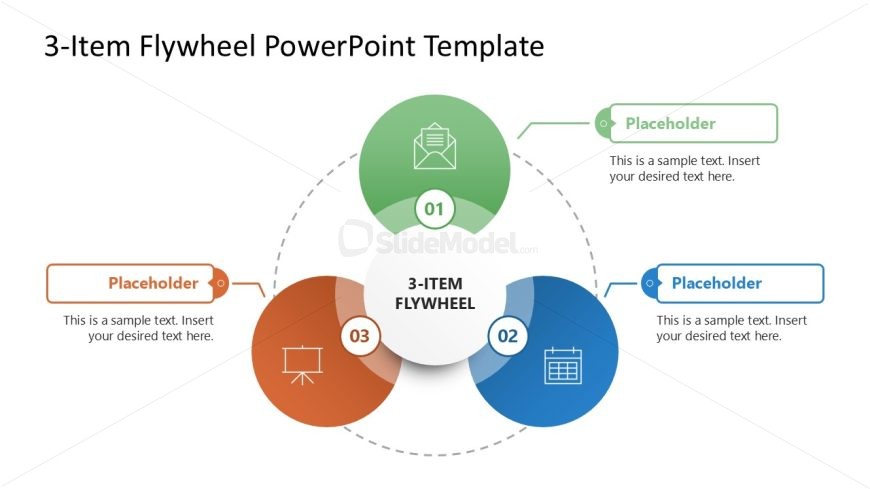
The 3-Item Flywheel Diagram slide from the 3-Item Flywheel Diagram PowerPoint Template offers a clear circular process visualization ideal for business presentations. This slide template uses editable shapes and vector icons to depict interconnected strategies or workflows, making it suitable for corporate presentations or pitch deck templates that require illustrating cyclical processes effectively.
What’s on This Slide
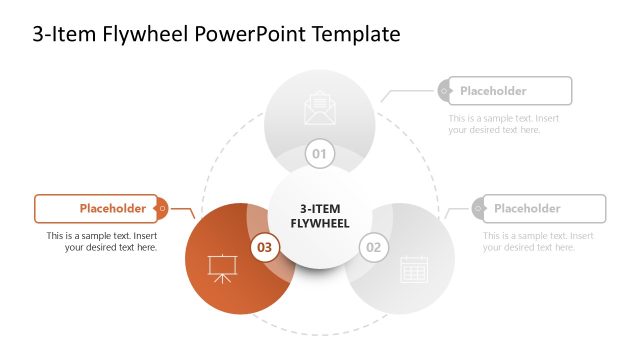
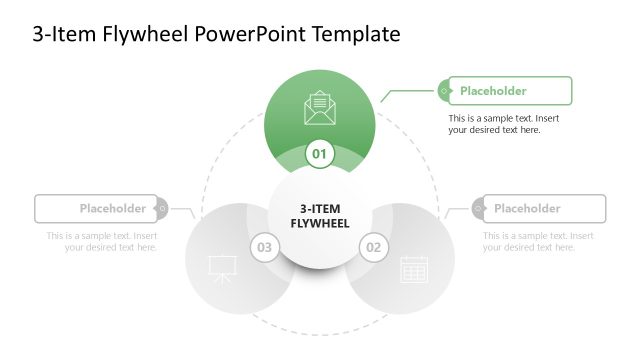
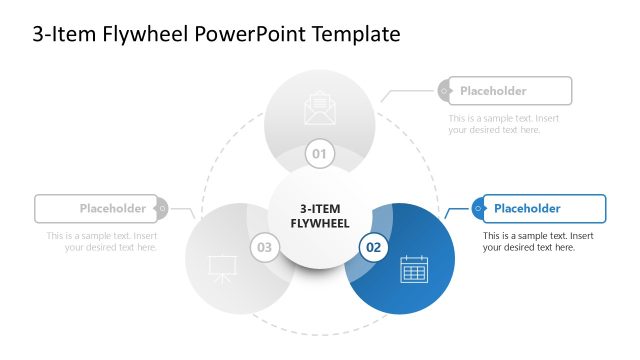
The layout features a central circular node labeled '3-ITEM FLYWHEEL' surrounded by three colored circular nodes positioned at the top, left, and right. Each outer node contains a number and an icon, with corresponding text placeholders below. The top node is green, the left node is orange, and the right node is blue. A dashed circular line connects the outer nodes, creating a cohesive flow. Text placeholders are aligned centrally in each node, with additional text placeholders positioned below each node for descriptive content. The background is white, enhancing clarity.
How to Use It
This layout serves as a circular model to illustrate interconnected concepts or processes. It is suitable for presentations that require a visual representation of a cyclical process or a flywheel effect. This slide fits well after introducing a problem or concept, allowing for a clear transition into solutions or strategies. It can be used in business contexts such as marketing strategies, operational processes, or project management frameworks.
Text Placeholders & Capacity
Keep your copy within these limits so it fits without resizing. Node body slots can accommodate about 10 words each.
| Placeholder | Count | Max characters (approx.) |
|---|---|---|
| Item heading | 3 | 15 |
| Item body | 3 | 50 |
| Slide title | 1 | 30 |
Slide Keywords
Download unlimited PowerPoint templates, charts and graphics for your presentations with our annual plan.
DOWNLOADReturn to 3-Item Flywheel Diagram PowerPoint Template.