Slide 4 of 4 from 3-Item Flywheel Diagram PowerPoint Template
3-Item Flywheel Diagram Template for Presentation
3-Item Flywheel Diagram for Presentations
- Diagram
- Circular Cycle
- Process Slide
- 16:9
- 100% Editable
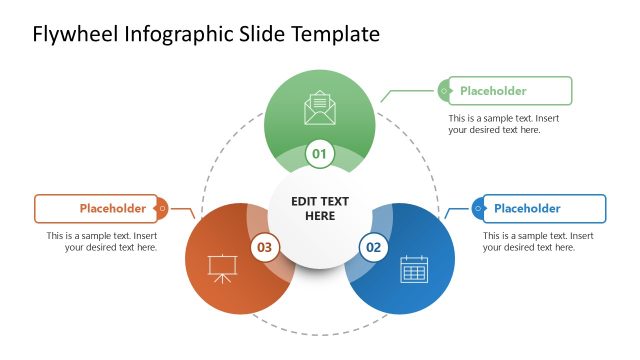
The 3-Item Flywheel Diagram slide from the 3-Item Flywheel Diagram PowerPoint Template offers a clear visual for illustrating interconnected processes in business presentations. This slide layout uses editable shapes and vector icons arranged in a circular cycle to emphasize strategic planning and project overviews. Its design supports effective communication of three key components within a process, making it a practical choice for corporate presentation slide decks and pitch deck templates.
What’s on This Slide
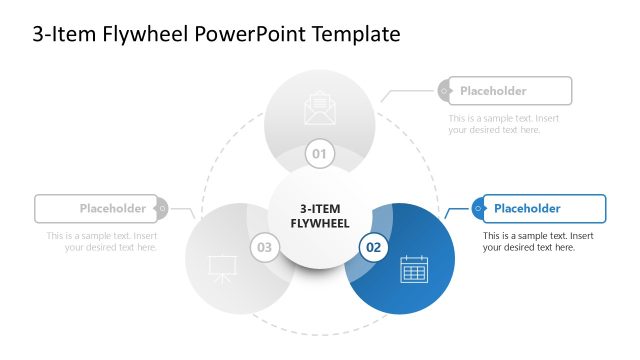
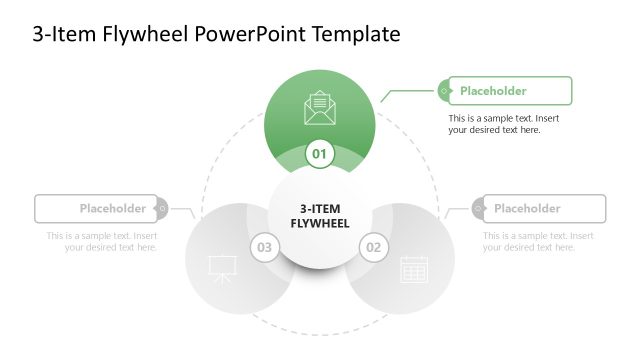
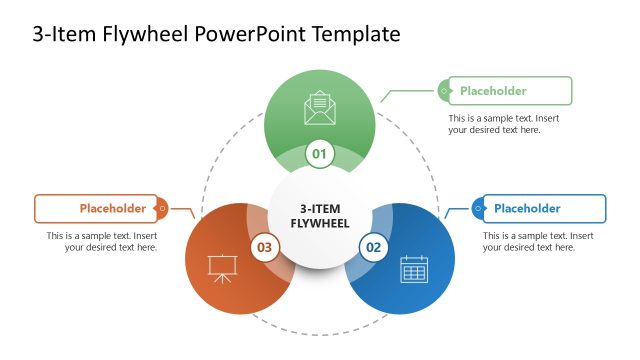
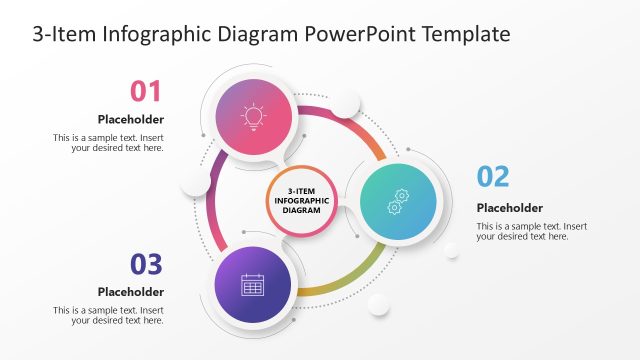
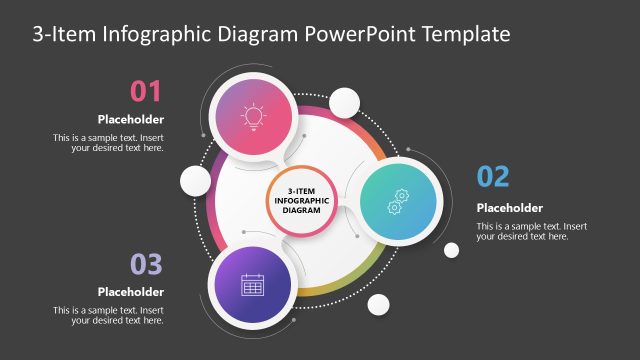
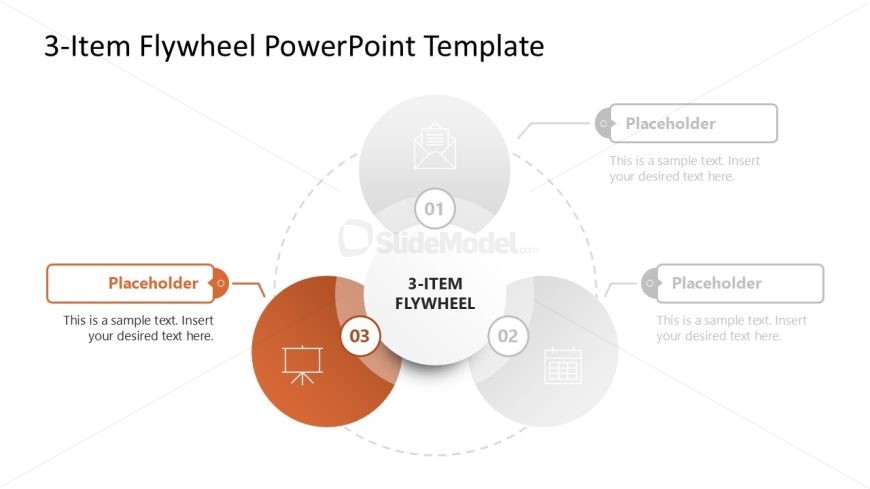
The layout features three circular nodes arranged in a triangular formation, with a central node labeled '3-ITEM FLYWHEEL.' Each outer node is labeled with numbers 01, 02, and 03, and contains a text placeholder aligned to the left. The central node is larger and visually prominent, while the outer nodes are smaller and evenly spaced. Connecting dashed lines suggest a flow between the nodes. Background is white, with a subtle gradient in the central node. The overall composition emphasizes the central concept while providing space for additional text.
How to Use It
This layout serves as a visual representation of a process or model, ideal for illustrating concepts that involve three interconnected components. It fits well in a presentation sequence following an introduction or problem statement, making it suitable for business scenarios like strategy discussions or project overviews. Each node can represent a distinct phase or element within a broader framework, facilitating clear communication of complex ideas.
Text Placeholders & Capacity
Keep your copy within these limits so it fits without resizing. Node body slots can hold approximately 8-10 words each.
| Placeholder | Count | Max characters (approx.) |
|---|---|---|
| Item heading | 3 | 20 |
| Item body | 3 | 50 |
| Slide title | 1 | 30 |
Slide Keywords
Download unlimited PowerPoint templates, charts and graphics for your presentations with our annual plan.
DOWNLOADReturn to 3-Item Flywheel Diagram PowerPoint Template.