Slide 2 of 4 from 3-Item Flywheel Diagram PowerPoint Template
Editable 3-Item Flywheel Diagram Presentation Slide
3-Item Flywheel Diagram for Presentations
- Diagram
- Circular Cycle
- Process Slide
- 16:9
- 100% Editable
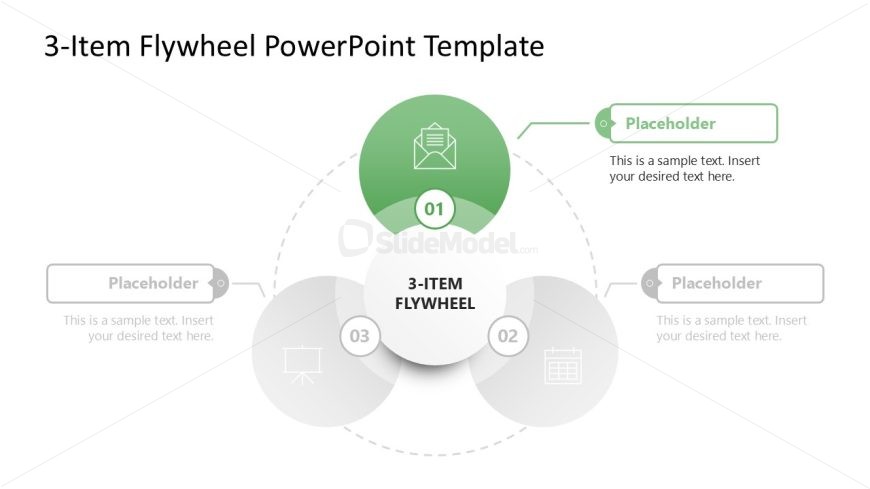
The 3-Item Flywheel Diagram slide from the 3-Item Flywheel Diagram PowerPoint Template offers a clear circular model ideal for illustrating processes and strategies. This slide layout uses editable shapes and vector icons to visually connect three key components, making it suitable for business presentations and project phase overviews. Its balanced design enhances understanding of interconnected workflows within a corporate presentation or pitch deck template.
What’s on This Slide
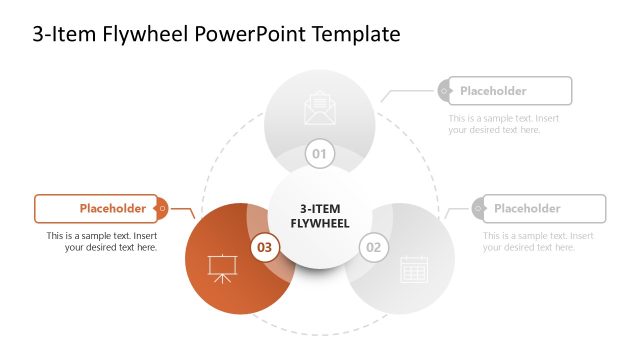
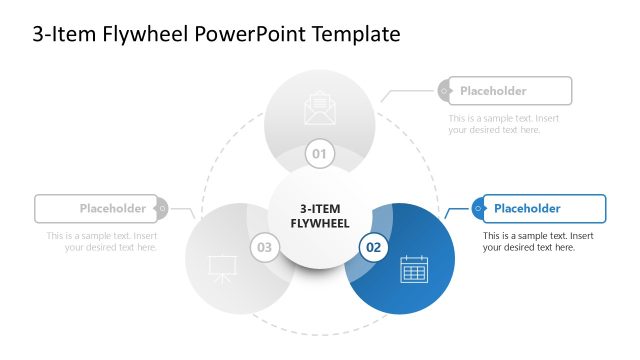
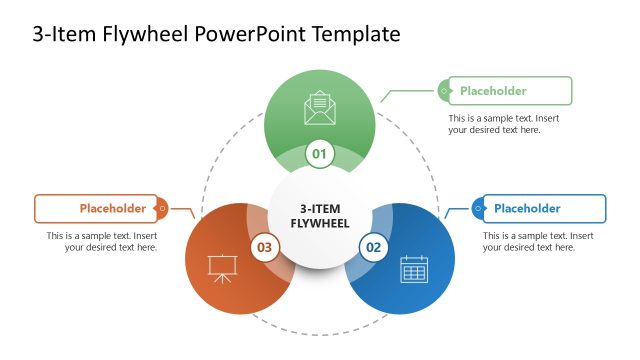
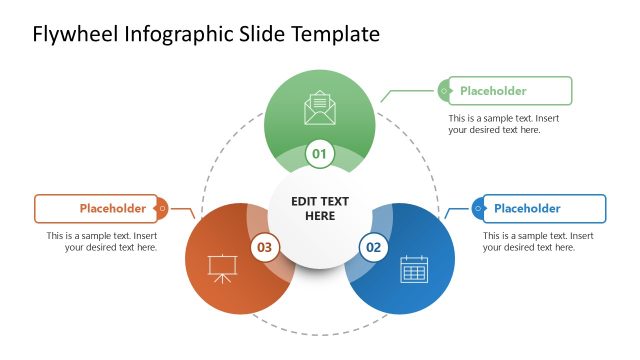
The slide features a circular diagram with three main sections arranged in a flywheel format. The top section contains a large green circle labeled '01' with an icon, while the bottom sections are gray circles labeled '02' and '03'. Each section has a text placeholder aligned centrally for content insertion. Connecting lines lead from the central section, which is labeled '3-ITEM FLYWHEEL', to the outer sections. The background is light, enhancing the visual hierarchy of the elements. The overall composition is symmetrical and balanced.
How to Use It
This layout serves as a circular model to illustrate processes or concepts with three key components. It is suitable for presentations that require a visual representation of interconnected ideas or workflows. This slide fits well after an introductory slide, providing a clear transition into detailed discussions. It can be effectively used in business contexts such as strategy presentations, project overviews, or product development discussions, where a flywheel concept is relevant.
Text Placeholders & Capacity
Keep your copy within these limits so it fits without resizing. Node body slots can hold about 40 characters each.
| Placeholder | Count | Max characters (approx.) |
|---|---|---|
| Item heading | 3 | 2 |
| Item body | 3 | 40 |
| Slide title | 1 | 25 |
Slide Keywords
Download unlimited PowerPoint templates, charts and graphics for your presentations with our annual plan.
DOWNLOADReturn to 3-Item Flywheel Diagram PowerPoint Template.