Download the editable 4-Item Infographic Wavy Concept PowerPoint Template for your presentation to explain complex points simply. The four-column layout is useful for project managers to mention the four stages of a project execution plan. Professionals can use a diagram to present the four phases of AI transformation or the organization’s change management process. This compelling, modern layout is 100% editable, and users can also customize it in Google Slides. Marketers, sales personnel, IT experts, students, and teachers can equally benefit from this template.
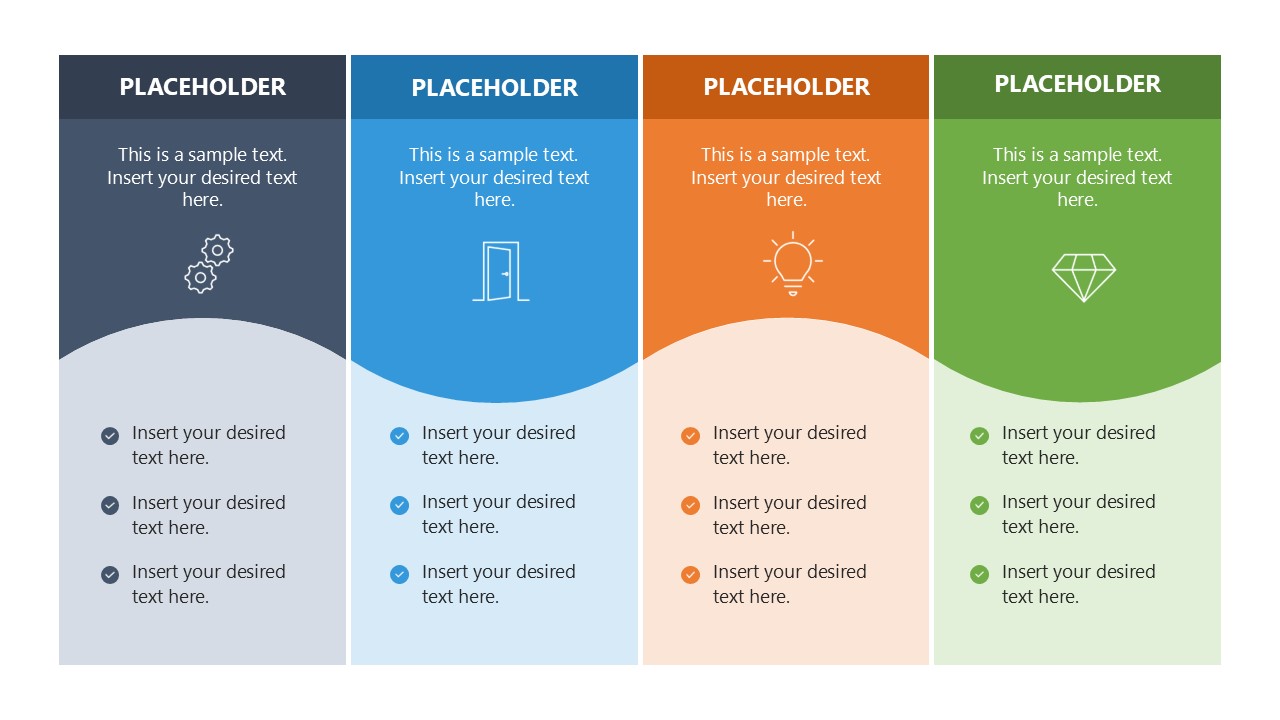
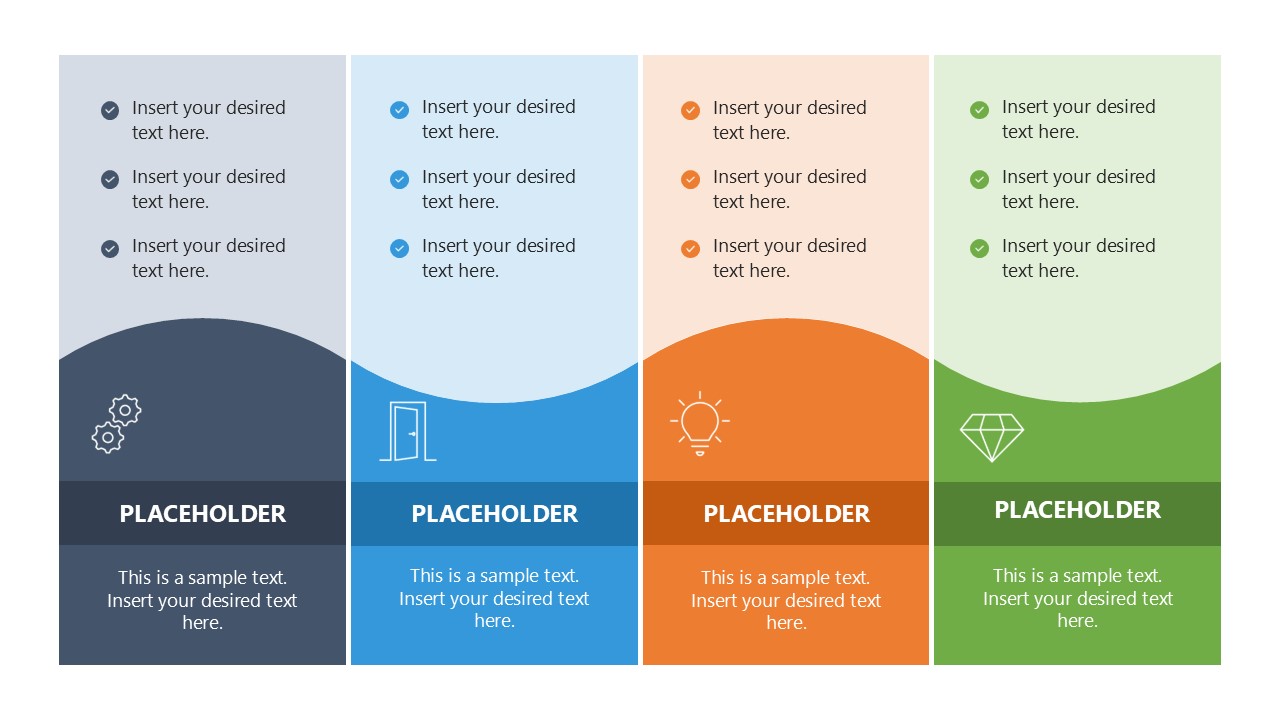
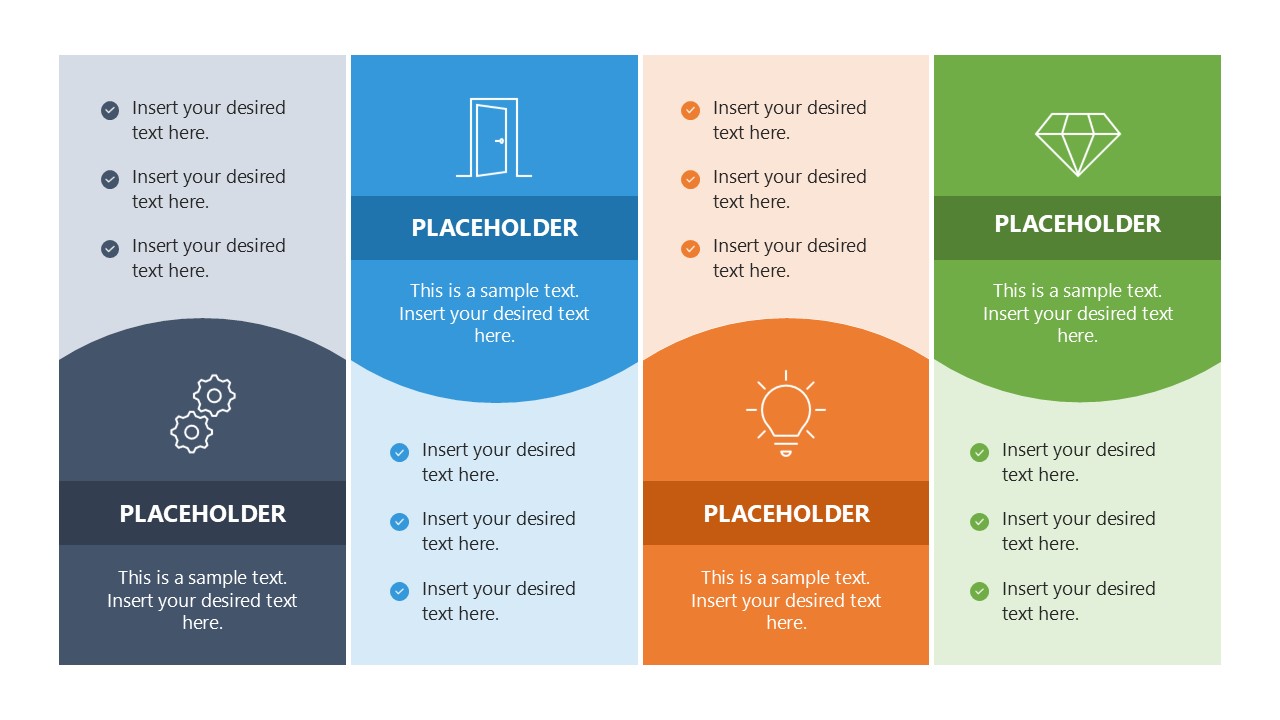
The 4-Item Infographic Wavy Concept PowerPoint Template includes editable PPT features that users across multiple domains can customize and redesign according to their theme preferences. The template layout shows four vertical columns with a wavy pattern passing through the center of all. At the top, we have provided placeholder text for the title and line so users can include brief details, with infographics below to visually demonstrate the concept. Further, in the lower part of the columns, there are placeholder bullets to explain the content properly. The second slide has the same components as the first one, but the colored segments are downward while the bullets are upward.
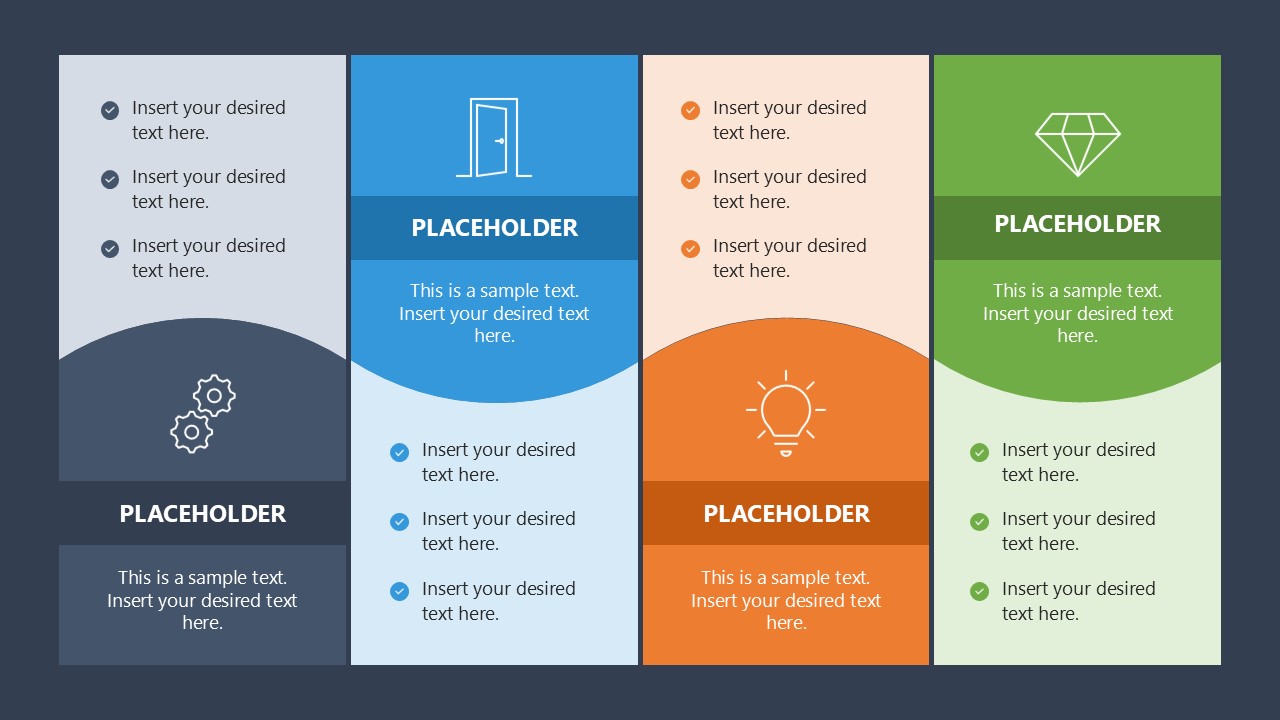
The third slide shows an alternate pattern of colored and bullet sections, while the fourth slide features a dark background with a format similar to the third one. You can change the icons, colors, fonts, or text placeholders to match their theme needs accurately. Further, we have a collection of infographic templates that you can visit to find the perfect design for your presentation. Download the 4-item infographic wavy concept template and personalize it to easily showcase the four steps of a business process!
What’s inside this template
Example presentation scenarios
- A project manager can present an execution plan by assigning each phase to one of the four wavy columns and using the bullet lists for milestones or responsibilities.
- A marketing manager can compare four campaign priorities by using the icon panels for category labels and the supporting bullets for actions or audience notes.
- An IT leader can explain four stages of an AI transformation plan with the alternating icon-and-bullet layout, separating strategic labels from implementation details.
- A teacher or trainer can introduce a four-part concept by using the bright process diagram for the main framework and the dark-background version for a summary or recap.
Features
- 100% editable presentation template
- Compatible with Microsoft PowerPoint and Google Slides
- 16:9 aspect ratio slides
- Scalable vector shapes, icons and illustrations
- AI-Ready for Microsoft Copilot and Claude
- Instant access and download
Frequently asked questions
Q: How should I structure my message with this four-item wavy infographic?
A: Start with a short title that names the overall process or framework, then make each column a distinct step, option, or priority. Use the icon area for the main idea, the short text block for the takeaway, and the bullet list for supporting details. Keep each column balanced so the audience can compare items quickly.
Q: Who is this template best suited for in a business presentation?
A: This template fits presenters who need to explain four related items without building a full deck around them. Project managers can show phases, marketers can group campaign priorities, consultants can compare recommendations, and trainers can teach a four-part model. It works best when the message is structured but not data-heavy.
Q: Why does the wavy four-column layout help the audience understand the content?
A: The wave acts as a visual connector across all four columns, suggesting that the items belong to one continuous concept. The alternating versions add movement and prevent the slide from feeling like a static table. Icons create quick recognition, while the bullet zones keep explanation close to each item.
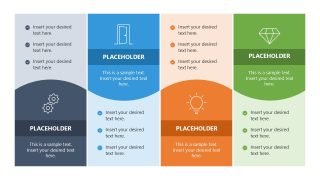
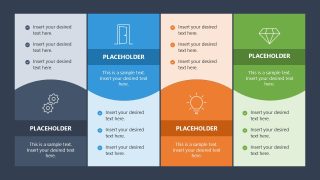
4-Item Infographic Wavy Concept PowerPoint Template
4-slide presentation template with wavy process diagrams and four-step business infographics for clear explanations
The 4-Item Infographic Wavy Concept PowerPoint Template is a 4-slide infographic template for Microsoft PowerPoint and Google Slides. It uses four-column wavy process diagrams, alternating icon-and-bullet columns, and a dark-background version to explain four steps or comparable business concepts for managers, marketers, educators, and consultants.
- Category
- Multi-purpose
- Rating

 Loading...
- Aspect ratio
- 16:9
- Item ID
- 23418-01
 Microsoft PowerPoint
  Microsoft Copilot
  Claude for PowerPoint
 Other formats supported
Subscribe today and get immediate
access to download our PowerPoint templates.